
inc. VAT
+ £4.99 delivery = £12.98 total
In stock
Your car: not set. Add it and every product shows whether it fits.
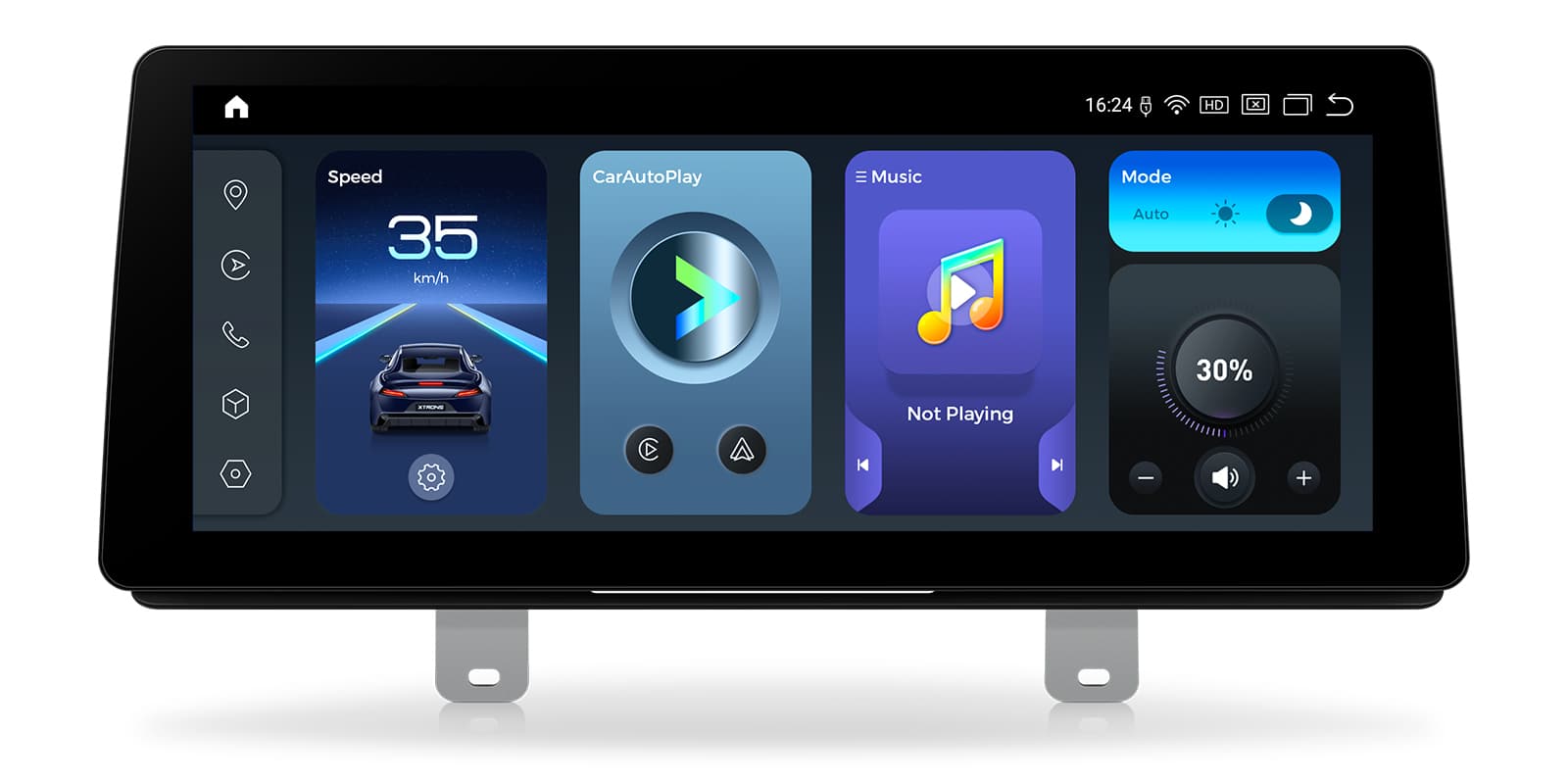
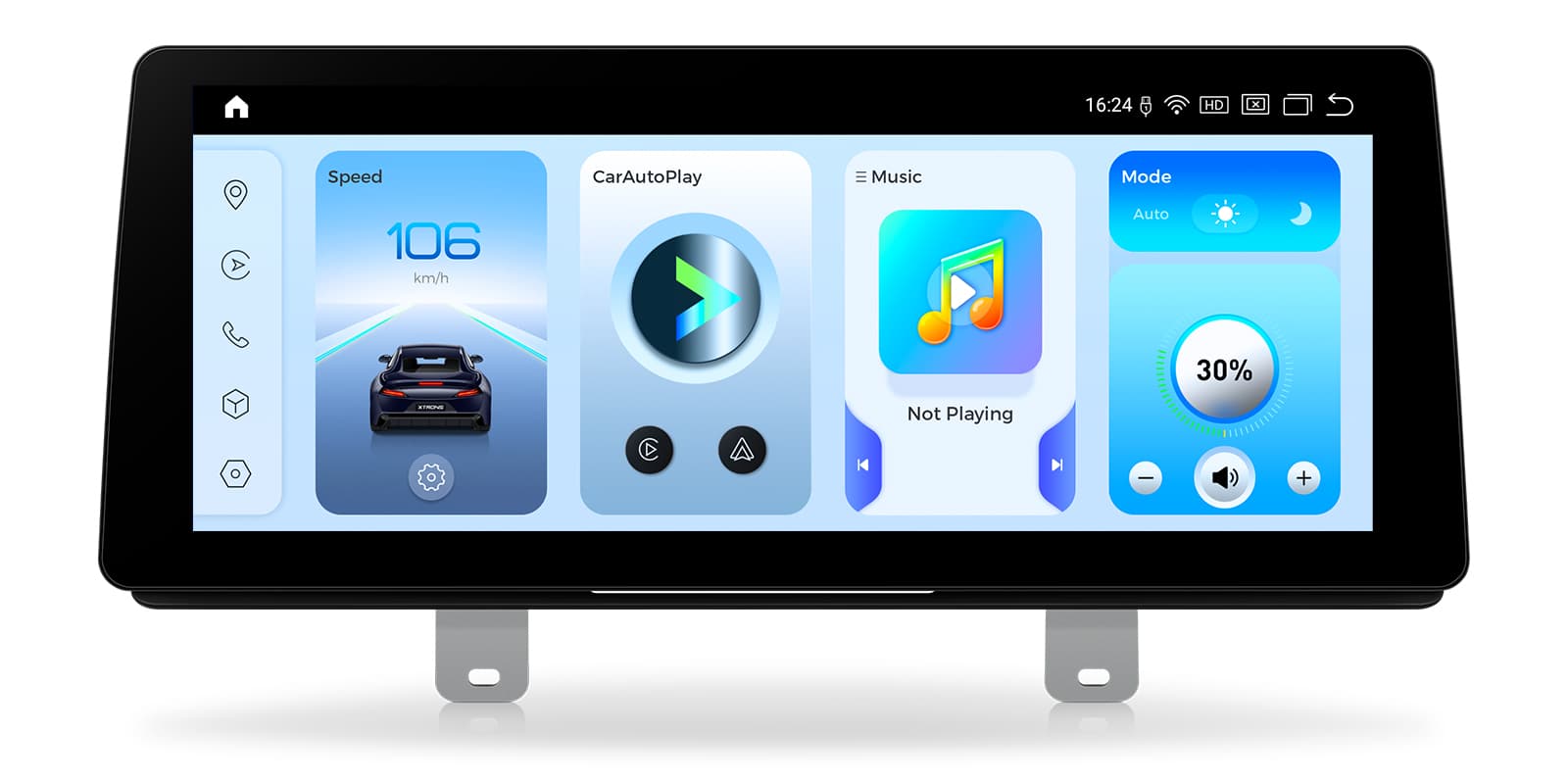
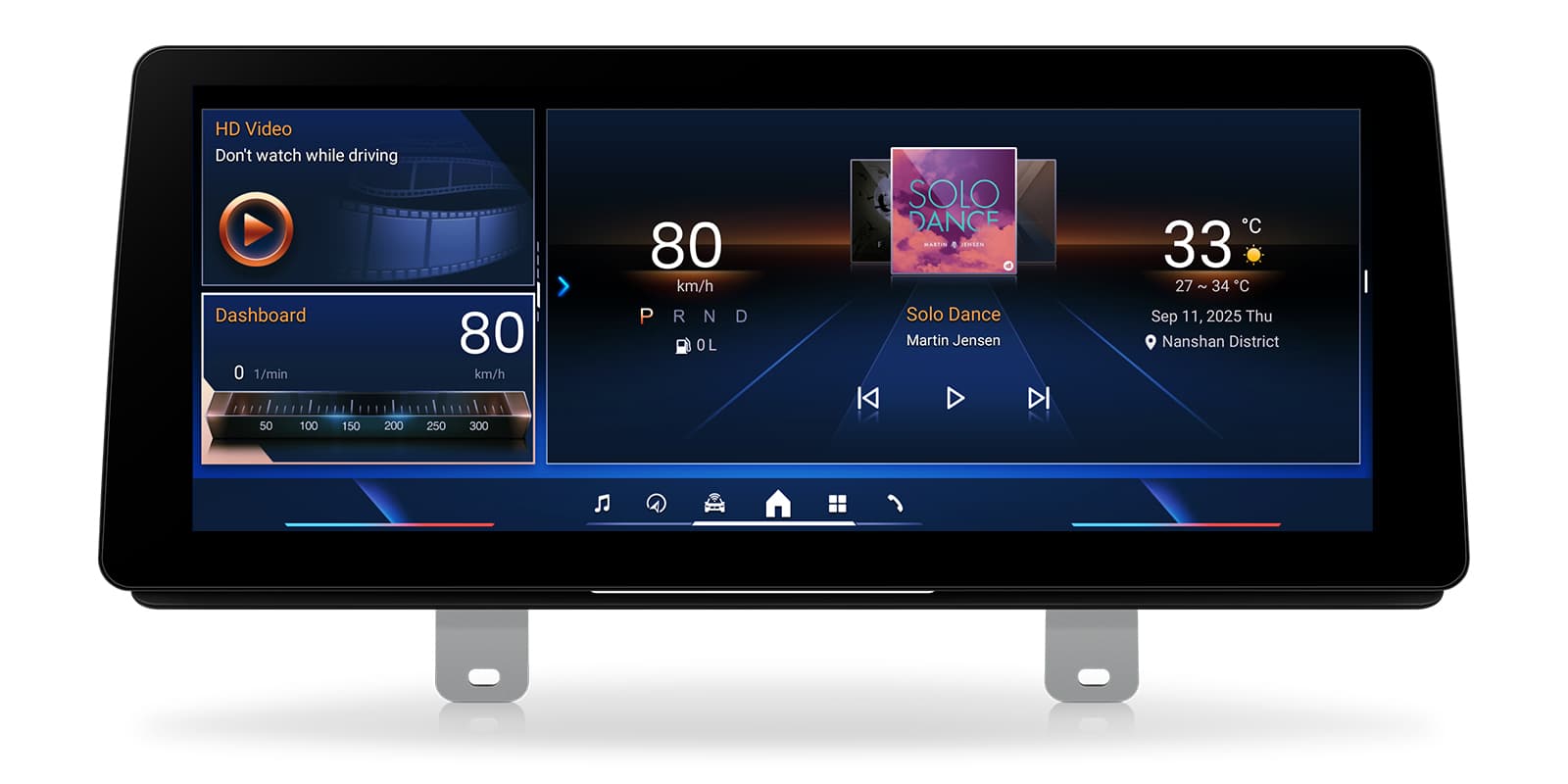
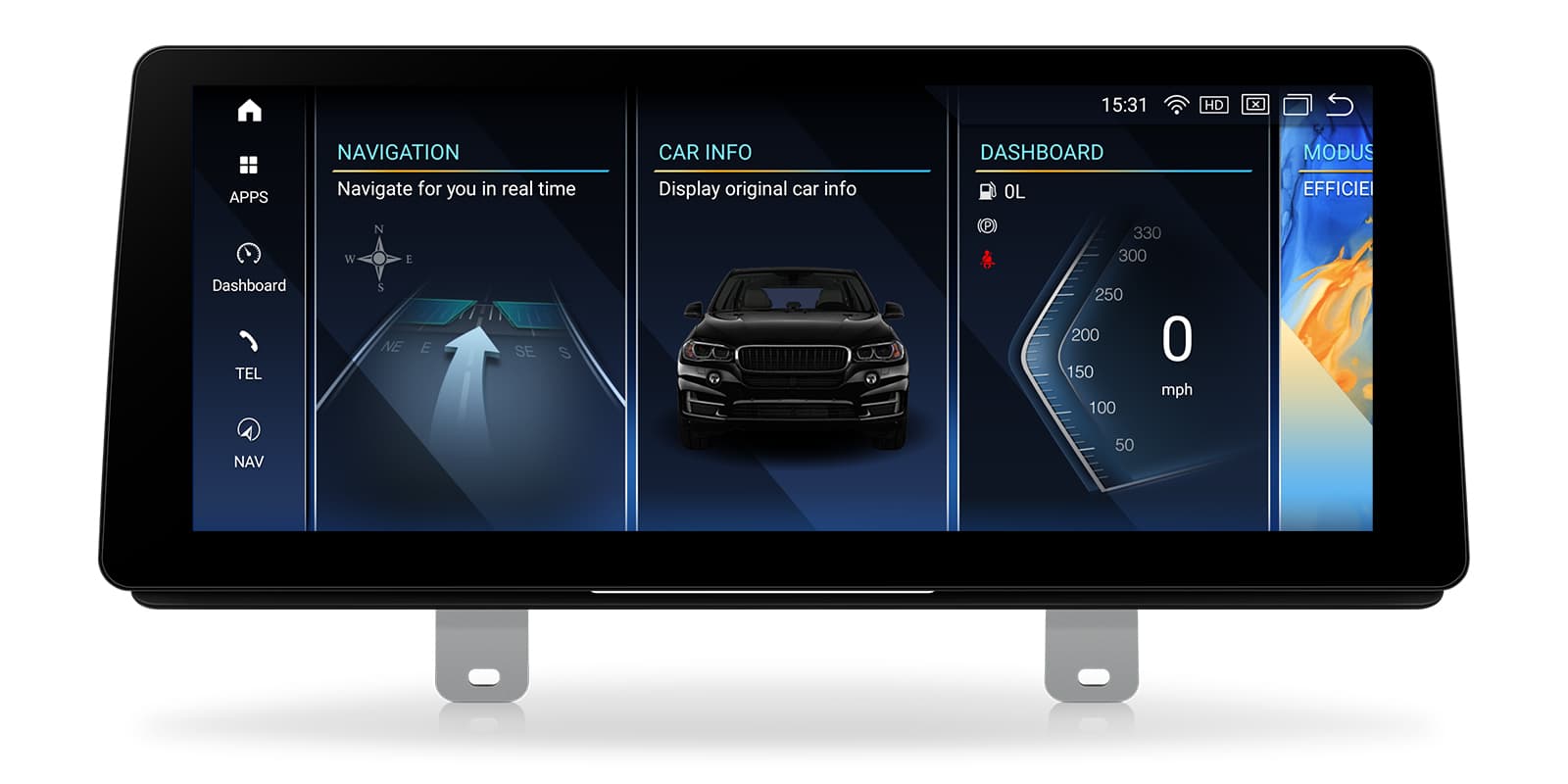
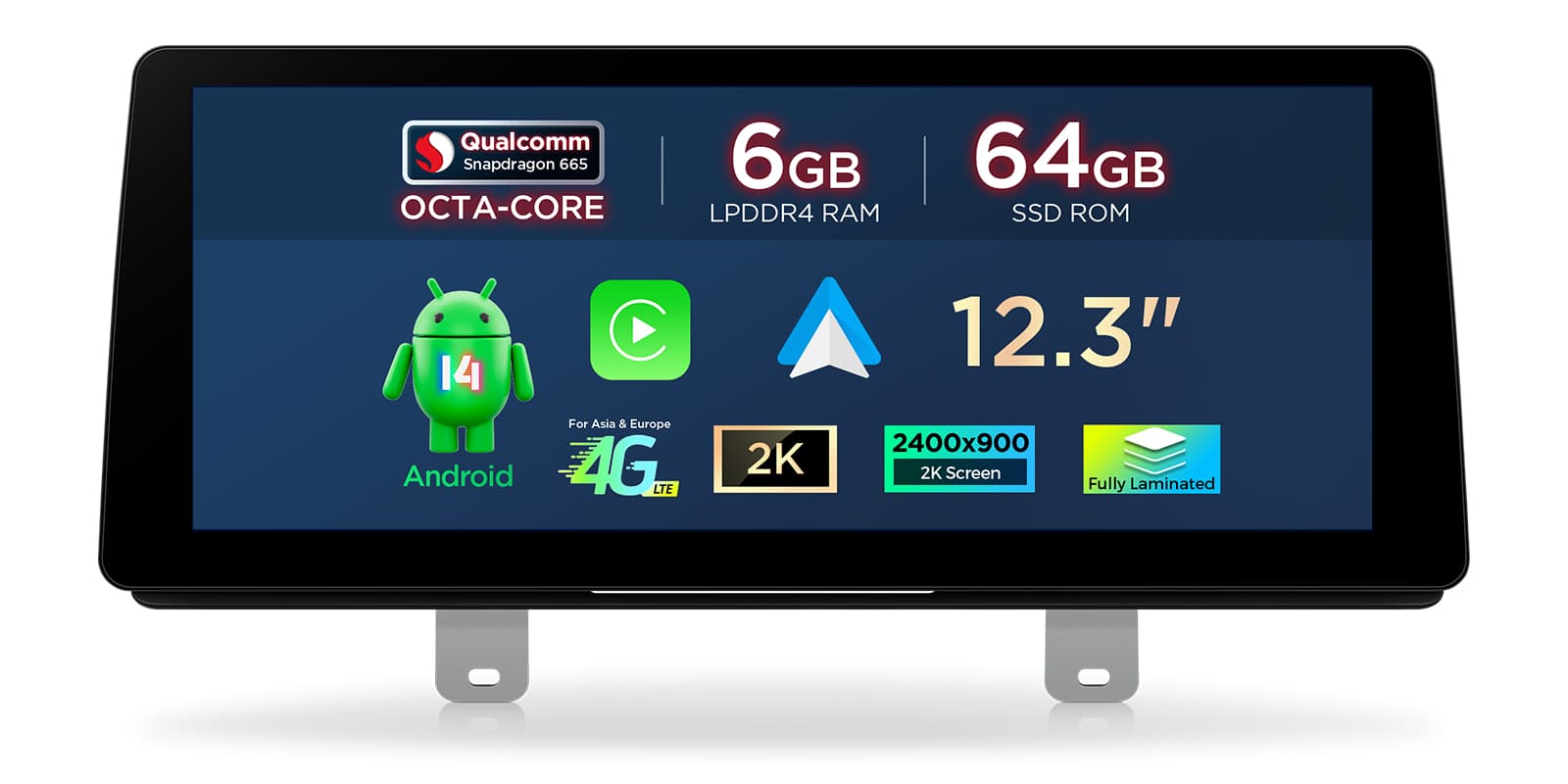
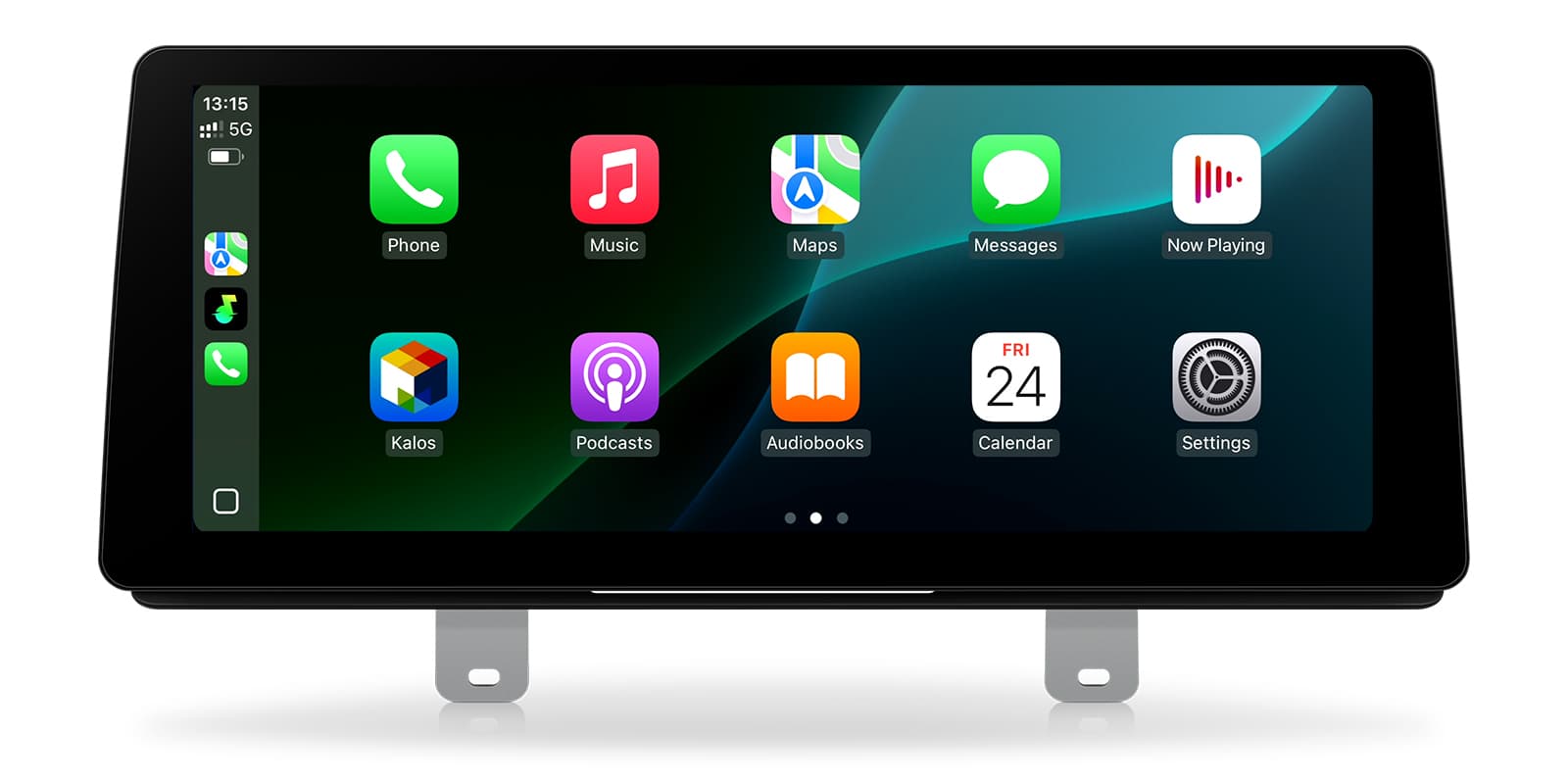
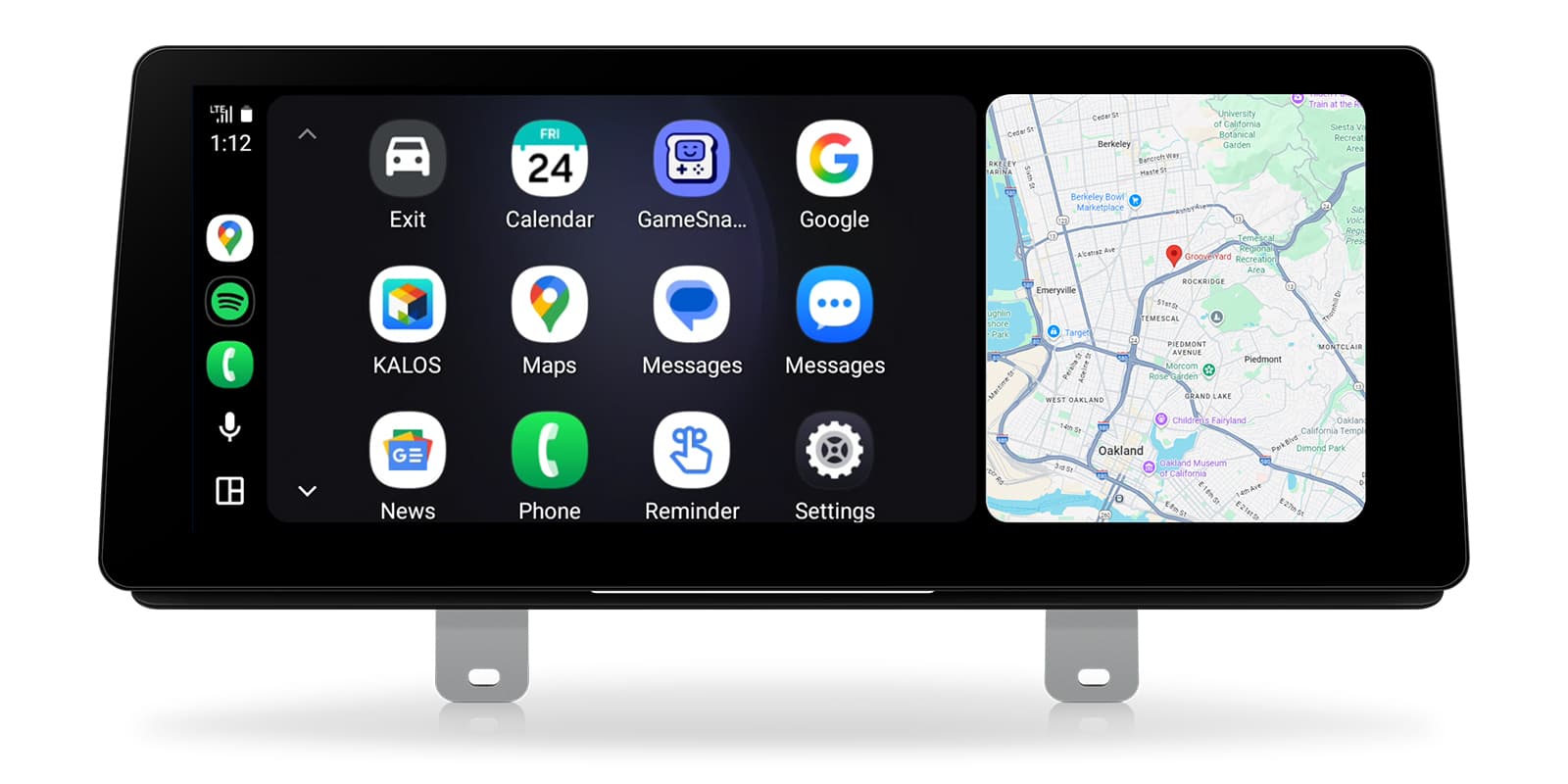
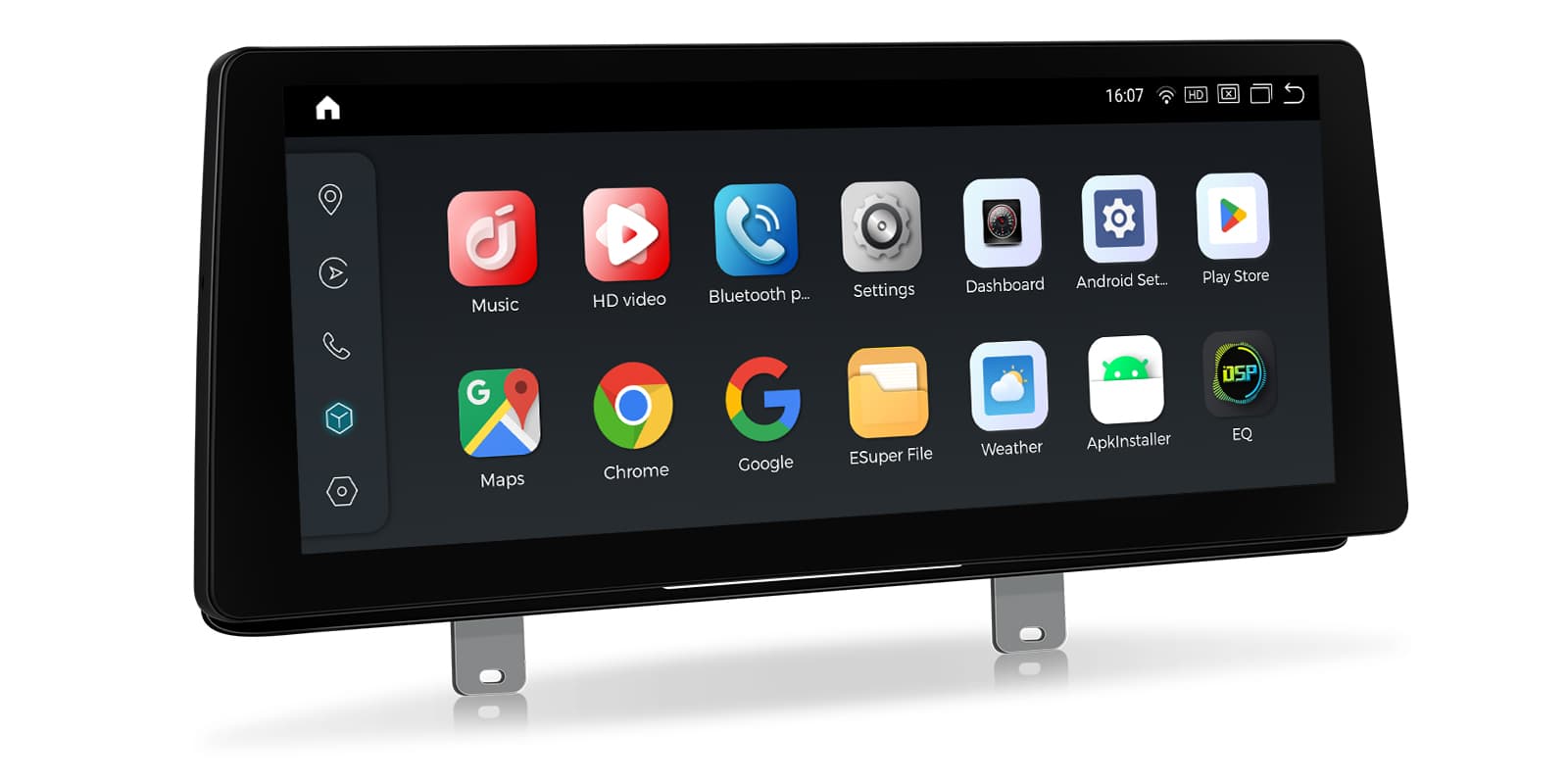
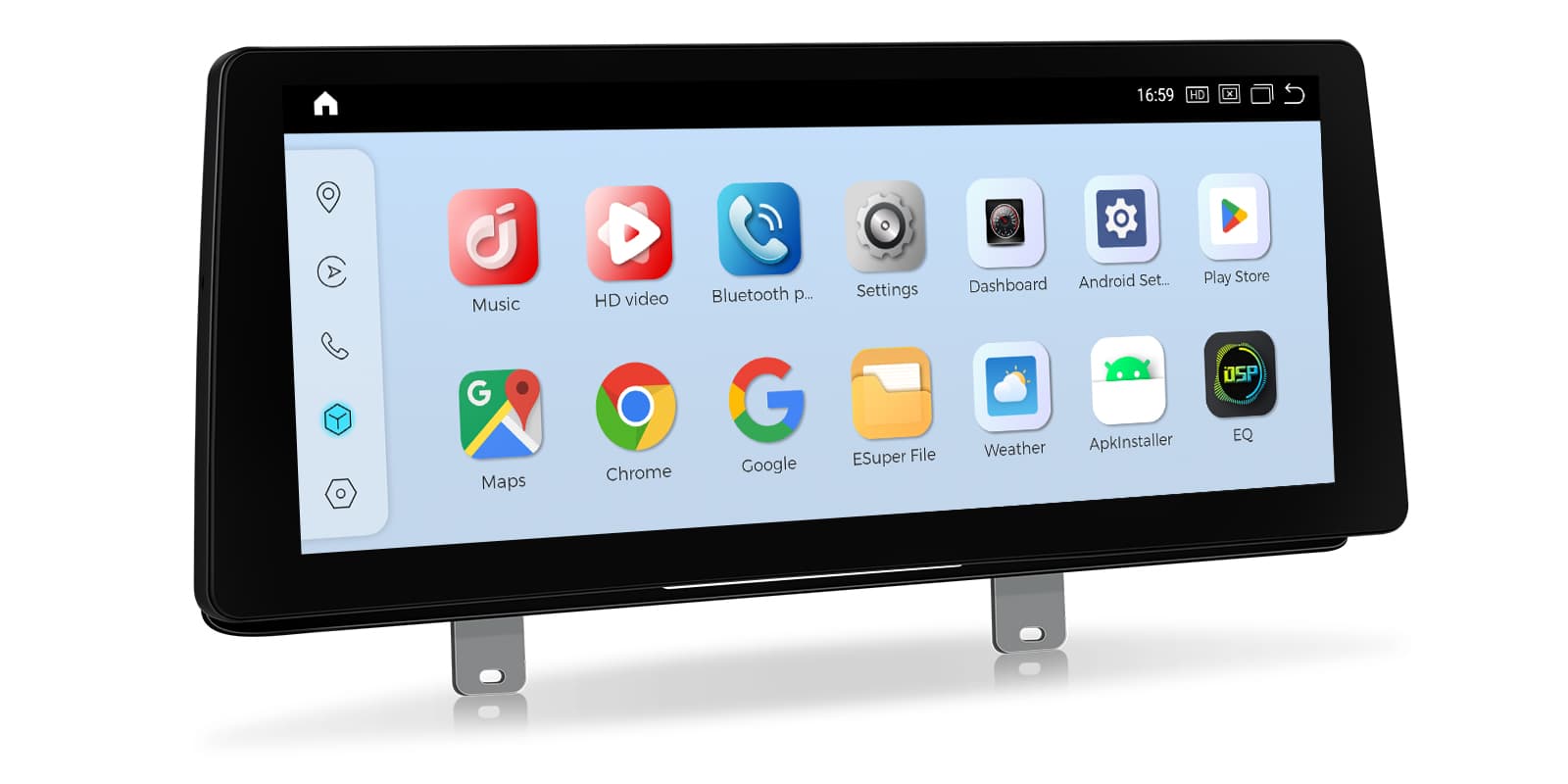
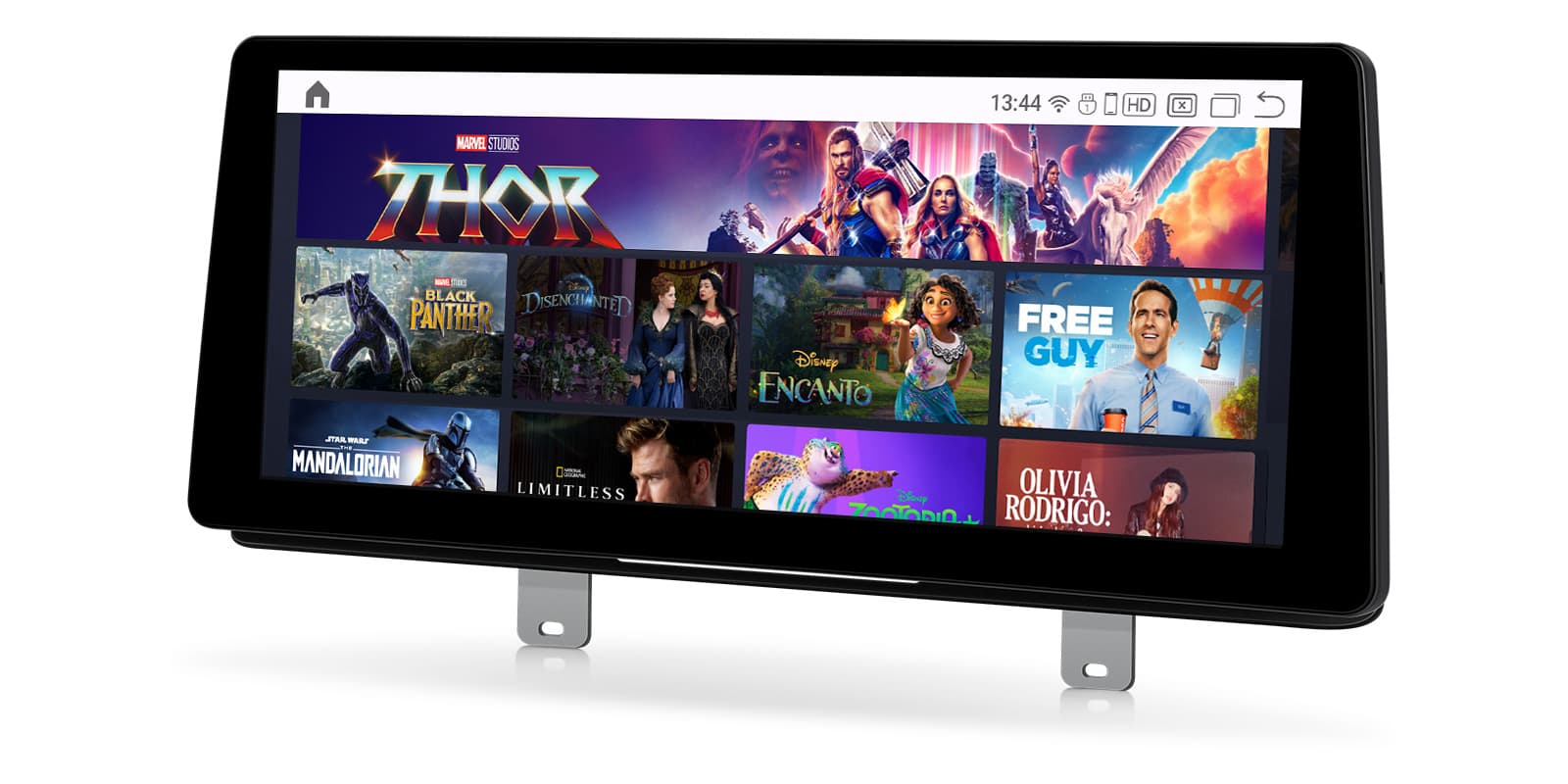
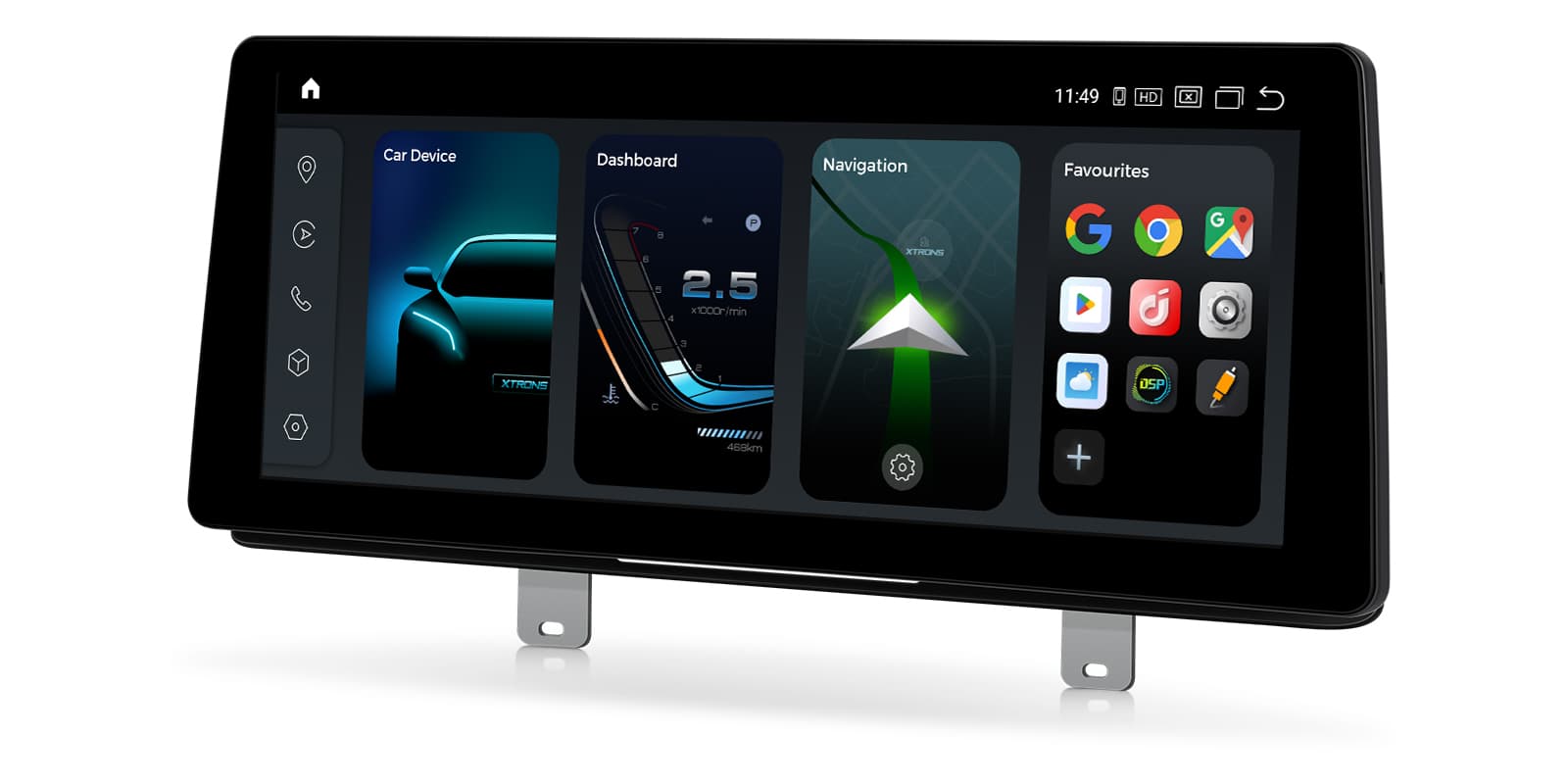
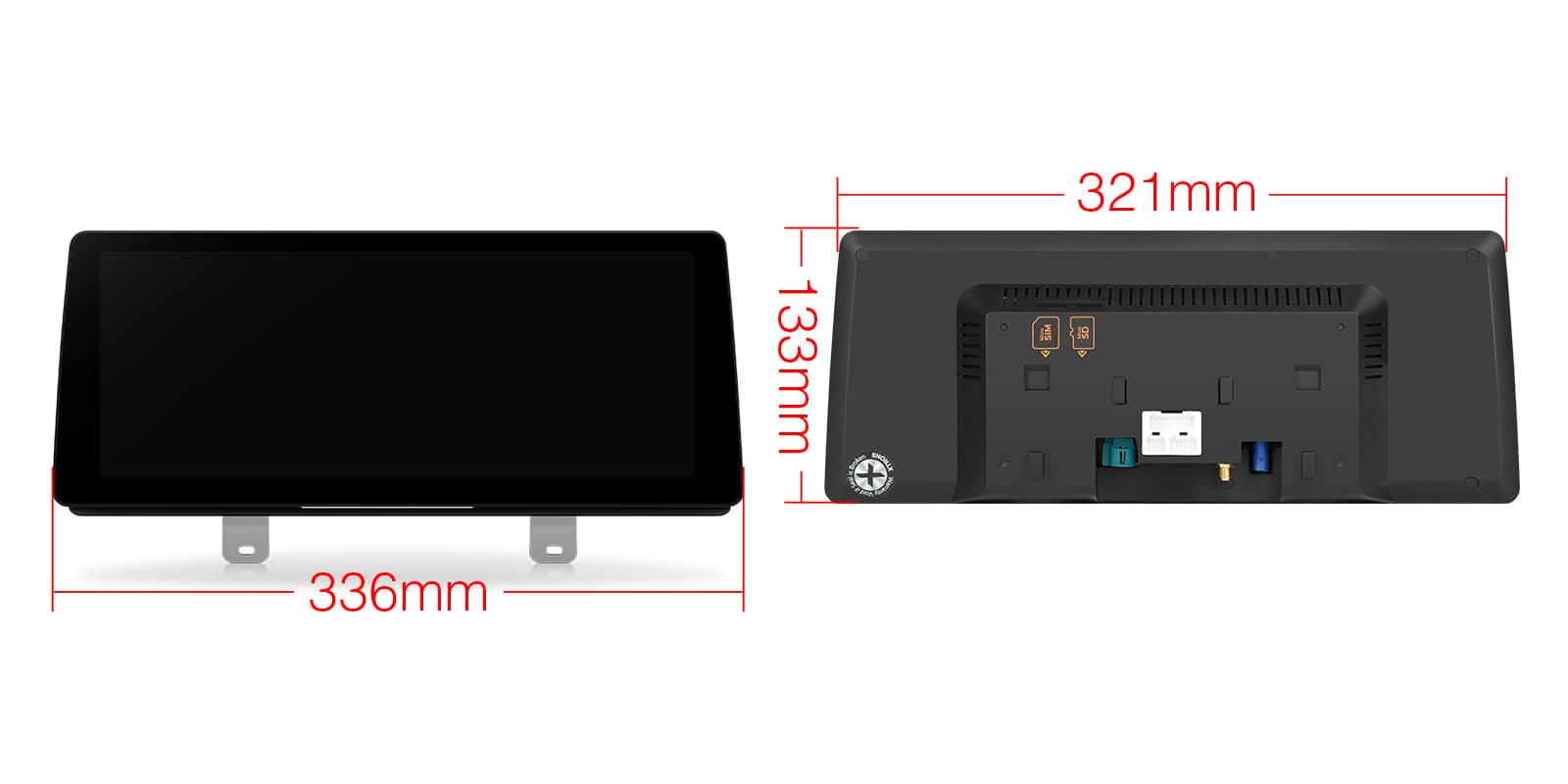
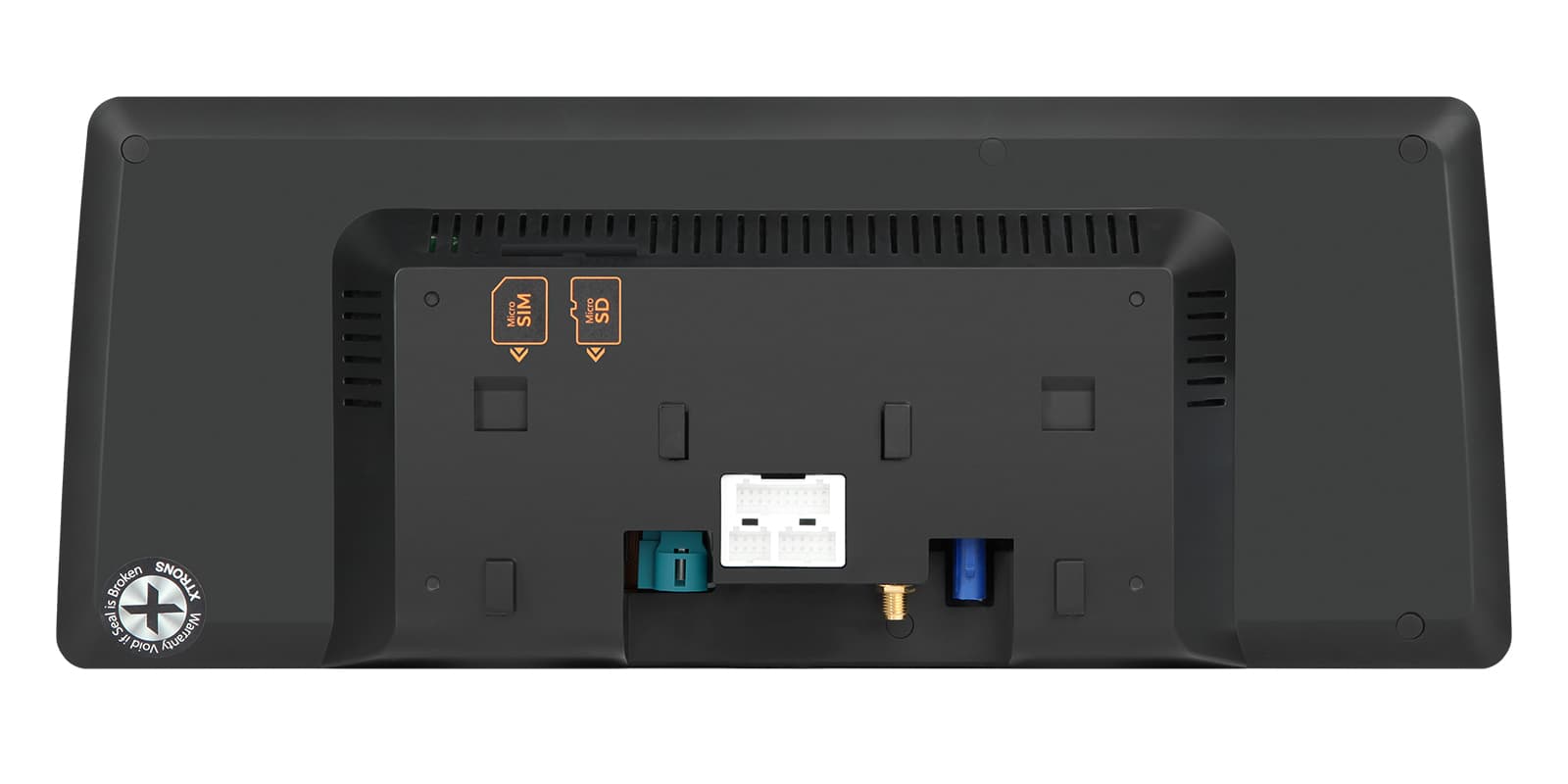
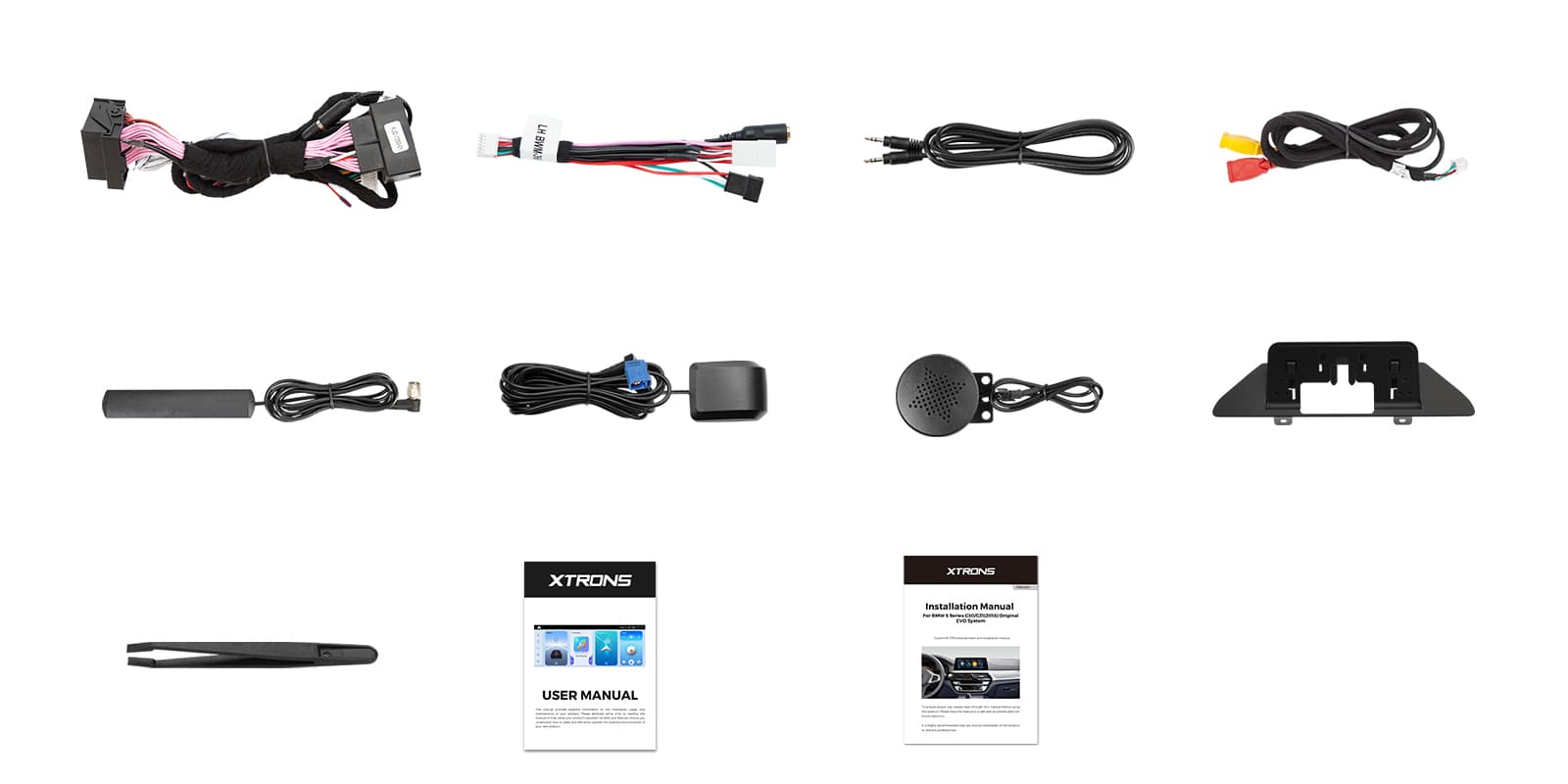
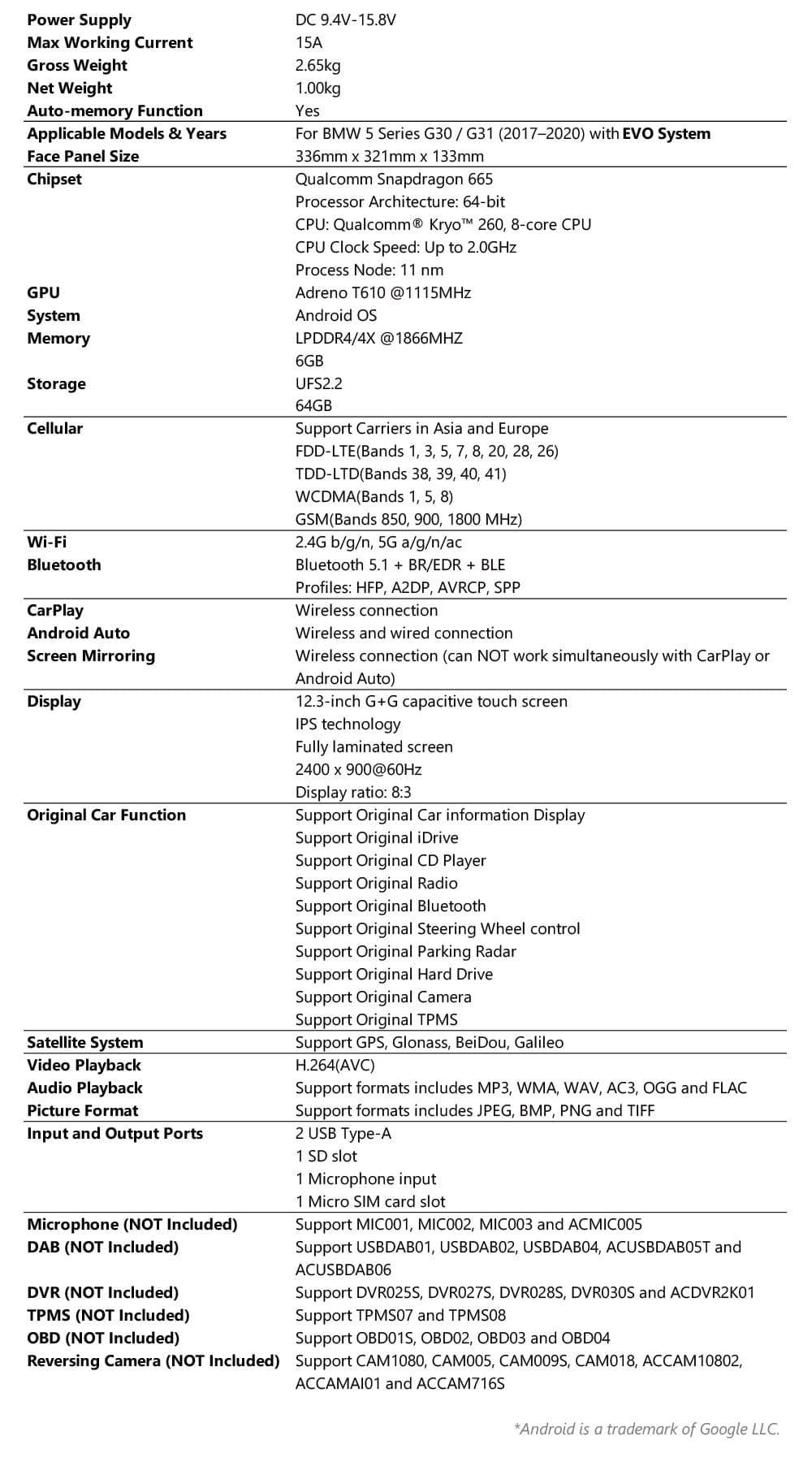
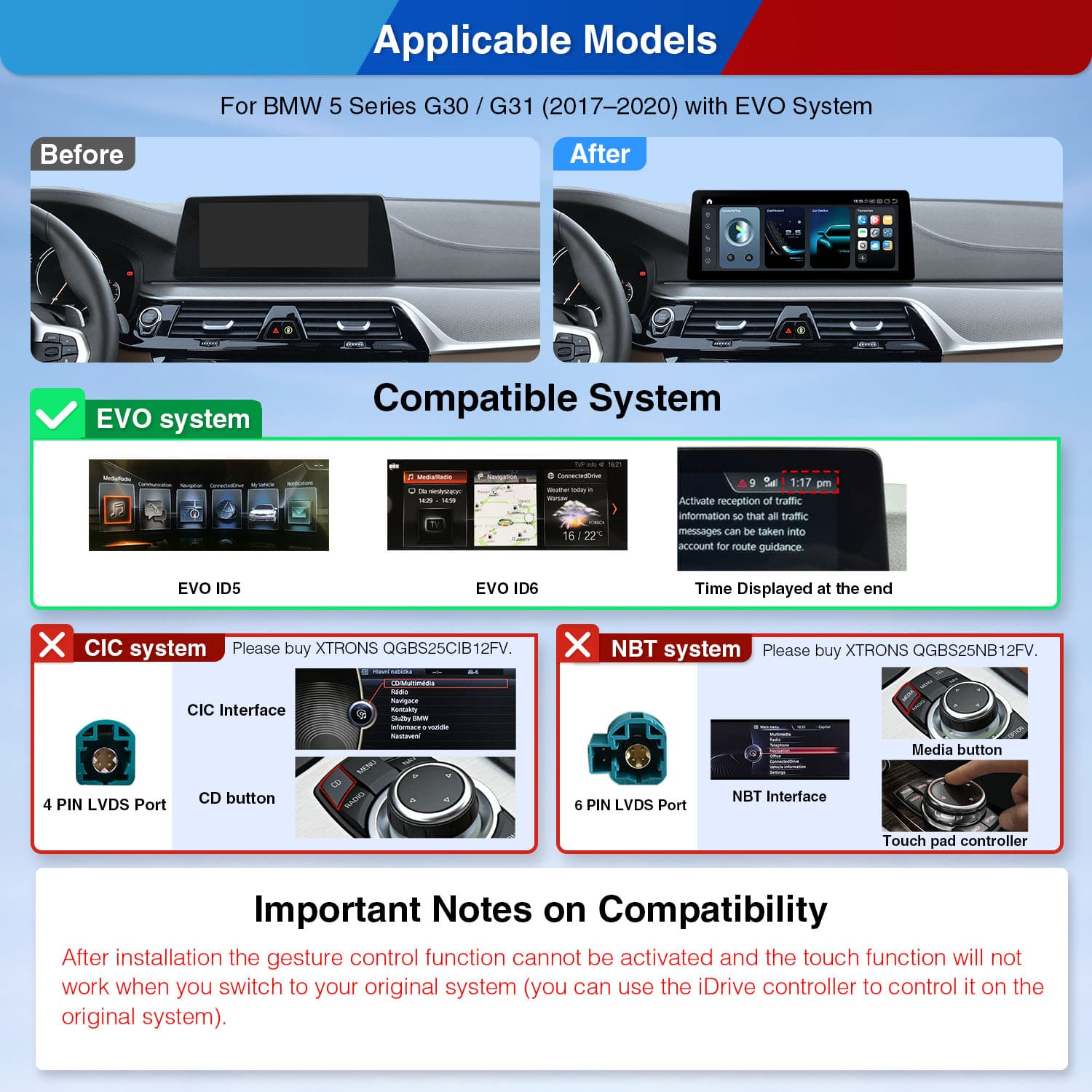
Image 1 of 17.
SKU: QGBS25EVB12FVN
£369.00Was £439.00Save £70.00
Check if this fits your car
SKU: QGBS25EVB12FVN
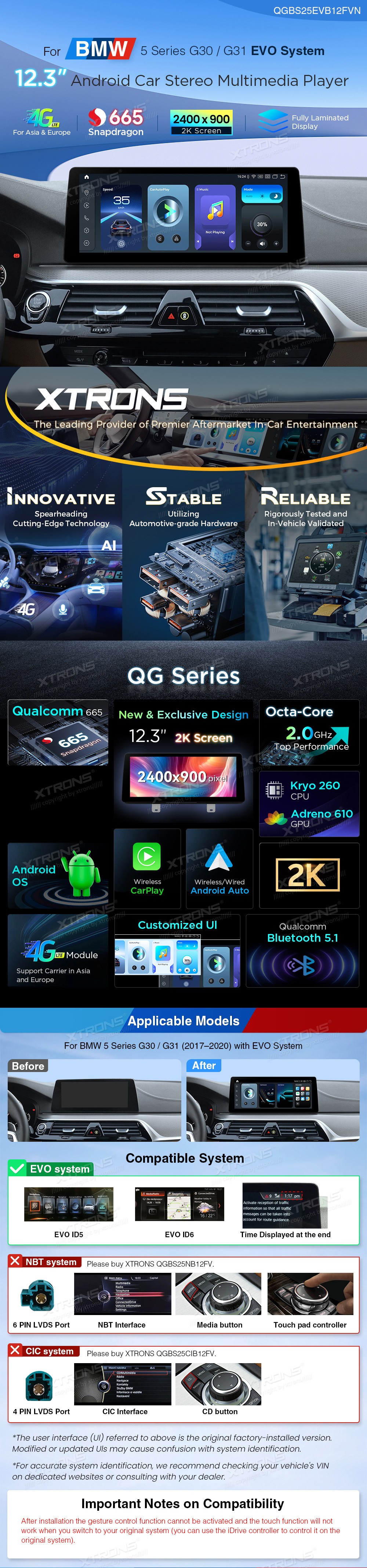
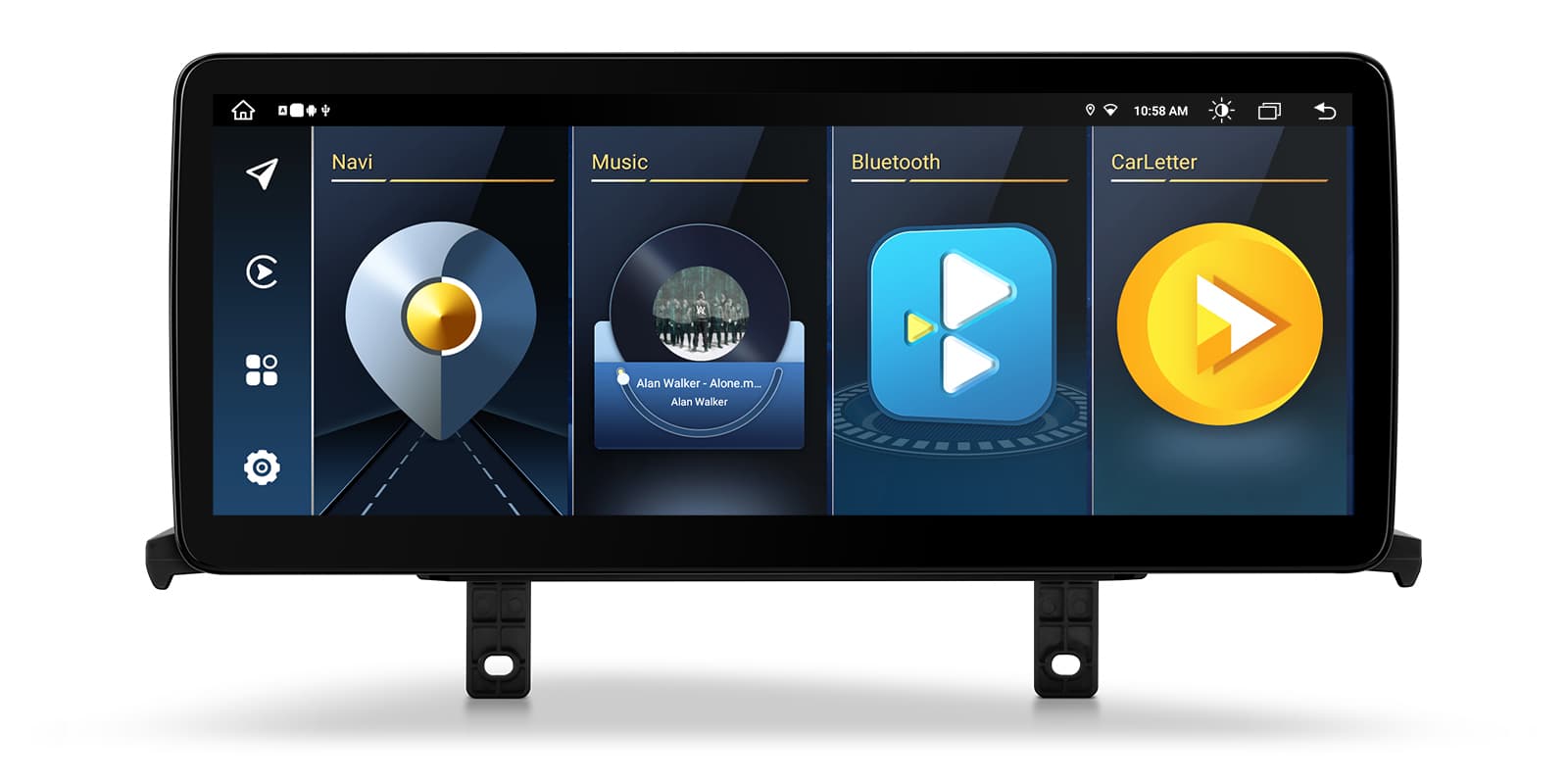
XTRONS QGBS25EVB12FVN is a 12.3″ Android screen for the BMW 5 Series G30/G31 with the EVO system. It runs alongside the original BMW software, so the CD player, radio and iDrive stay while you gain CarPlay, Android Auto and 4G.
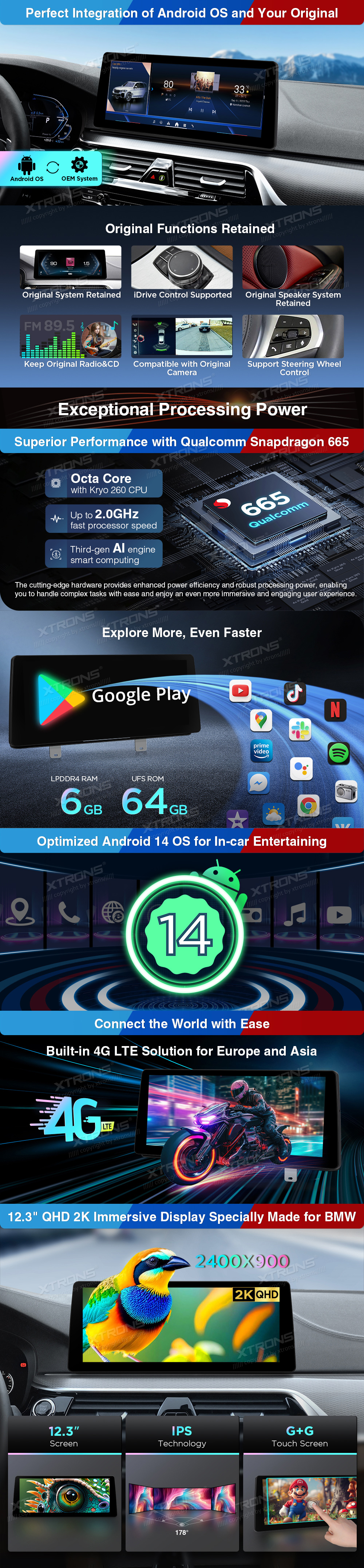
The screen is made for 5 Series cars with the EVO system. Android runs beside the factory software instead of replacing it, so the CD player, radio and iDrive carry on working.
On the original BMW menus the touch screen and gesture control don't work after fitting, so you use the iDrive controller there as before.
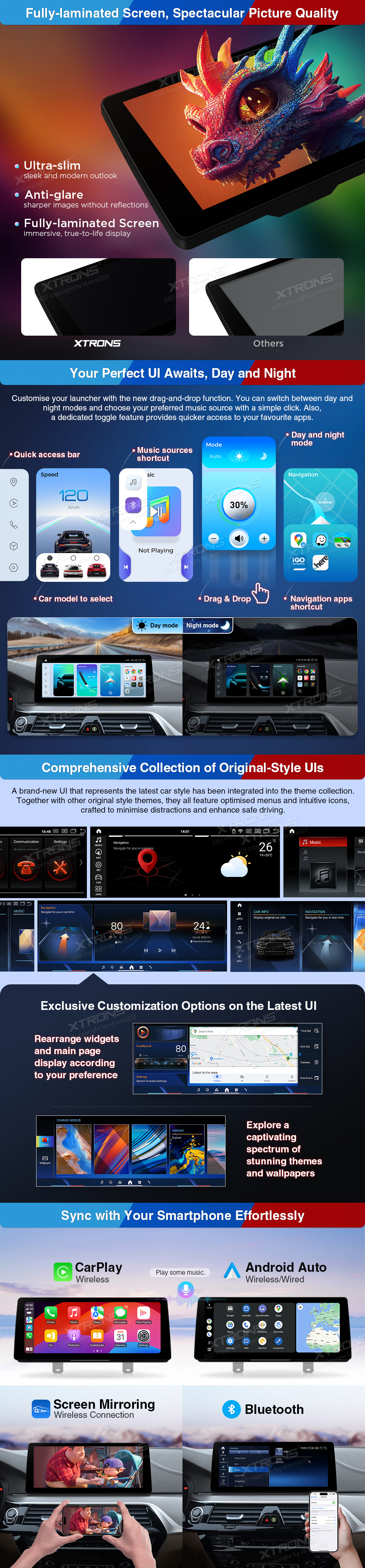
CarPlay connects without a cable, so your iPhone can stay in your pocket. Maps, calls and music show on the wide screen and Siri handles requests by voice.
Your iPhone connects on its own when you start the car, so there's no cable to plug in. It needs an iPhone with wireless CarPlay support; check yours in Settings > General > CarPlay. A cable still works when you'd rather charge on the way.
Android Auto brings Google Maps, your music apps and calls to the screen, with voice control so your hands stay on the wheel.
Maps, calls, messages and music from your Android phone appear on the car screen, with Google Assistant for voice control. It needs a phone with Google services, which most Android phones have. To connect without a cable, the phone must support wireless Android Auto too.
The fully laminated IPS panel has a QHD 2K (2400 x 900) resolution with rich, accurate colour. It stays clear from the passenger seat, and the G+G touch glass responds well to taps and swipes.
Add a SIM and the unit has its own 4G connection for music streaming and real-time GPS navigation. You can share the connection with passengers too.
The 4G antenna is in the box.
A SIM card in the head unit gives it its own internet connection for maps, traffic and streaming, so it doesn't need your phone's hotspot. You supply the SIM and the data plan; a data-only SIM is usually the cheapest way to do it.
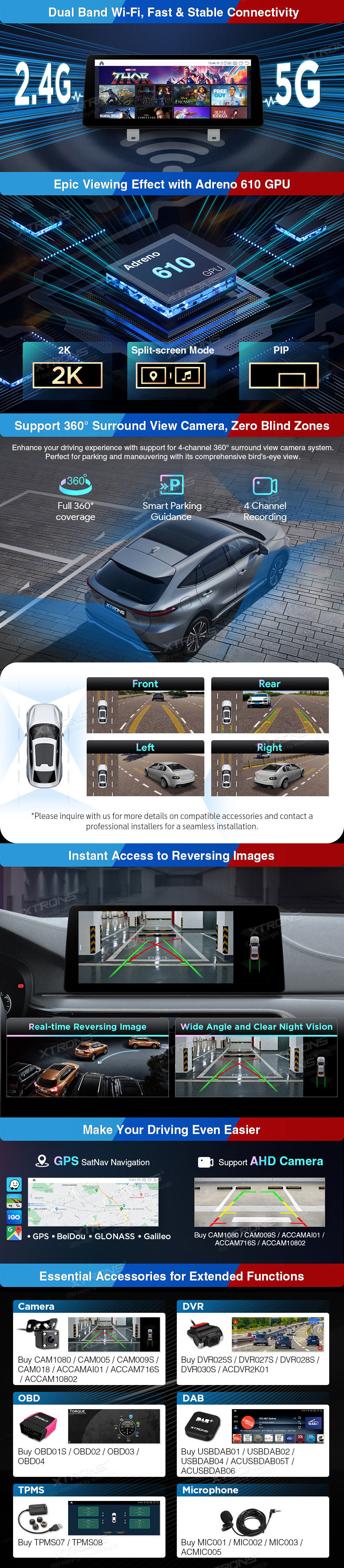
Wi-Fi covers both 2.4GHz and 5GHz bands, so it can join a phone hotspot or home network for quicker downloads and steadier streaming.
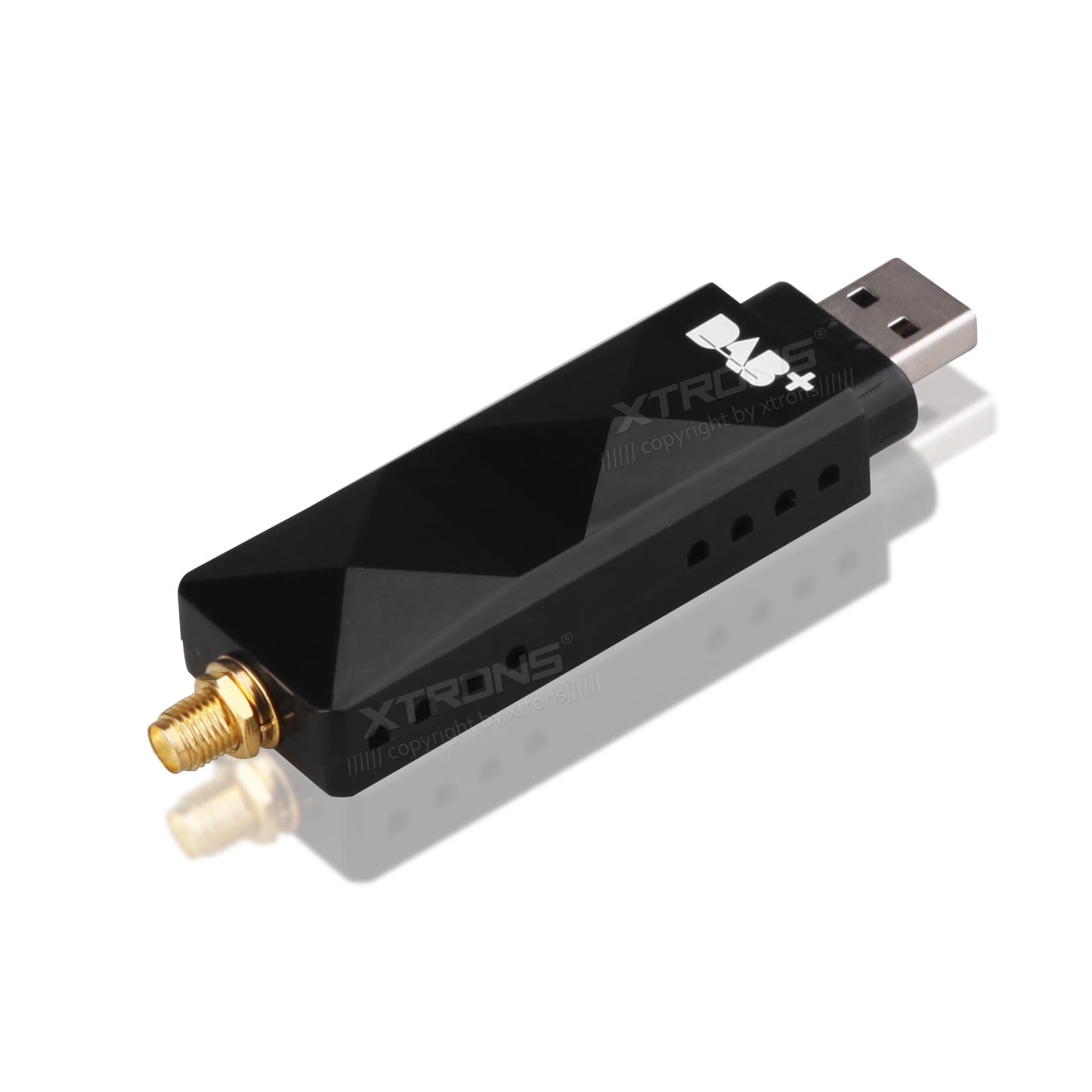
For digital radio, add an external DAB+ tuner such as USBDAB01, USBDAB02, USBDAB04, ACUSBDAB05T or ACUSBDAB06. It gives a stronger signal and more stations.
Digital radio gives clearer sound and more stations than FM where there's DAB coverage. It needs a DAB aerial: a stick-on windscreen aerial is the usual choice, or a splitter if your car already has a combined FM and DAB aerial.
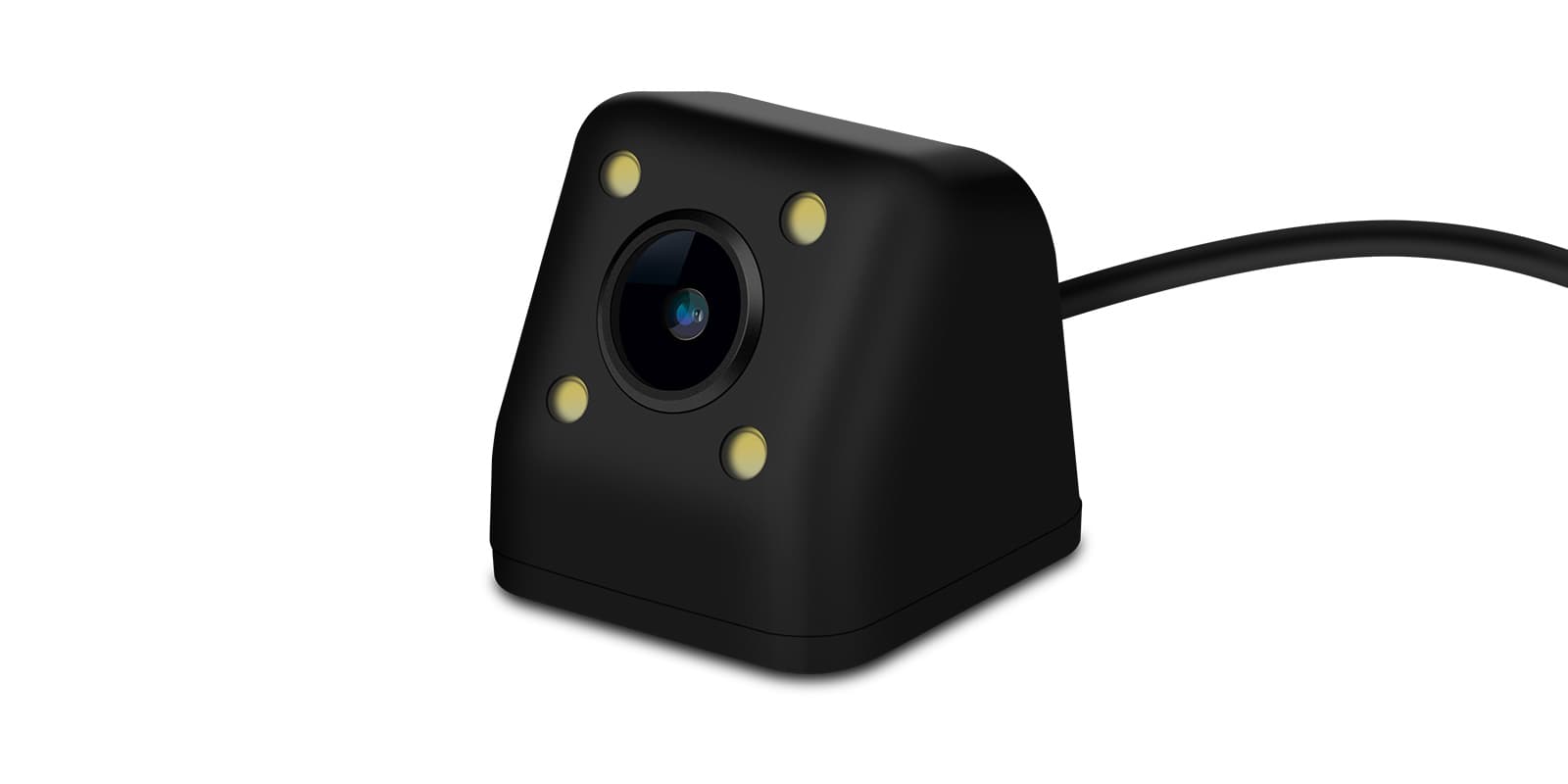
A reversing camera such as CAM005, CAM018, CAM009S (AHD 720P), ACCAM716S, CAM1080 or ACCAM10802 (AHD 1080P) can be added to show the view behind the car when parking.
Connect a reversing camera and its picture appears on the screen when you select reverse. Automatic switching needs the reverse signal wired in. If your car already has a factory camera, check whether you need an adapter to keep it.
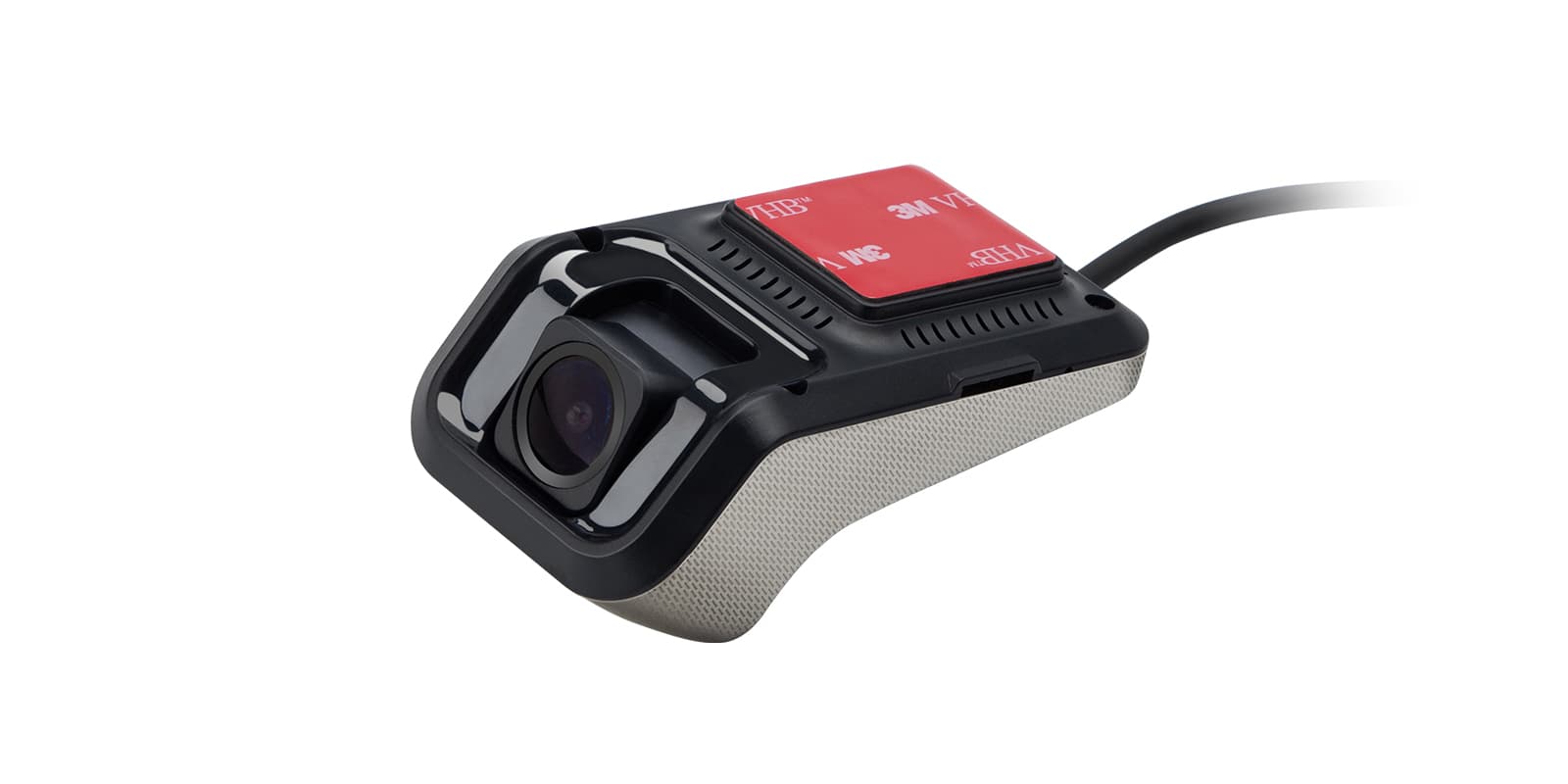
Add an external DVR to record your journeys. DVR025S, DVR027S, DVR028S, DVR030S and ACDVR2K01 work with this unit.
Recordings from a dash cam show on the car screen, live or played back. It needs a USB dash cam made for Android head units; an ordinary dash cam with its own screen won't connect this way. Mount the camera behind the mirror, clear of your view.
An OBD2 scanner such as OBD01S, OBD02, OBD03 or OBD04 reads real-time data and trouble codes from the car's computer and shows them on the screen.
Plug an OBD2 adapter into the car's diagnostic port and the head unit can show live engine data, such as coolant temperature, and read fault codes. It reads the standard engine codes, not everything a dealer's diagnostic equipment can reach.
With TPMS08 sensors fitted to the wheels, the head unit shows tyre pressures in real time.
The head unit shows each tyre's pressure and warns you when one drops. It needs a TPMS kit: a receiver and a sensor for each wheel. Cap sensors screw on in minutes, while internal sensors are fitted by a tyre shop.
| Operating system | Android 14 |
|---|---|
| Processor | Qualcomm Snapdragon 665 |
| CPU | Kryo 260 CPU |
| Clock speed | up to 2.0GHz |
| Memory | Dual Channel 6GB LPDDR4 RAM, 64GB UFS ROM |
| Screen size | 12.3″ Screen |
|---|---|
| Resolution | QHD 2K (2400 x 900) |
| Panel | IPS Technology |
| Touch screen | G+G Touch Screen |
| Wi-Fi | supports both 2.4GHz and 5GHz bands |
|---|---|
| Mobile data | Integrated 4G LTE |
| Make | Model | Years | Notes |
|---|---|---|---|
| BMW | 5 Series (G30) | 2017–2023 | Cars with the factory EVO system |
| BMW | 5 Series (G31) | 2017–2024 | Cars with the factory EVO system |
The unit connects with the supplied ISO wiring harness and works alongside the original EVO system. Check your system by VIN or with your dealer before ordering, as modified or updated factory menus can make EVO and NBT hard to tell apart. A plastic bracket and tweezers come in the box to help with fitting.
An EVO radio usually shows EVO ID5 or EVO ID6, with the time displayed at the end. A VIN check or your dealer can confirm it.
Choose QGBS25NB12FV for the NBT system.
No. When you switch to the original system, touch and gesture control don't work, and you use the iDrive controller instead.
Yes. The CD player, radio and iDrive keep working alongside Android.
XTRONS's own pages for this product, as the manufacturer publishes them. Open any of them at full size to zoom in.
Accessories named in this unit's description
More from Custom Fit
+ £4.99 delivery = £12.98 total
In stock
+ £4.99 delivery = £47.98 total
In stock
In stock
In stock
In stock
In stock