Image 1 of 4.
Functions
In stock
Universal Wi-Fi OBD2 Diagnostic Scanner for Android Head Units and Phones | ICE/SS/OBD04
SKU: ICE/SS/OBD04
£9.99
Check if this fits your car
1
Key specifications
- SAE J1850 PWM
- SAE J1850 PWM (41.6 kbaud)
- SAE J1850 VPW
- SAE J1850 VPW (10.4 kbaud)
- ISO 9141-2
- ISO 9141-2 (5 baud init, 10.4 kbaud)
- ISO 14230-4 KWP
- ISO 14230-4 KWP (5 baud init, 10.4 kbaud)
- ISO 14230-4 KWP fast init
- ISO 14230-4 KWP (fast init, 10.4 kbaud)
- ISO 15765-4 CAN 11 bit 500
- ISO 15765-4 CAN (11 bit ID, 500 kbaud)
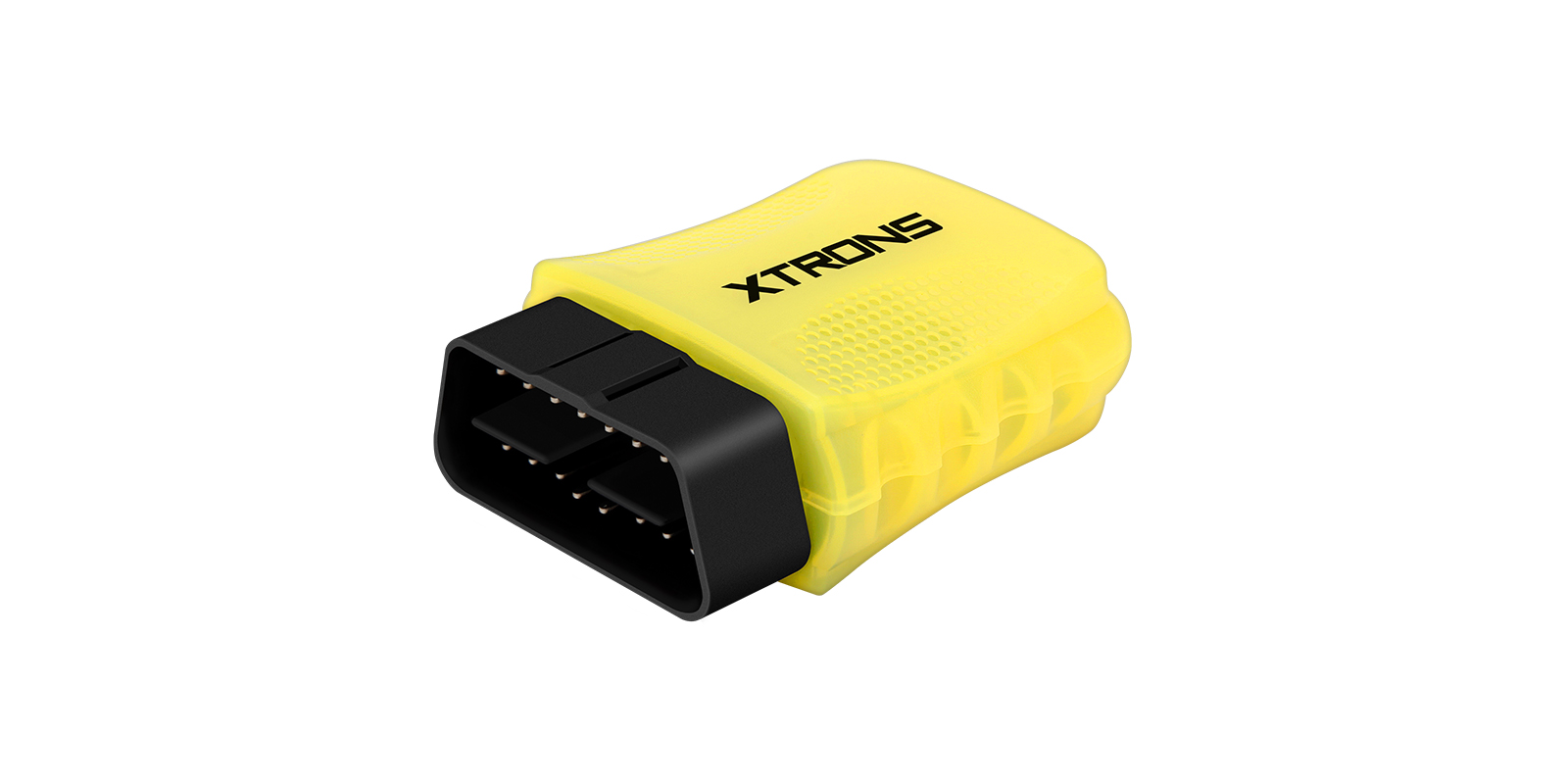
A small Wi-Fi OBD2 scanner that plugs into your car's diagnostic port and sends engine data to an XTRONS Android head unit, an Android phone or an iPhone. With a third-party OBD2 app you can read and clear fault codes and watch live sensor readings.
- Reads and clears check engine light fault codes with an OBD2 app
- Shows live sensor readings and estimates fuel economy
- Connects over Wi-Fi, so Bluetooth devices keep working
- Fits XTRONS IA, ID, IM, PX, QA, QB, QL and other series head units
See what the engine is telling you
Plug the scanner into the 16-pin diagnostic port under the dash and pair it with a third-party OBD2 app. When the check engine light comes on, you can read the trouble code, see what it relates to and clear it once the fault is fixed.
The app can also show real-time sensor readings on a dashboard you lay out yourself, and estimate fuel economy. It supports all the common OBD2 protocols, from SAE J1850 to ISO 15765-4 CAN.
Wi-Fi connection
The scanner talks to your head unit or phone over Wi-Fi rather than Bluetooth, so a Bluetooth speaker or phone connection keeps working alongside it.
While a phone or tablet is connected to the scanner's Wi-Fi, its other apps won't have internet access.
Checking your car is compatible
It works with OBD II compliant cars, mini vans and light trucks. Your vehicle needs a 16-pin data link connector under the dash, and the Vehicle Emission Control Information Label must state that it's OBD II compliant.
It measures 60x47x25mm, small enough to leave plugged in.
What's in the box
- 1 x OBD Scan Tool
| SAE J1850 PWM | SAE J1850 PWM (41.6 kbaud) |
|---|---|
| SAE J1850 VPW | SAE J1850 VPW (10.4 kbaud) |
| ISO 9141-2 | ISO 9141-2 (5 baud init, 10.4 kbaud) |
| ISO 14230-4 KWP | ISO 14230-4 KWP (5 baud init, 10.4 kbaud) |
| ISO 14230-4 KWP fast init | ISO 14230-4 KWP (fast init, 10.4 kbaud) |
| ISO 15765-4 CAN 11 bit 500 | ISO 15765-4 CAN (11 bit ID, 500 kbaud) |
| ISO 15765-4 CAN 29 bit 500 | ISO 15765-4 CAN (29 bit ID, 500 kbaud) |
| ISO 15765-4 CAN 11 bit 250 | ISO 15765-4 CAN (11 bit ID, 250 kbaud) |
| ISO 15765-4 CAN 29 bit 250 | ISO 15765-4 CAN (29 bit ID, 250 kbaud) |
| Size | 60x47x25mm |
|---|---|
| Connector | 16-pin DLC (Data Link Connector) |
Universal: fits most cars. Check the dimensions in the specifications against your dash.
- Works with OBD II compliant cars – must have a 16-pin DLC (Data Link Connector) under the dash and the Vehicle Emission Control Information Label must state that the vehicle is OBD II compliant.
- Perfect Fit for XTRONS IA/ID/IM/IP/IQ/IX/PX/UA/QA/QB/QD/QL/QG/QIR/QT/QW Series head units.
Plug the scanner into the 16-pin diagnostic port under the dashboard, then connect your head unit or phone to it over Wi-Fi and open a third-party OBD2 app. There are no complex settings to change.
Will it work with my XTRONS head unit?
Yes. It suits XTRONS IA, ID, IM, IP, IQ, IX, PX, UA, QA, QB, QD, QL, QG, QIR, QT and QW series head units, using a third-party OBD2 app.
Does it work with an iPhone?
Yes. It works with iOS and Android devices over Wi-Fi. While connected, other apps on the phone won't have internet access.
How do I know if my car is compatible?
Look for a 16-pin diagnostic connector under the dash and check that the Vehicle Emission Control Information Label says the vehicle is OBD II compliant.
Reviews
What customers say
Bought this product? Sign in to write a review.
Full specification from XTRONS
XTRONS's own pages for this product, as the manufacturer publishes them. Open any of them at full size to zoom in.