


- Wireless CarPlay / Android Auto
- 4G
- IPS
inc. VAT, free delivery
In stock
Your car: not set. Add it and every product shows whether it fits.
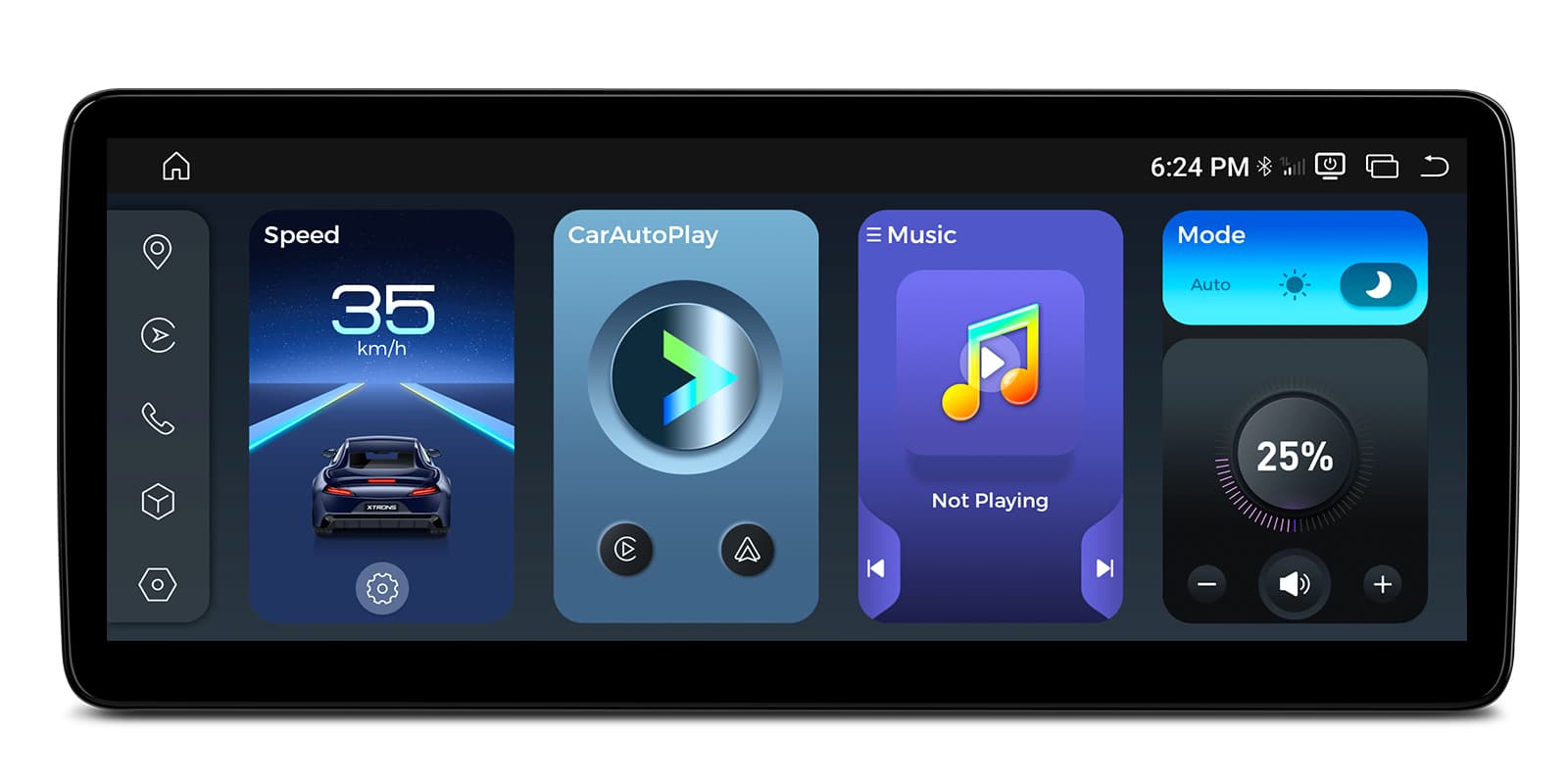
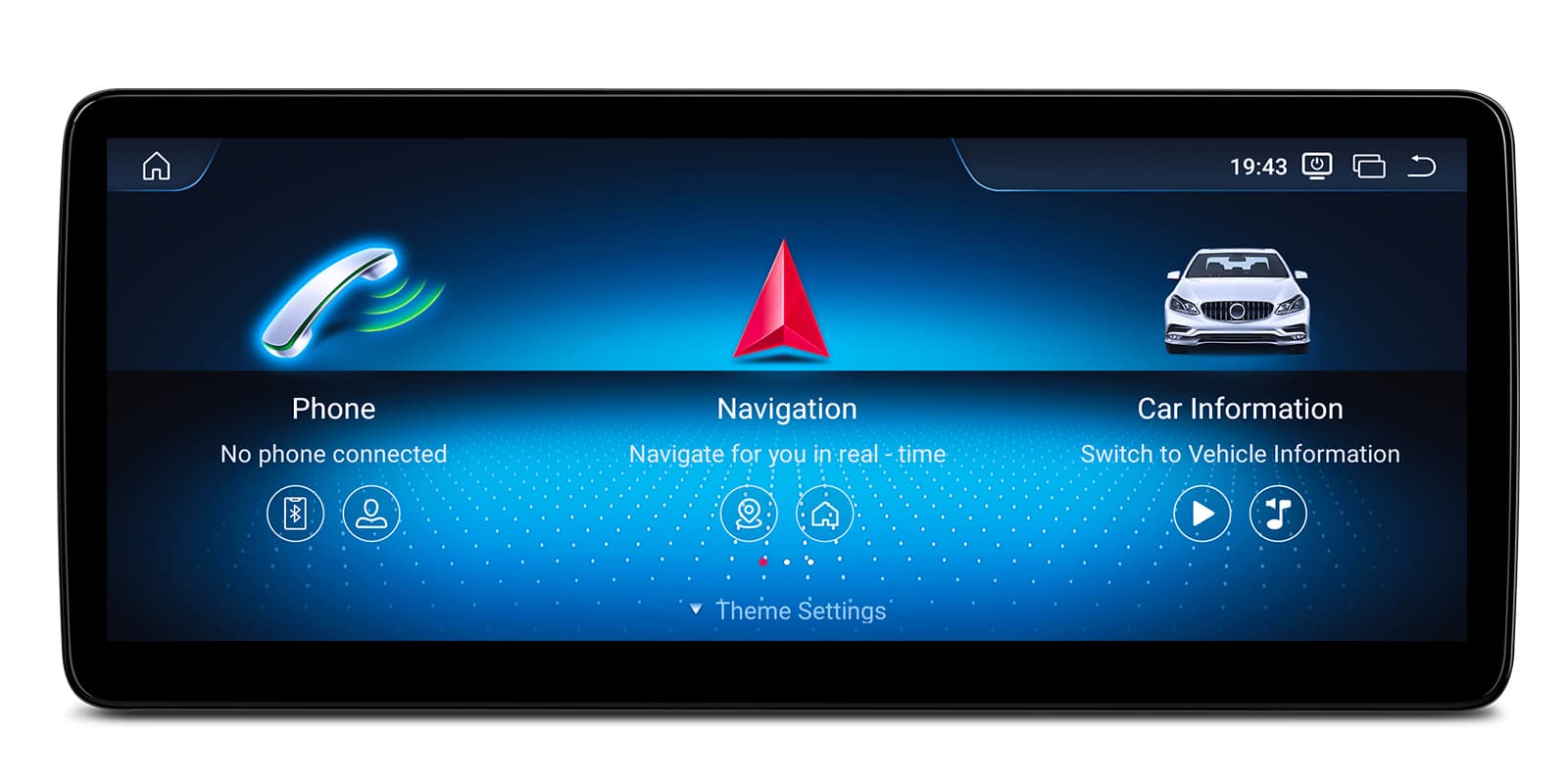
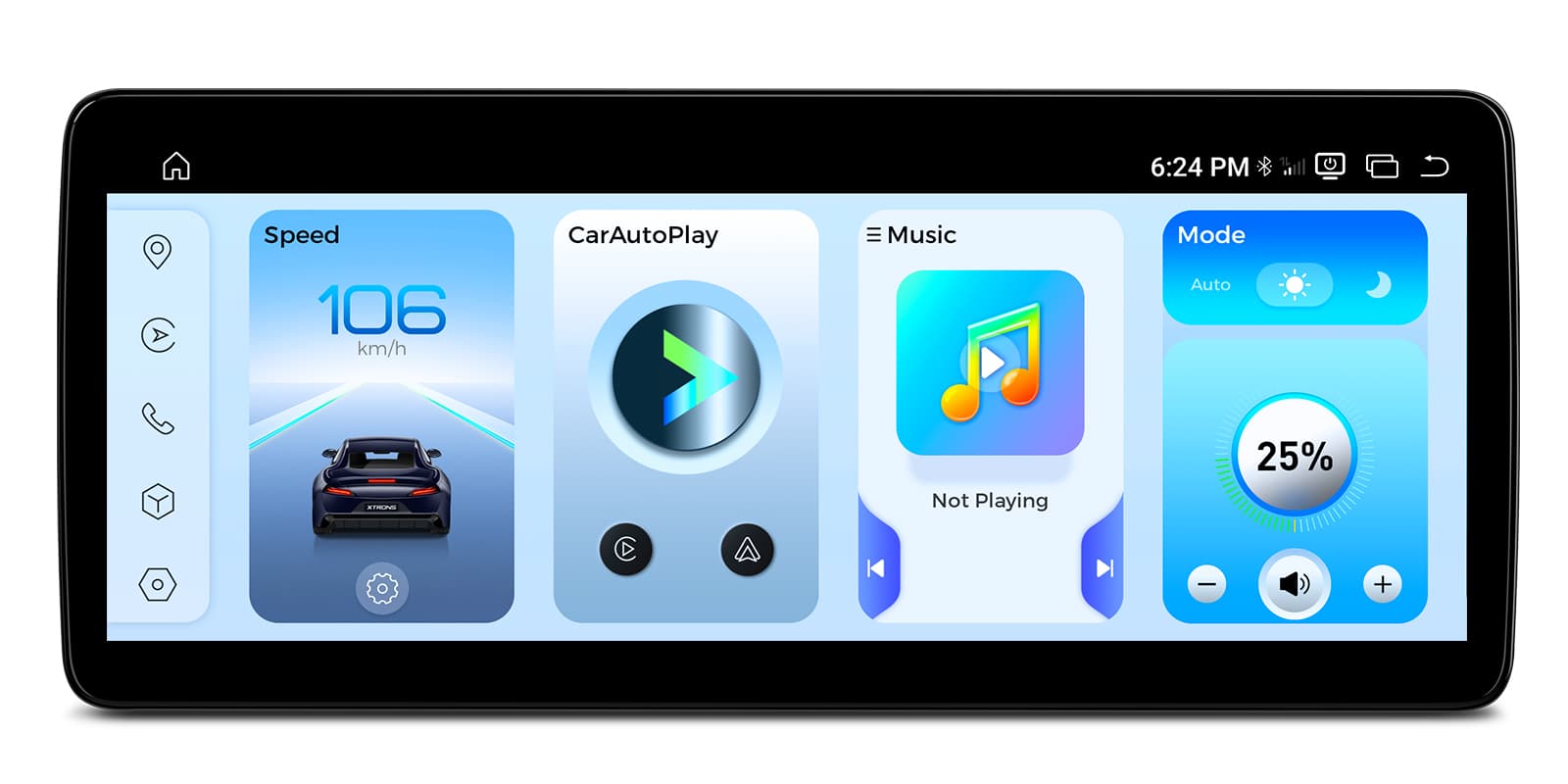
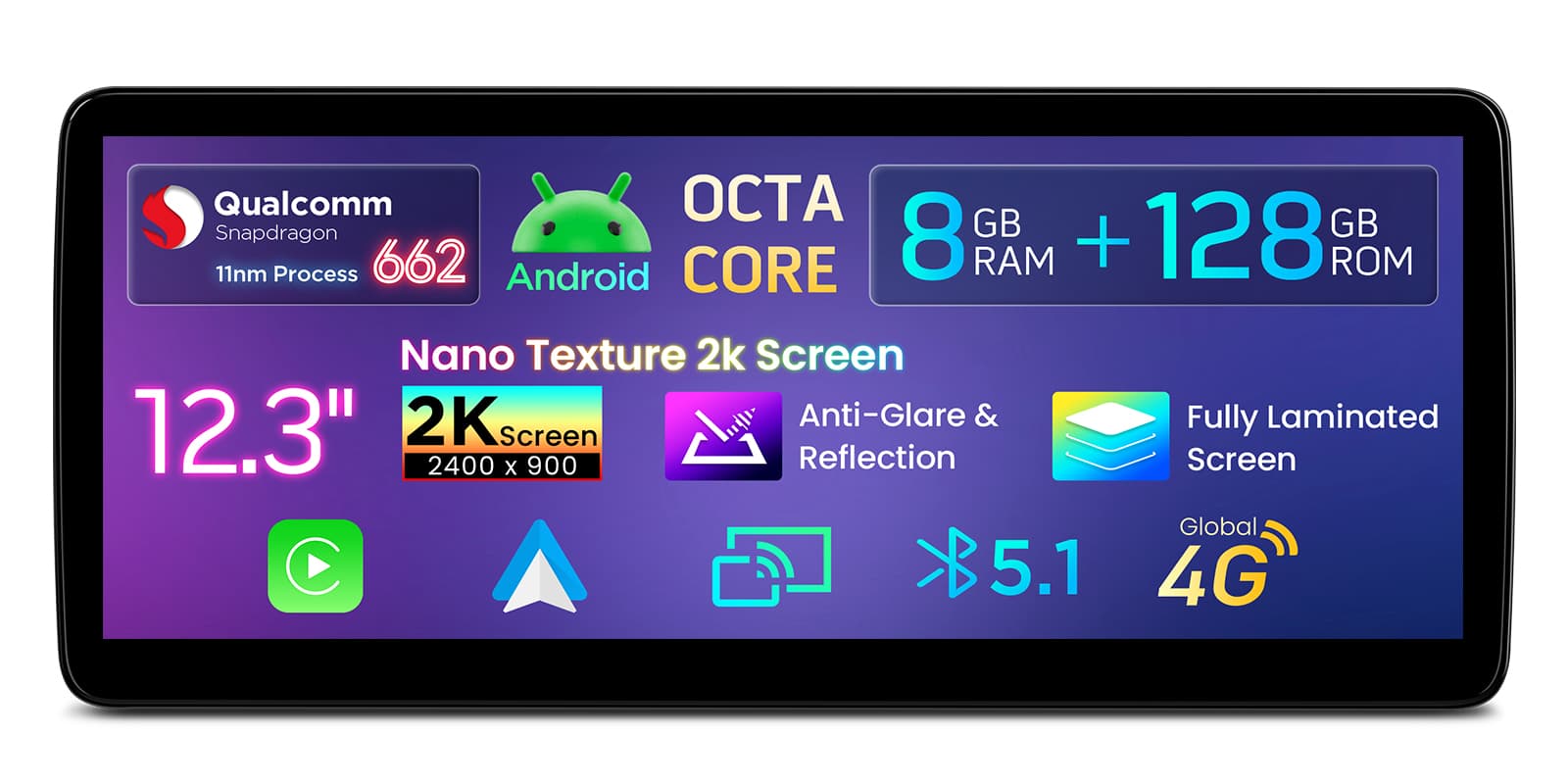
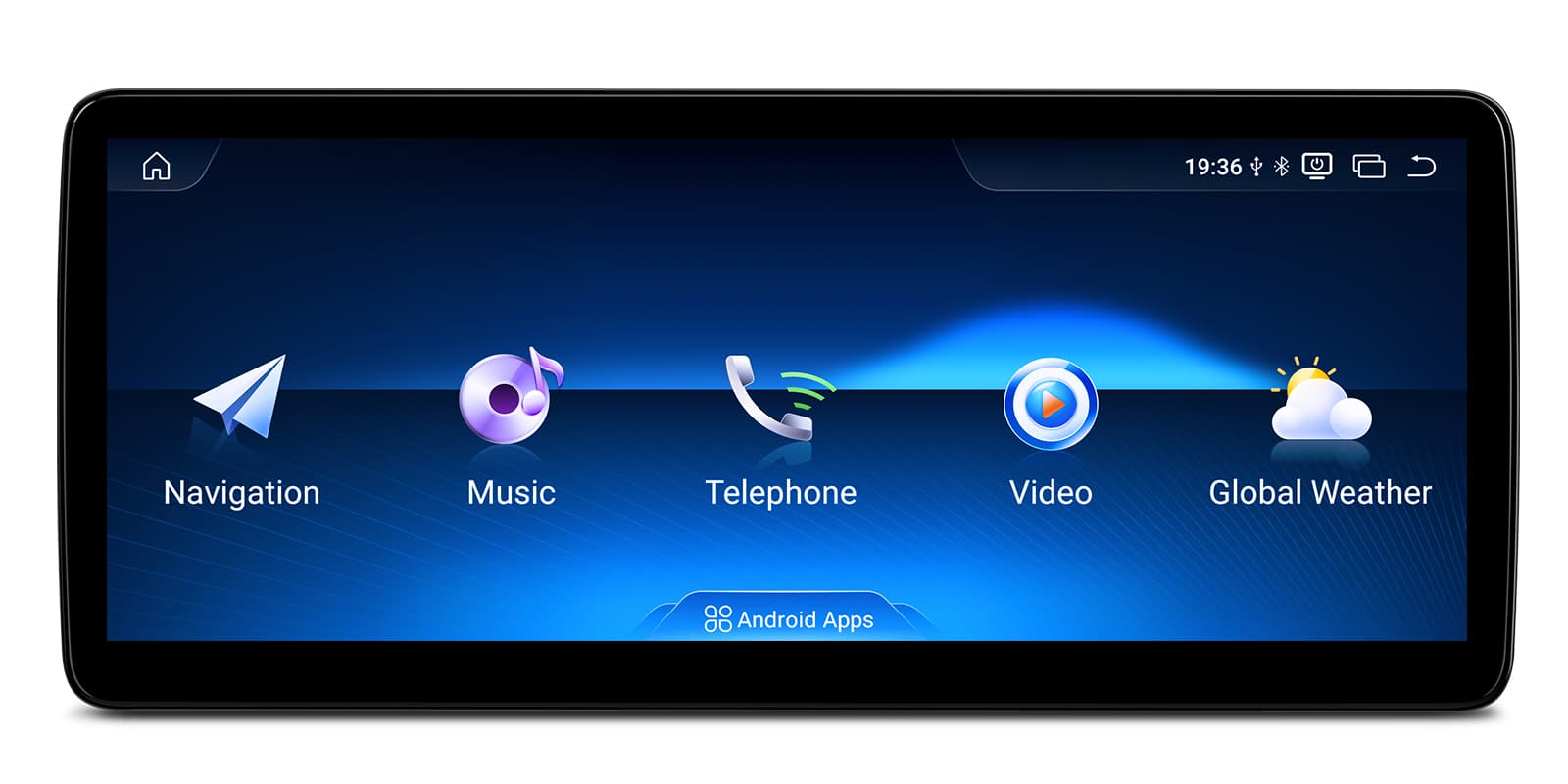
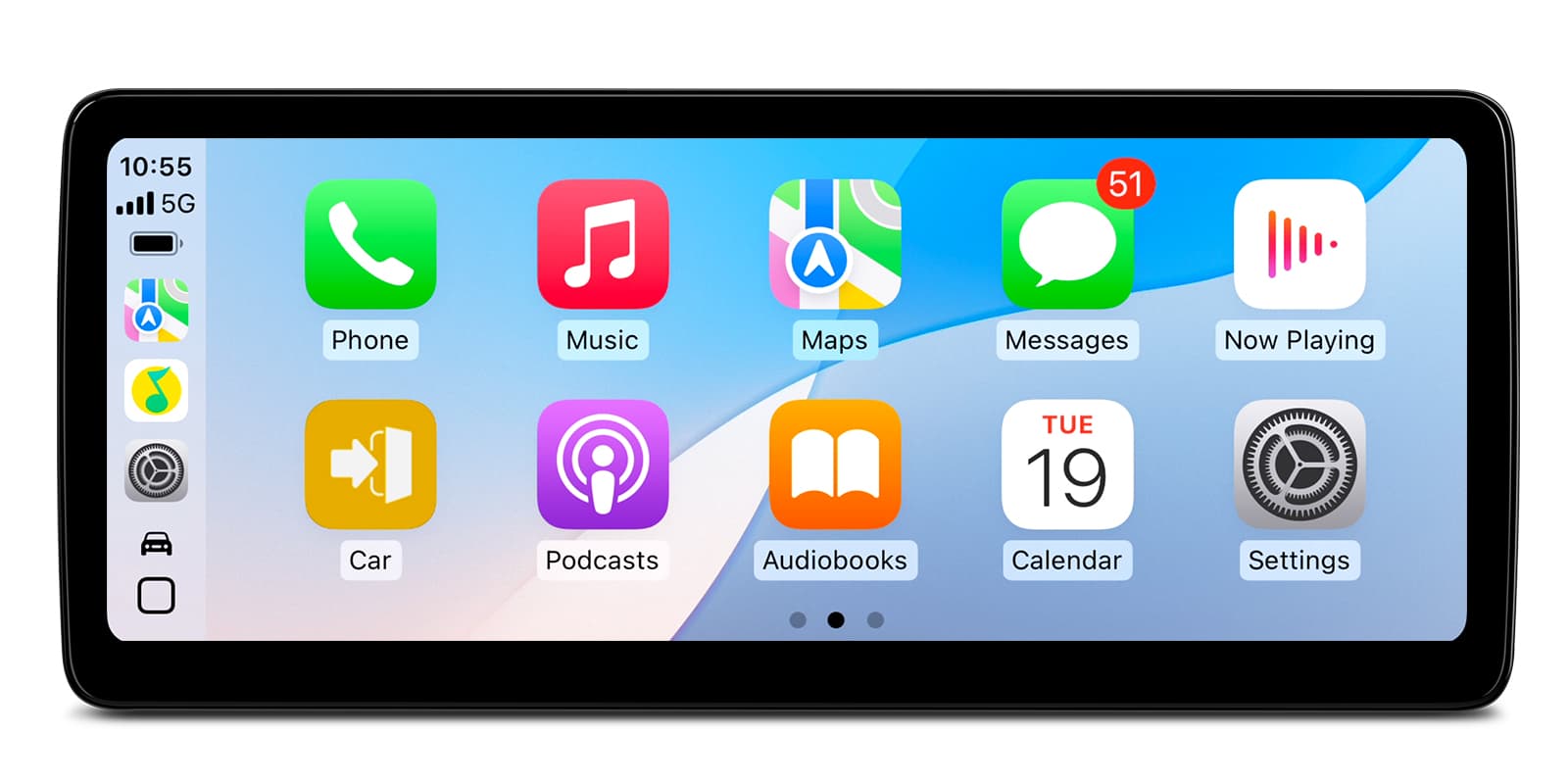
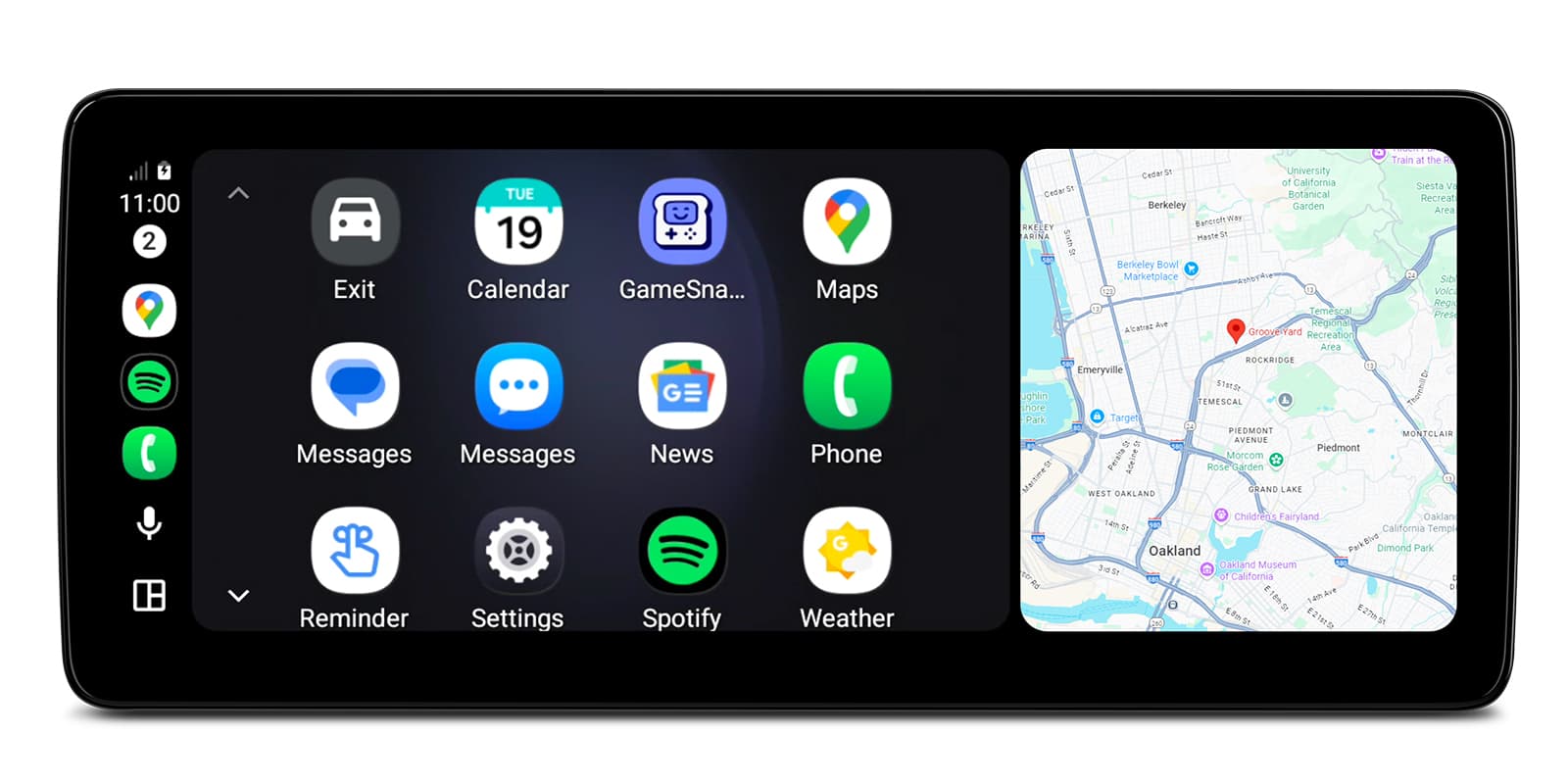
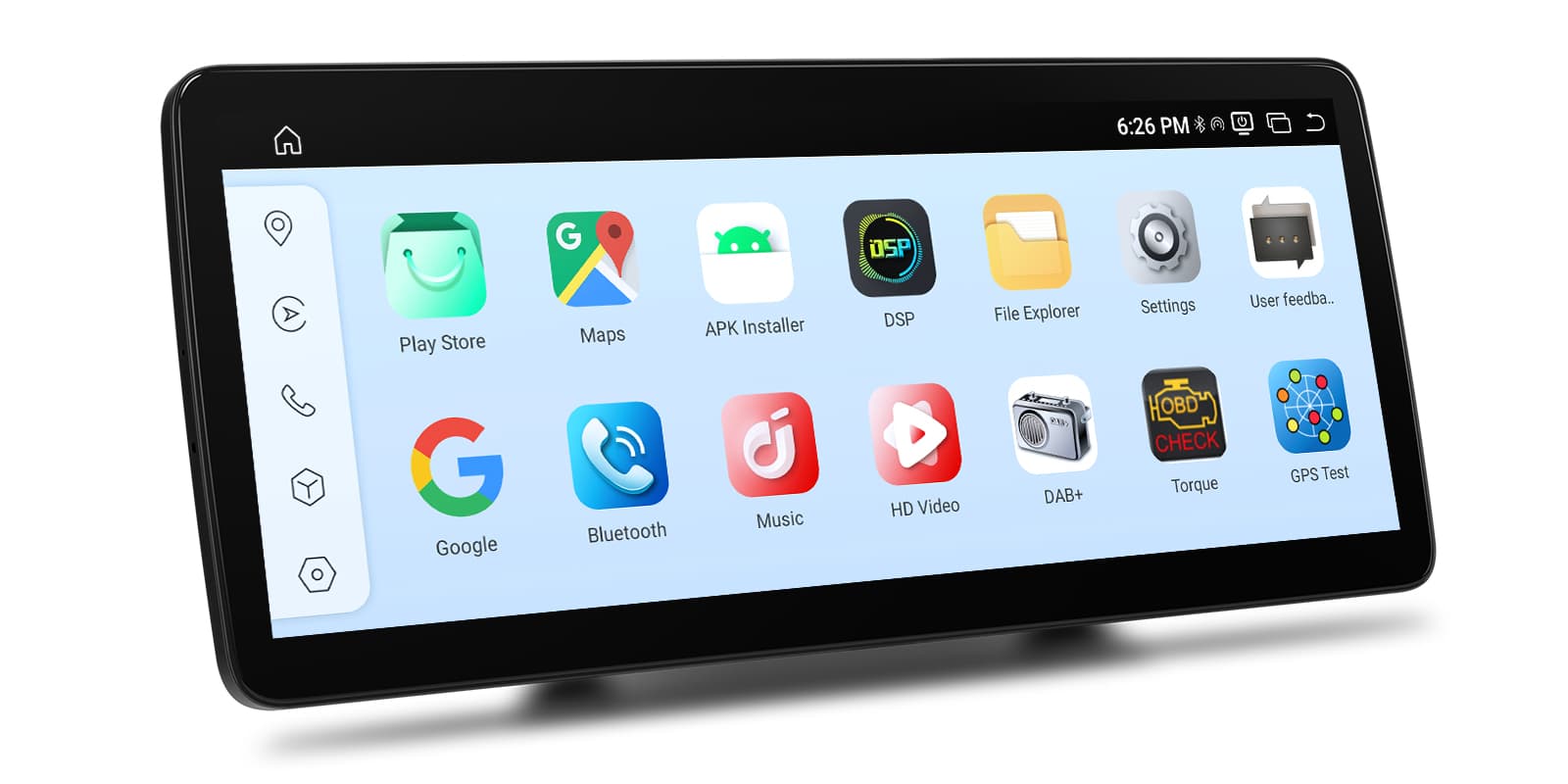
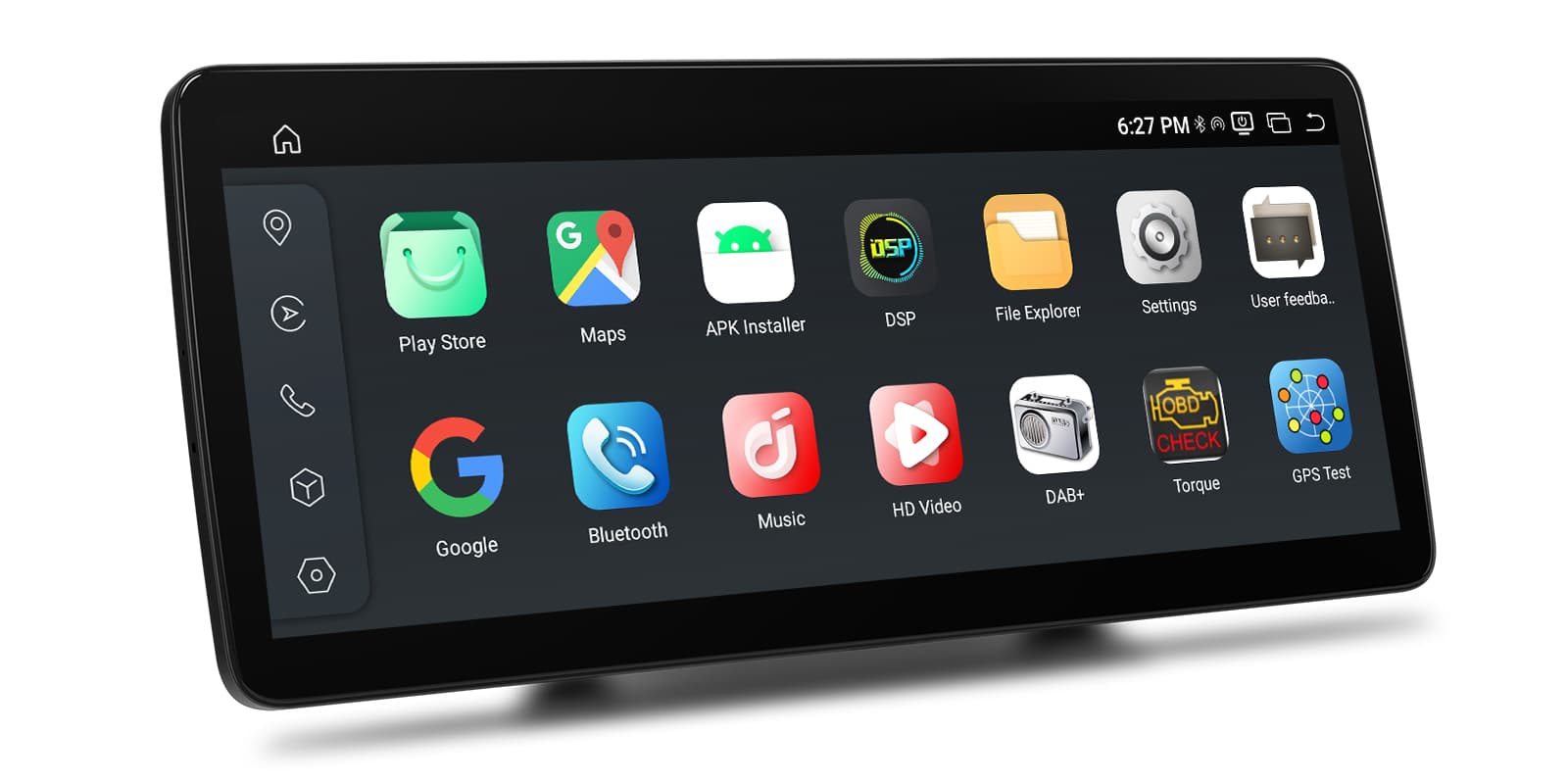
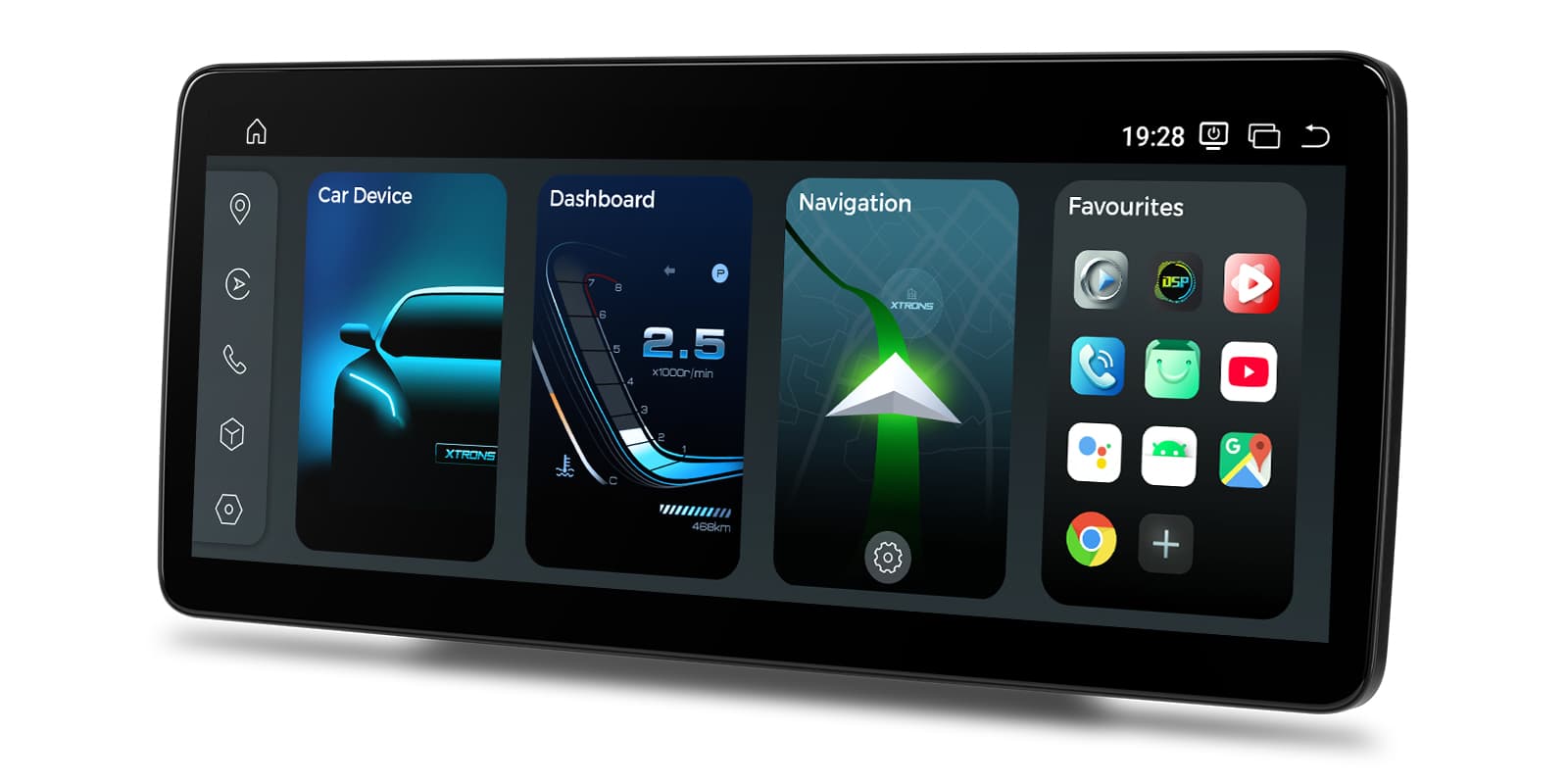
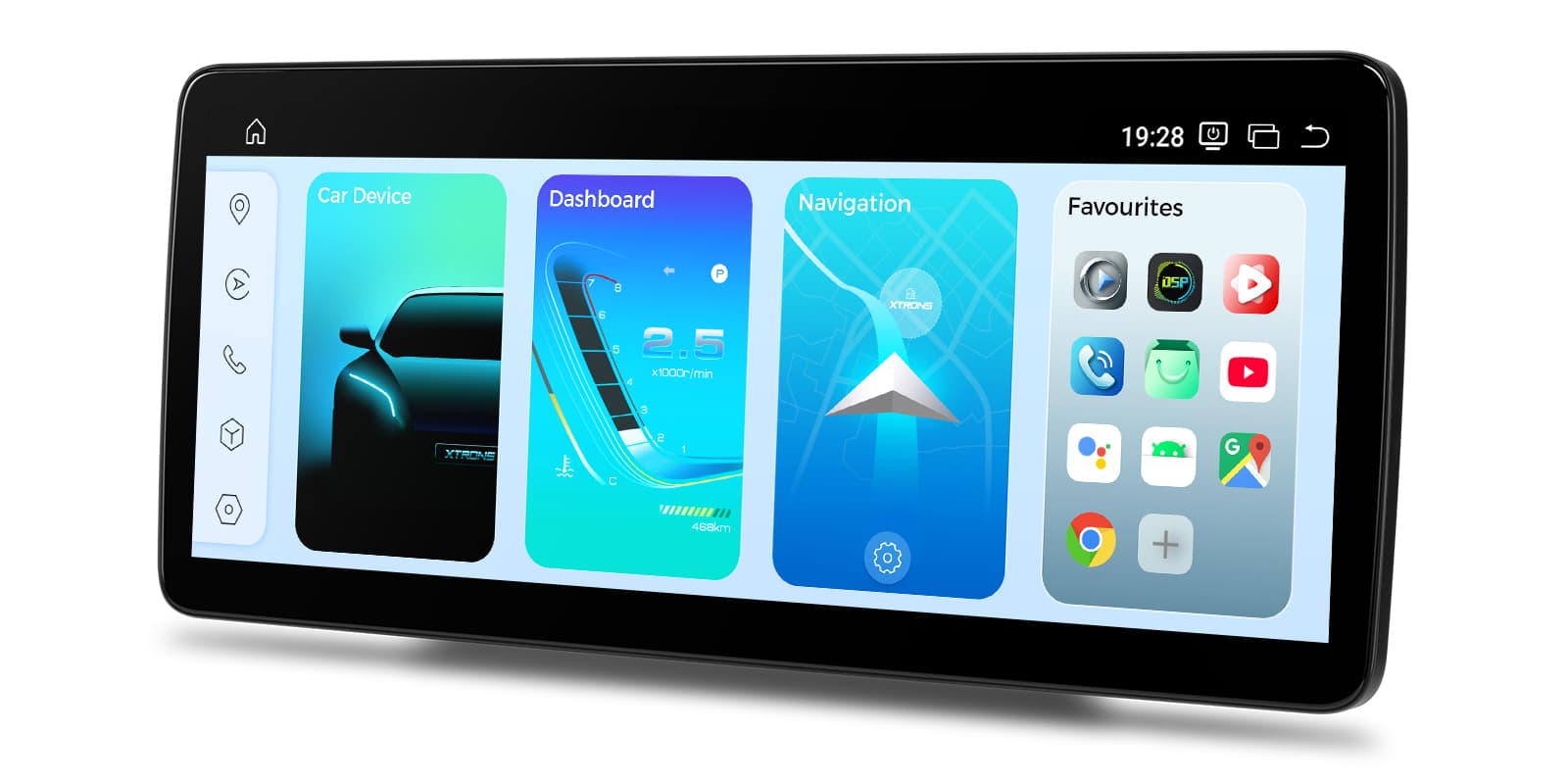
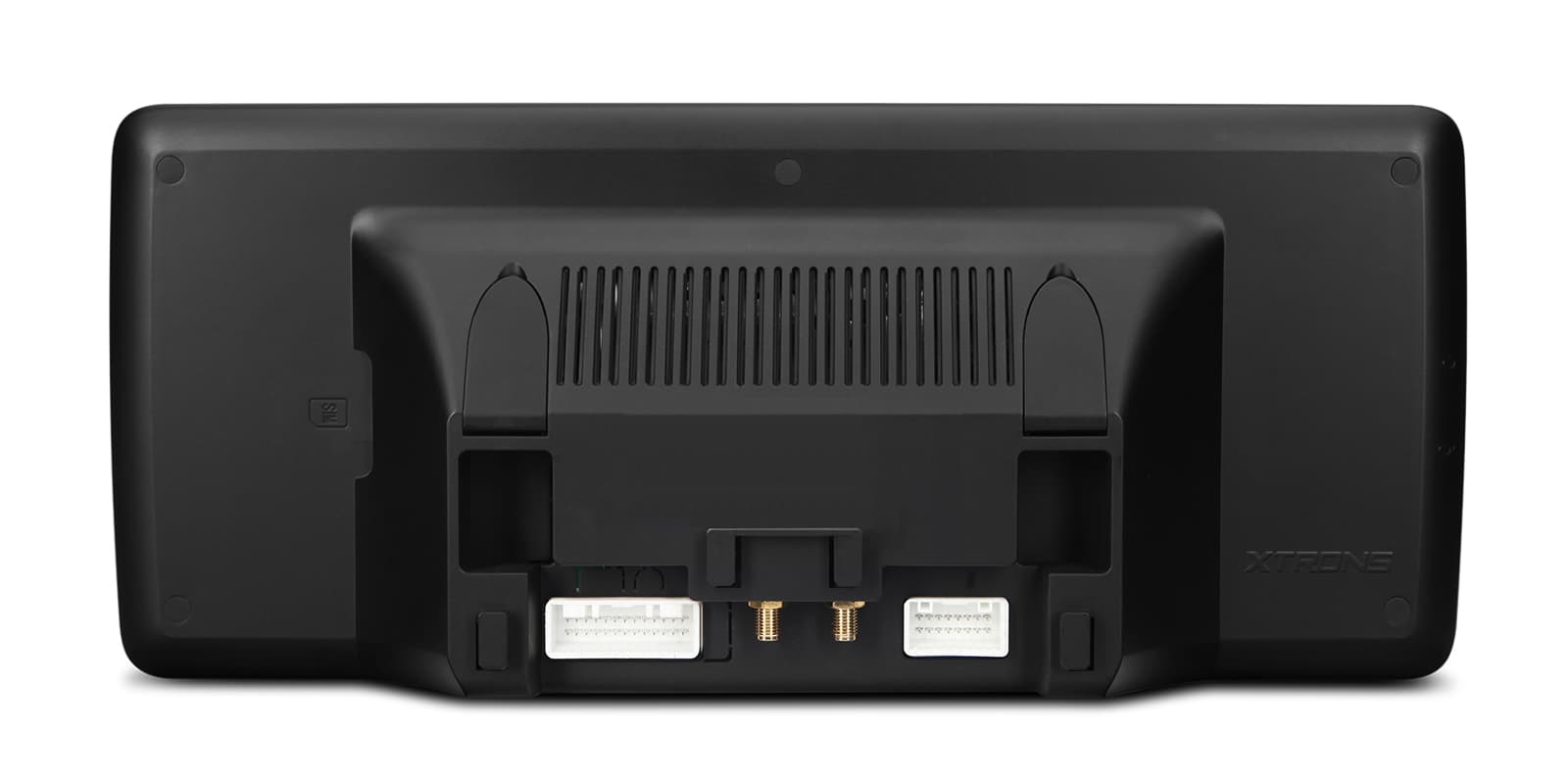
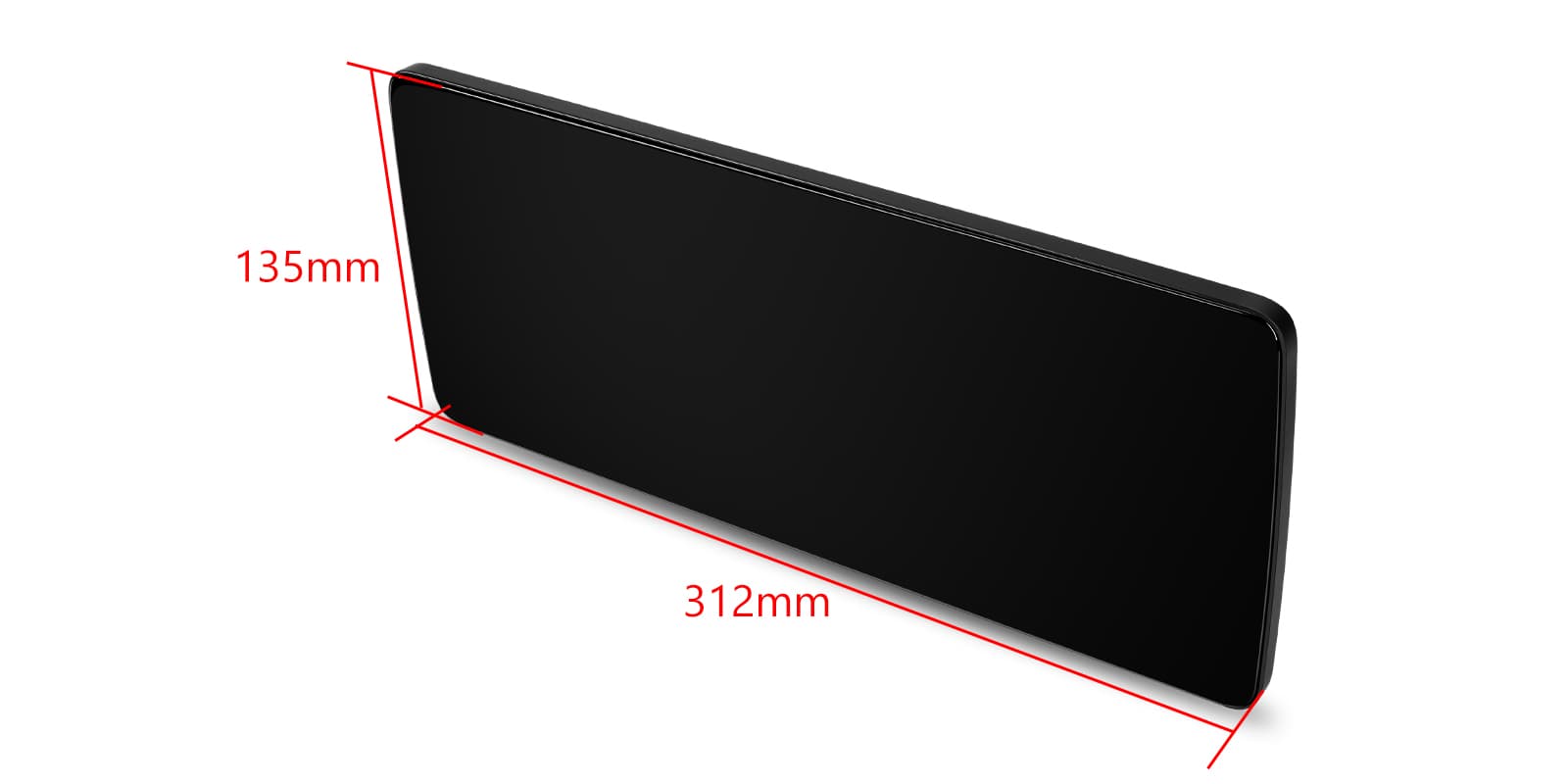
Image 1 of 14.
SKU: QBMH2445M12ECR
£449.00
Check if this fits your car
SKU: QBMH2445M12ECR
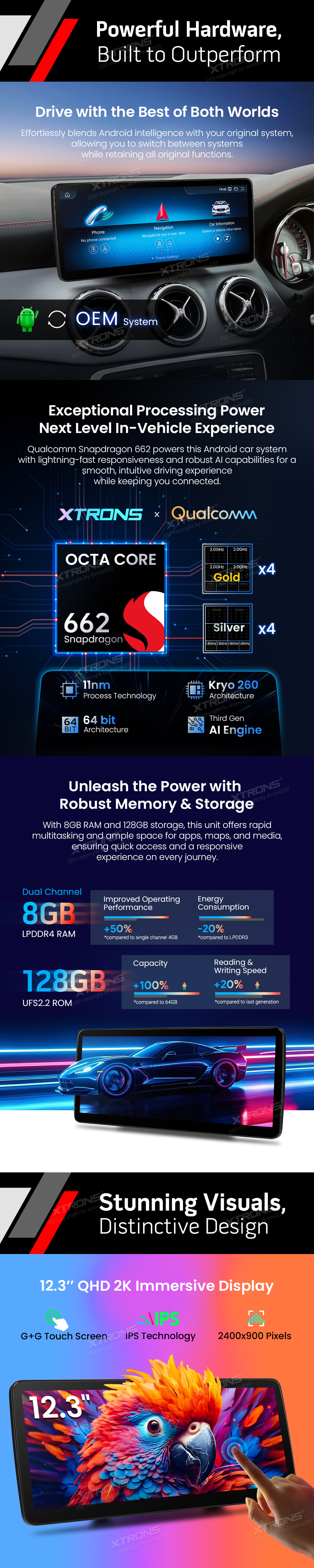
A 12.3 inch Android 14 screen upgrade for right-hand drive Mercedes-Benz E-Class coupes (C207) and convertibles (A207) from 2013-2014 with the NTG 4.5 / 4.7 COMAND system. It adds wireless CarPlay, Android Auto and built-in 4G while keeping the car's original COMAND system and steering wheel buttons.
This screen is made for right-hand drive E-Class C207 coupes and A207 convertibles from 2013-2014 that have the COMAND APS NTG 4.5 / 4.7 system. Check your car's system before ordering: an NTG 4.5 / 4.7 car usually has a 4 pin LVDS port and the Telematic Generation 4.5 / 4.7 menus.
You can switch between the Android screen and the original COMAND system at any time, so the factory menus, safety alerts and settings are still there when you need them. The unit reads data from the car's CANbus, such as speed and fuel level.
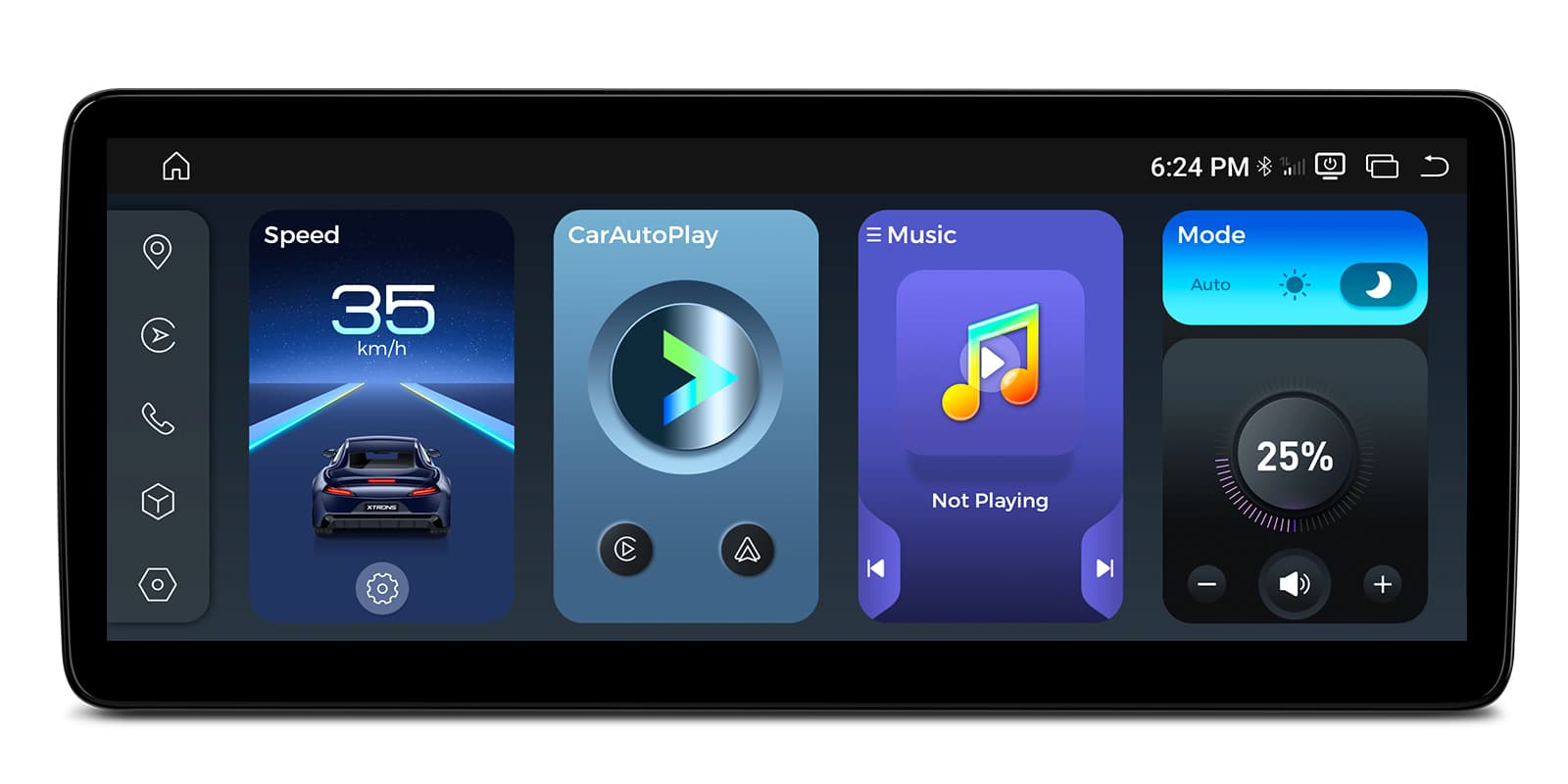
Inside there's a Qualcomm Snapdragon 662 eight-core processor with 8GB of RAM and 128GB of storage, running Android 14. That's plenty for running navigation, music and a few apps at the same time without waiting on the screen.
Your iPhone connects to the screen without a cable, so maps, calls, messages and music appear on the 12.3 inch display while the phone stays in your pocket or bag.
It's handy on short trips too, as there's no lead to plug in each time you get in the car.
Your iPhone connects on its own when you start the car, so there's no cable to plug in. It needs an iPhone with wireless CarPlay support; check yours in Settings > General > CarPlay. A cable still works when you'd rather charge on the way.
Android phones get wireless Android Auto, with Google Maps, your music apps and calls shown on the big screen.
You can use Google Assistant for directions or messages, which keeps your hands on the wheel.
Maps, calls, messages and music from your Android phone appear on the car screen, with Google Assistant for voice control. It needs a phone with Google services, which most Android phones have. To connect without a cable, the phone must support wireless Android Auto too.
The 12.3 inch screen has a 2400×900 resolution and an IPS panel, so the picture stays clear when viewed from the passenger seat as well as the driver's seat.
The screen is fully laminated and has nano-texture glass with an anti-reflective coating, which helps the display stay readable when the sun is on it.
Fit a SIM card and the unit has its own 4G LTE data connection, so live traffic, streaming and online searches keep working without tethering to your phone.
A 4G antenna comes in the box.
A SIM card in the head unit gives it its own internet connection for maps, traffic and streaming, so it doesn't need your phone's hotspot. You supply the SIM and the data plan; a data-only SIM is usually the cheapest way to do it.
The unit connects to Wi-Fi on 2.4GHz and 5GHz. Join your phone's hotspot or your home network on the driveway to download apps and map updates.
Pair your phone over Bluetooth 5.1 for hands-free calls and to play music from your phone through the car's speakers.
The steering wheel buttons keep working through the CANbus connection, so you can still change the volume and skip tracks without reaching for the screen.
Your steering wheel buttons keep working with the new unit, either through a CAN bus decoder or by teaching the unit each button. Check which your car needs before ordering. A few buttons may do nothing if the unit has no matching function.
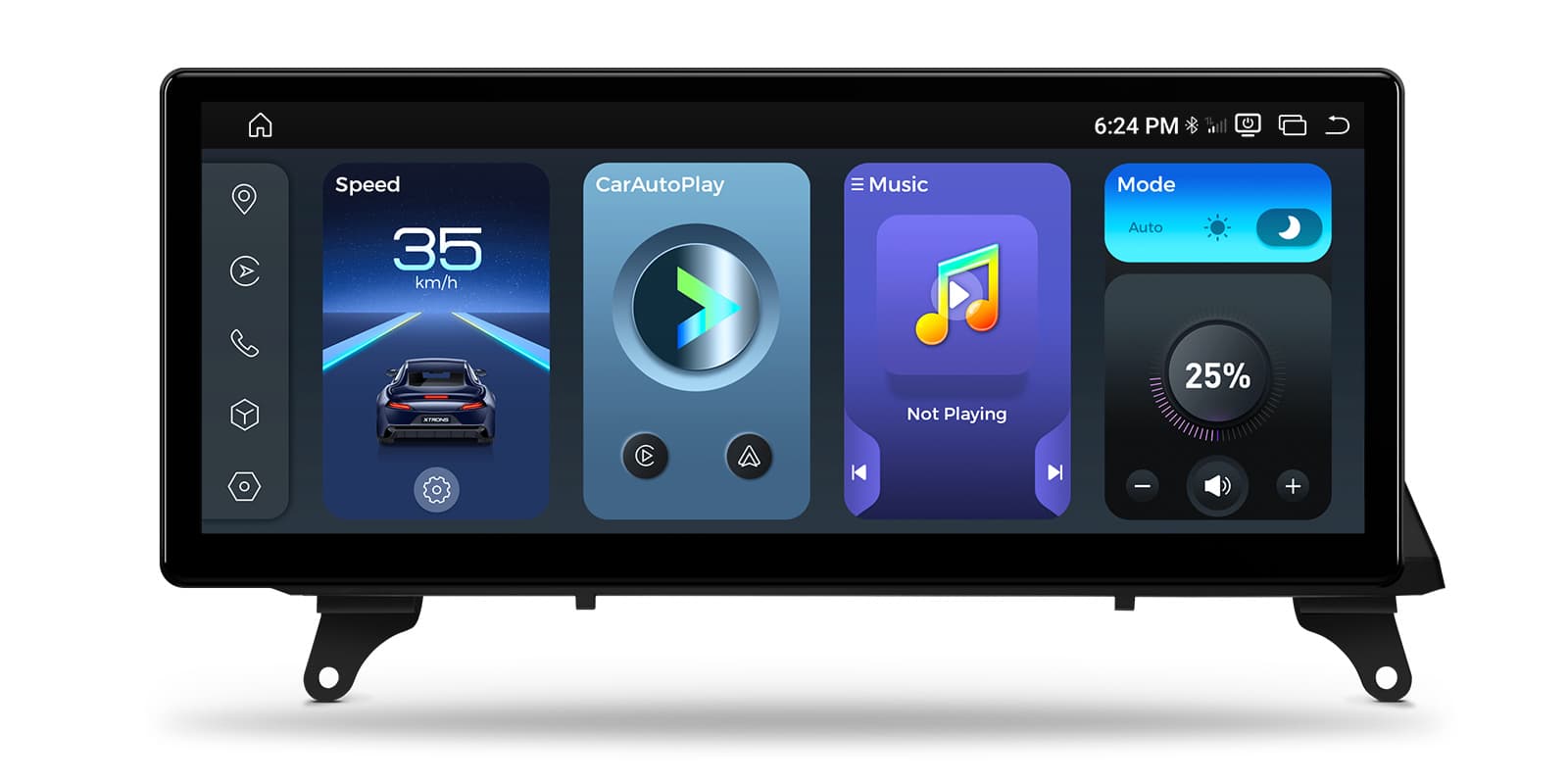
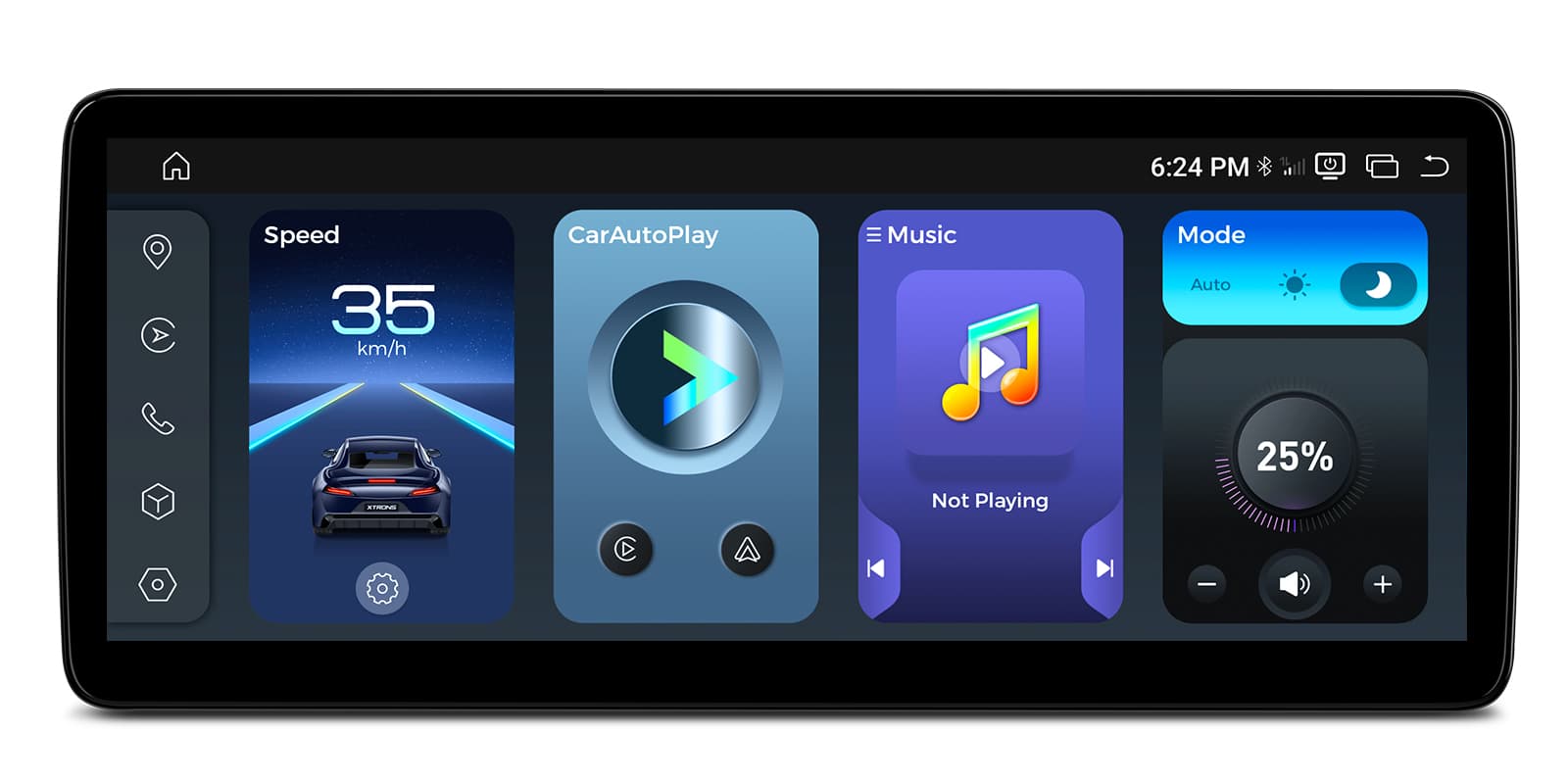
The wide screen can show two things at once, for example navigation on one side and your music on the other.
Screen mirroring shows your phone's screen on the head unit, which is useful for apps that don't run in CarPlay or Android Auto.
Mirroring shows your phone's whole screen on the car screen, unlike CarPlay and Android Auto, which show apps designed for driving. It usually needs a companion app on the phone, and paid video streaming apps often block it.
The unit supports an external DAB receiver. Add a compatible DAB adapter if you want digital radio, as one isn't built in.
Digital radio gives clearer sound and more stations than FM where there's DAB coverage. It needs a DAB aerial: a stick-on windscreen aerial is the usual choice, or a splitter if your car already has a combined FM and DAB aerial.
You can connect a compatible dash cam (DVR) and view and control it on the screen.
Recordings from a dash cam show on the car screen, live or played back. It needs a USB dash cam made for Android head units; an ordinary dash cam with its own screen won't connect this way. Mount the camera behind the mirror, clear of your view.
| Processor | Qualcomm Snapdragon 662 (Kryo 260, 8-core, 2.0GHz) |
|---|---|
| Memory and storage | 8GB LPDDR4 RAM + 128GB UFS 2.2 ROM |
| Operating system | Android 14 |
| Screen | 12.3” 2K (2400×900) Nano-Texture IPS Screen |
|---|
| Connectivity | Wireless CarPlay/Android Auto, 4G LTE, Dual-Band WiFi (2.4/5GHz), Bluetooth 5.1 |
|---|
| Power supply | DC 9.4V–15.8V, Max Current: 15A |
|---|---|
| Operating temperature | Automotive Grade: -30°C to +80°C |
| Dimensions | 312mm x 135mm |
|---|---|
| Weight | 2.30kg (Gross) |
| Make | Model | Years | Notes |
|---|---|---|---|
| Mercedes-Benz | E-Class (W212) | 2009–2016 |
The screen fits in place of the factory display and connects with the supplied ISO wiring harness and LVDS cable. If your car has an AMI port, connect the supplied AMI cable to the ISO cable's audio out port. Sound plays through the car's AUX input, so make sure AUX is enabled on the car's system.
No. This model is for the right-hand drive C207 coupe and A207 convertible with NTG 4.5 / 4.7. W212 and S212 cars with NTG 4.0 need QBMH2440M12ER, and those with NTG 5.0/5.1/5.2 need QBMH2450M12ER.
An NTG 4.5 / 4.7 system usually has a 4 pin LVDS port and the Telematic Generation 4.5 / 4.7 menus. Check this before ordering, as the unit only works with that system.
Yes. The steering wheel controls, COMAND system, factory camera and parking sensors are kept, and you can switch back to the original system at any time.
It supports an external DAB receiver, which is a separate add-on.
Through the car's AUX input. Make sure AUX is enabled, and if the car has an AMI port, connect the supplied AMI cable to the ISO cable's audio out port.
XTRONS's own pages for this product, as the manufacturer publishes them. Open any of them at full size to zoom in.
Accessories named in this unit's description
More from Screen Upgrades
In stock
In stock
In stock
In stock