





inc. VAT
+ £4.99 delivery = £16.98 total
In stock
Your car: not set. Add it and every product shows whether it fits.
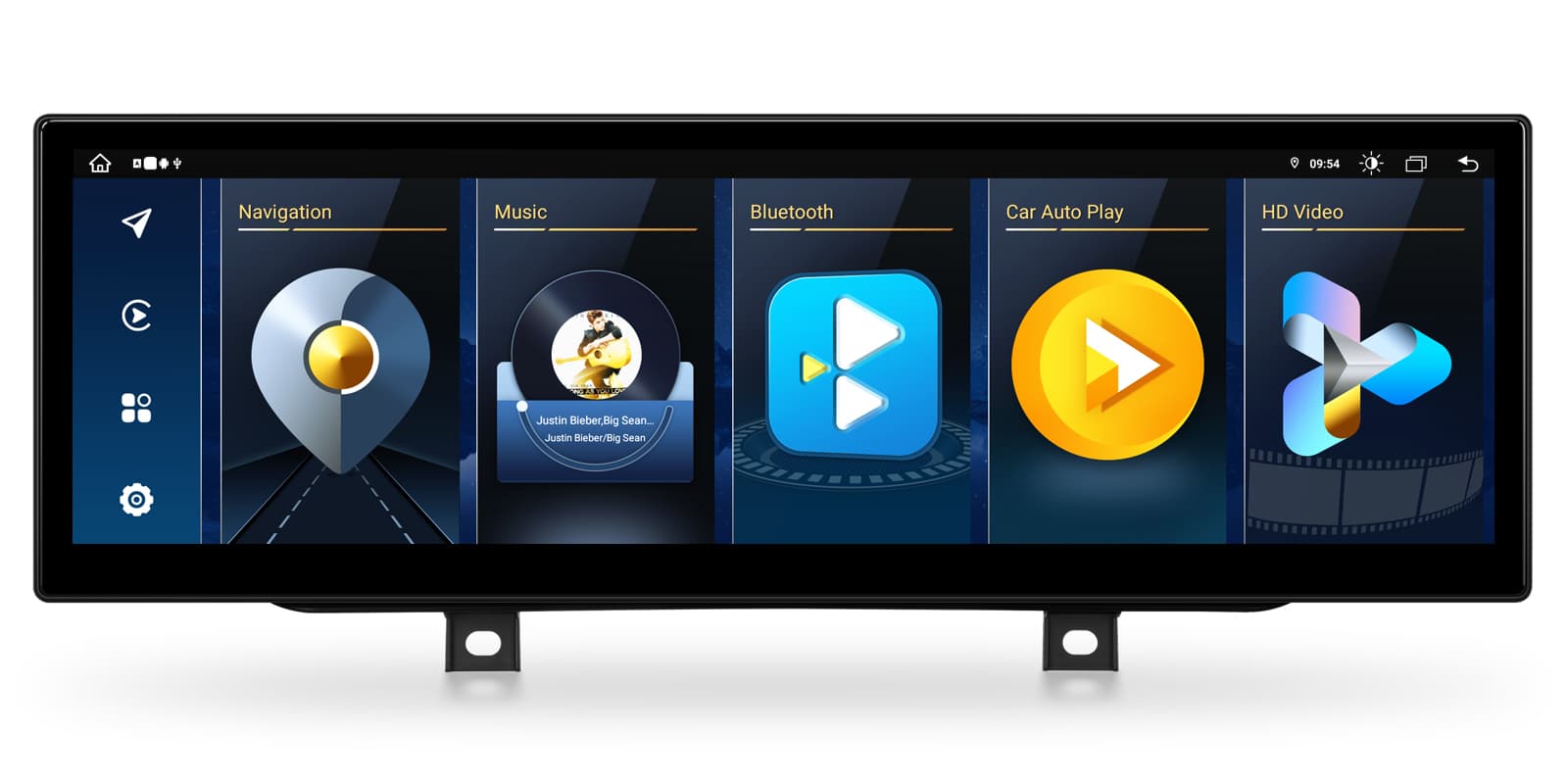
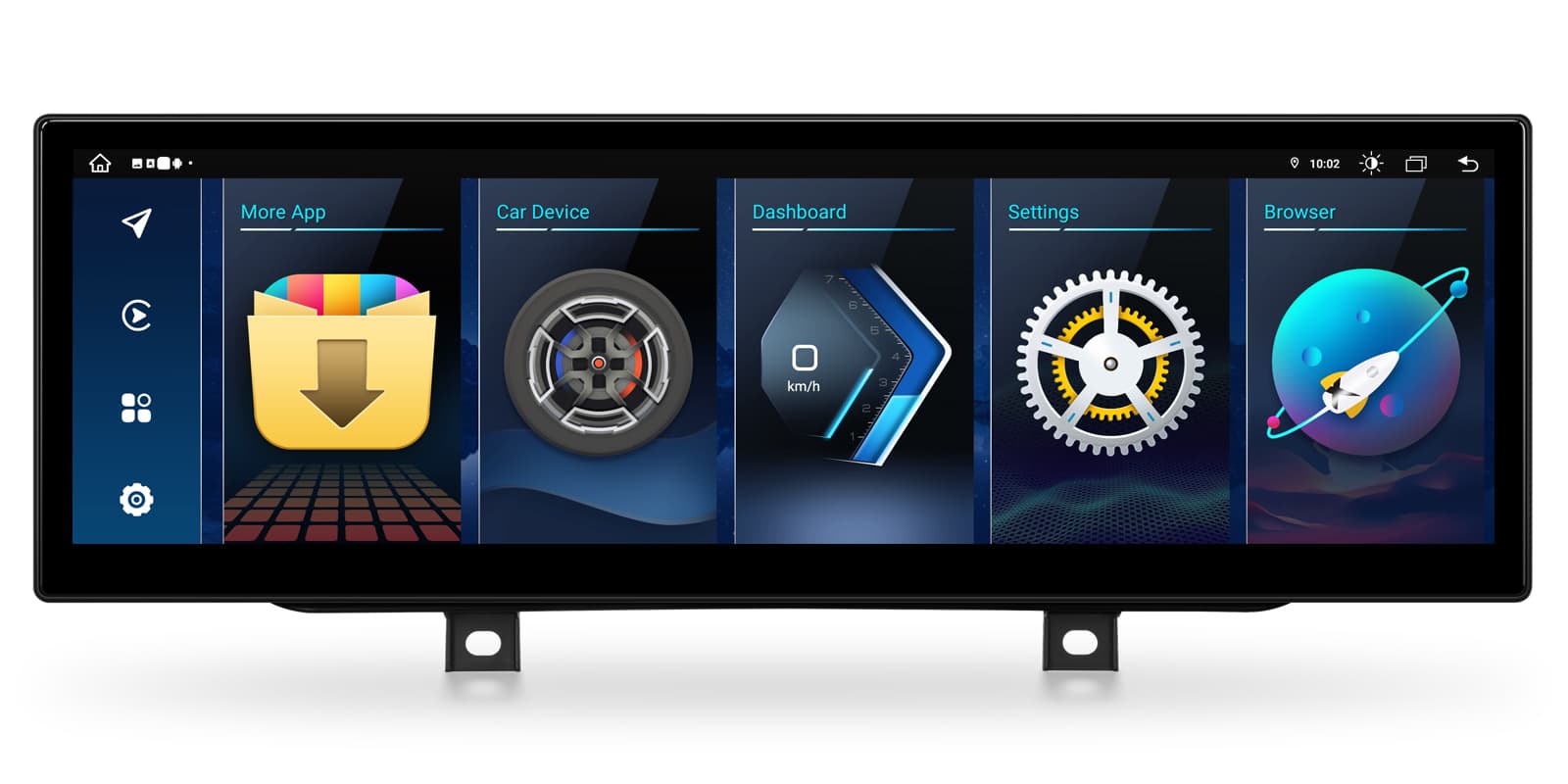
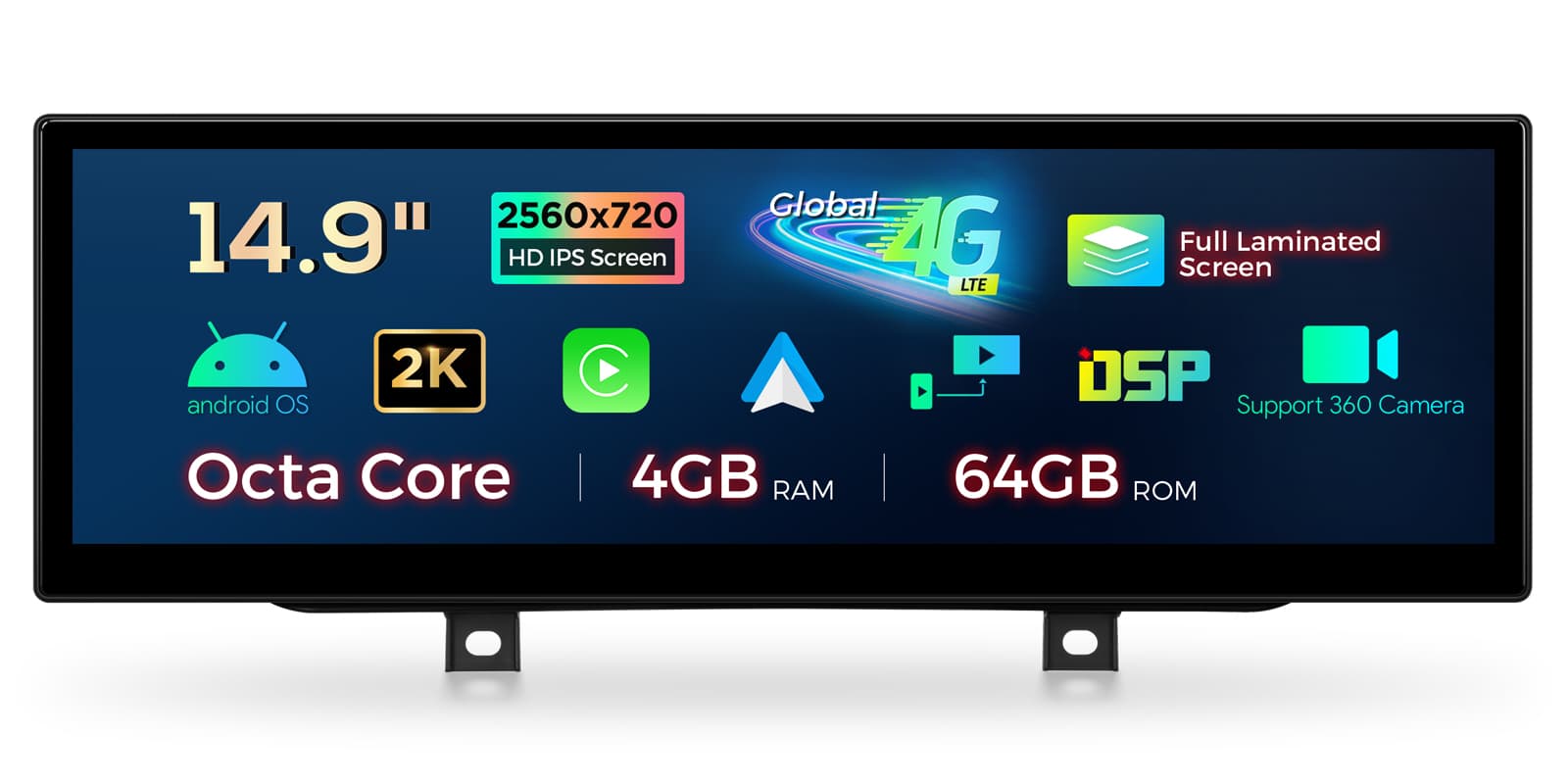
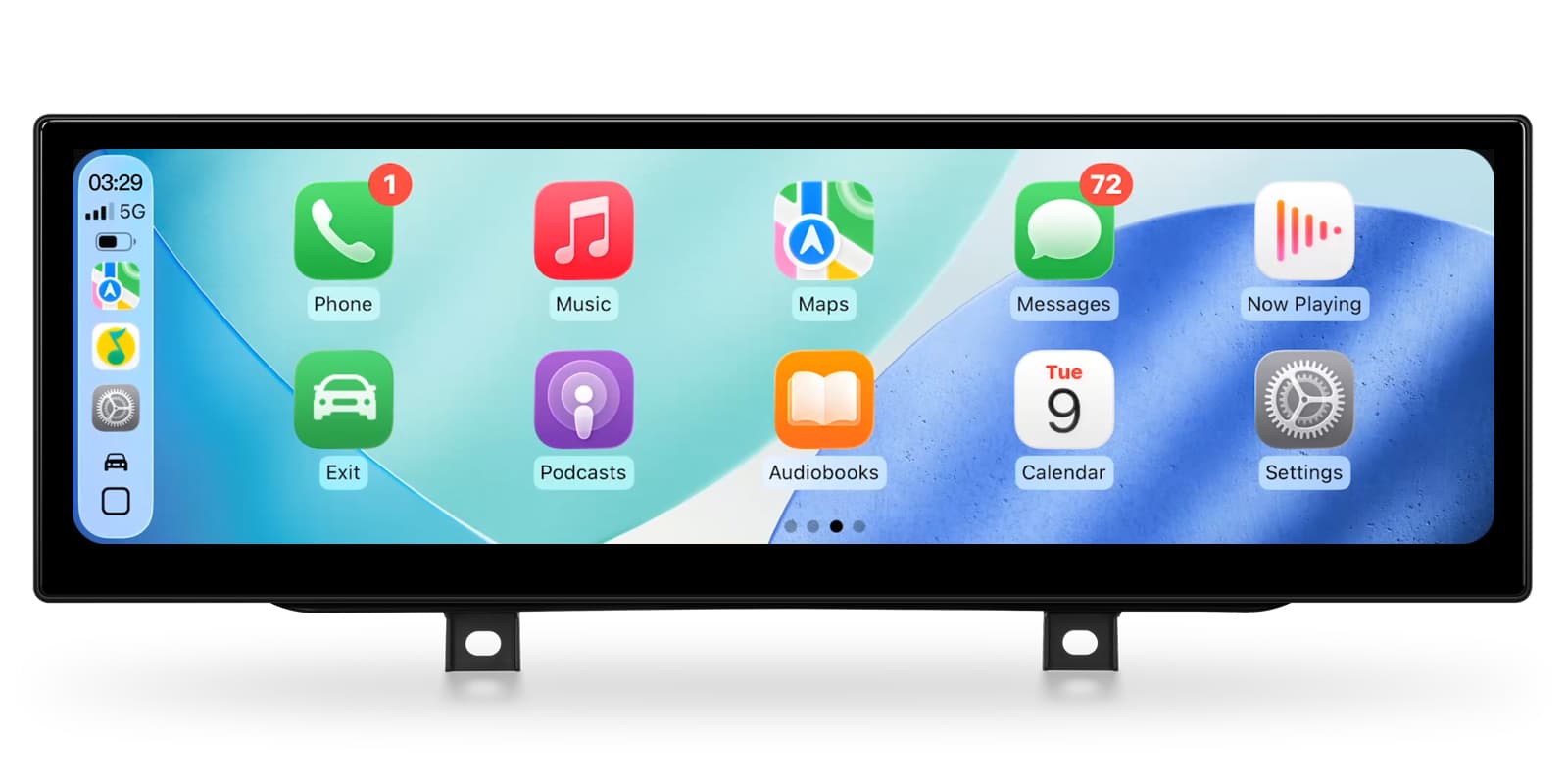
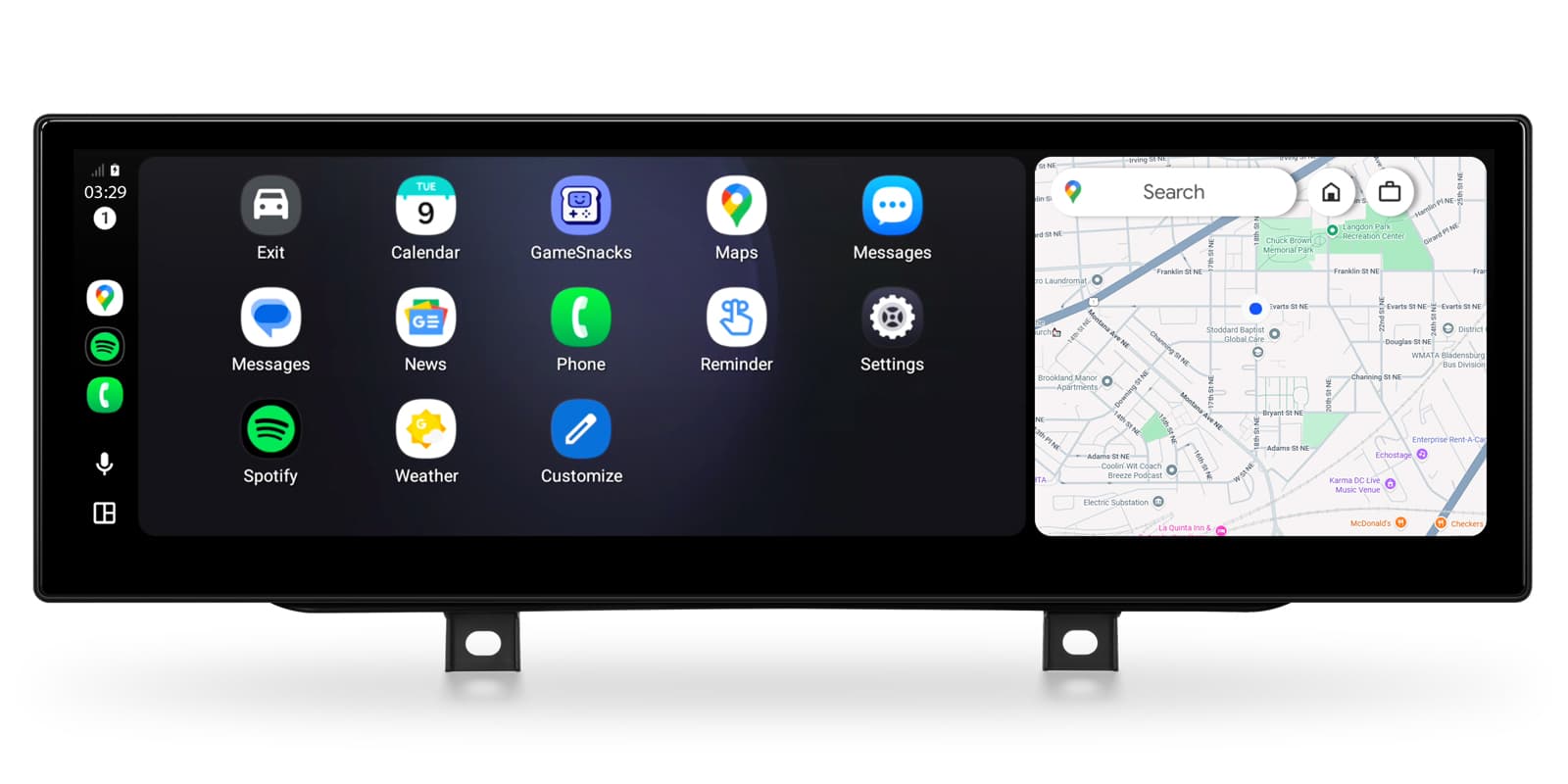
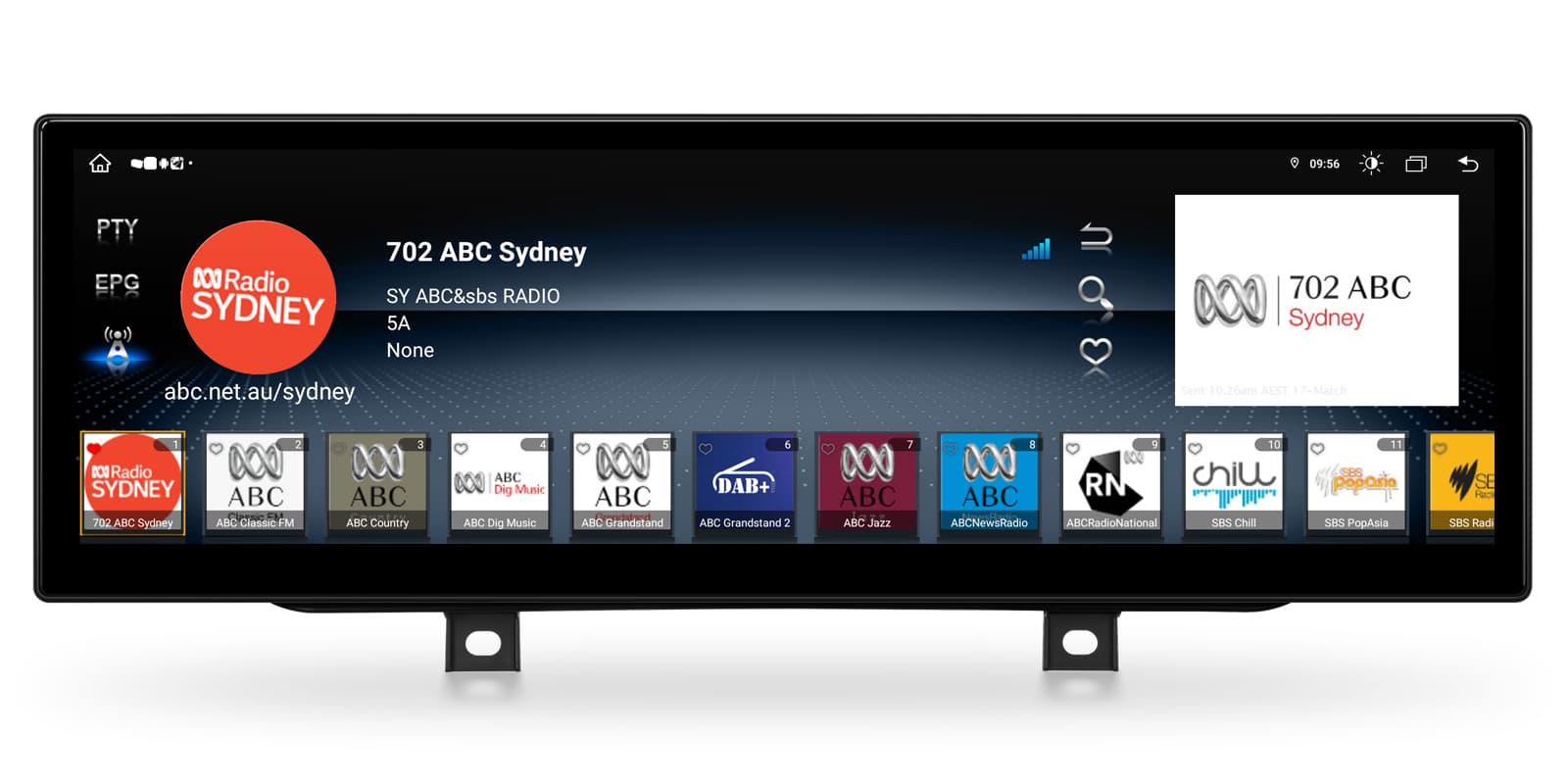
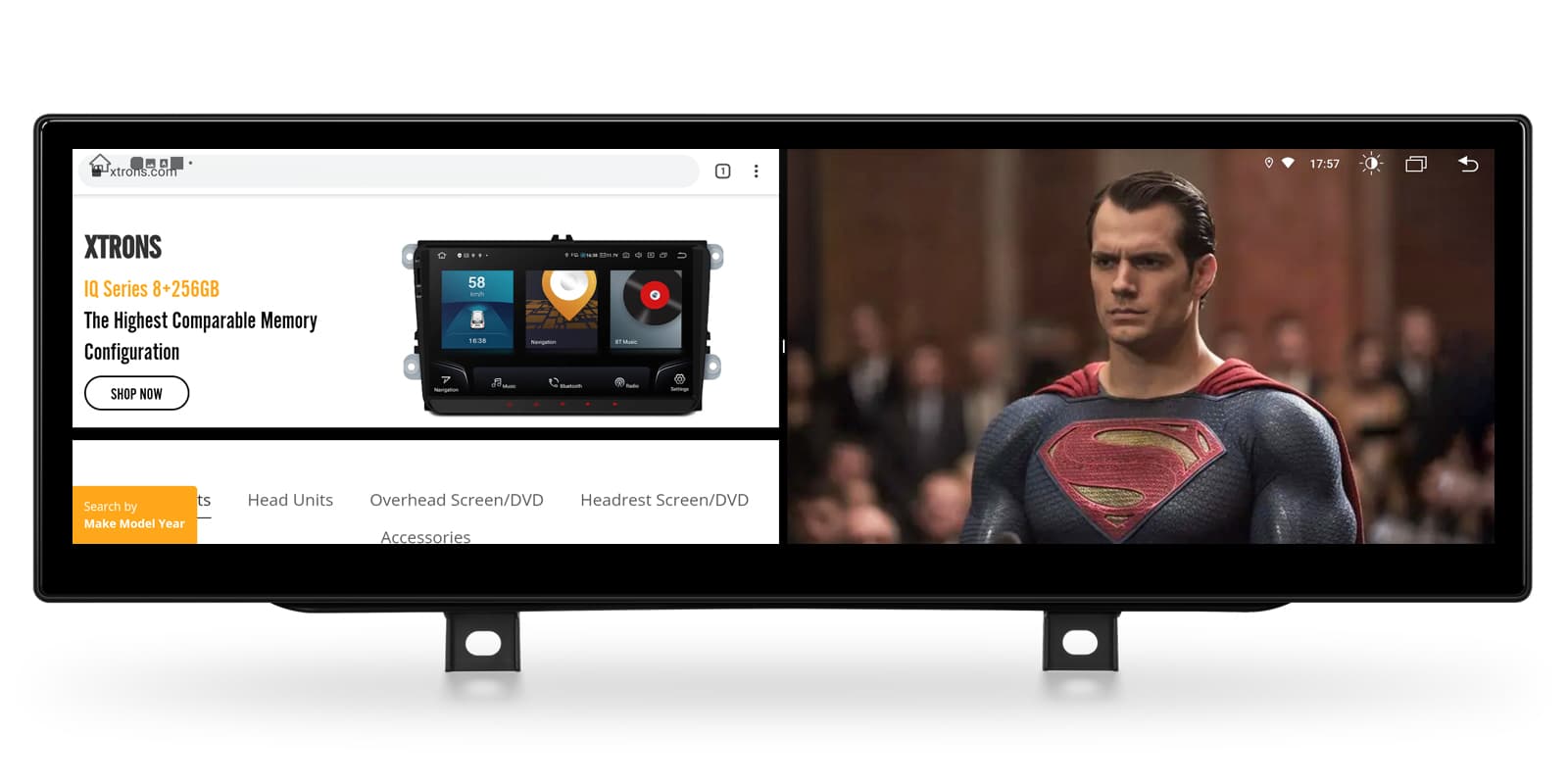
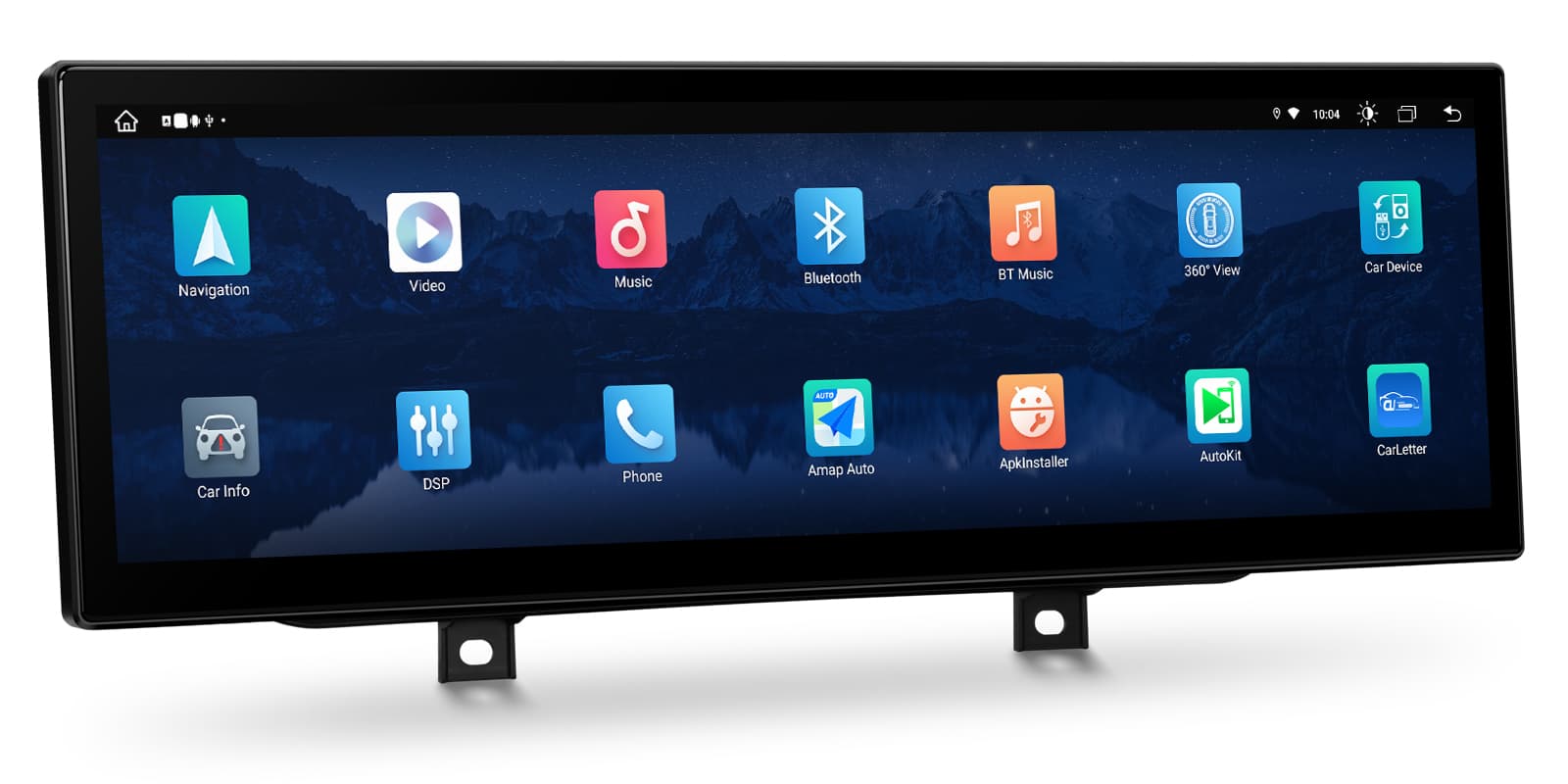
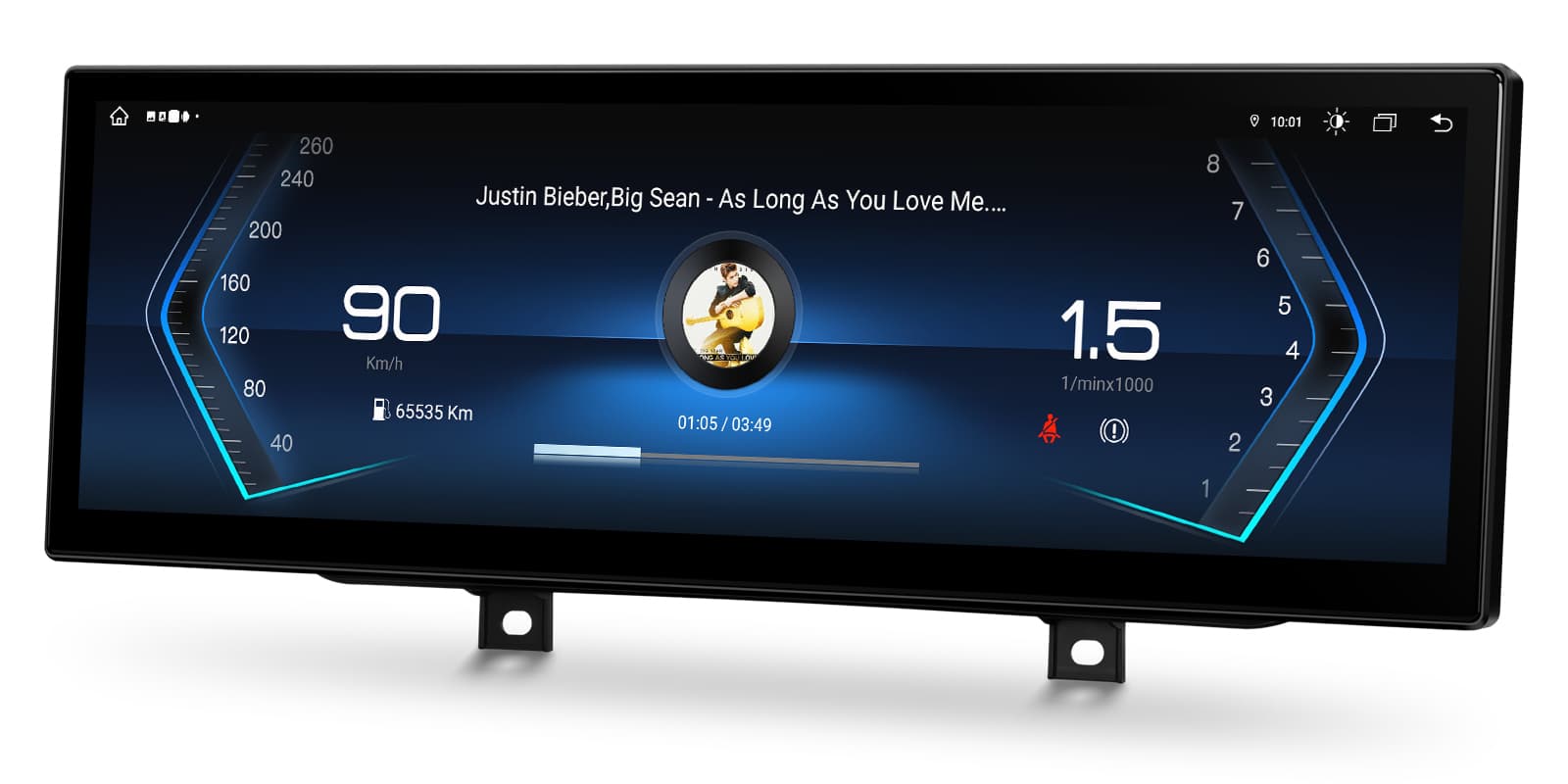
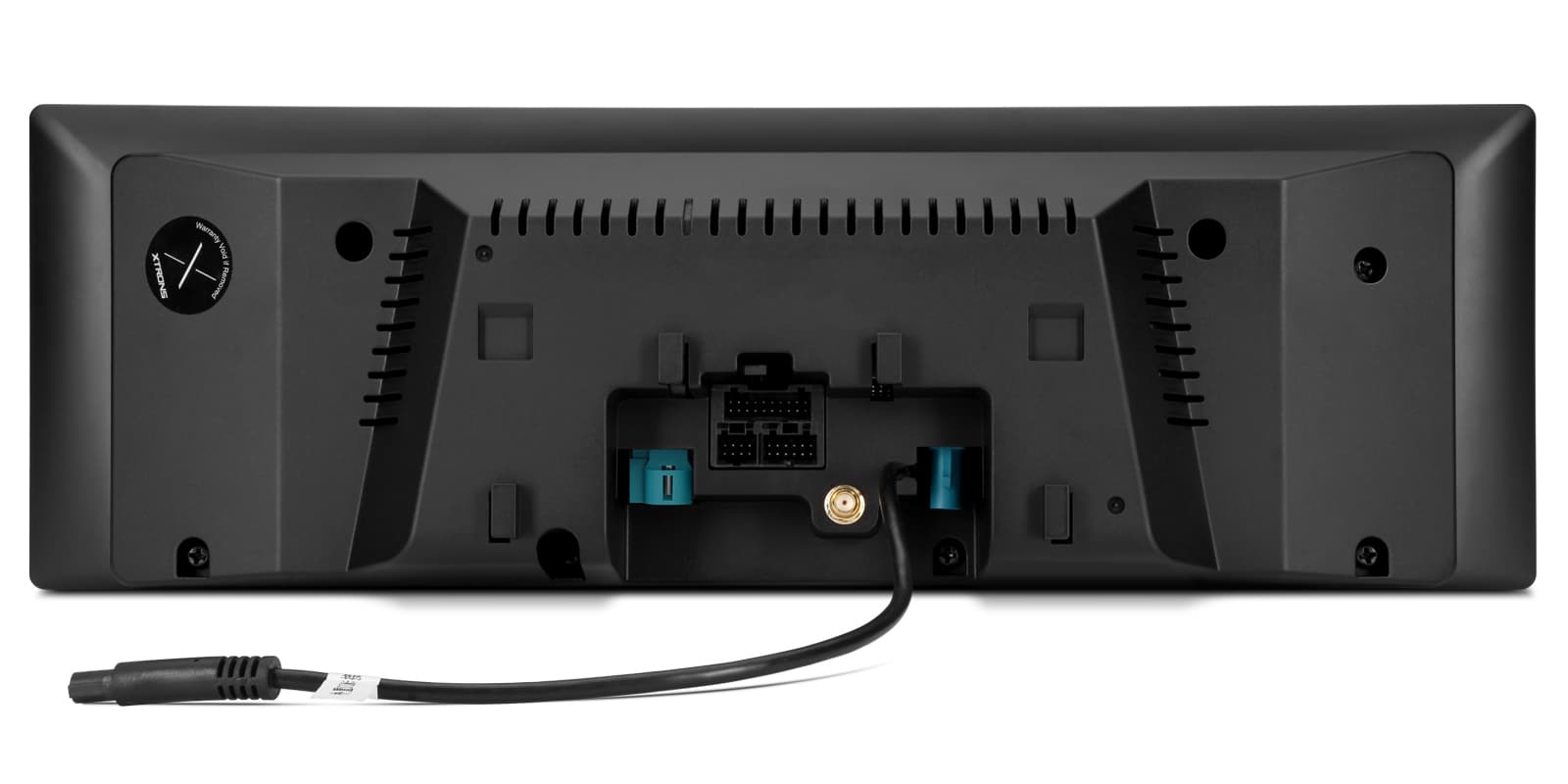
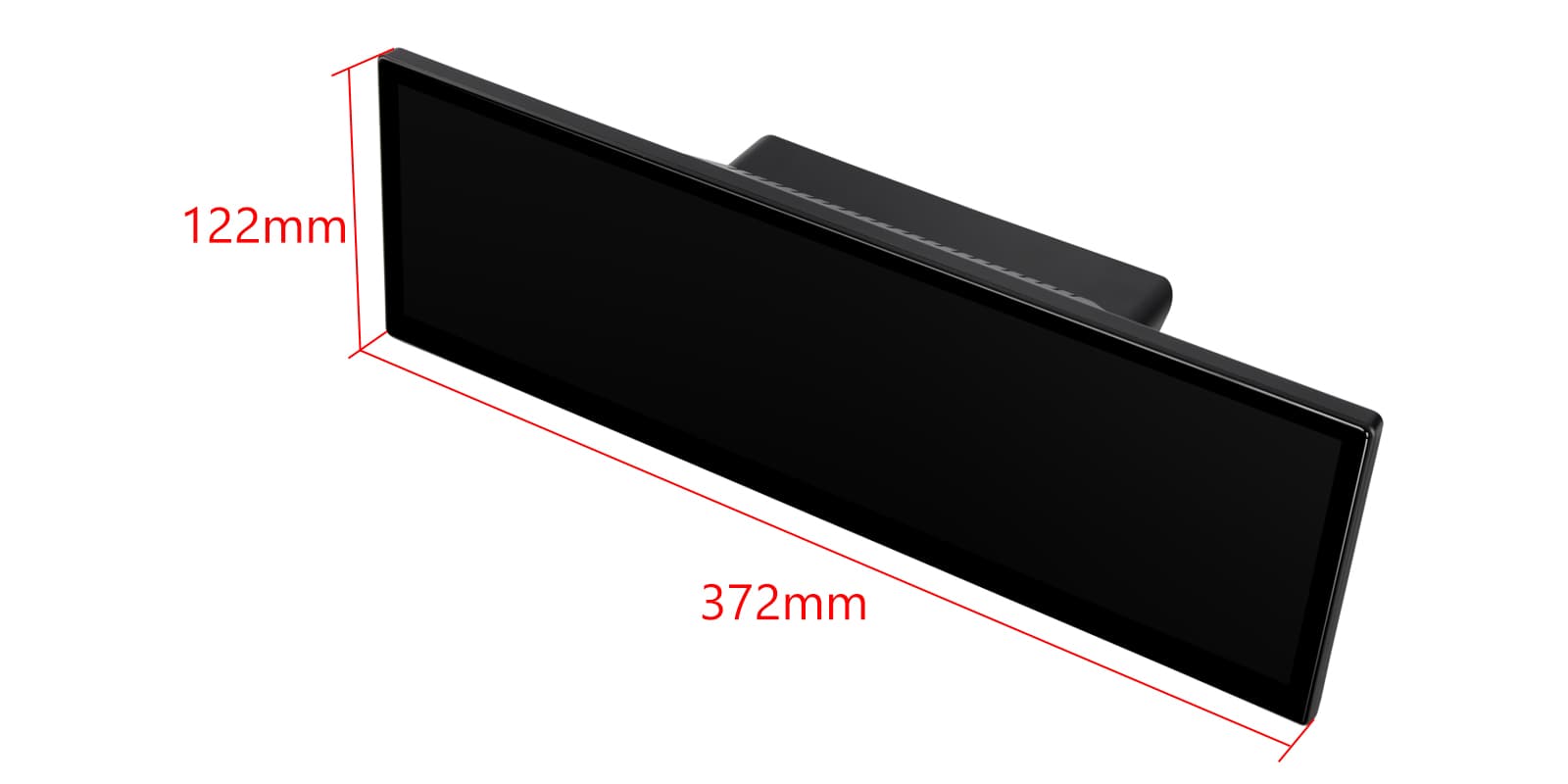
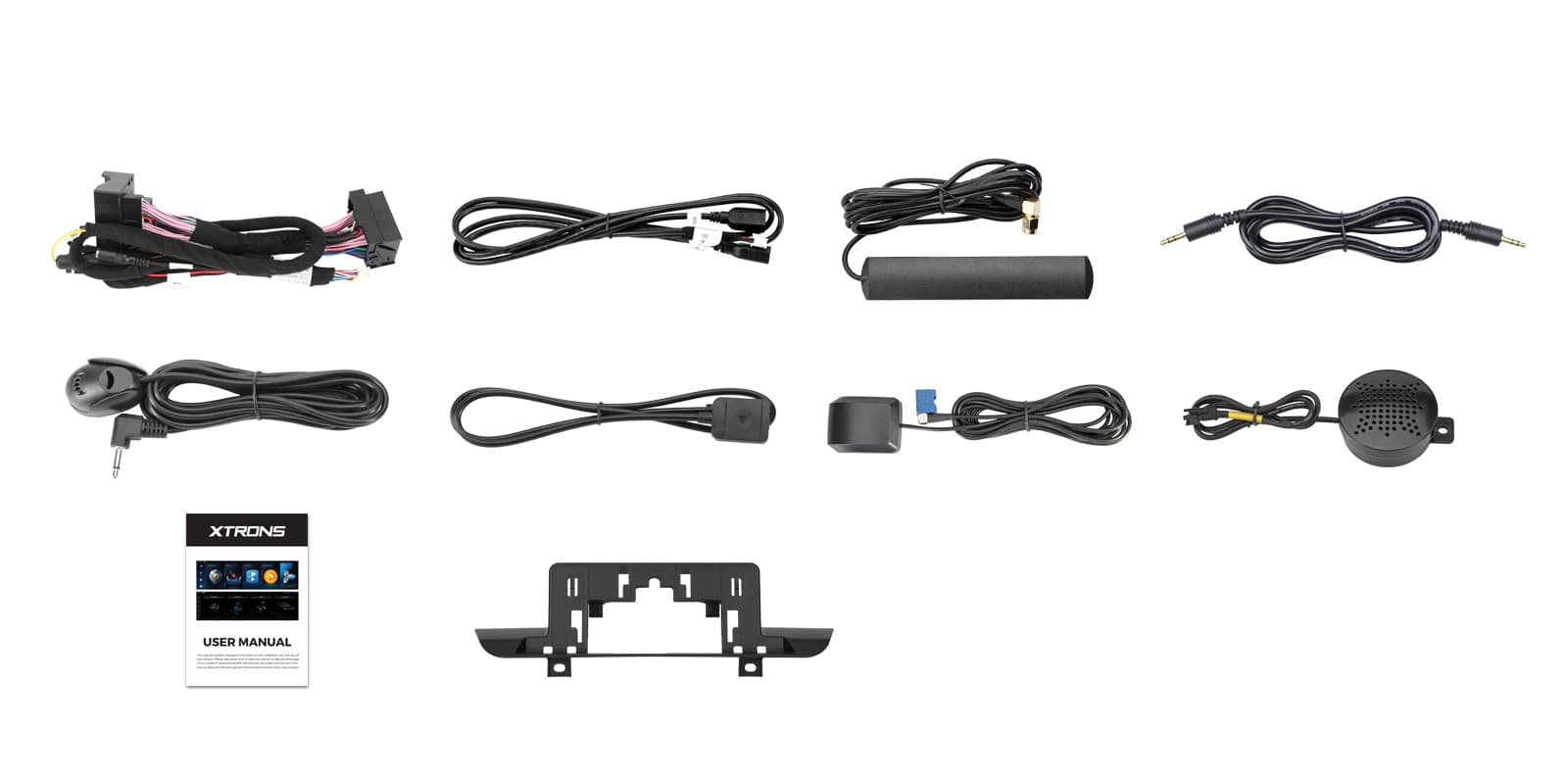
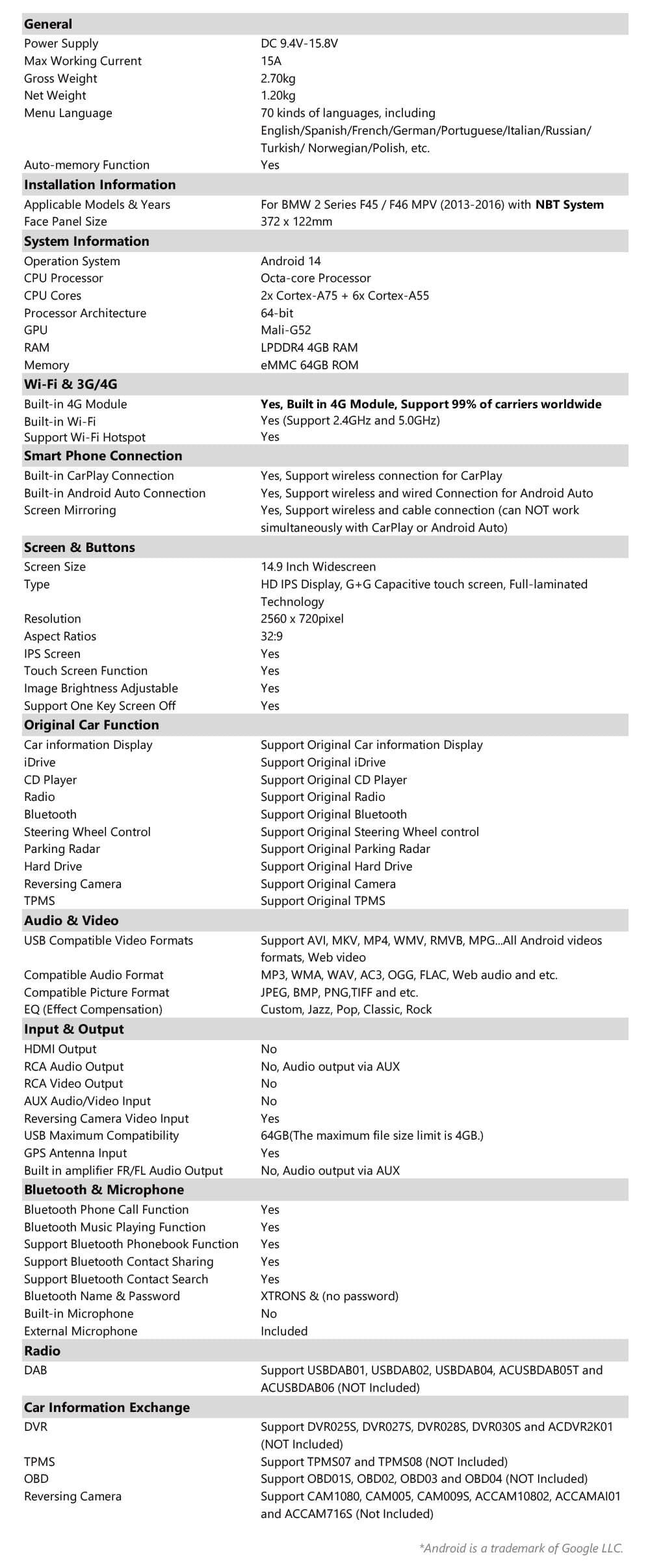
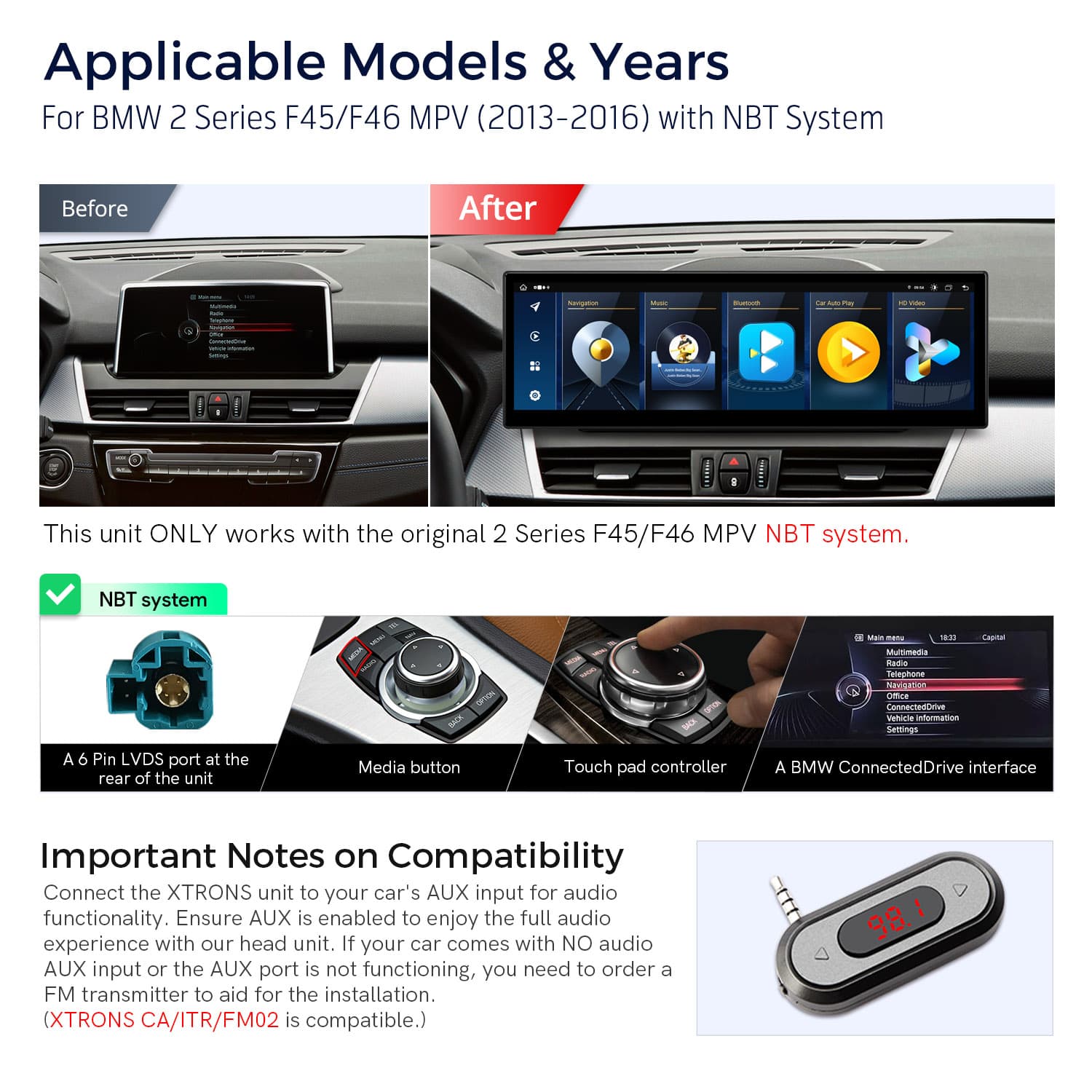
Image 1 of 15.
SKU: QLB42NBTW
£549.00
Check if this fits your car
SKU: QLB42NBTW
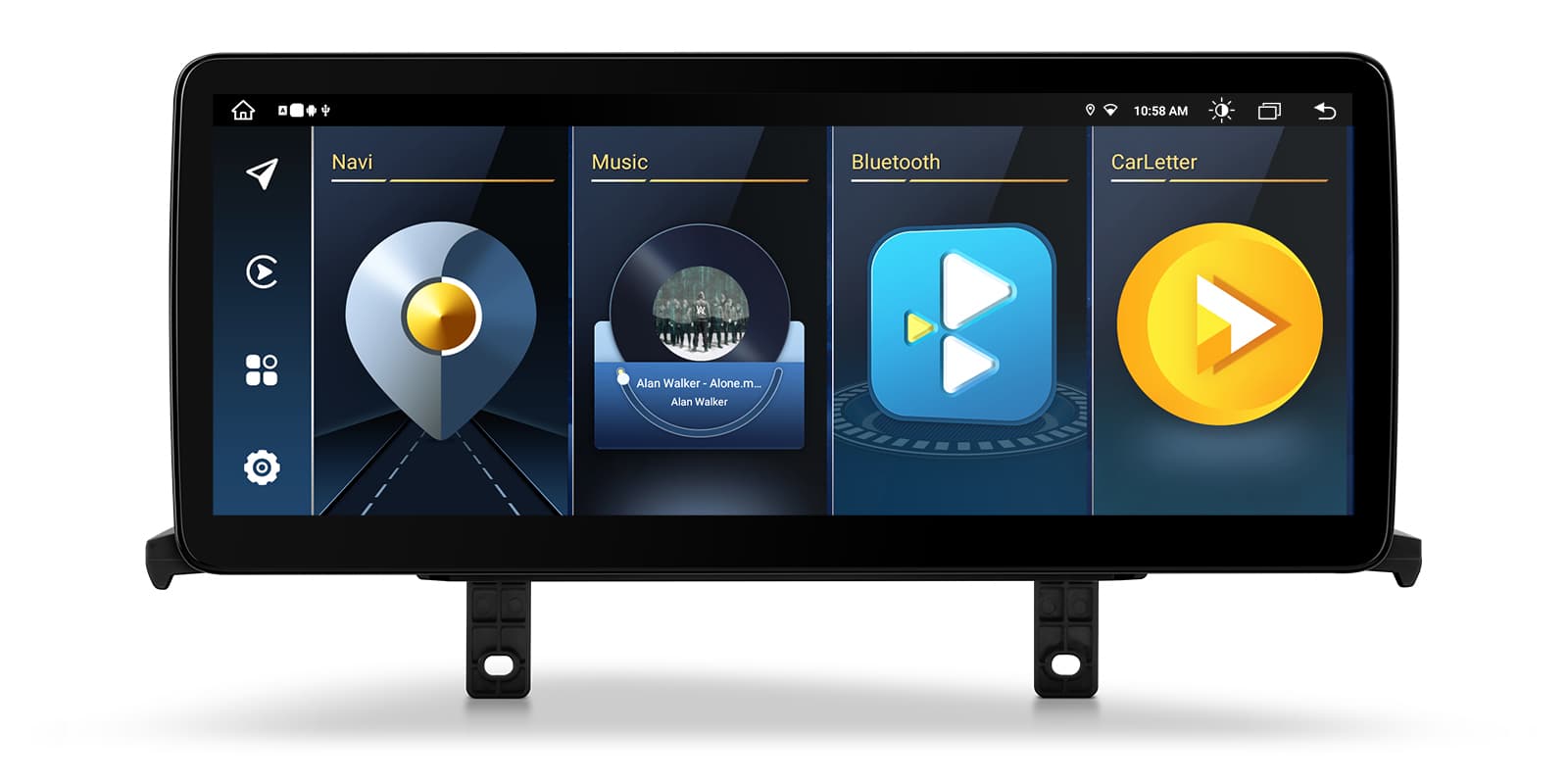
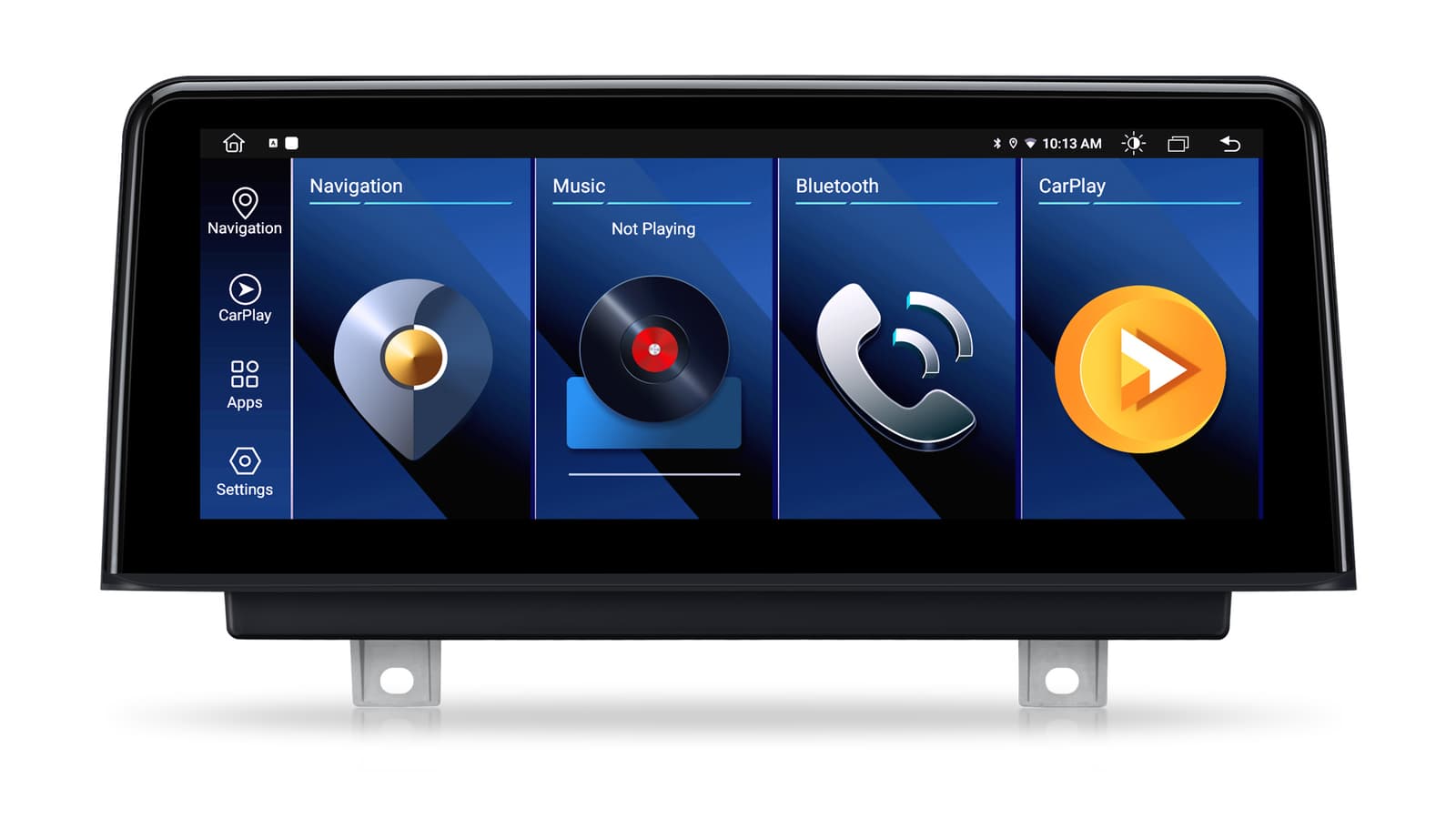
The XTRONS QLB42NBTW is a 14.9 inch Android 13 screen for the BMW 2 Series F45 and F46 MPV (2013-2016) with the NBT system. It works alongside the original system, so the CD player stays, and adds wireless CarPlay, wireless Android Auto and built-in 4G.
The screen is made for 2 Series MPVs with the original NBT system and runs alongside it, so you don't have to remove the CD player. An NBT car usually has a 6-pin LVDS port and a MEDIA button or touch pad on the iDrive controller. Cars with the EVO system need XTRONS QLB42NEEV instead, and checking your VIN or asking a dealer is the surest way to know which you have.
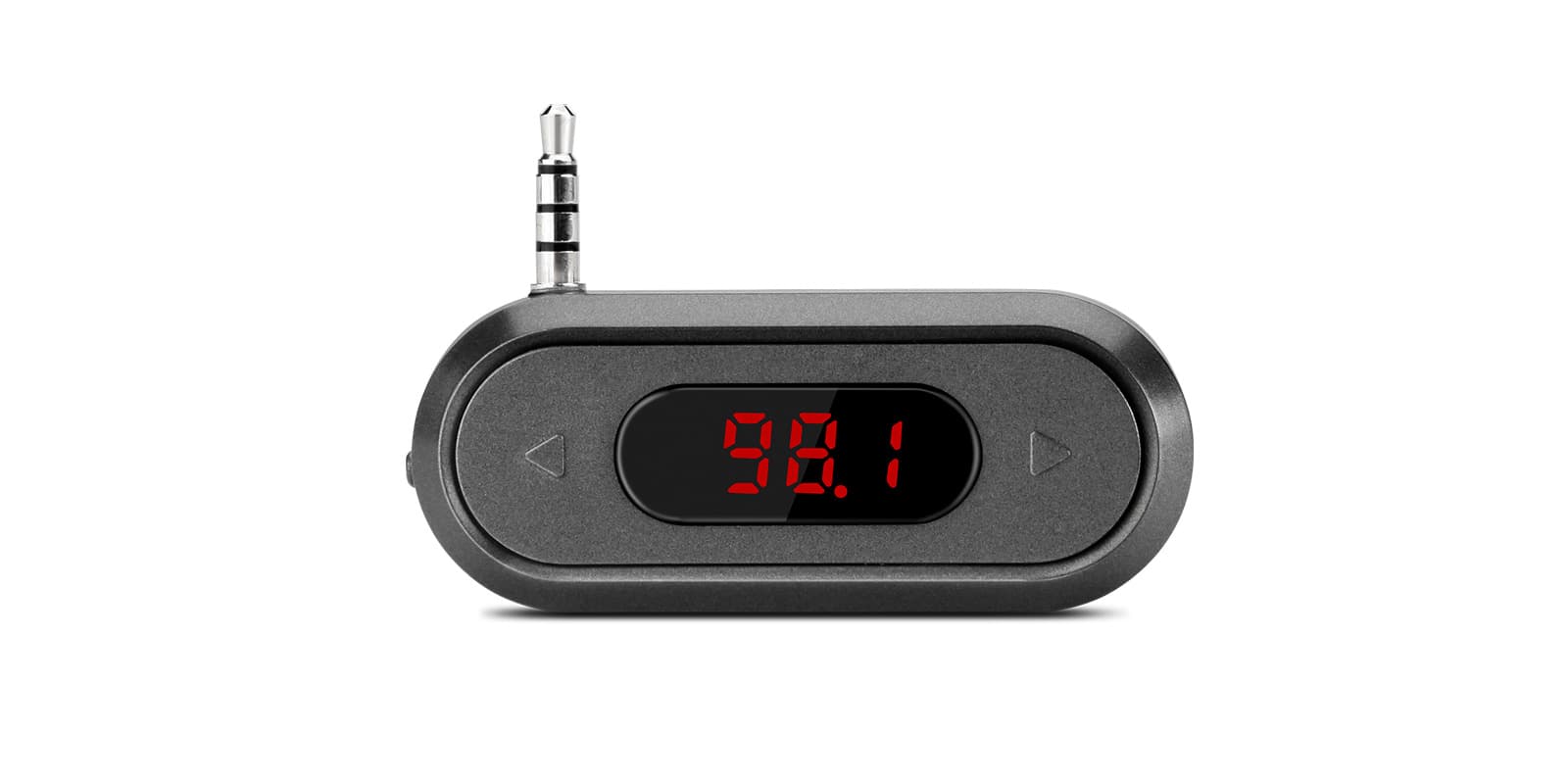
Sound from the unit plays through the car's AUX input, which must be enabled. If there's no AUX input, you'll need an adapter; XTRONS CA/ITR/FM02 (not included) is compatible.
The 14.9 inch QLED screen gives strong, vivid colour across a wide display. It has a slim, fully laminated design with a custom bezel and a 2.5D edge, so it looks like part of the dashboard.
The IPS panel keeps colours accurate from the side, so the front passenger sees the map as clearly as the driver.
Your iPhone connects to CarPlay without a cable, putting maps, calls and music on the wide screen while the phone stays in your pocket.
Your iPhone connects on its own when you start the car, so there's no cable to plug in. It needs an iPhone with wireless CarPlay support; check yours in Settings > General > CarPlay. A cable still works when you'd rather charge on the way.
Android Auto connects wirelessly too, so Google Maps, calls and music apps run on the dashboard.
Maps, calls, messages and music from your Android phone appear on the car screen, with Google Assistant for voice control. It needs a phone with Google services, which most Android phones have. To connect without a cable, the phone must support wireless Android Auto too.
Screen mirroring shows your phone's display on the unit, for apps that don't run in CarPlay or Android Auto.
Mirroring shows your phone's whole screen on the car screen, unlike CarPlay and Android Auto, which show apps designed for driving. It usually needs a companion app on the phone, and paid video streaming apps often block it.
Insert a SIM card into the built-in 4G module and the unit has its own data connection for navigation, video and streaming, without tethering your phone. A 4G SIM card slot and antenna are in the box.
A SIM card in the head unit gives it its own internet connection for maps, traffic and streaming, so it doesn't need your phone's hotspot. You supply the SIM and the data plan; a data-only SIM is usually the cheapest way to do it.
Wi-Fi lets the unit join a hotspot or your home network for updates and app downloads.
The built-in DSP lets you adjust the unit's sound to suit your car.
The sound processor lets you tune the sound to your car: an equaliser, a delay for each speaker so the sound centres on your seat, and crossovers that keep deep bass away from small speakers. Start from a preset and change one setting at a time.
An RCA audio output lets you connect an external amplifier if you want to add to the system.
RCA pre-outputs send a clean, low-level signal to an external amplifier or subwoofer. Count the channels you need (front, rear and sub) against the outputs in the specifications. You'll also need RCA leads and power wiring for the amplifier.
A mini microphone is in the box. Mount it near the driver for clearer hands-free calls and voice commands.
A USB cable is supplied for connecting your phone or playing media.
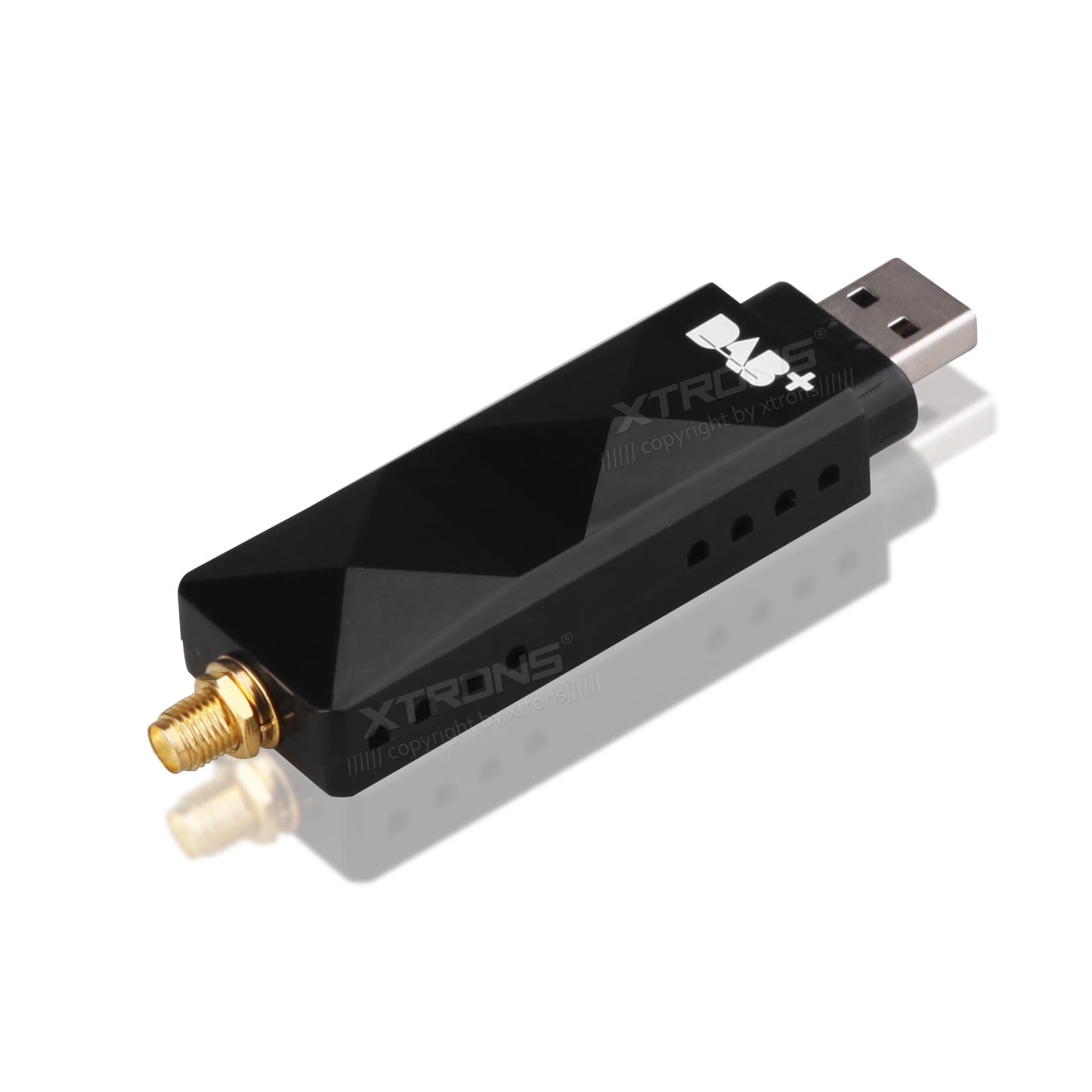
Add an XTRONS DAB+ tuner (USBDAB01, USBDAB02, USBDAB04, ACUSBDAB05T or ACUSBDAB06) for digital radio.
Digital radio gives clearer sound and more stations than FM where there's DAB coverage. It needs a DAB aerial: a stick-on windscreen aerial is the usual choice, or a splitter if your car already has a combined FM and DAB aerial.
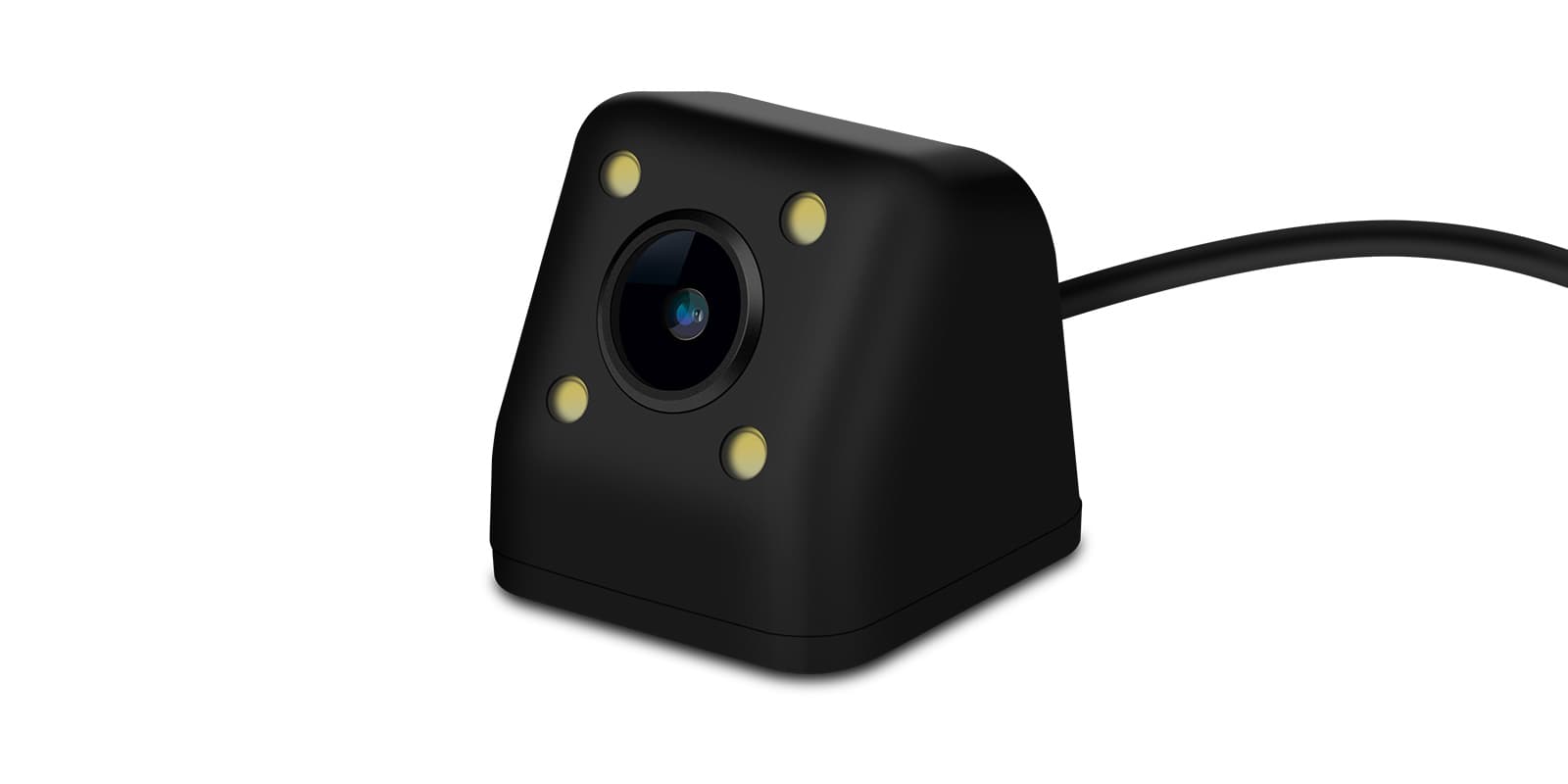
XTRONS reversing cameras that work with the unit include CAM005, CAM009S, ACCAM716S, CAM1080, ACCAM10802 and ACCAMAI01.
Connect a reversing camera and its picture appears on the screen when you select reverse. Automatic switching needs the reverse signal wired in. If your car already has a factory camera, check whether you need an adapter to keep it.
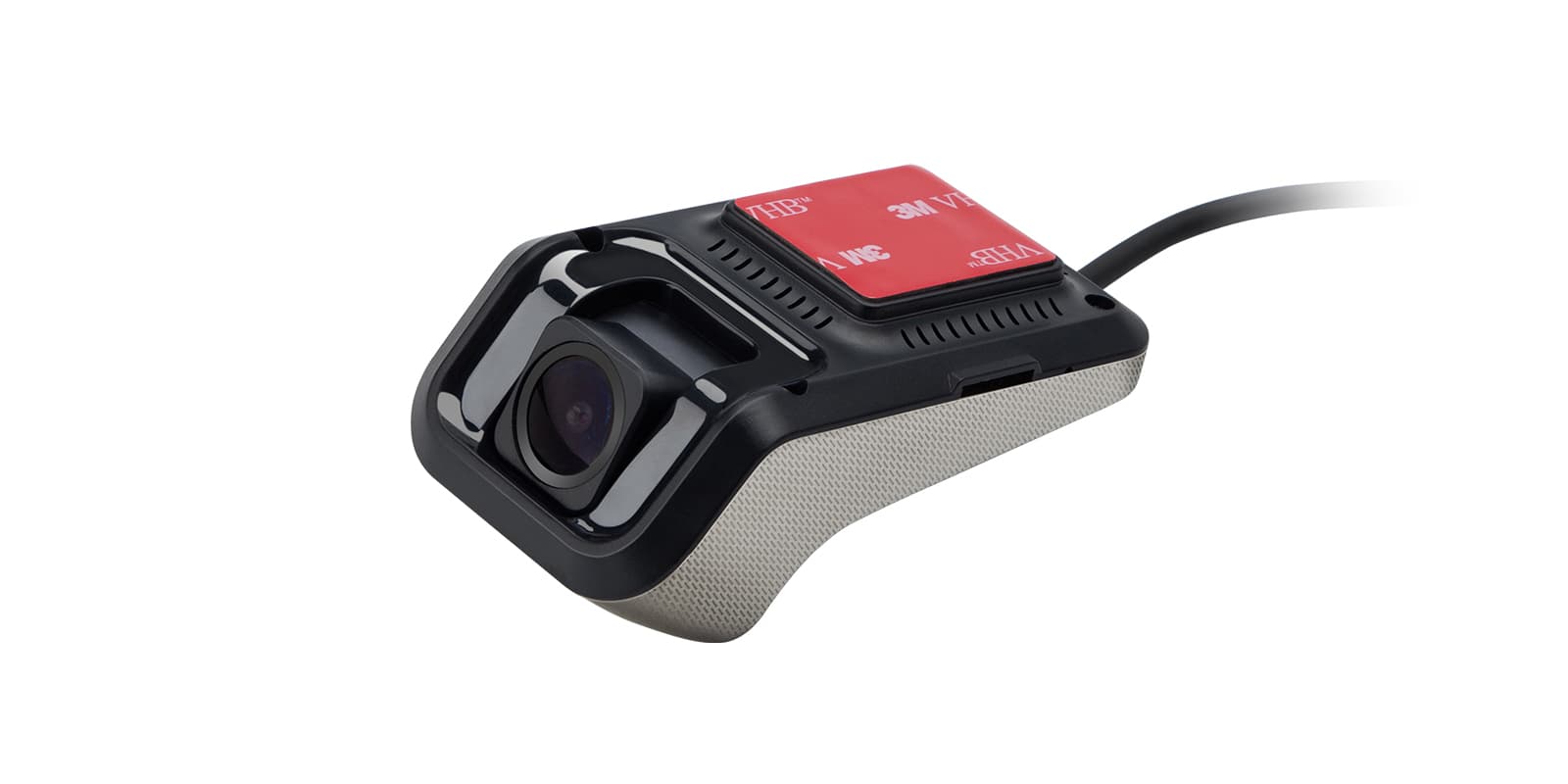
Recordings from a dash cam show on the car screen, live or played back. It needs a USB dash cam made for Android head units; an ordinary dash cam with its own screen won't connect this way. Mount the camera behind the mirror, clear of your view.
With an XTRONS OBD scanner (OBD01S, OBD02, OBD03 or OBD04) the screen can show trouble codes from the car in real time.
Plug an OBD2 adapter into the car's diagnostic port and the head unit can show live engine data, such as coolant temperature, and read fault codes. It reads the standard engine codes, not everything a dealer's diagnostic equipment can reach.
The head unit shows each tyre's pressure and warns you when one drops. It needs a TPMS kit: a receiver and a sensor for each wheel. Cap sensors screw on in minutes, while internal sensors are fitted by a tyre shop.
A 12nm octa-core chip (two Cortex-A75 cores at 2.0GHz and six Cortex-A55 cores) runs Android 13 with 4GB DDR4 RAM and 64GB of solid state storage.
| Operating system | Android 13 |
|---|---|
| Processor | 12nm Octa-core chip |
| CPU cores | (2xCortex-A75 2.0GHz + 6xCortex-A55) |
| Memory | 4GB DDR4 RAM and 64GB Solid State ROM |
| Screen size | 14.9″ |
|---|---|
| Screen type | QLED Screen |
| Panel | IPS Screen |
| Design | slim, fully-laminated design with a custom bezel and 2.5D edge |
| Mobile data | Built-in 4G Module |
|---|---|
| Wi-Fi | Wi-Fi |
| Audio output | RCA Audio Output |
| Make | Model | Years | Notes |
|---|---|---|---|
| BMW | 2 Series (F45) | 2014–2021 | Cars with the factory NBT system |
| BMW | 2 Series (F46) | 2015–2022 | Cars with the factory NBT system |
The unit replaces the factory display and connects with the supplied ISO wiring harness, audio cable, fix mount and screws, following the installation instructions in the box. It's for F45/F46 cars with the original NBT system only; EVO cars need XTRONS QLB42NEEV. Sound plays through the car's AUX input, which must be enabled, or through an adapter such as XTRONS CA/ITR/FM02 if there's no AUX.
An NBT system has a 6-pin LVDS port and a MEDIA button or touch pad on the iDrive controller. CIC has a 4-pin LVDS port and a CD button.
XTRONS QLB42NEEV.
Yes. The original CD player doesn't need to be removed.
You'll need an adapter. XTRONS CA/ITR/FM02 is compatible and isn't included.
XTRONS's own pages for this product, as the manufacturer publishes them. Open any of them at full size to zoom in.
Accessories named in this unit's description
More from Custom Fit
+ £4.99 delivery = £16.98 total
In stock
+ £4.99 delivery = £47.98 total
In stock
In stock
In stock
In stock
In stock