



- Wireless CarPlay / Android Auto
- 4G
- IPS
£469.00inc. VAT, free delivery
In stock
Your car: not set. Add it and every product shows whether it fits.
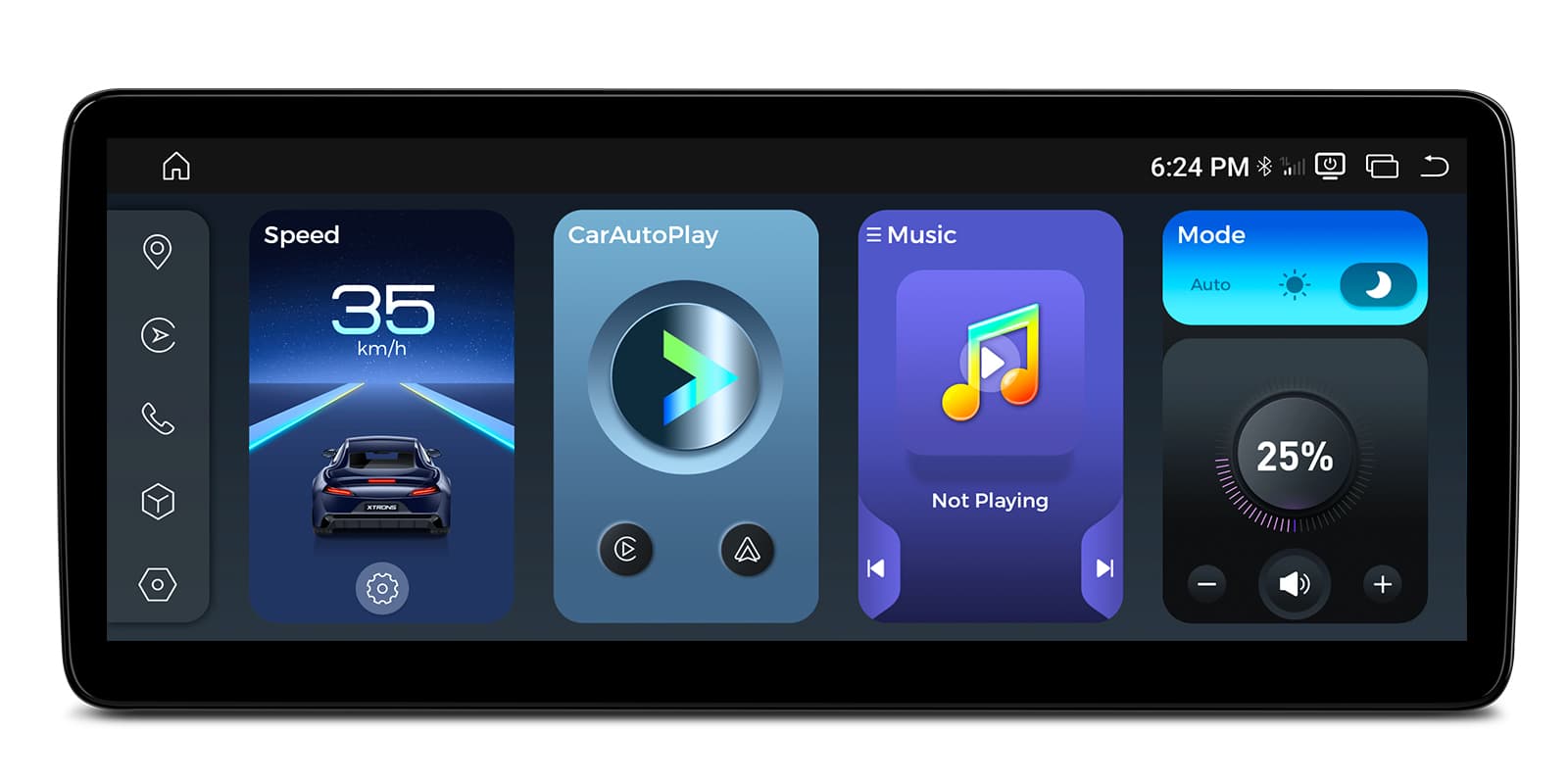
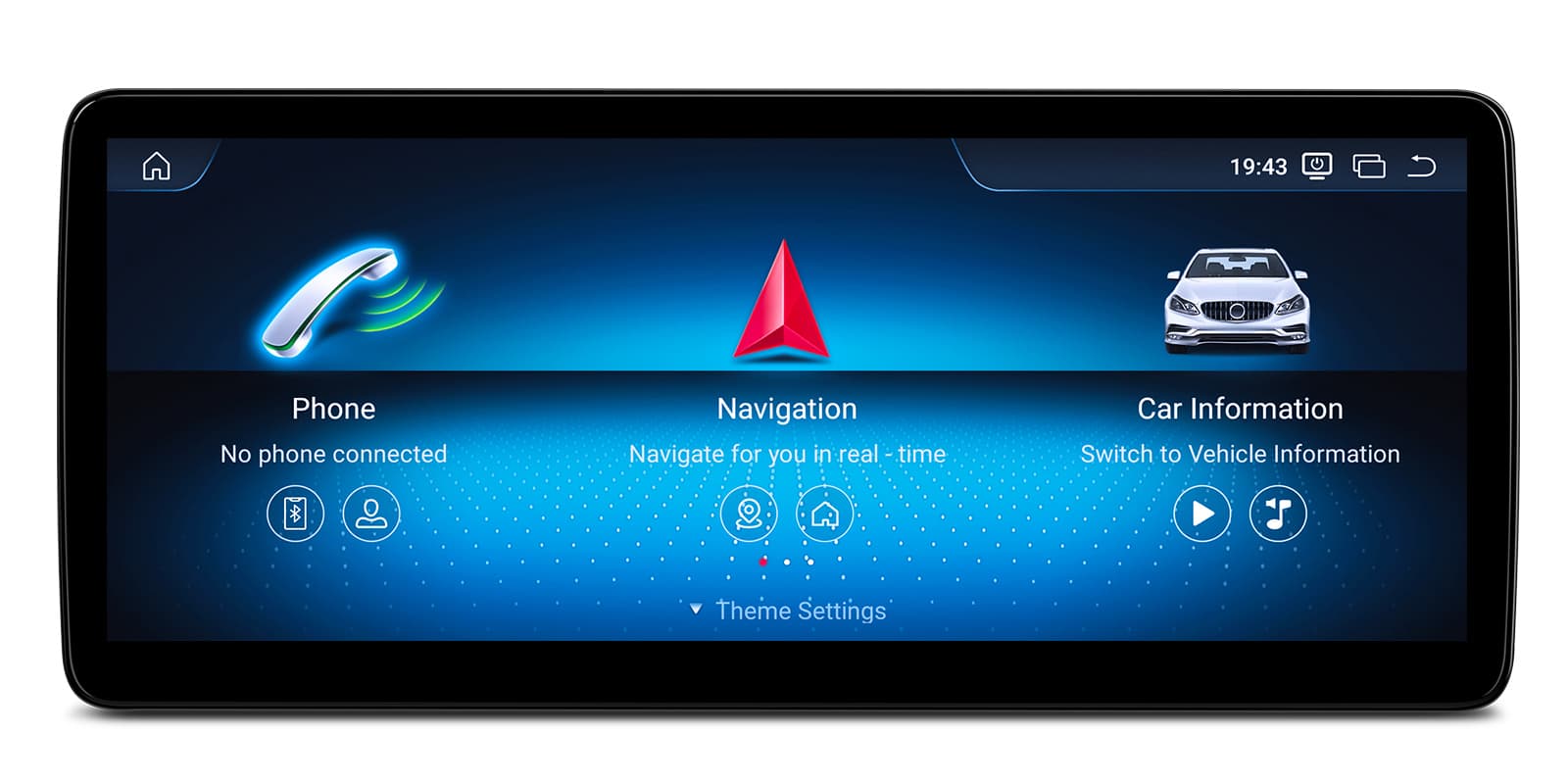
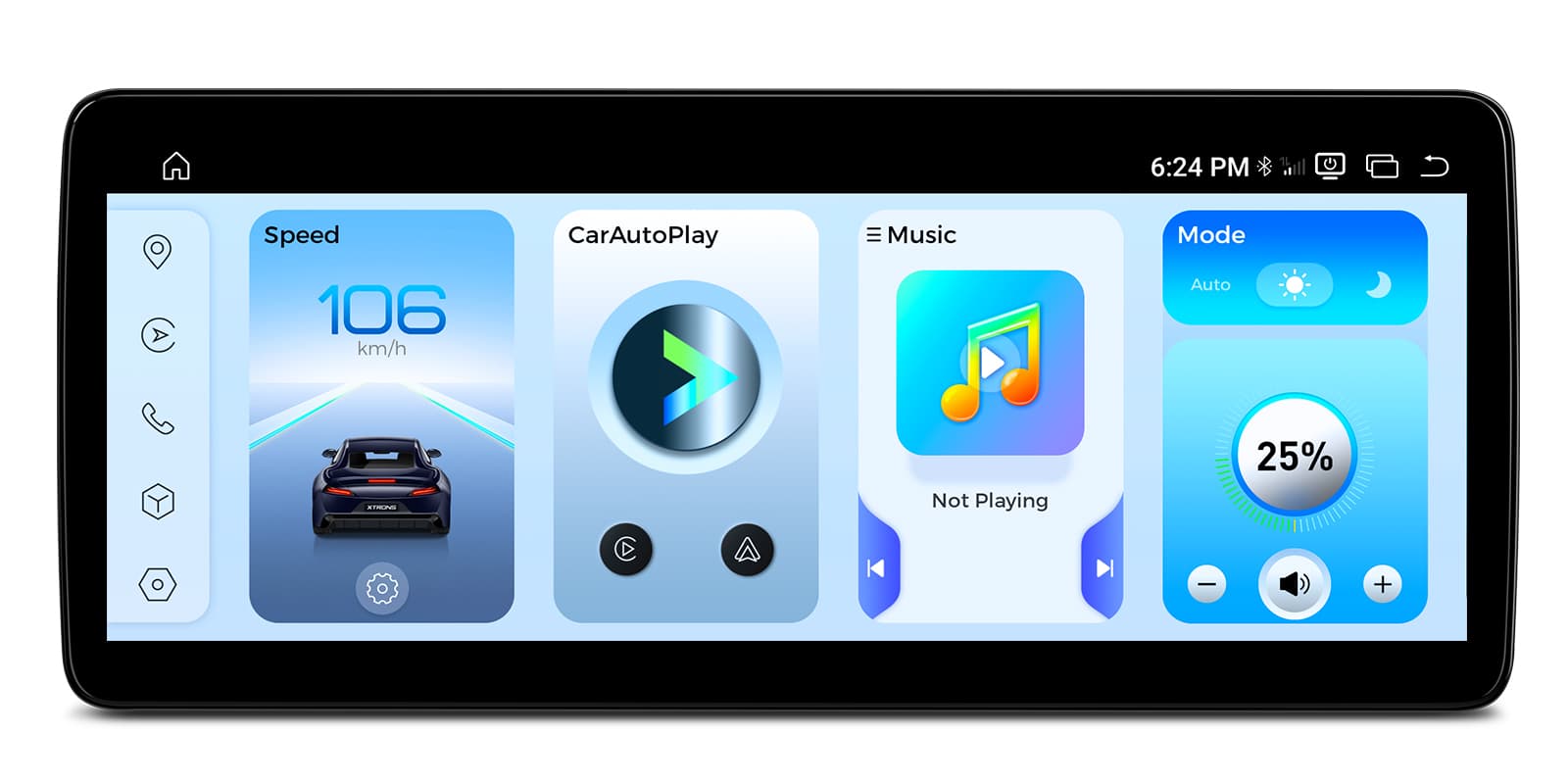
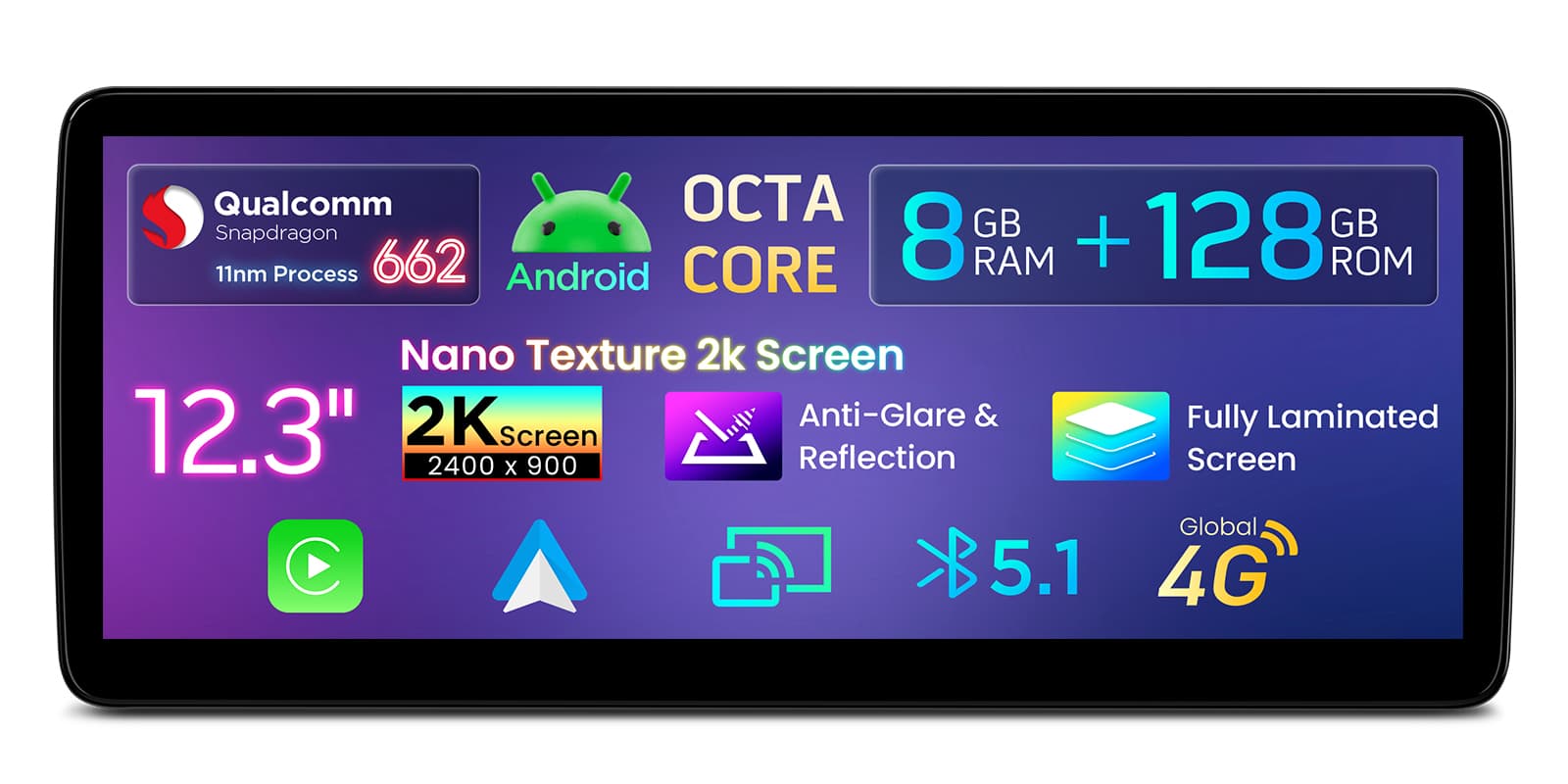
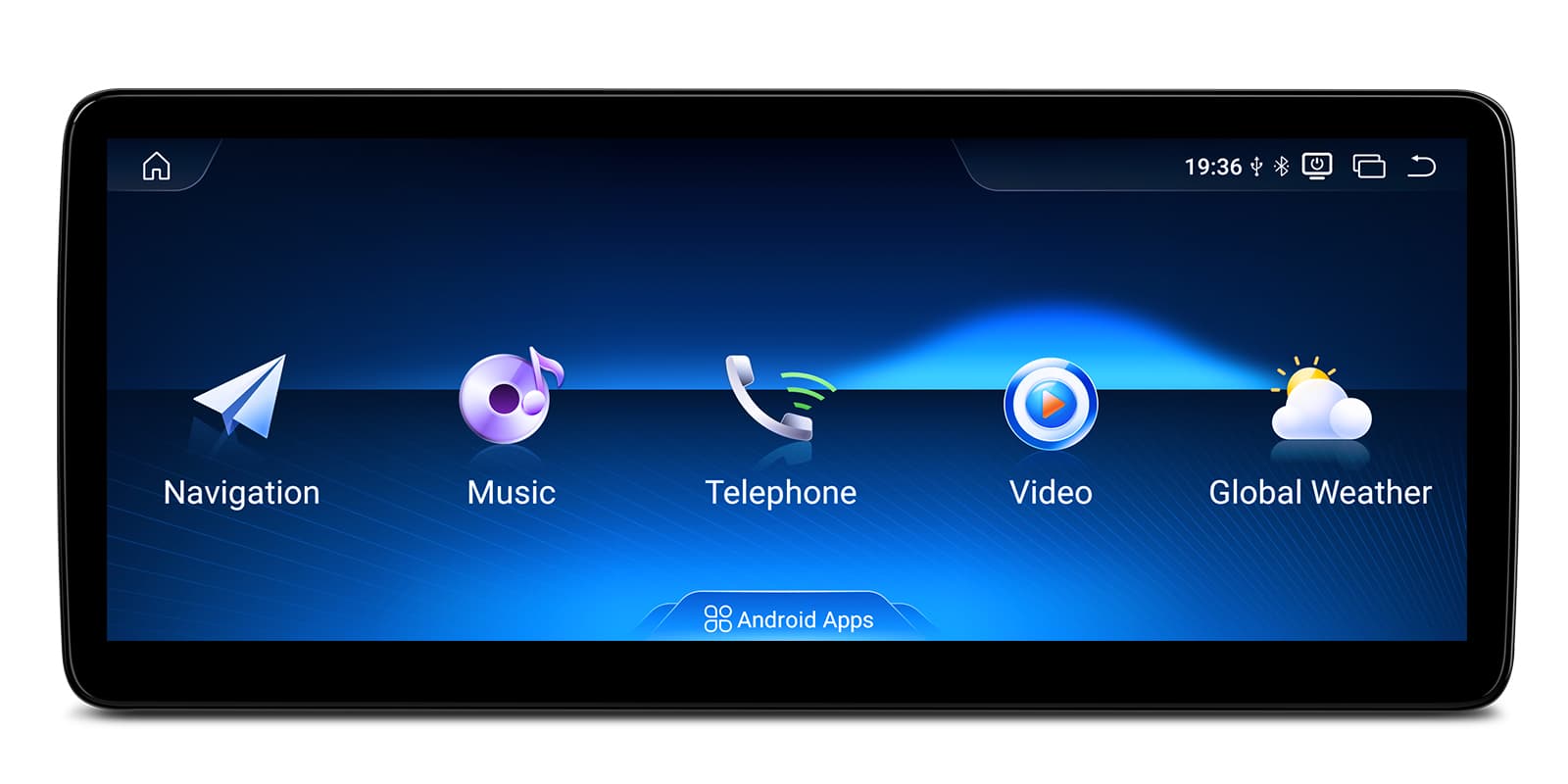
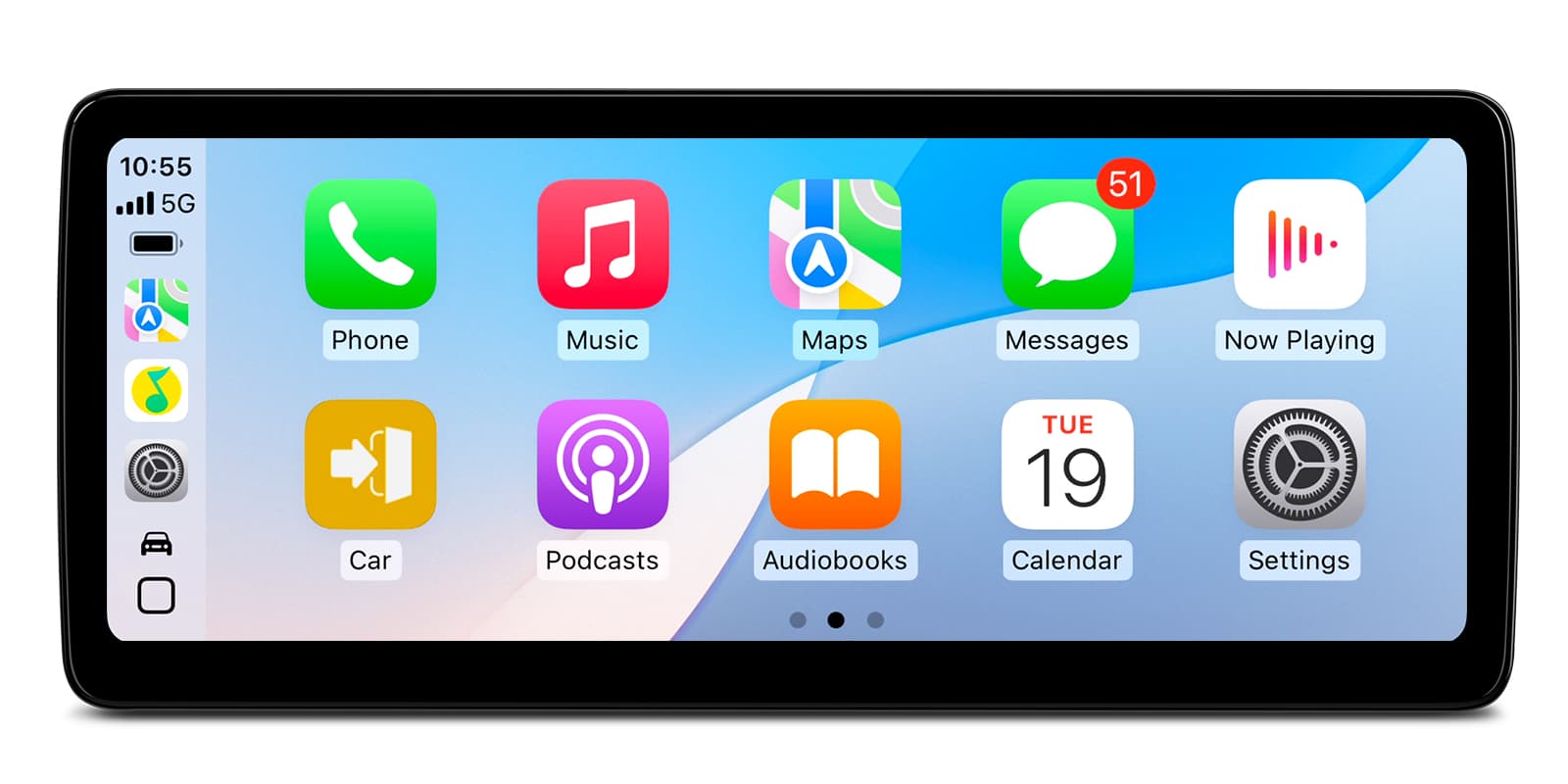
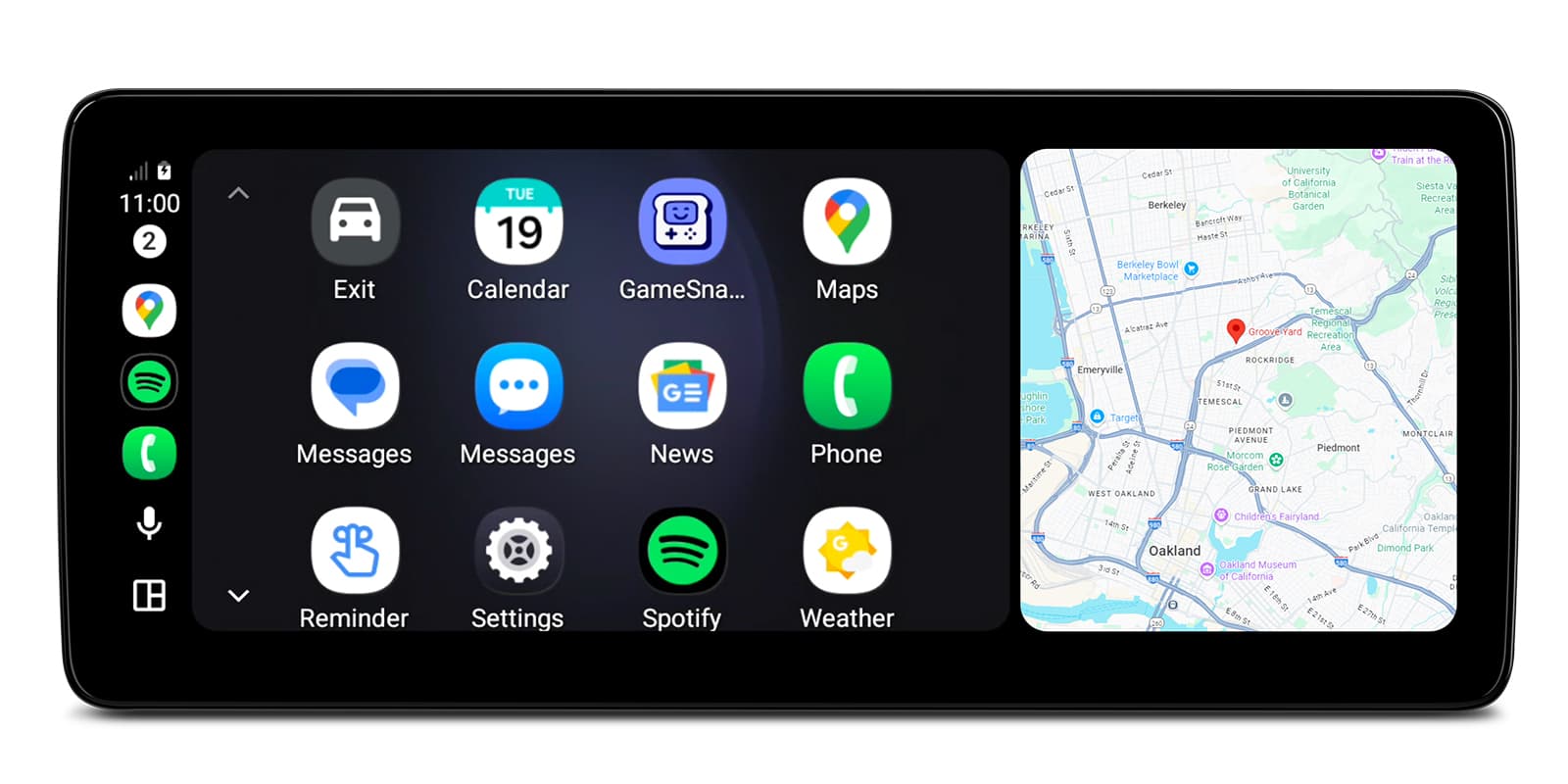
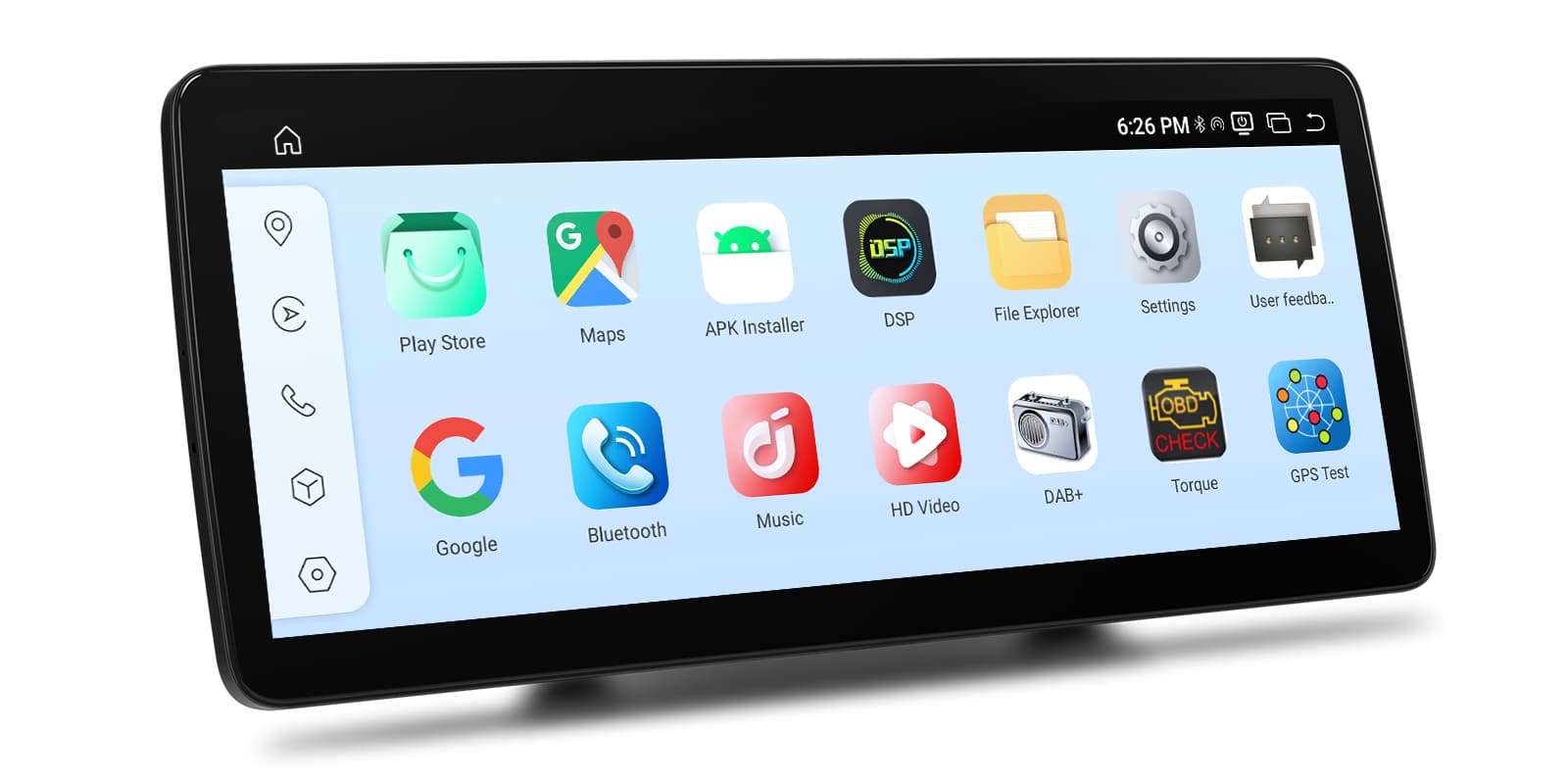
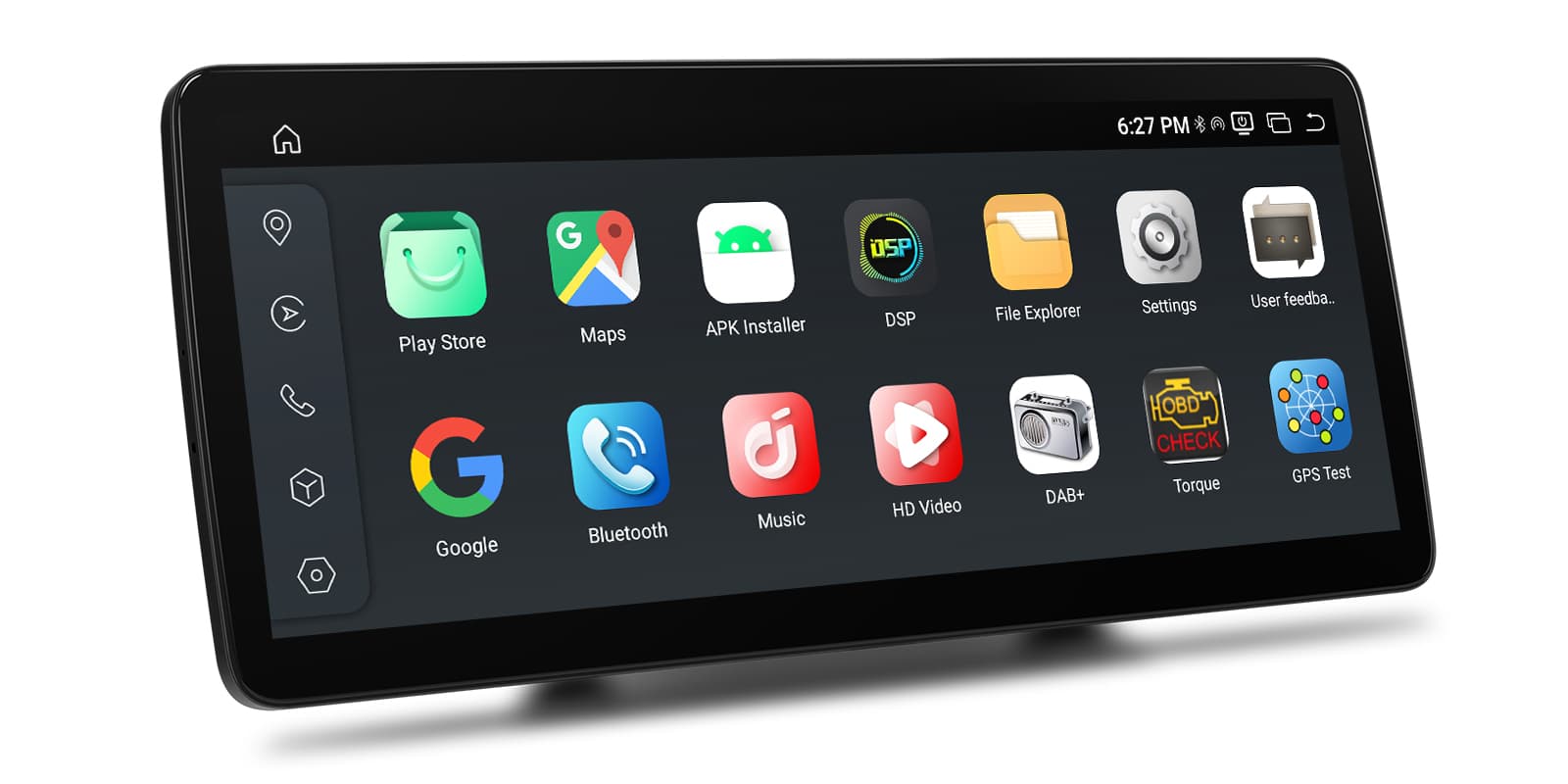
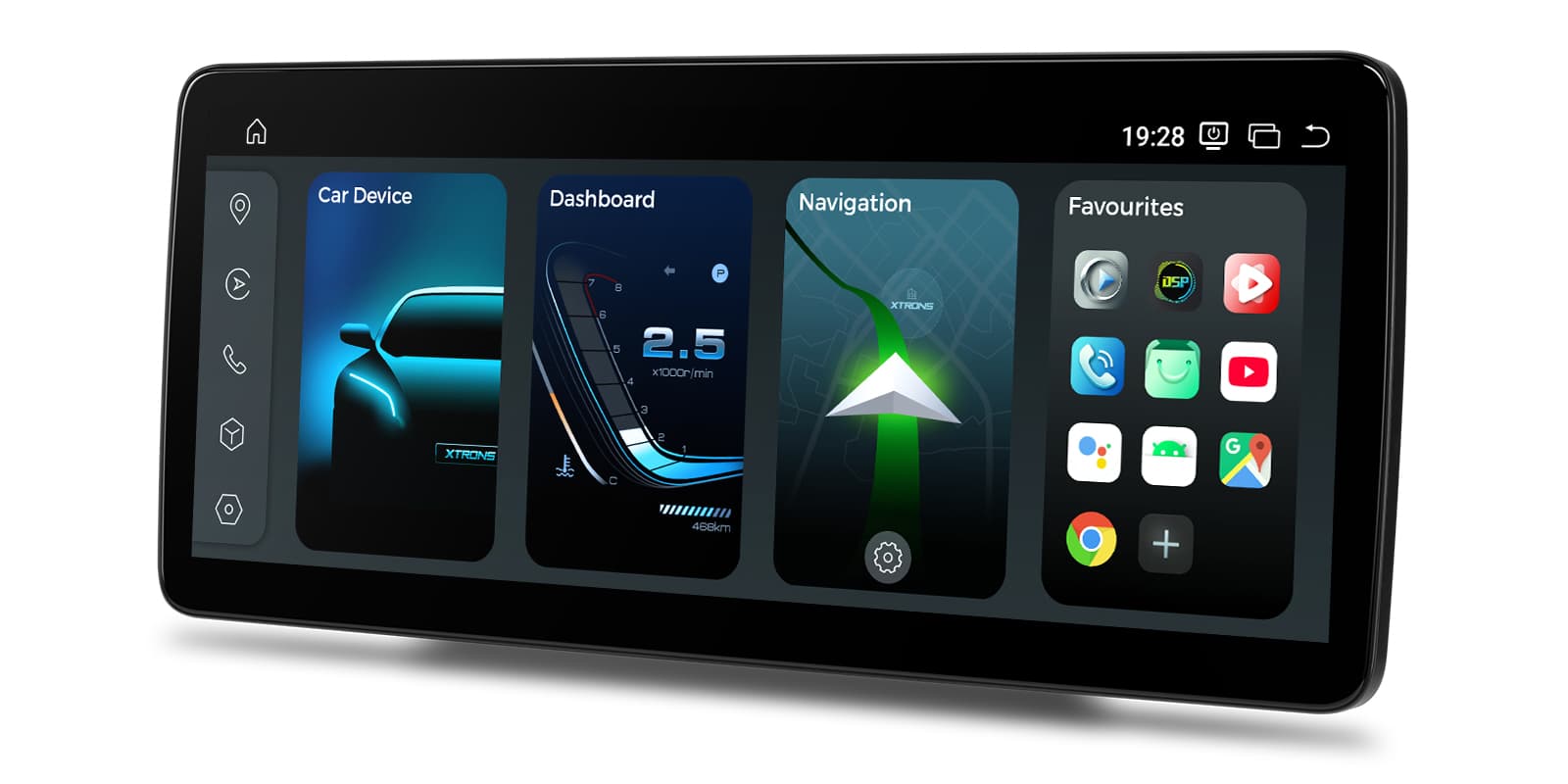
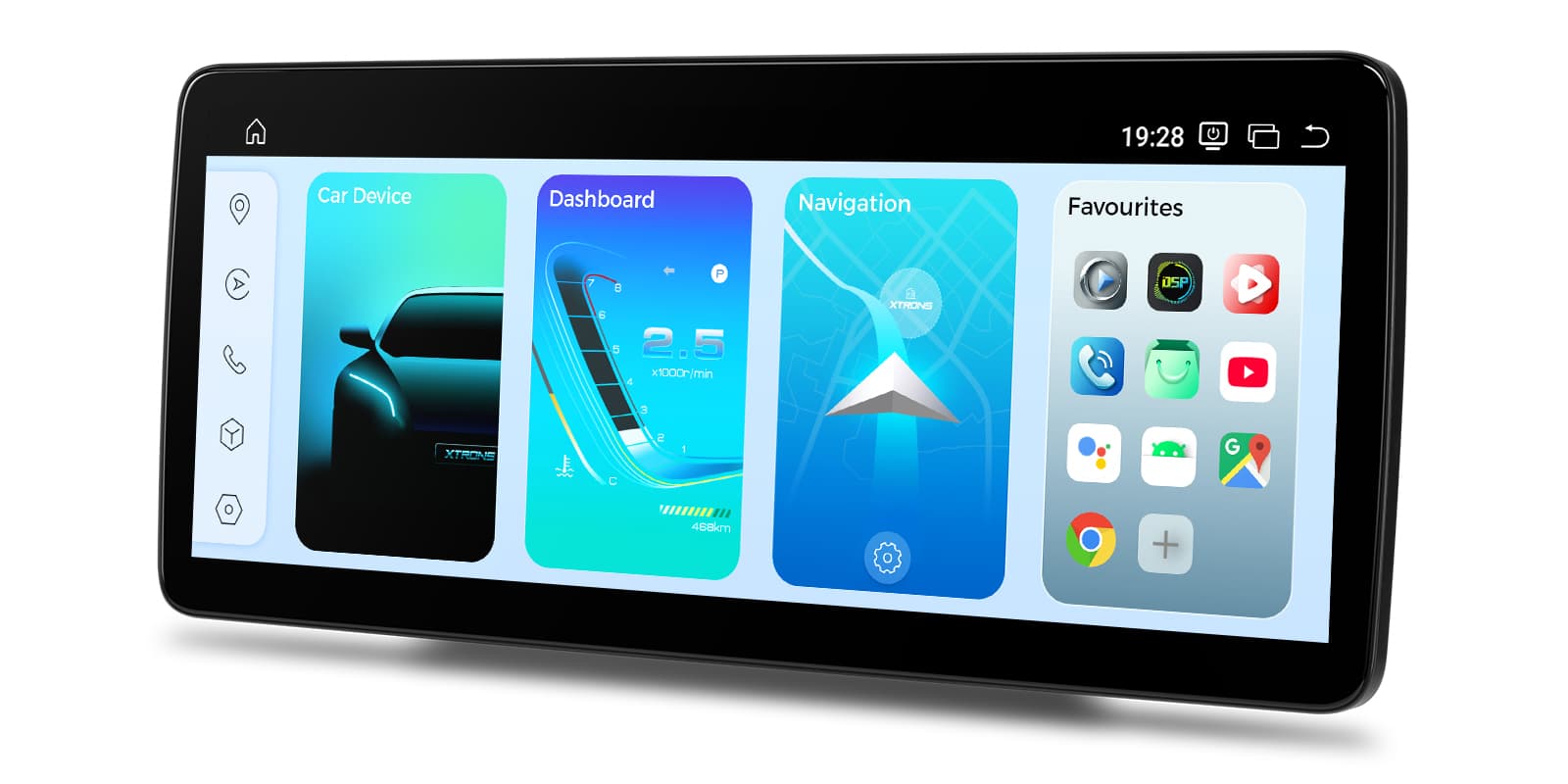
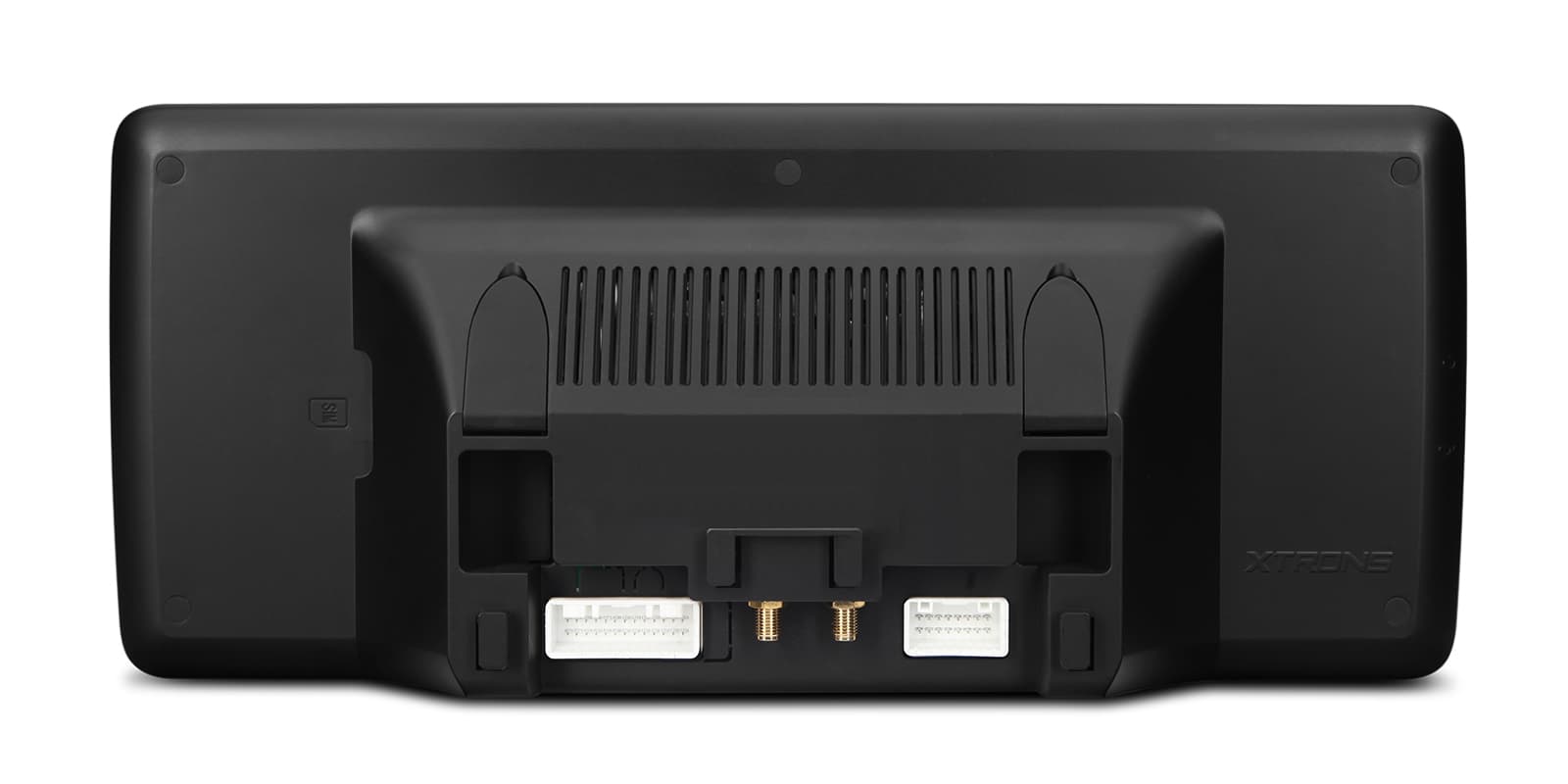
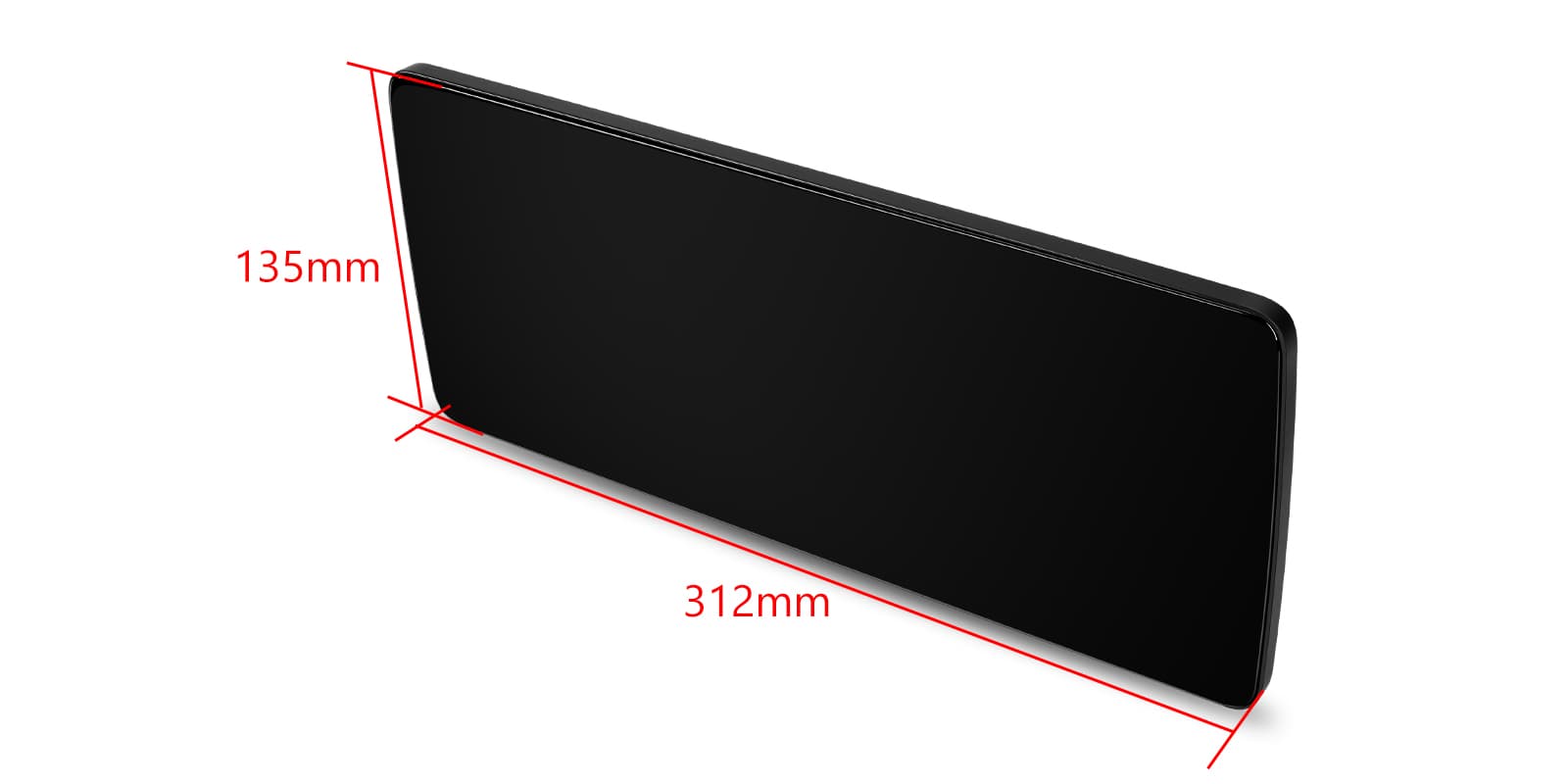
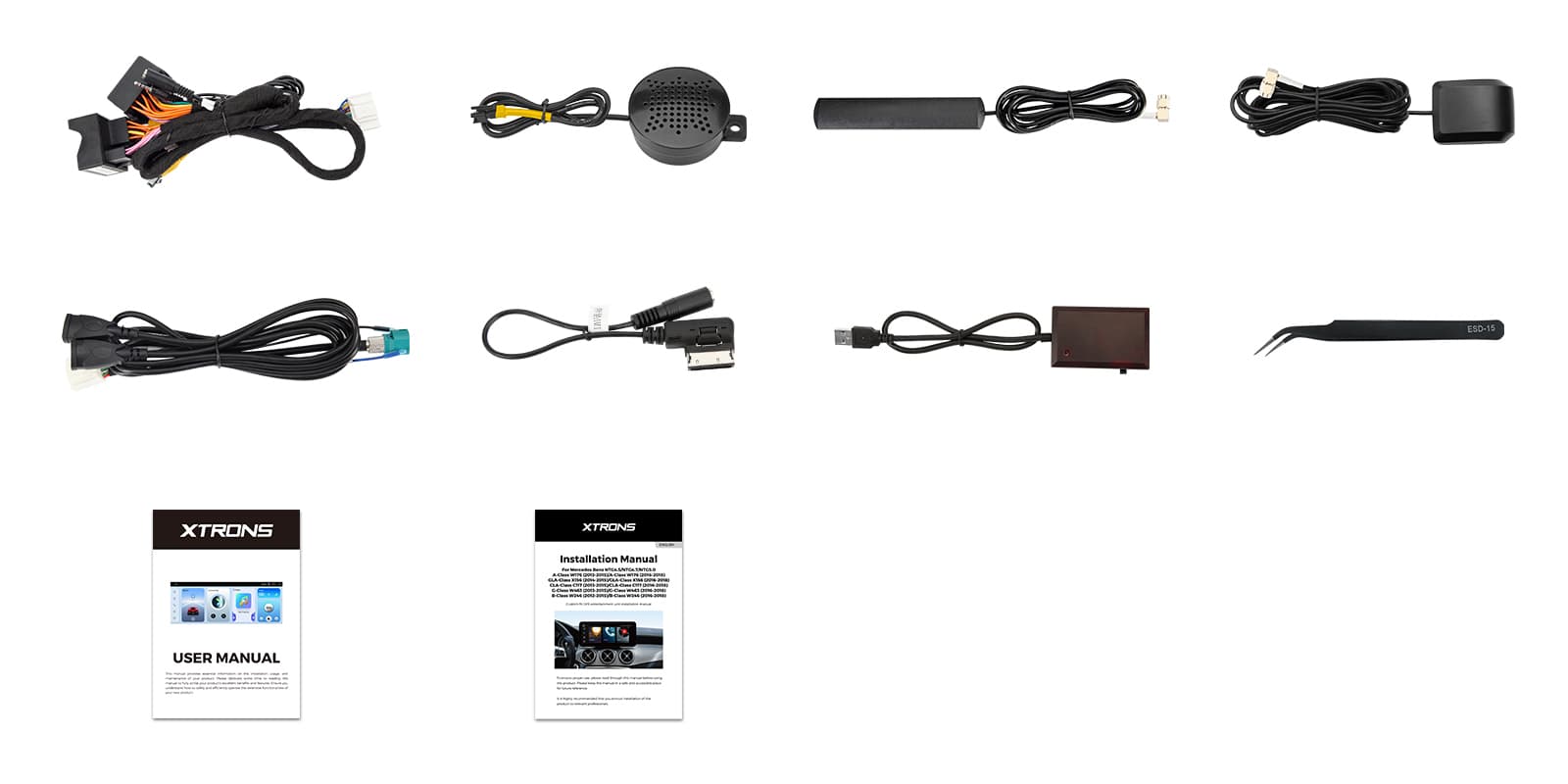
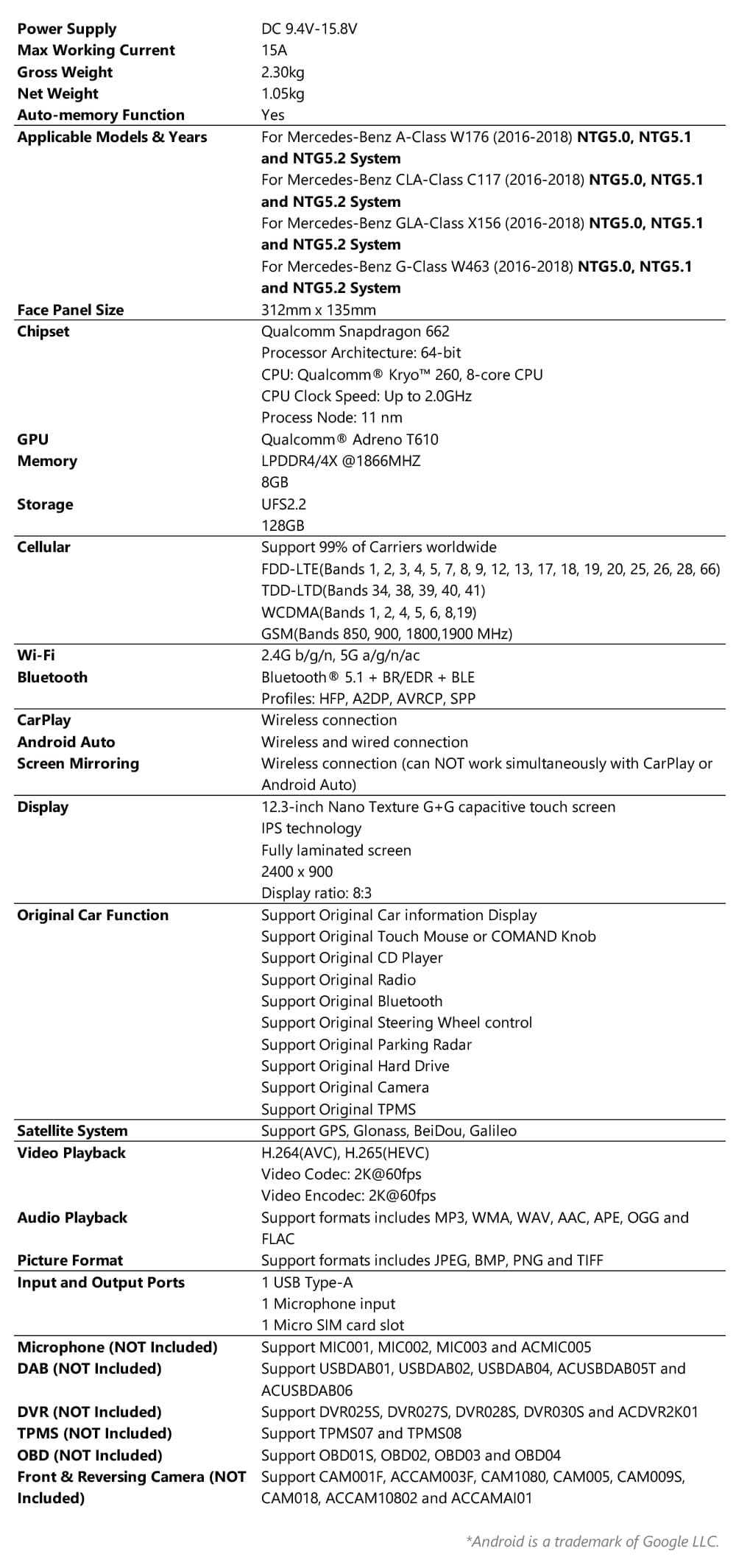
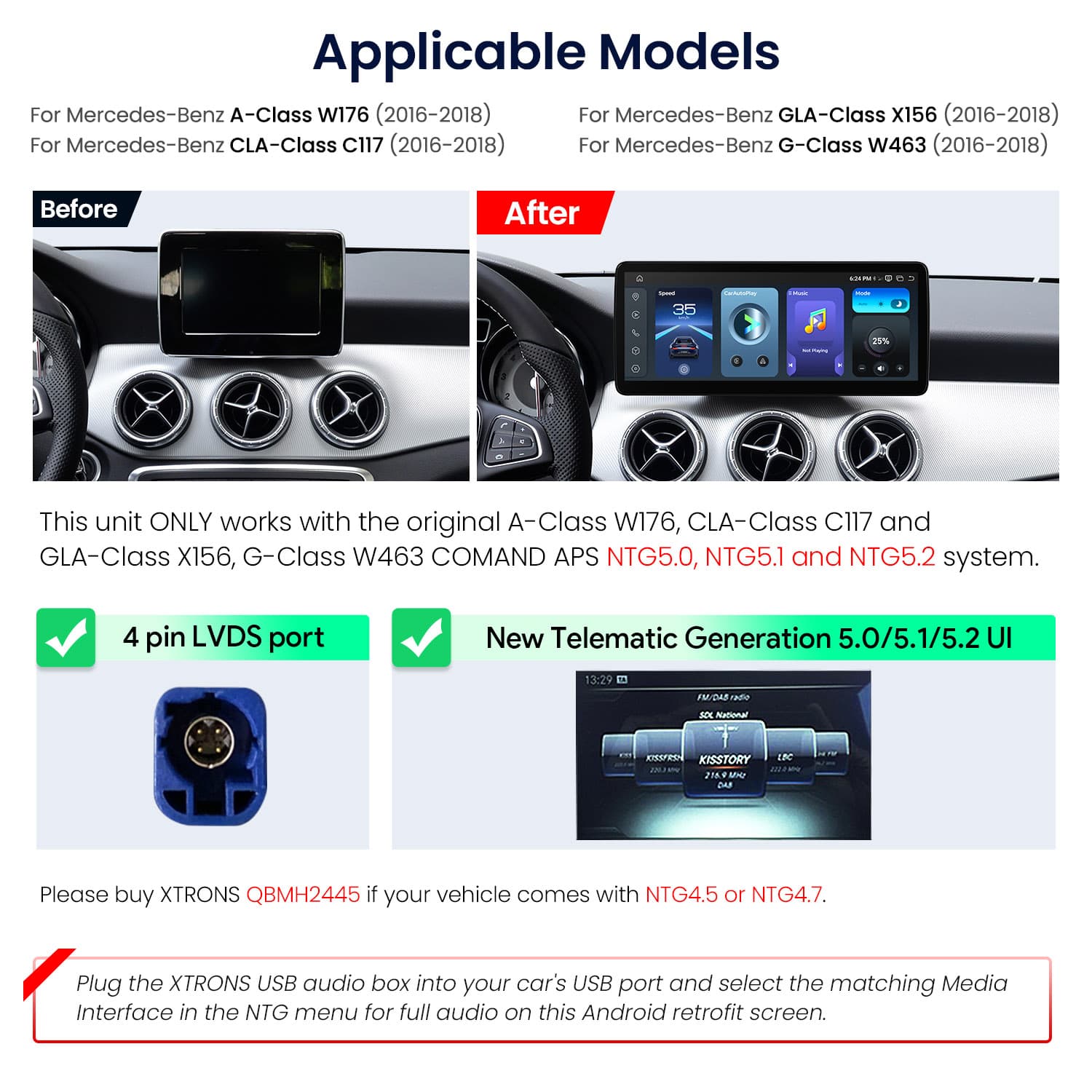
Image 1 of 17.
SKU: QBMH2450
£449.00
Check if this fits your car
SKU: QBMH2450
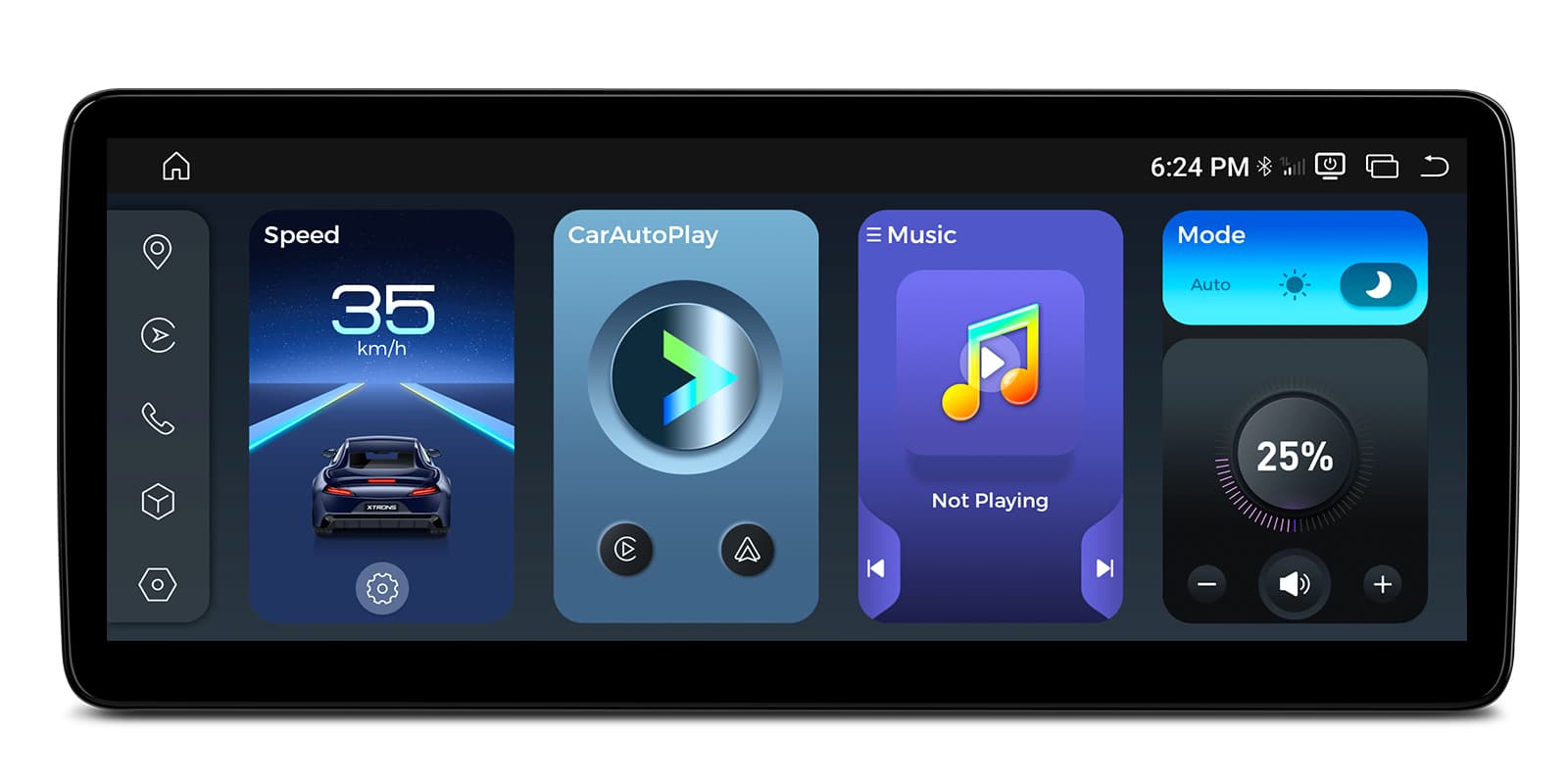
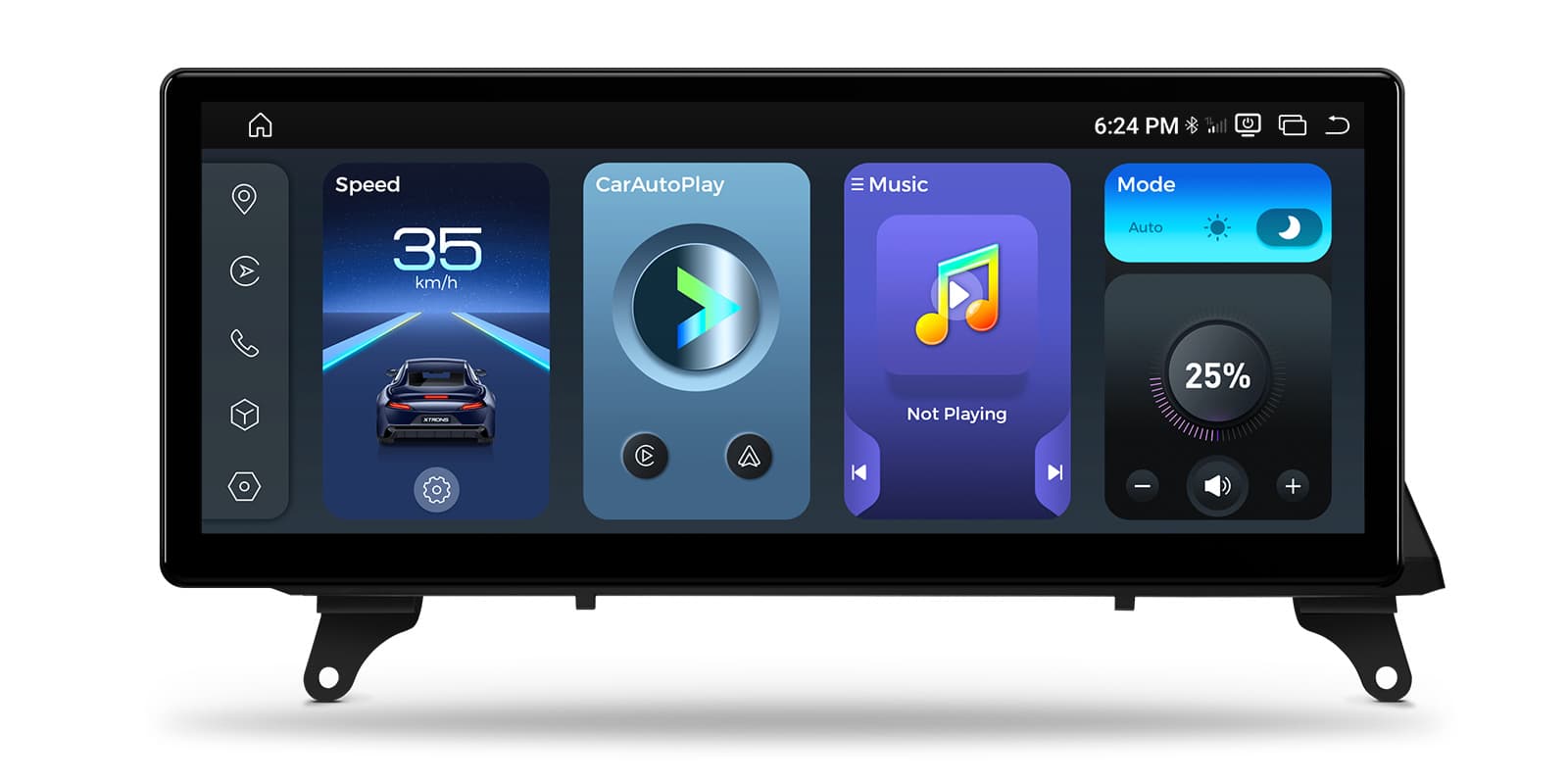
The XTRONS QBMH2450 is a 12.3 inch Android 14 screen for the Mercedes-Benz A-Class W176, CLA-Class C117, GLA-Class X156 and G-Class W463 (2016-2018) with COMAND APS NTG5.0, NTG5.1 or NTG5.2. You can switch between Android and the original COMAND system, so the factory controls and safety alerts stay while you gain wireless CarPlay, Android Auto and 4G.
The unit works with the original COMAND APS NTG5.0, NTG5.1 or NTG5.2 system, and you can switch between Android 14 and the Mercedes-Benz interface. COMAND control, the steering wheel buttons, factory camera support and parking sensors are kept.
Through the CANbus connection it also shows speed, fuel level and safety alerts. These systems usually have a 4 pin LVDS port; if your car has NTG4.5 or NTG4.7, the XTRONS QBMH2445 is the one to choose.
The 12.3 inch IPS display runs at 2400×900 with 8-bit colour. Its nano-texture glass has an anti-reflective coating that cuts glare in bright sun, so the map stays readable on a summer afternoon.
It plays 2K video, and the screen can be split so navigation stays visible next to another app.
CarPlay connects to your iPhone without a cable. Maps, music, messages and calls move onto the wide screen while the phone stays in your pocket.
Your iPhone connects on its own when you start the car, so there's no cable to plug in. It needs an iPhone with wireless CarPlay support; check yours in Settings > General > CarPlay. A cable still works when you'd rather charge on the way.
Full-featured Android Auto connects wirelessly too, with Google Maps and your music apps sized for the 12.3 inch display.
Maps, calls, messages and music from your Android phone appear on the car screen, with Google Assistant for voice control. It needs a phone with Google services, which most Android phones have. To connect without a cable, the phone must support wireless Android Auto too.
A global 4G LTE module gives the unit its own internet connection for streaming and online maps. A 4G antenna is in the box.
A SIM card in the head unit gives it its own internet connection for maps, traffic and streaming, so it doesn't need your phone's hotspot. You supply the SIM and the data plan; a data-only SIM is usually the cheapest way to do it.
Wi-Fi works on 2.4GHz and 5GHz networks, so you can connect at home or to a phone hotspot.
Bluetooth 5.1 streams music from your phone and handles hands-free calls.
With split screen you can keep the map on one side of the display and music or another app on the other.
Screen mirroring puts your phone's display on the head unit, for apps that aren't available in CarPlay or Android Auto.
Mirroring shows your phone's whole screen on the car screen, unlike CarPlay and Android Auto, which show apps designed for driving. It usually needs a companion app on the phone, and paid video streaming apps often block it.
Volume, track skip and COMAND navigation from the steering wheel keep working through CANbus, with no reprogramming.
Your steering wheel buttons keep working with the new unit, either through a CAN bus decoder or by teaching the unit each button. Check which your car needs before ordering. A few buttons may do nothing if the unit has no matching function.
DAB digital radio works when an external DAB tuner is connected to the unit.
Digital radio gives clearer sound and more stations than FM where there's DAB coverage. It needs a DAB aerial: a stick-on windscreen aerial is the usual choice, or a splitter if your car already has a combined FM and DAB aerial.
The unit supports a DVR dash cam, so you can record the road ahead and view the footage on the big screen.
Recordings from a dash cam show on the car screen, live or played back. It needs a USB dash cam made for Android head units; an ordinary dash cam with its own screen won't connect this way. Mount the camera behind the mirror, clear of your view.
| Processor | Qualcomm Snapdragon 662 (Kryo 260, 8-core, 2.0GHz) |
|---|---|
| GPU | Adreno 610 GPU |
| Memory and storage | 8GB LPDDR4 RAM + 128GB UFS 2.2 ROM |
| Operating system | Android 14 |
| Screen | 12.3” 2K (2400×900) Nano-Texture IPS Screen |
|---|---|
| Colour depth | 8-bit color depth |
| Wireless | Wireless CarPlay/Android Auto, 4G LTE, Dual-Band WiFi (2.4/5GHz), Bluetooth 5.1 |
|---|---|
| Navigation | GPS/GLONASS/BeiDou/Galileo |
| DAB | External DAB Supported |
| Power supply | DC 9.4V–15.8V, Max Current: 15A |
|---|---|
| Operating temperature | Automotive Grade: -30°C to +80°C |
| Dimensions | 312mm x 135mm |
|---|---|
| Weight | 2.30kg (Gross) |
| Make | Model | Years | Notes |
|---|---|---|---|
| Mercedes-Benz | CLA-Class | All years | |
| Mercedes-Benz | GLA | All years |
The unit is plug-and-play, using the ISO wiring harness, LVDS cable and audio box in the box. For sound, plug the XTRONS USB audio box into the car's USB port and select the matching Media Interface in the NTG menu.
COMAND APS NTG5.0, NTG5.1 or NTG5.2, which usually has a 4 pin LVDS port. For NTG4.5 or NTG4.7, choose the XTRONS QBMH2445.
Yes. Volume, track skip and COMAND navigation from the wheel are kept through CANbus, with no reprogramming.
No. The factory camera, parking sensors, speed and fuel level alerts are kept.
Through the USB audio box in the box. Plug it into the car's USB port and select the matching Media Interface in the NTG menu.
Yes. You can switch between Android 14 and the original COMAND system.
XTRONS's own pages for this product, as the manufacturer publishes them. Open any of them at full size to zoom in.
Accessories named in this unit's description
More from Screen Upgrades
In stock
In stock
In stock
In stock