

£11.99inc. VAT
+ £4.99 delivery = £16.98 total
In stock
Your car: not set. Add it and every product shows whether it fits.
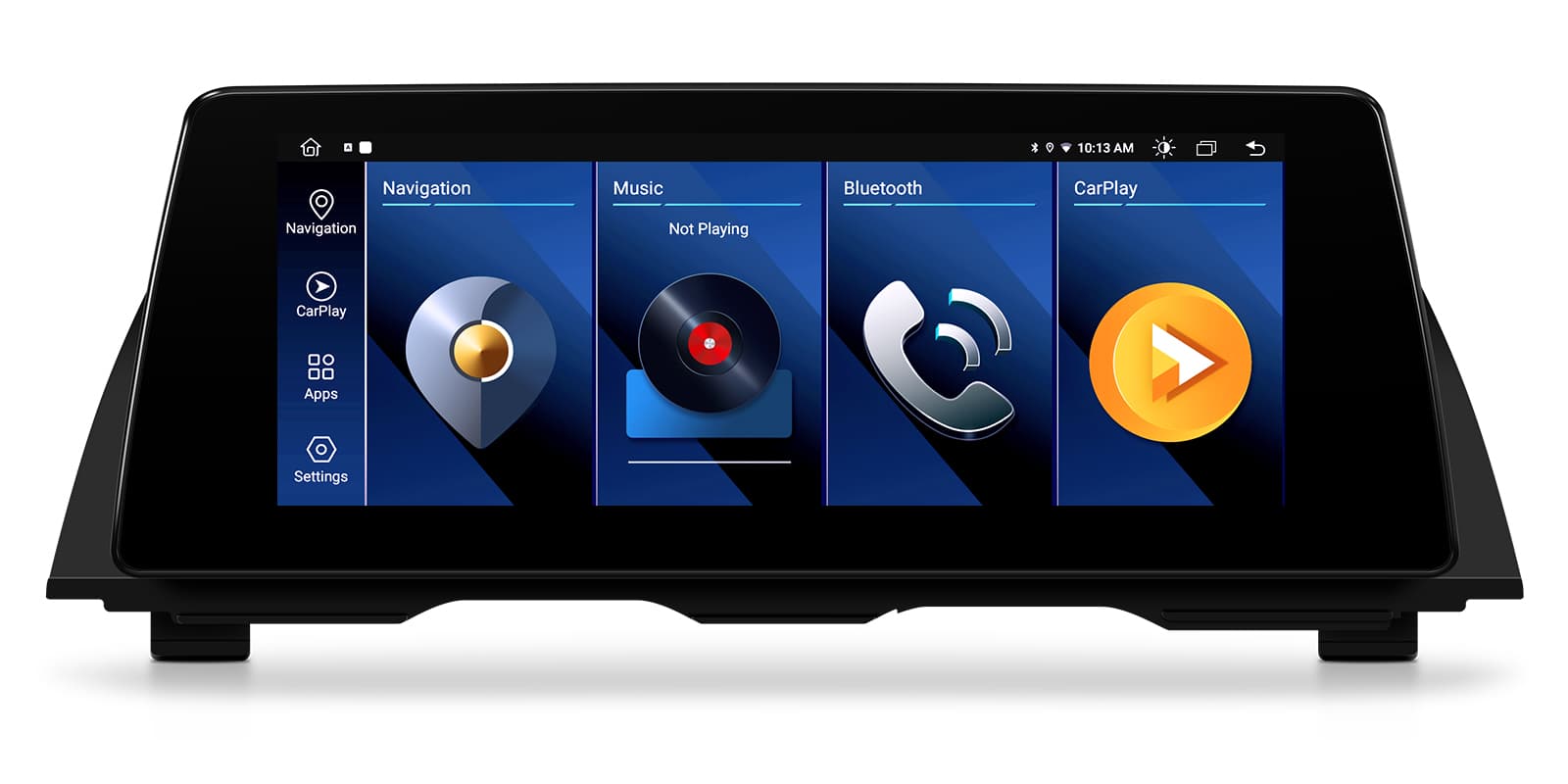
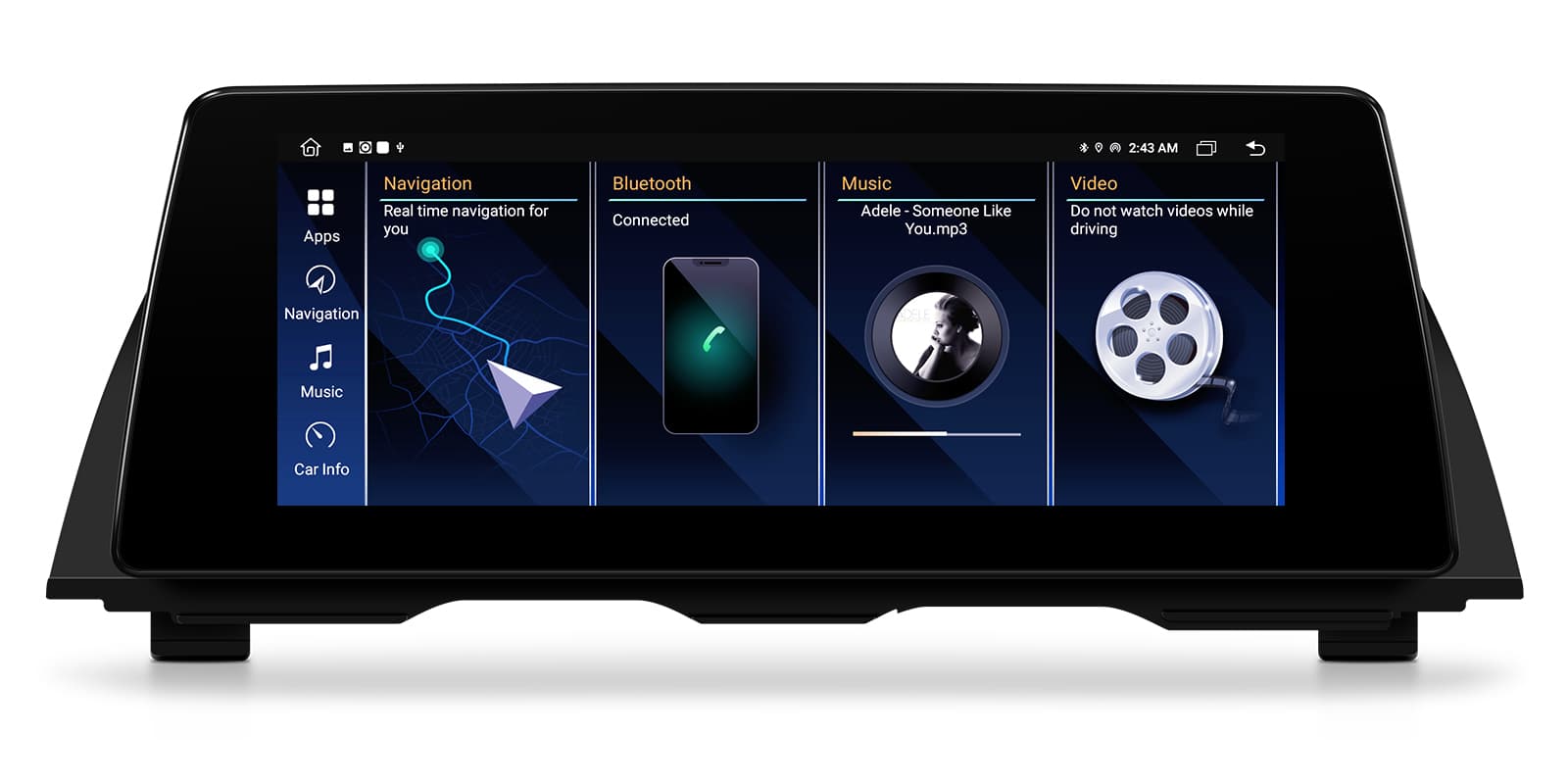
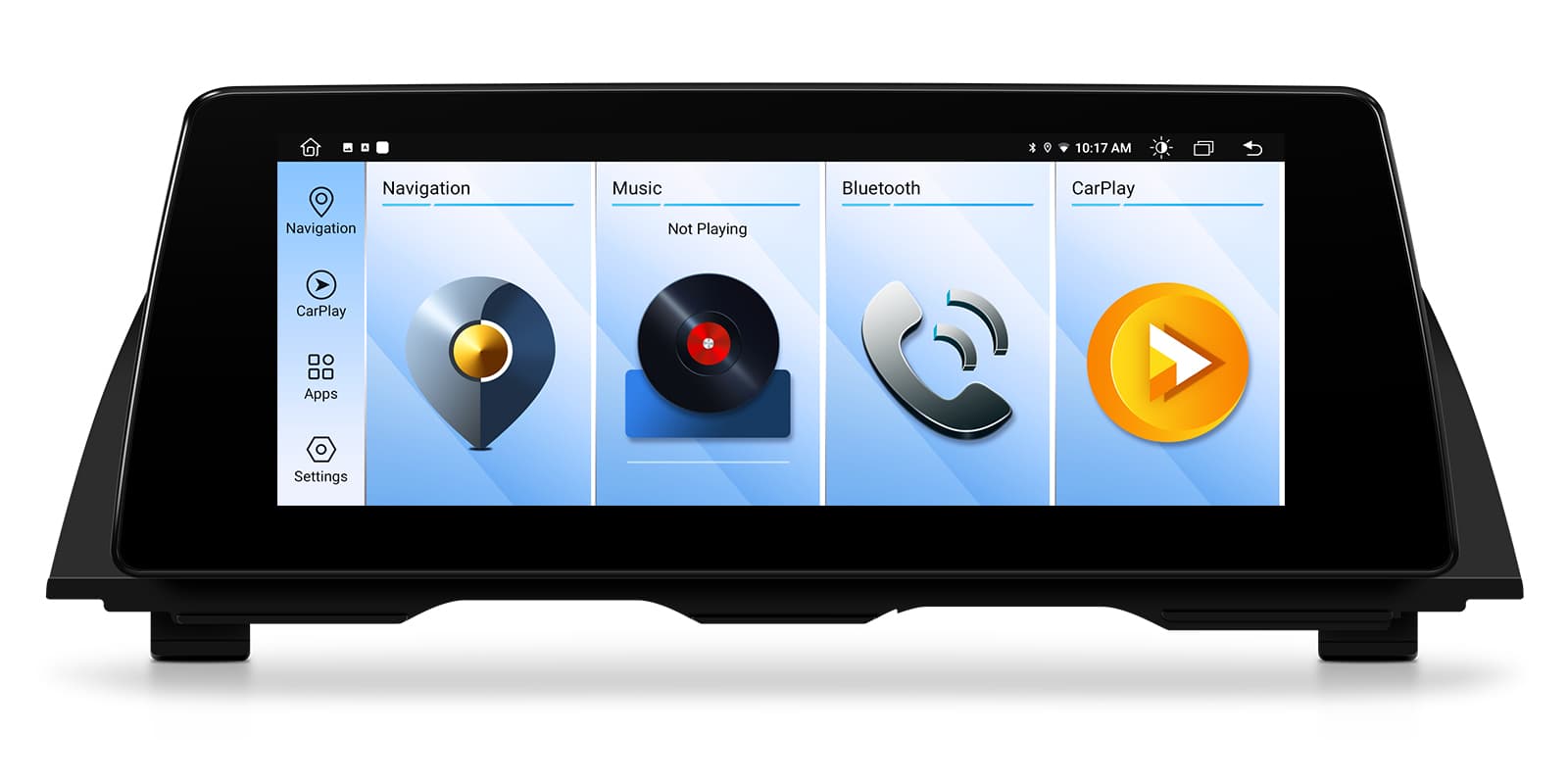
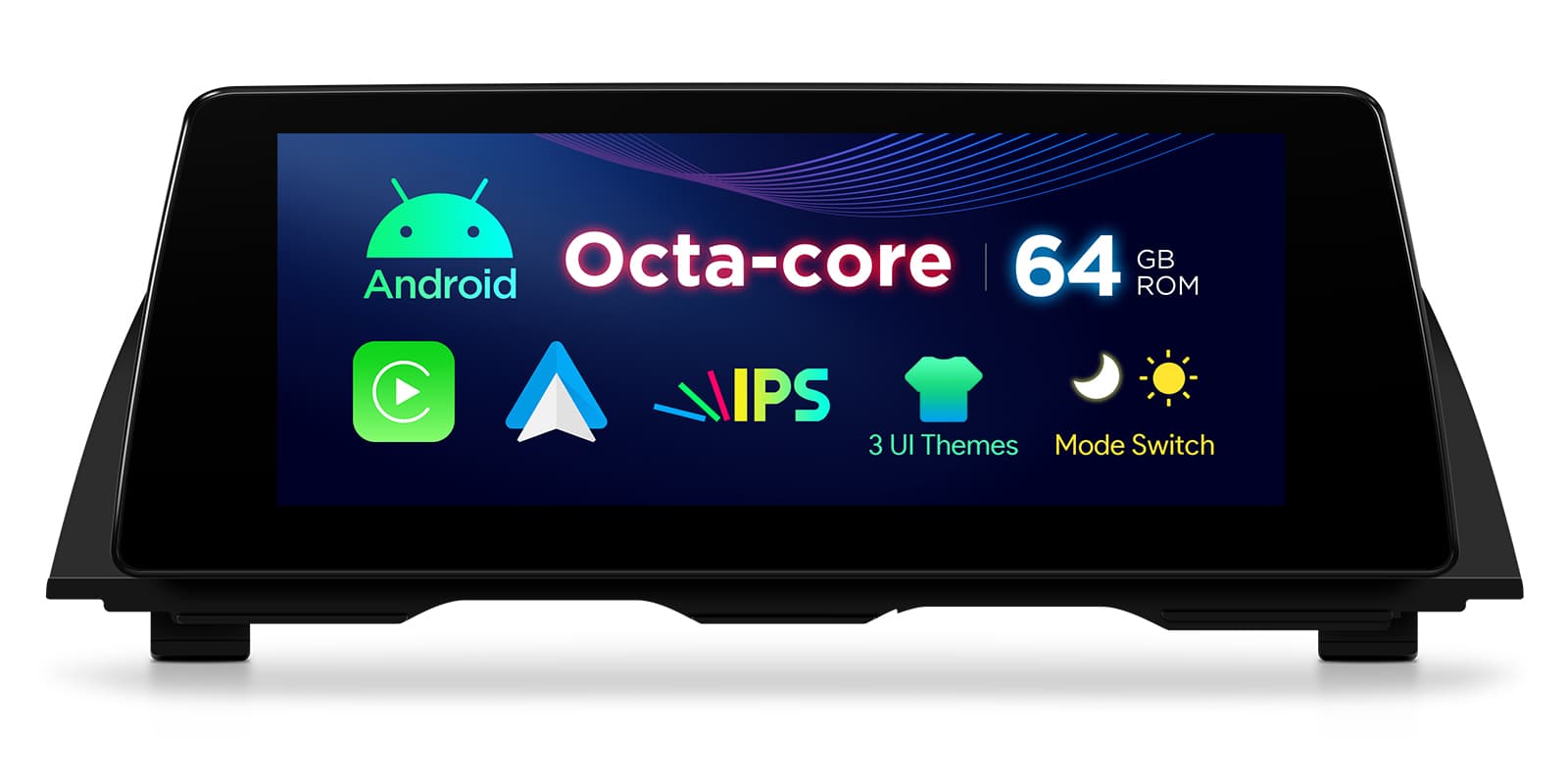
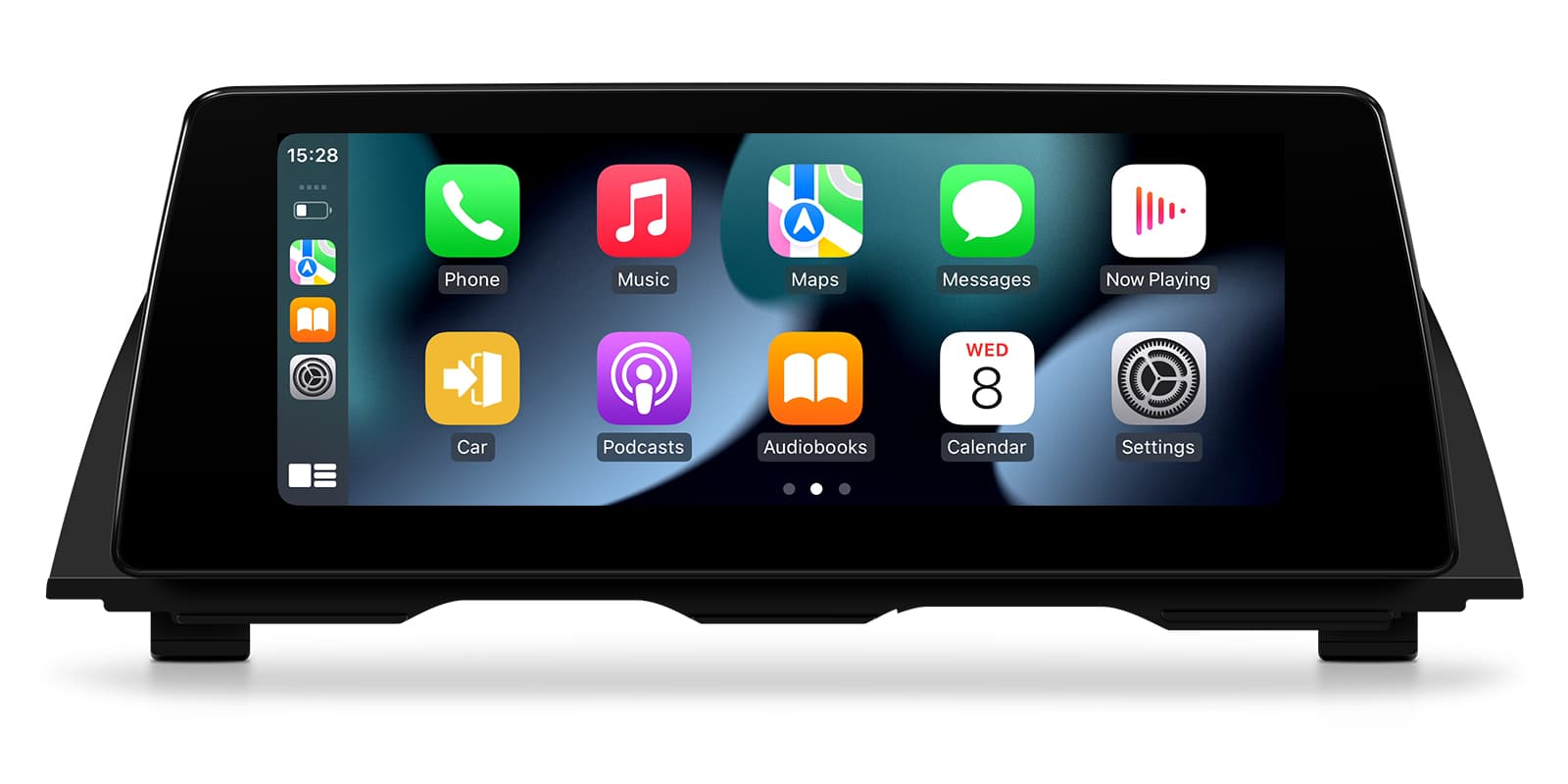
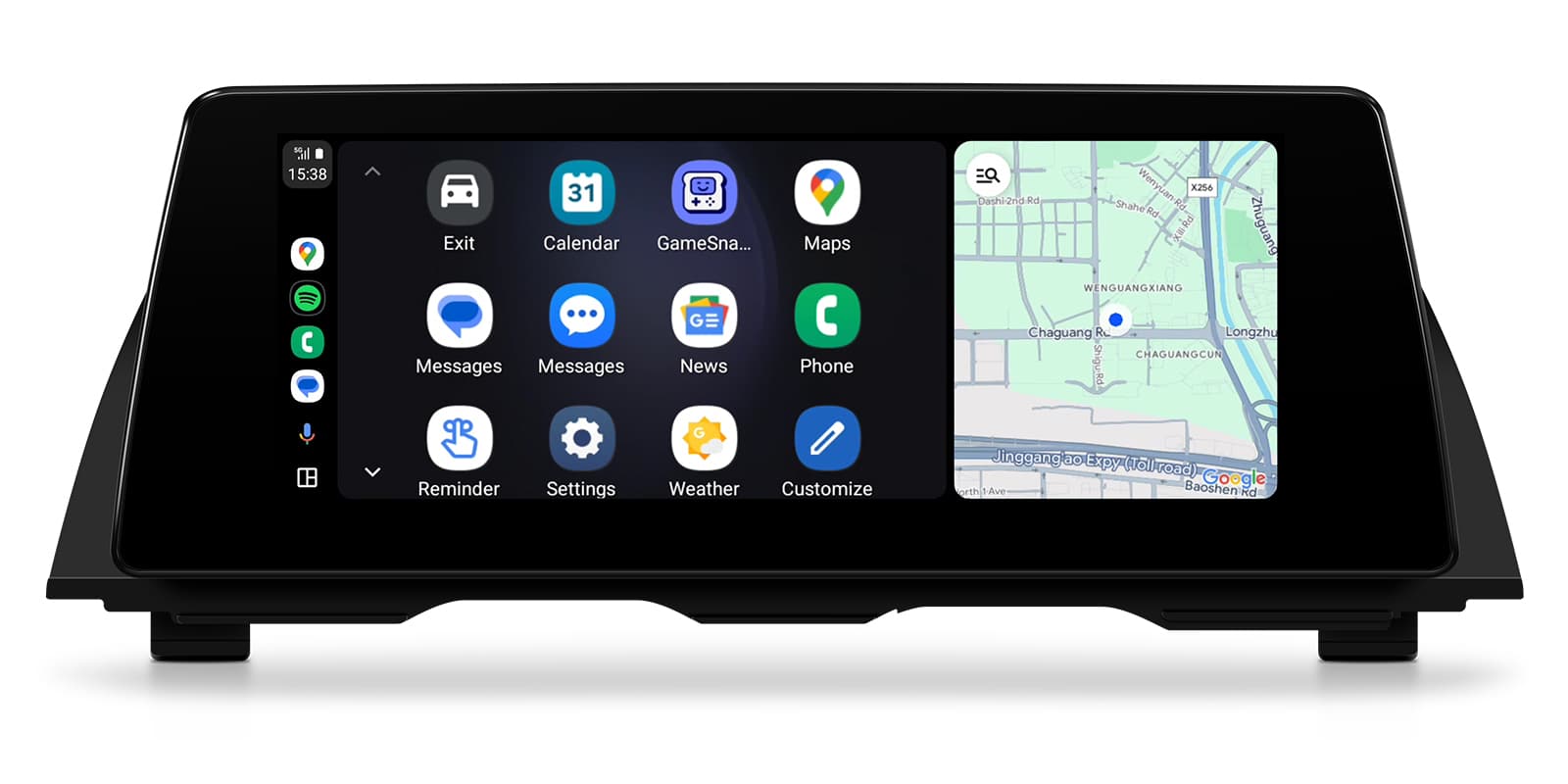
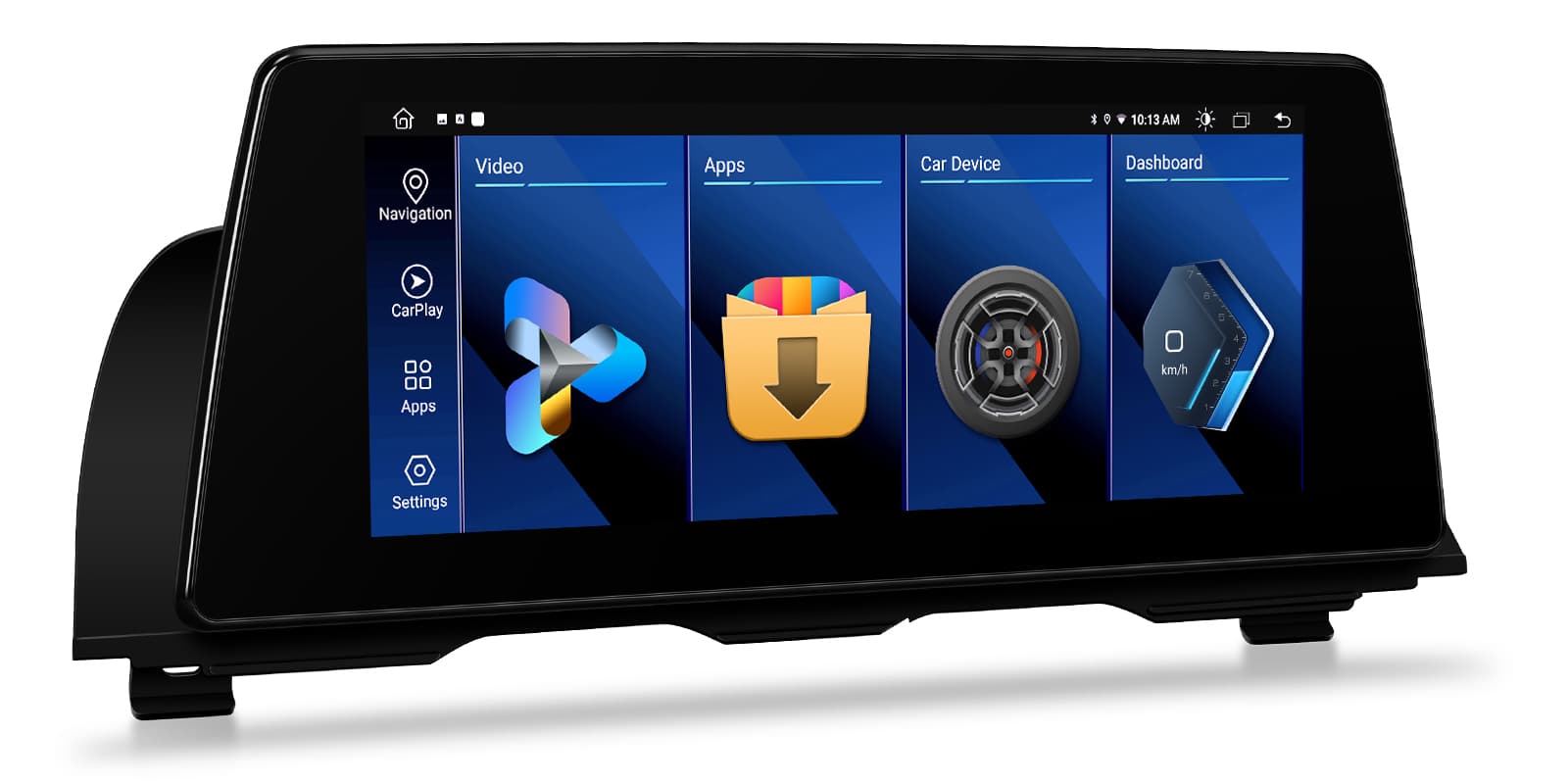
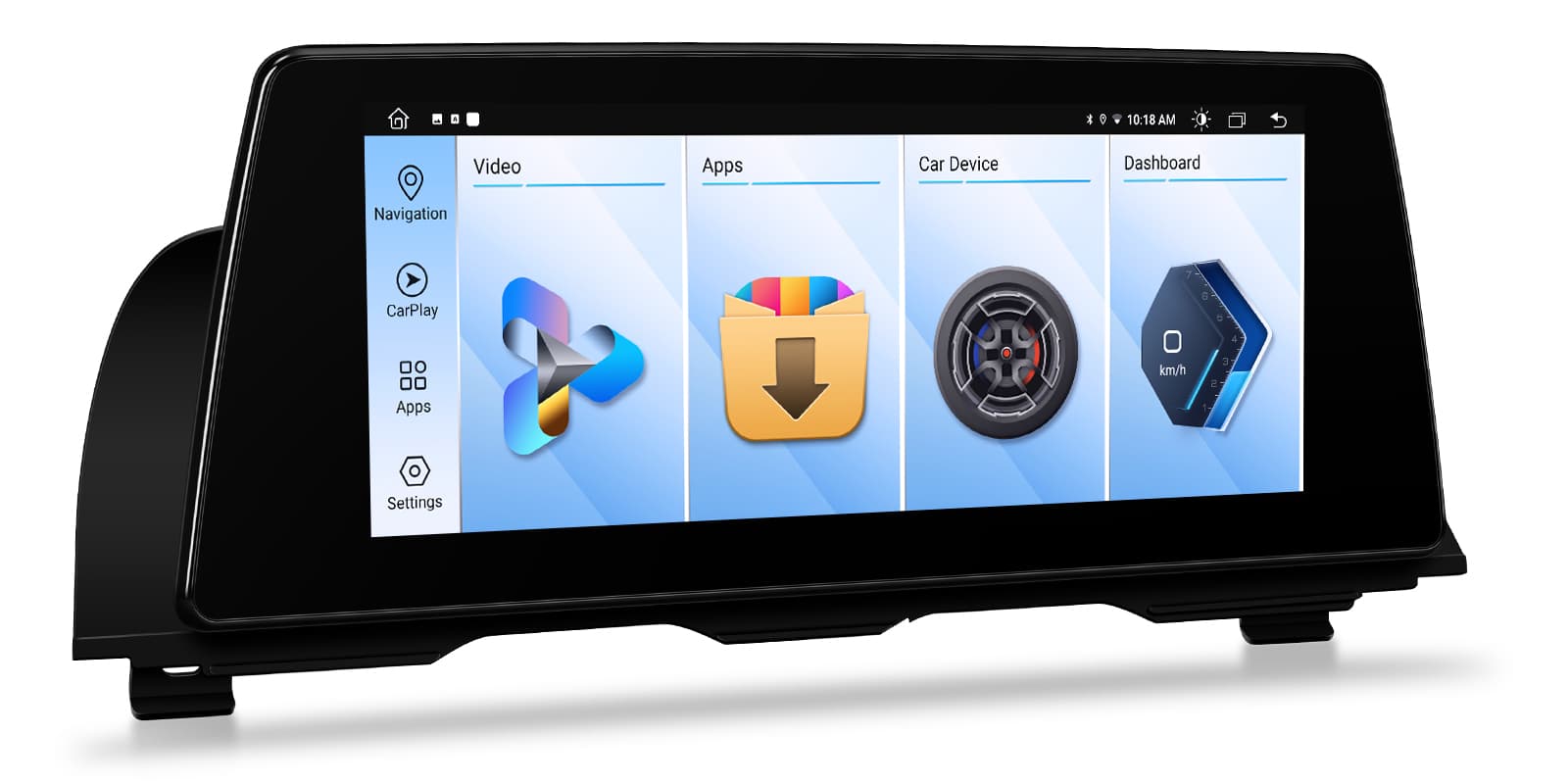
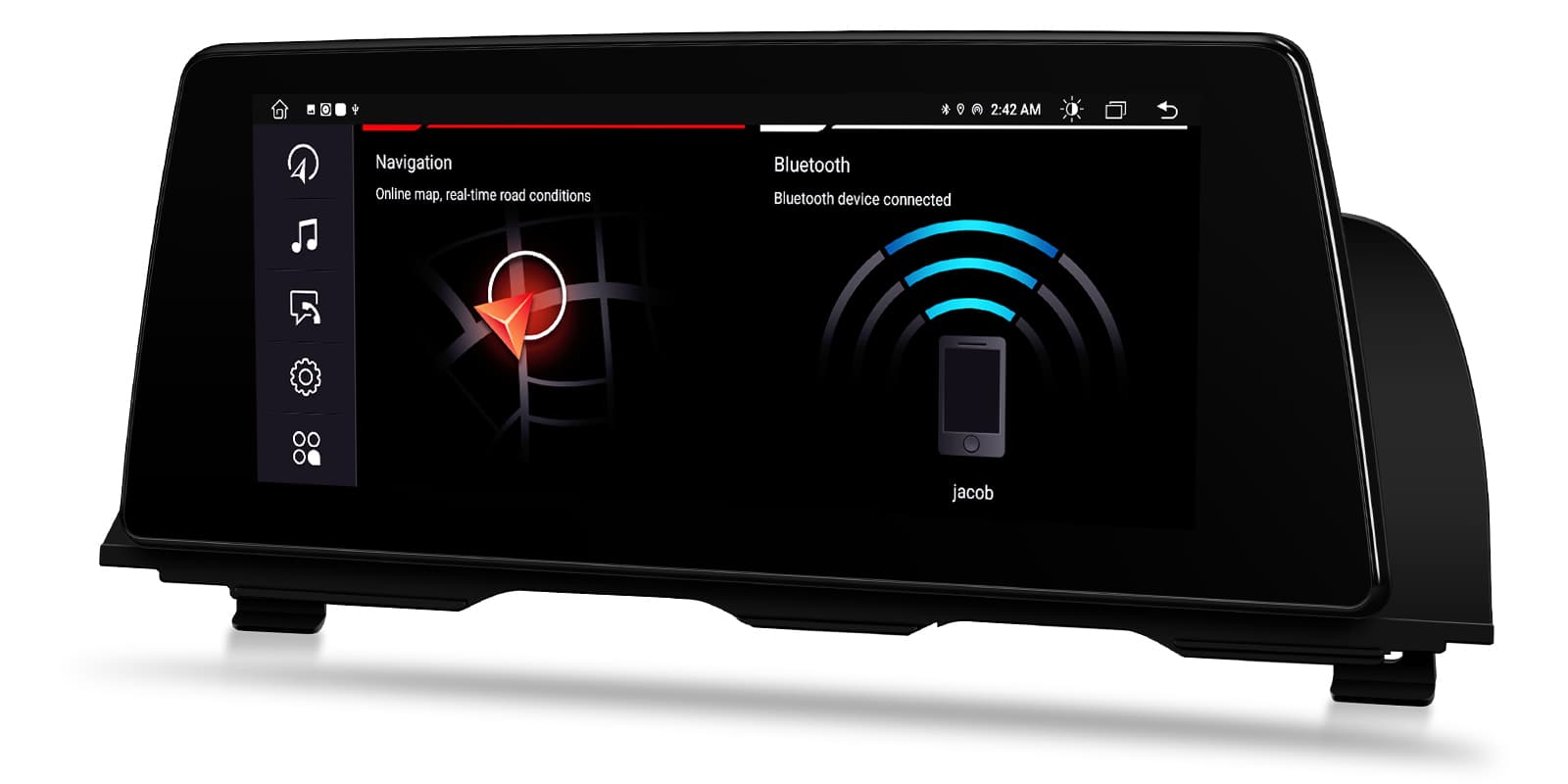
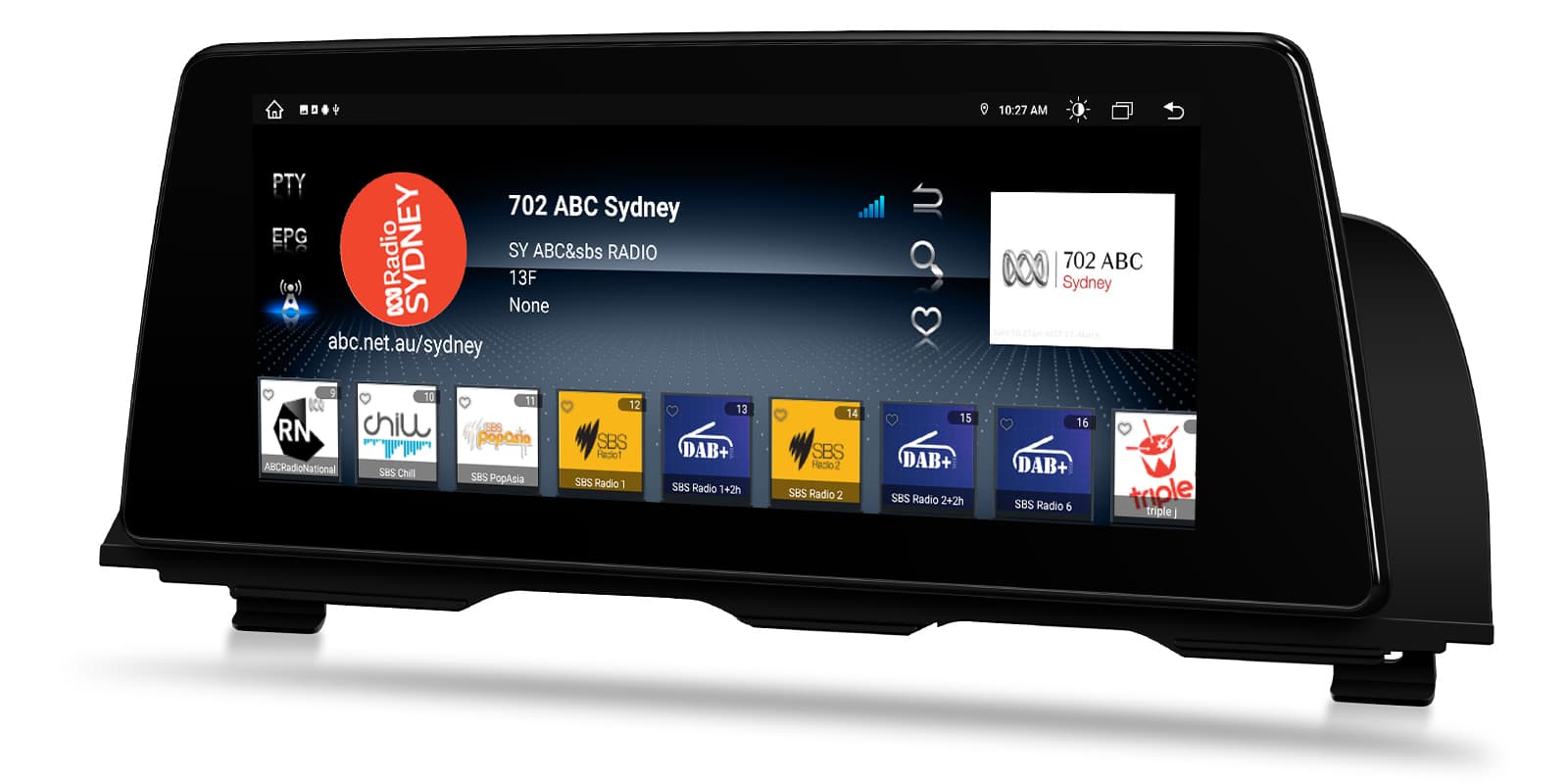
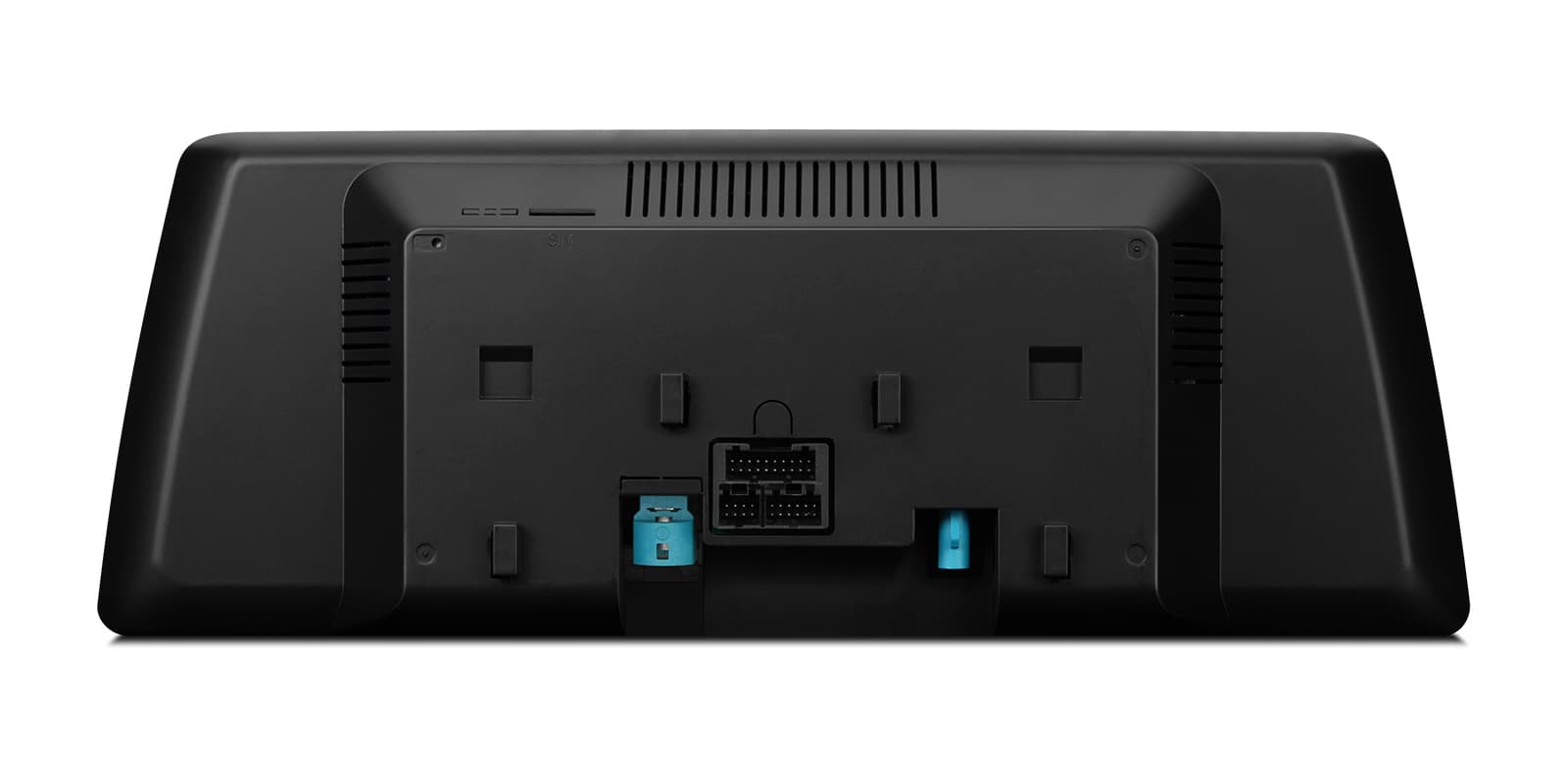
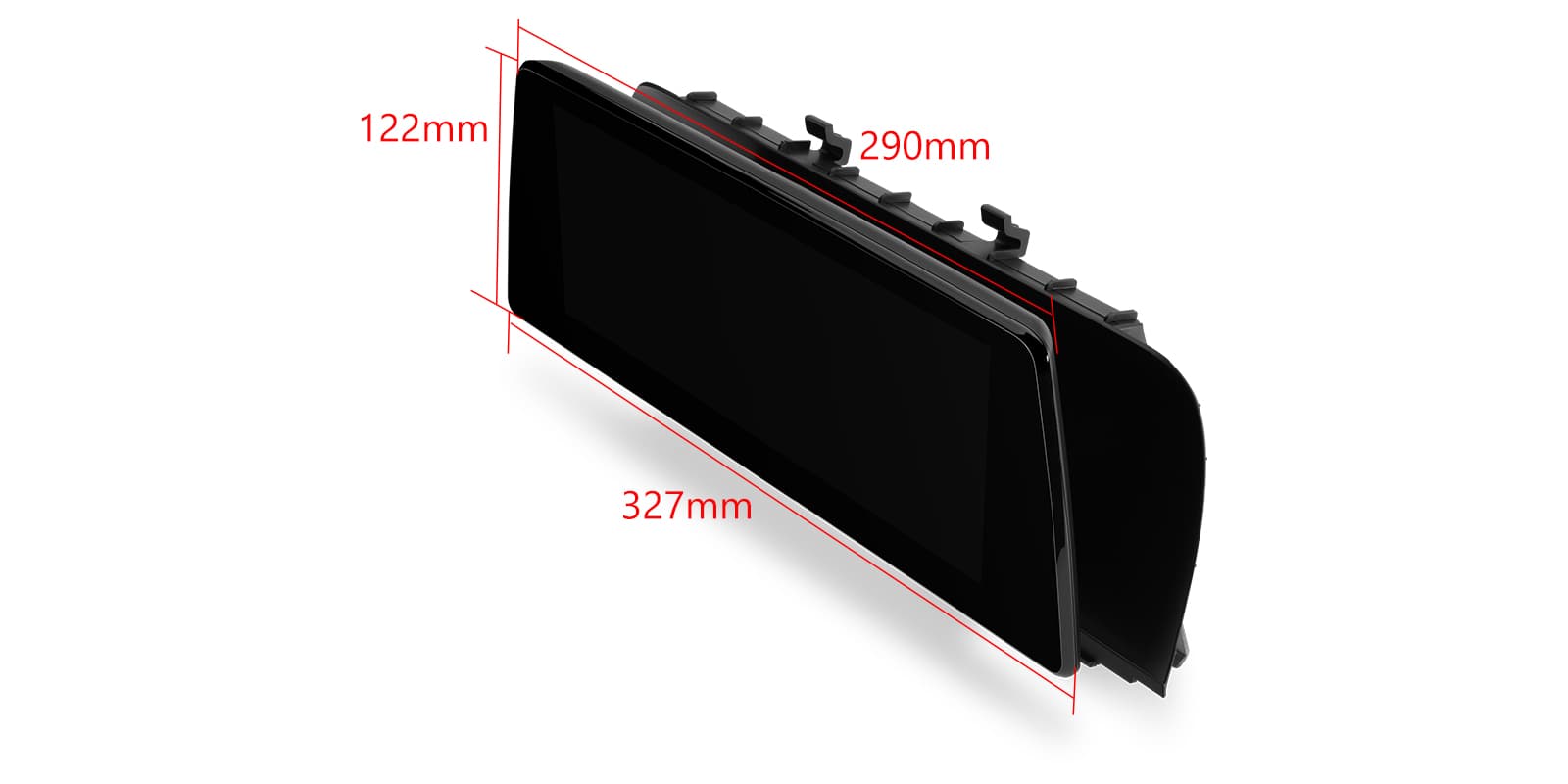
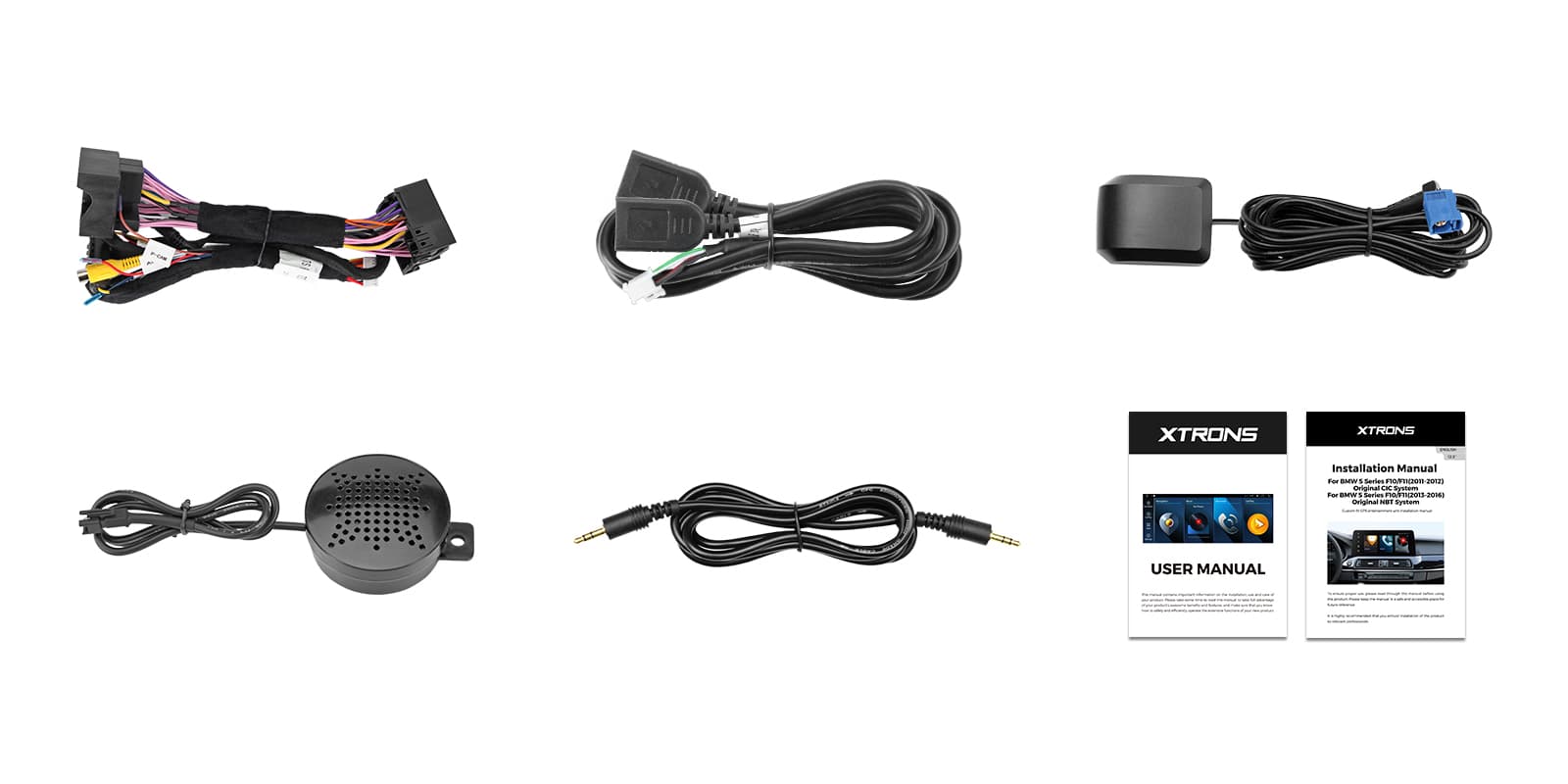
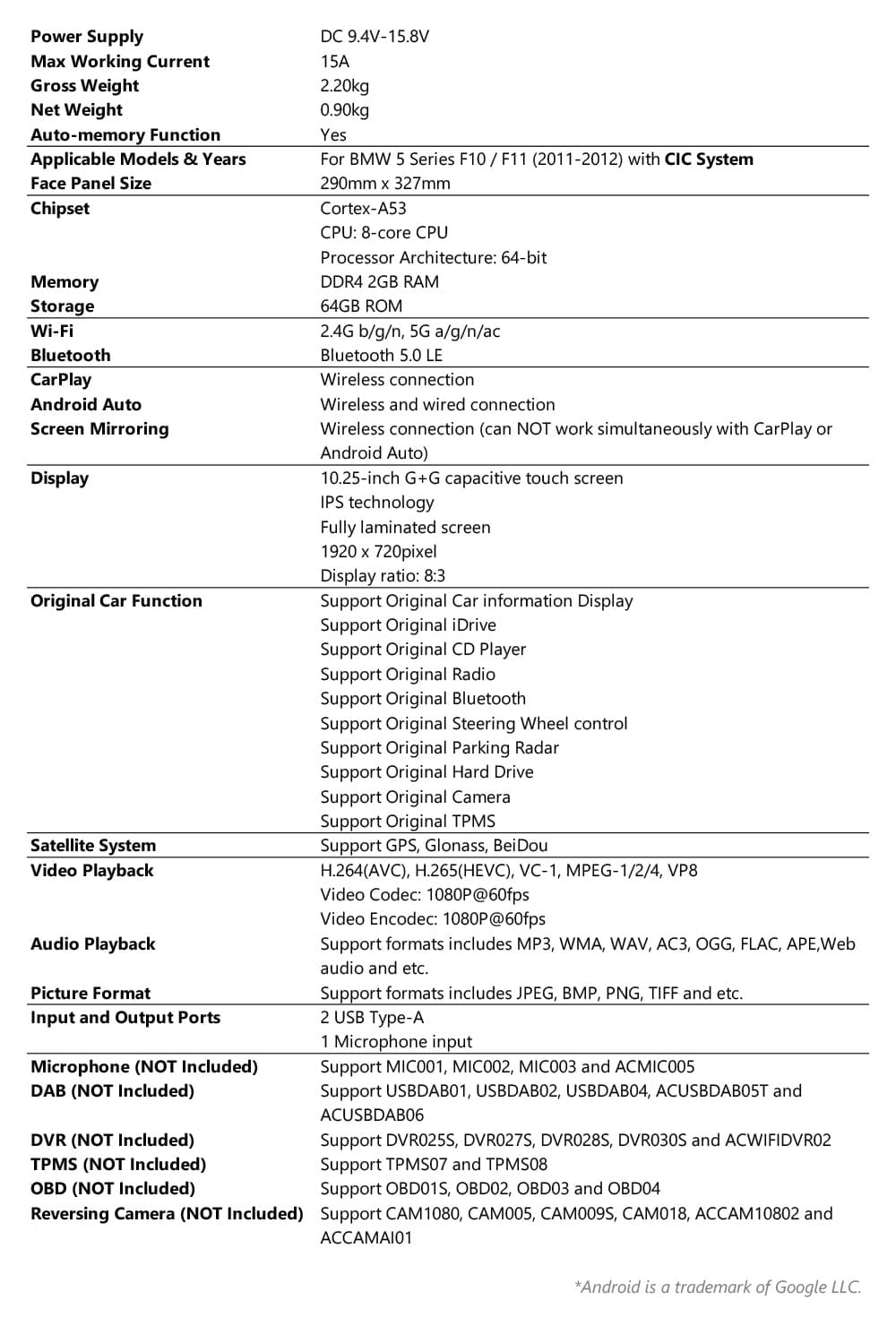
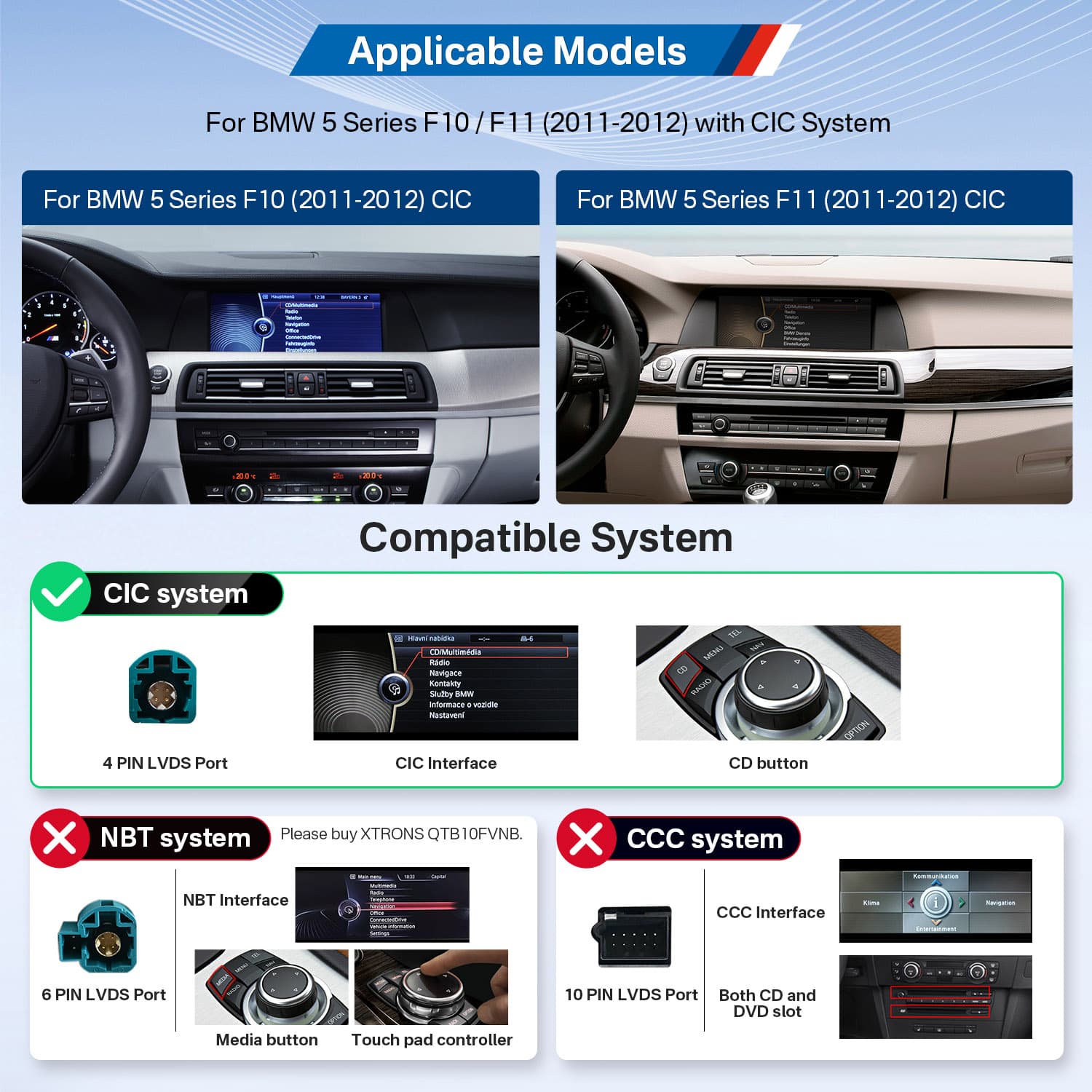
Image 1 of 16.
SKU: QTB10FVCI
£309.00
Check if this fits your car
SKU: QTB10FVCI
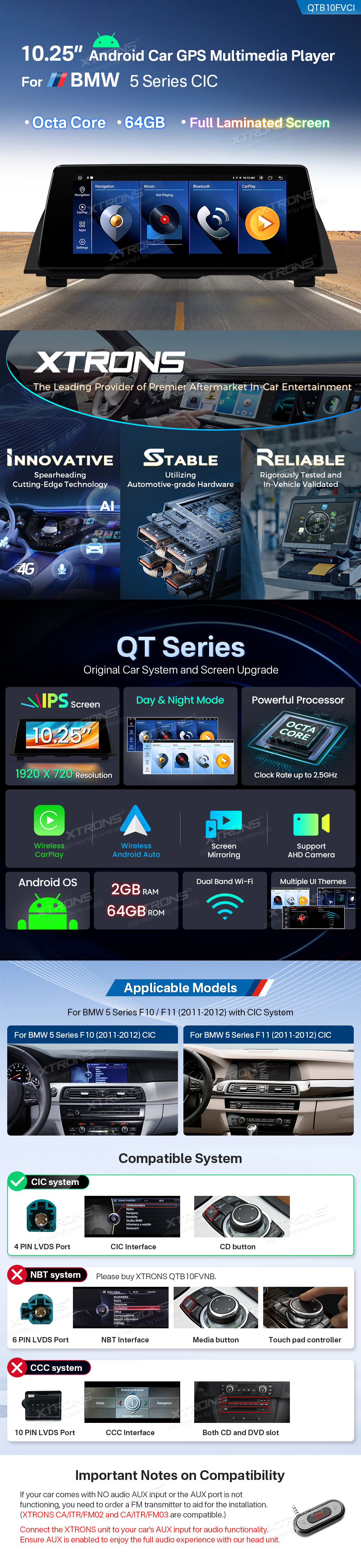
The XTRONS QTB10FVCI is a 10 inch Android screen that replaces the factory display in the BMW 5 Series F10 and F11 (2011-2012) with the CIC system. It keeps iDrive, the factory amplifier, CD player, radio and steering wheel controls, and adds wireless CarPlay, Android Auto and split-screen apps.
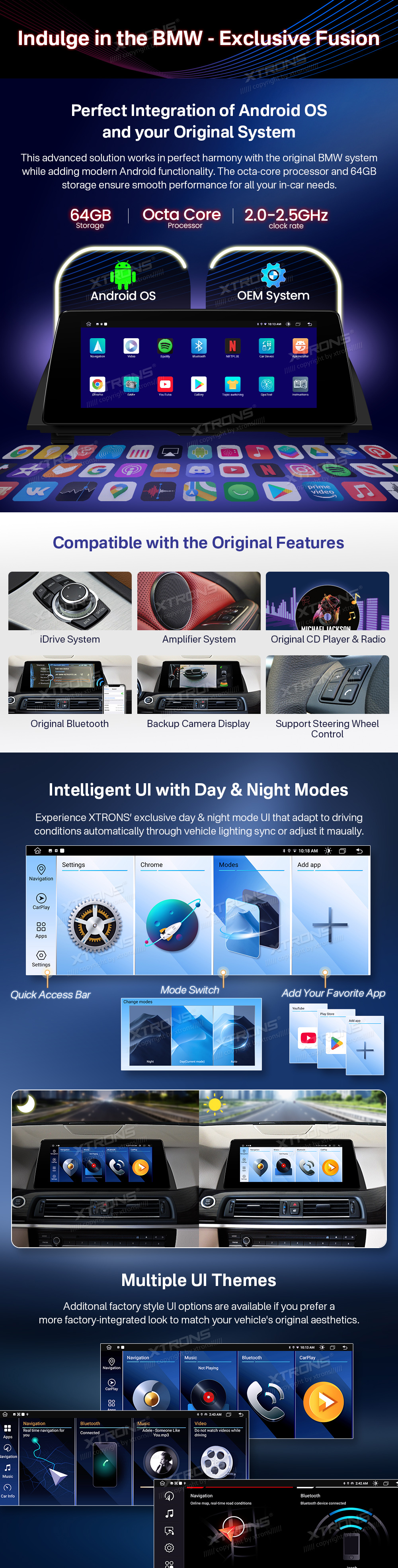
This screen works with the original F10/F11 CIC system rather than replacing it. iDrive, the amplifier system, the original CD player and radio, the original Bluetooth and the backup camera display all carry on as before.
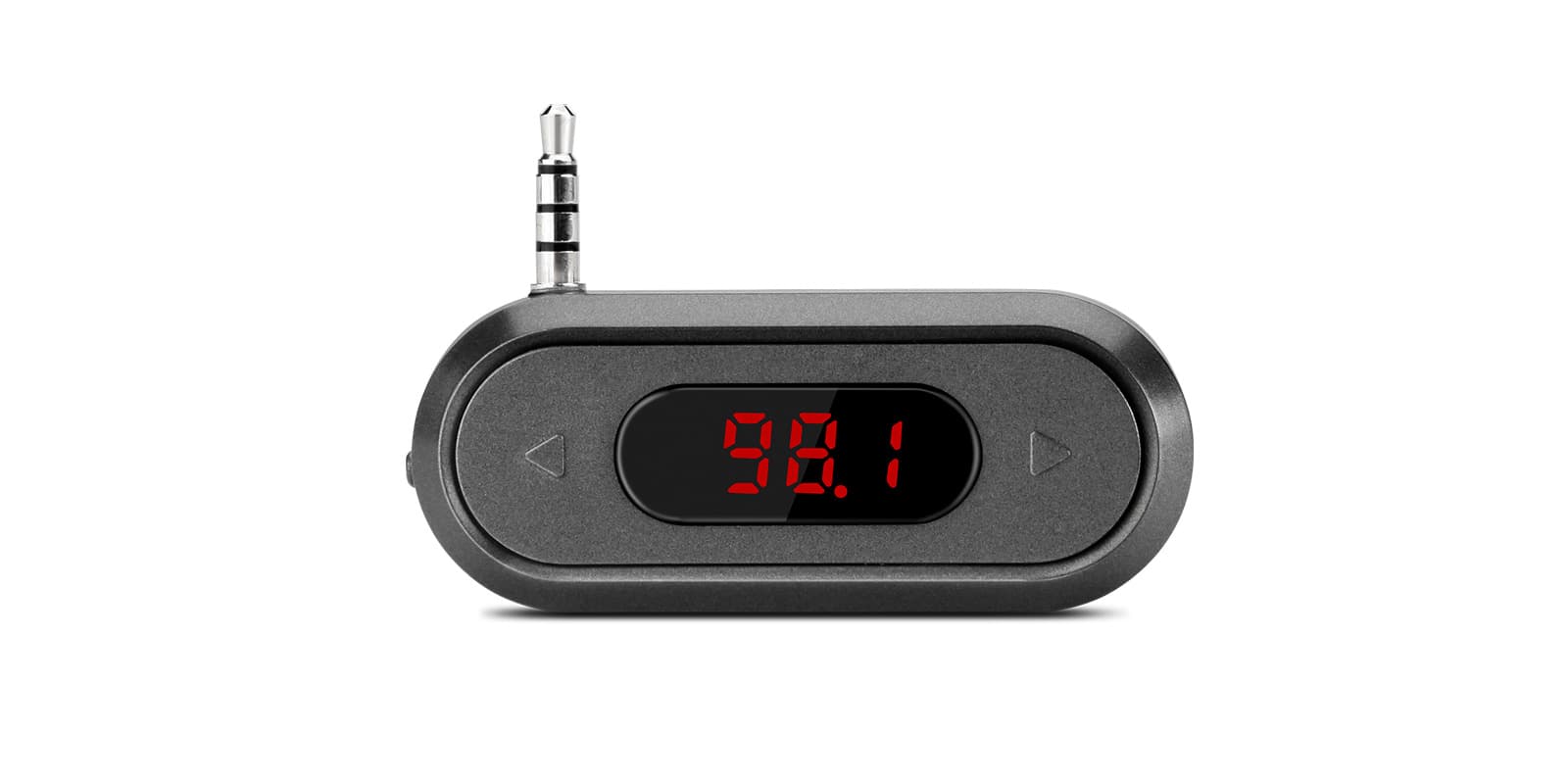
The unit's sound goes through the car's AUX input, which needs to be enabled. If there's no AUX input or it doesn't work, you'll need an FM transmitter; XTRONS CA/ITR/FM02 and CA/ITR/FM03 are compatible.
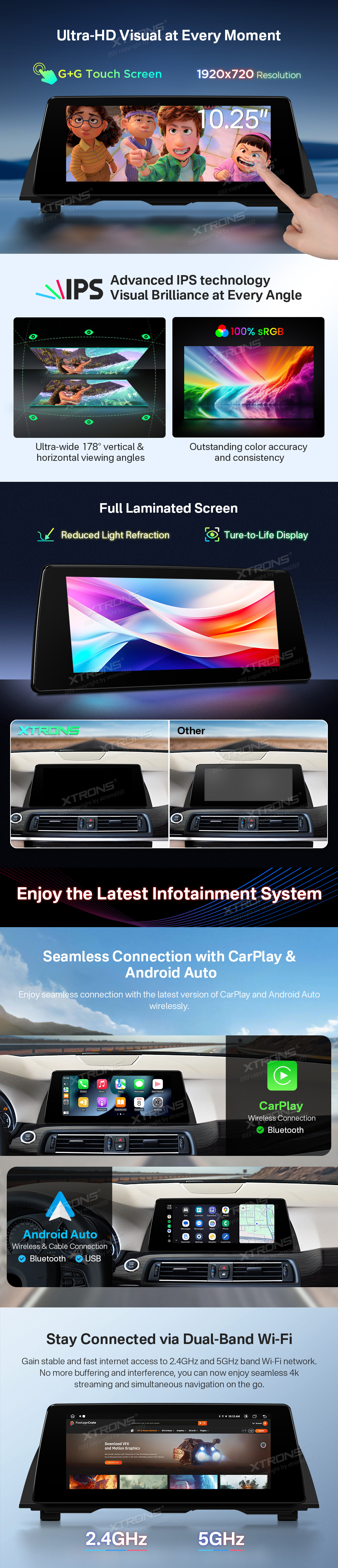
The screen runs at 1920 x 720 with G+G touch glass. It's an IPS panel with wide viewing angles and accurate colour, and it's fully laminated to reduce light refraction, so it's easy to read from either front seat.
CarPlay connects without a cable, so your iPhone's maps, calls and music come up on the wide screen while the phone stays in your pocket.
Your iPhone connects on its own when you start the car, so there's no cable to plug in. It needs an iPhone with wireless CarPlay support; check yours in Settings > General > CarPlay. A cable still works when you'd rather charge on the way.
Android Auto works wirelessly or over a cable, bringing Google Maps, calls and music apps to the dashboard.
Maps, calls, messages and music from your Android phone appear on the car screen, with Google Assistant for voice control. It needs a phone with Google services, which most Android phones have. To connect without a cable, the phone must support wireless Android Auto too.
Two windows can sit side by side, so you can keep the map in view while you change the music or check another function.
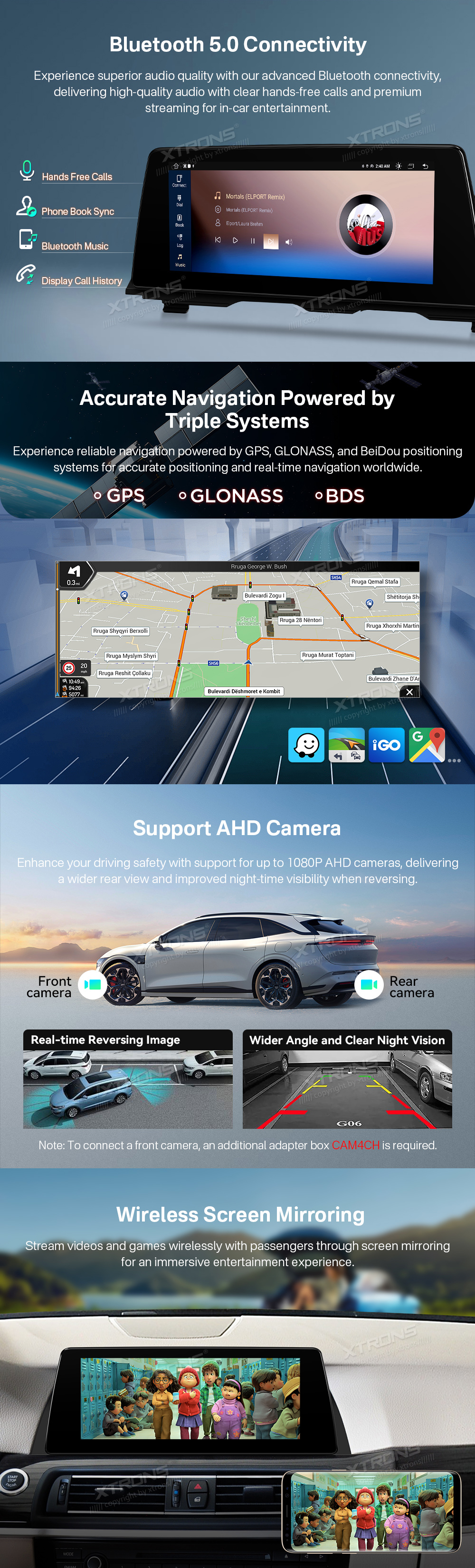
Screen mirroring sends videos and games from a phone to the screen wirelessly, so passengers can share what they're watching.
Mirroring shows your phone's whole screen on the car screen, unlike CarPlay and Android Auto, which show apps designed for driving. It usually needs a companion app on the phone, and paid video streaming apps often block it.
Wi-Fi on 2.4GHz and 5GHz bands gives a stable, fast connection for streaming and navigation, including 4k streaming when you're connected to a good network.
Bluetooth 5.0 handles hands-free calls and music streaming with clear audio.
The unit supports AHD cameras up to 1080P, front and rear. A reversing camera gives a real-time image with a wide angle and clear night vision when you select reverse.
Connect a reversing camera and its picture appears on the screen when you select reverse. Automatic switching needs the reverse signal wired in. If your car already has a factory camera, check whether you need an adapter to keep it.
The factory steering wheel controls are supported, so you can keep using the buttons you're used to.
Your steering wheel buttons keep working with the new unit, either through a CAN bus decoder or by teaching the unit each button. Check which your car needs before ordering. A few buttons may do nothing if the unit has no matching function.
A USB cable is supplied for wired connections such as Android Auto by cable.
The unit has a microphone for hands-free calls and voice commands.
Add an external DAB tuner to listen to digital radio through the unit.
Digital radio gives clearer sound and more stations than FM where there's DAB coverage. It needs a DAB aerial: a stick-on windscreen aerial is the usual choice, or a splitter if your car already has a combined FM and DAB aerial.
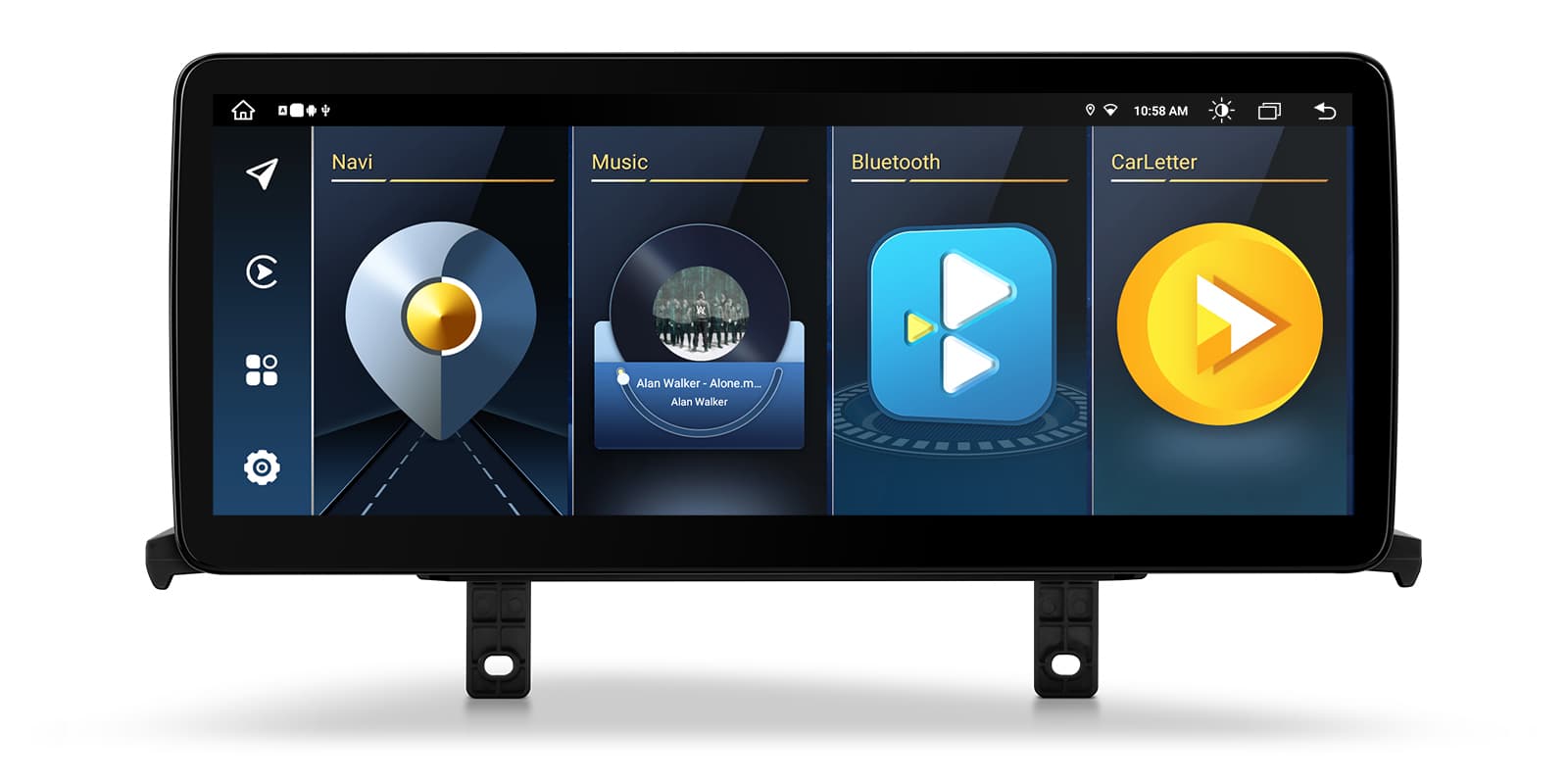
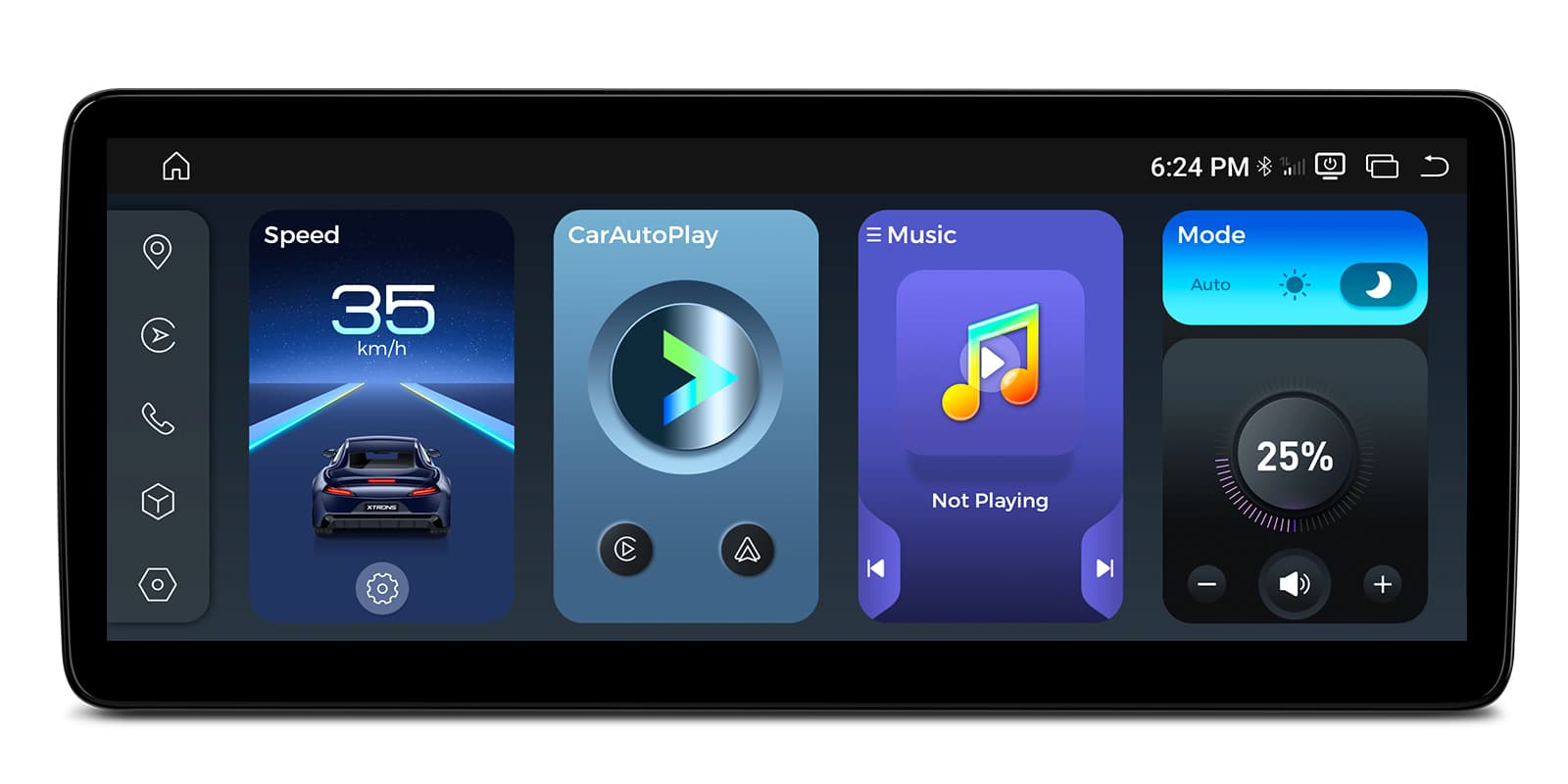
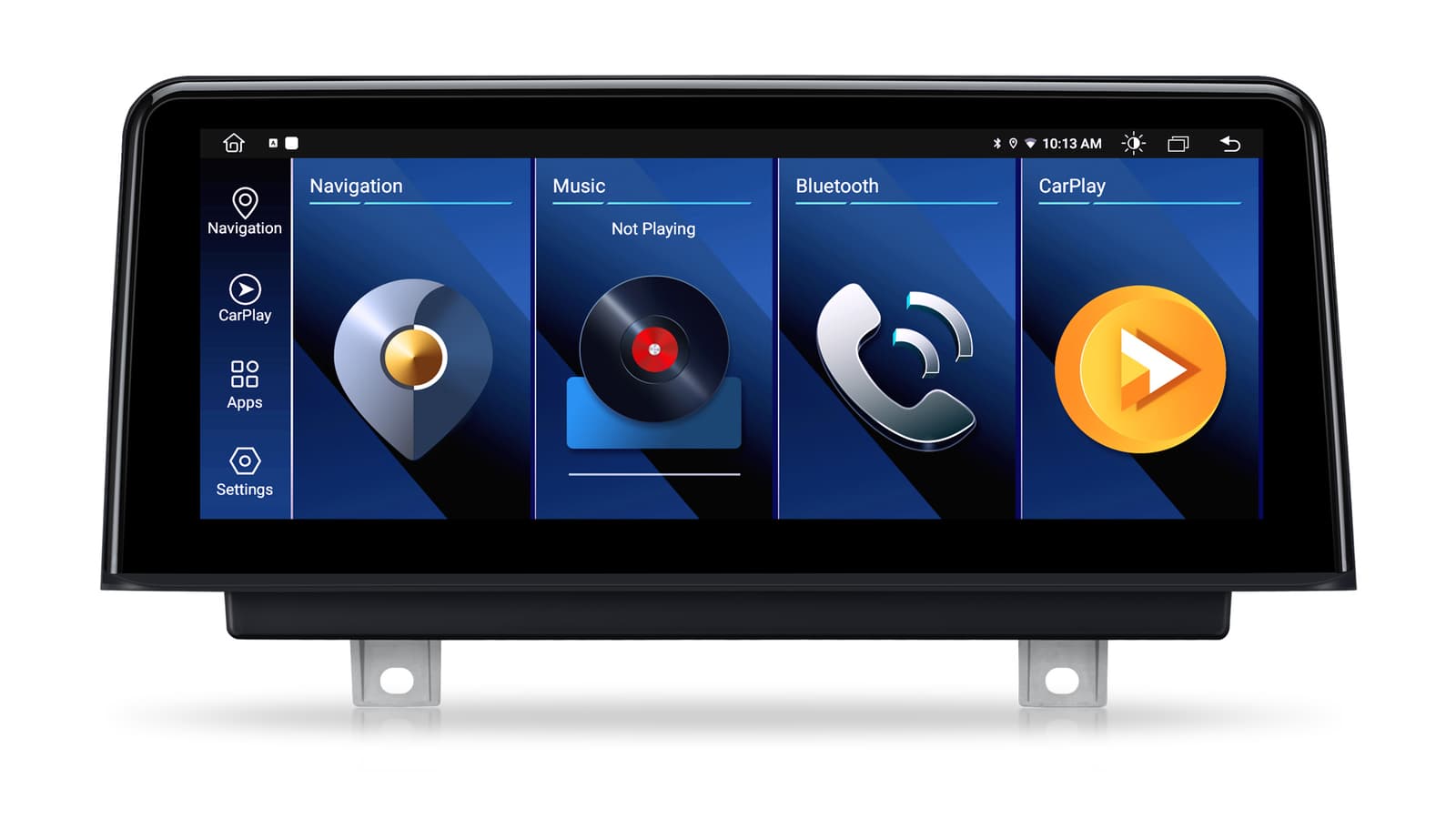
The XTRONS interface switches between day and night modes automatically with the car's lights, or you can change it yourself. It has a quick access bar and lets you add your favourite apps, and factory-style themes are available if you prefer a look that matches the original BMW screens.
| Resolution | 1920 x 720 Resolution |
|---|---|
| Touch screen | G+G Touchscreen |
| Lamination | Full-laminated Screen |
| Panel | IPS Screen |
| Phone connection | CarPlay Wireless Connection |
|---|---|
| Android Auto | Android Auto Wireless & Cable Connection |
| Wi-Fi | 2.4GHz and 5GHz band Wi-Fi |
| Bluetooth | Bluetooth 5.0 |
| Navigation | GPS | GLONASS | BDS |
| DAB | External DAB Supported |
| Camera | up to 1080P AHD cameras |
|---|
| iDrive | iDrive System |
|---|---|
| Amplifier | Amplifier System |
| CD and radio | Original CD Player & Radio |
| Bluetooth | Original Bluetooth |
| Camera | Backup Camera Display |
| Steering wheel controls | Support Steering Wheel Control |
| Make | Model | Years | Notes |
|---|---|---|---|
| BMW | 5 Series (F10) | 2010–2017 | Cars with the factory CIC system |
| BMW | 5 Series (F11) | 2010–2017 | Cars with the factory CIC system |
The QTB10FVCI is a plug-and-play replacement for the factory display, connected with the supplied ISO wiring harness and installation instructions. It only works with the original F10/F11 CIC system; cars with NBT need XTRONS QTB10FVNB. Sound goes through the car's AUX input, so enable it, or add an FM transmitter such as XTRONS CA/ITR/FM02 if there's no working AUX.
A CIC system has a 4-pin LVDS port and a CD button on the iDrive controller. A Car Information Computer interface alone doesn't guarantee it's CIC.
XTRONS QTB10FVNB.
Yes. iDrive, the amplifier system, the original CD player and radio, the original Bluetooth and the backup camera display are all kept.
You'll need an FM transmitter. XTRONS CA/ITR/FM02 and CA/ITR/FM03 are compatible.
XTRONS's own pages for this product, as the manufacturer publishes them. Open any of them at full size to zoom in.
Accessories named in this unit's description
+ £4.99 delivery = £16.98 total
In stock
More from Custom Fit
In stock
In stock
In stock
In stock