

£11.99inc. VAT
+ £4.99 delivery = £16.98 total
In stock
Your car: not set. Add it and every product shows whether it fits.
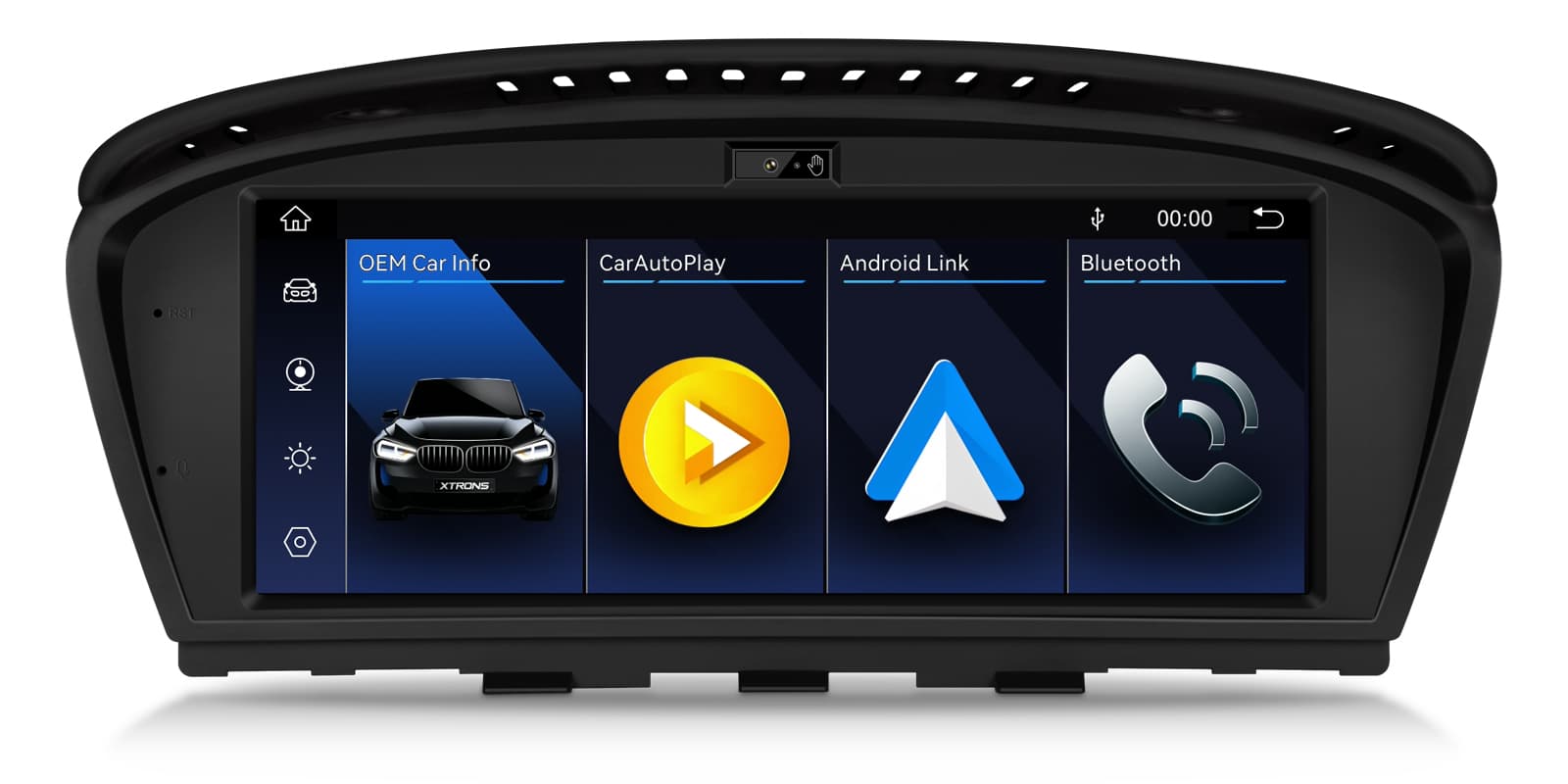
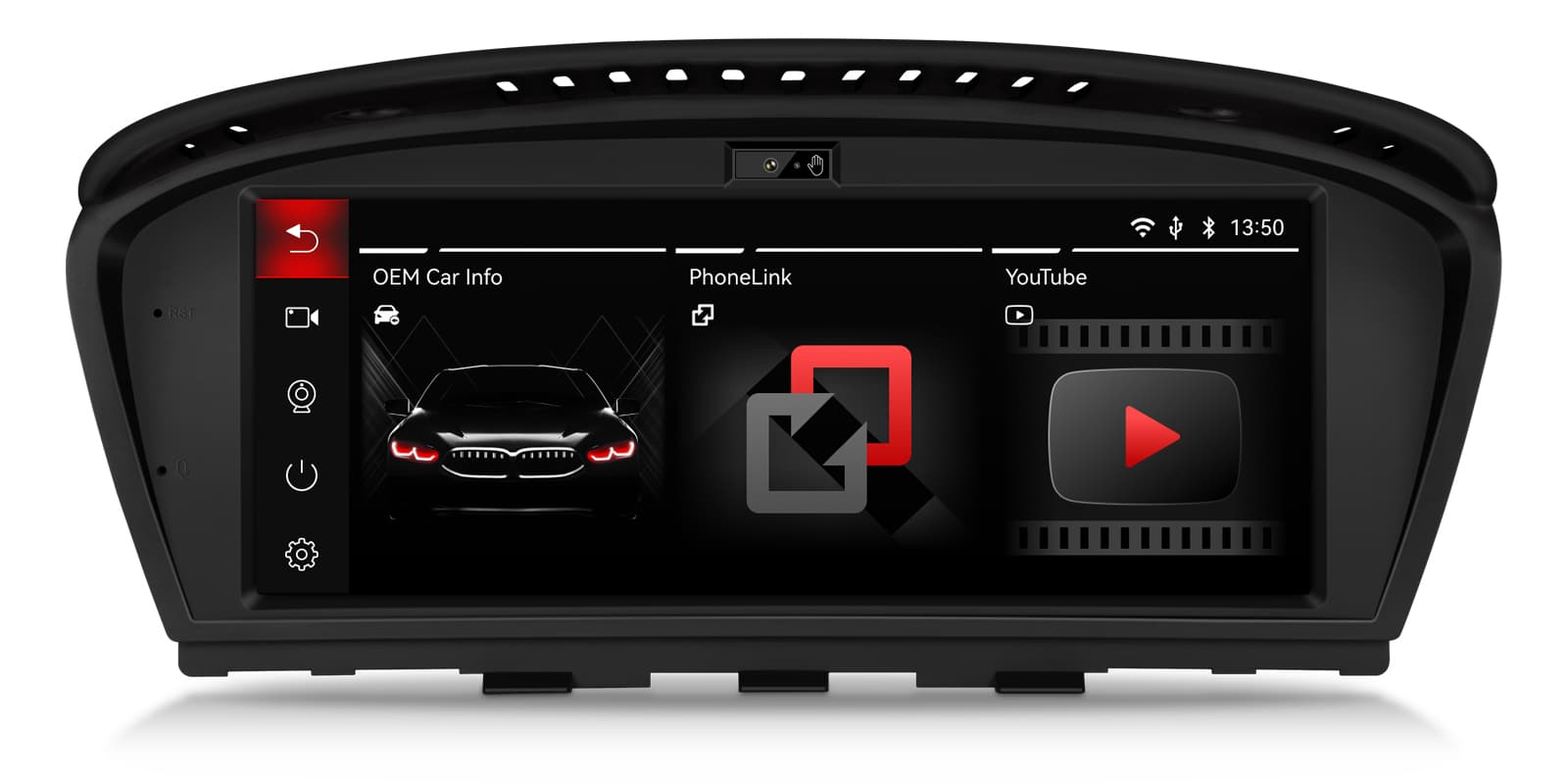
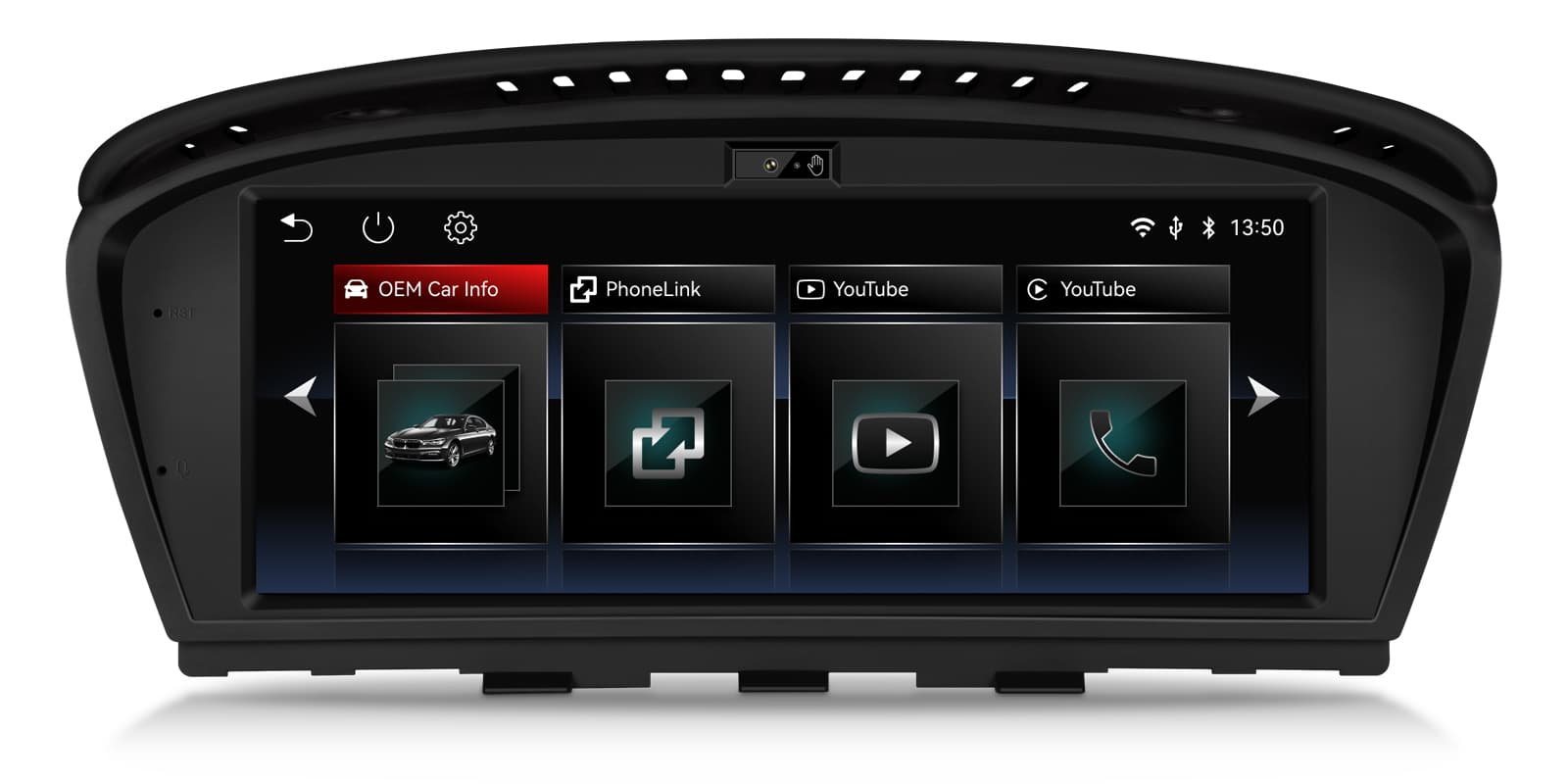
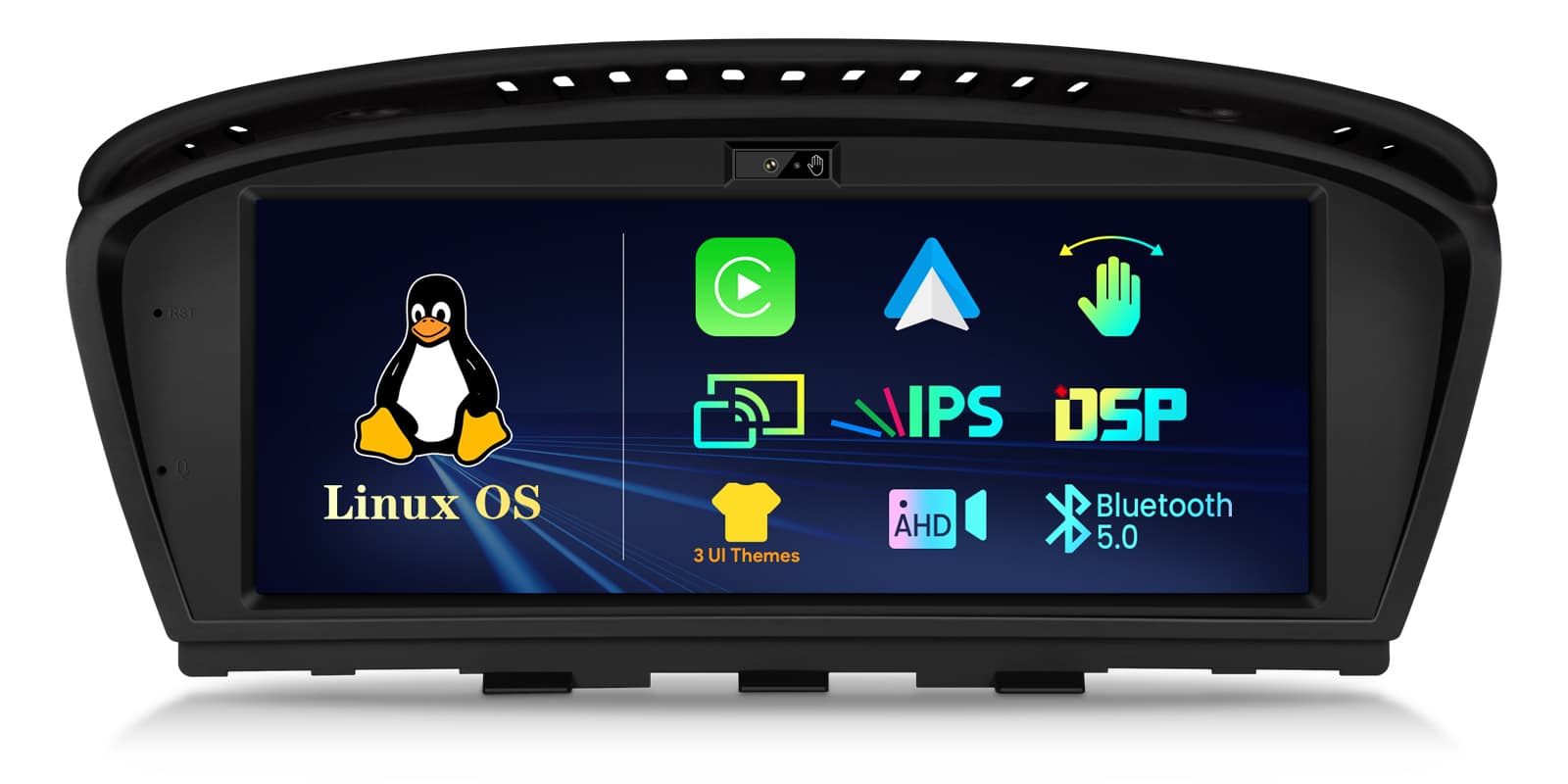
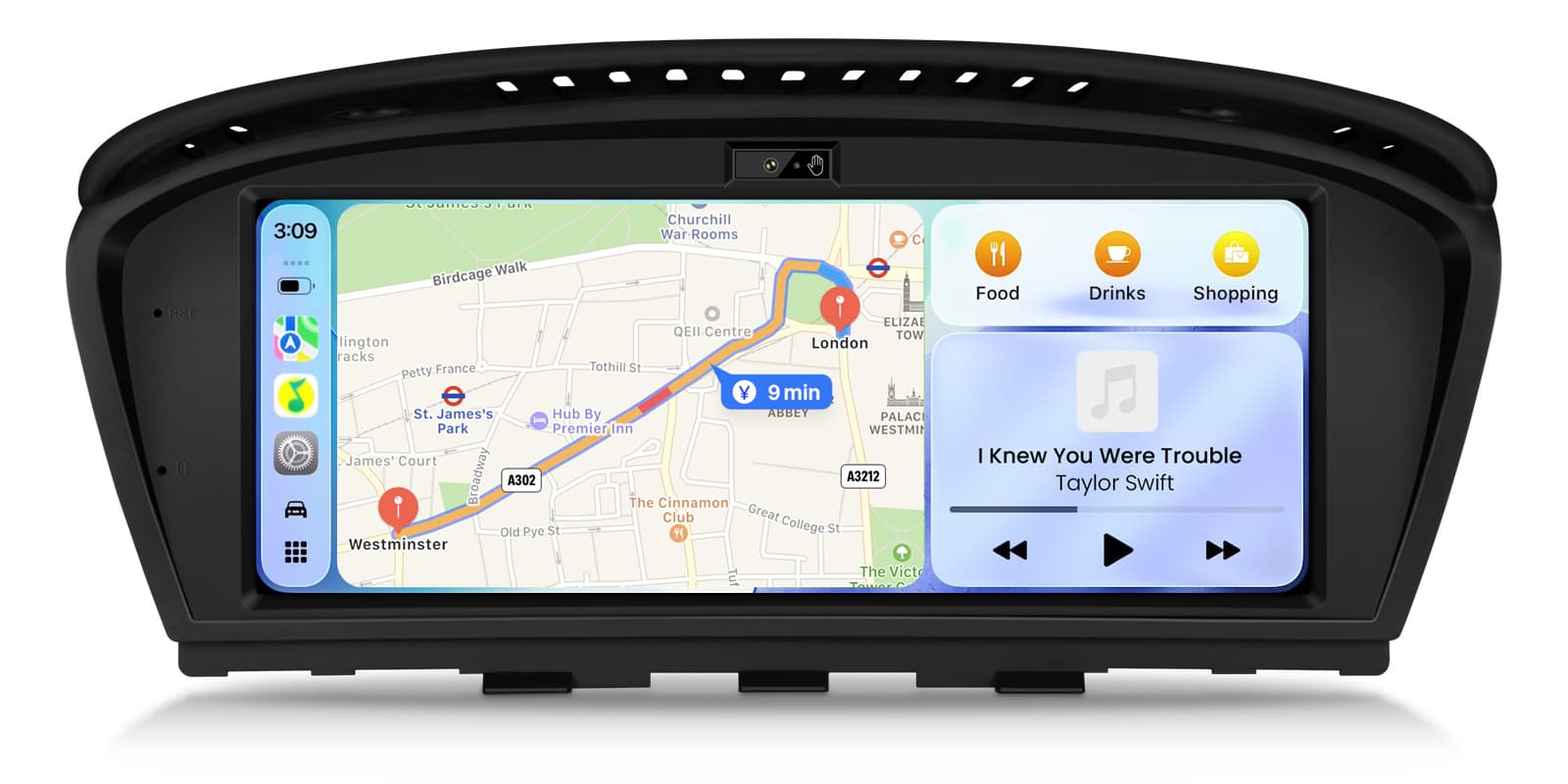
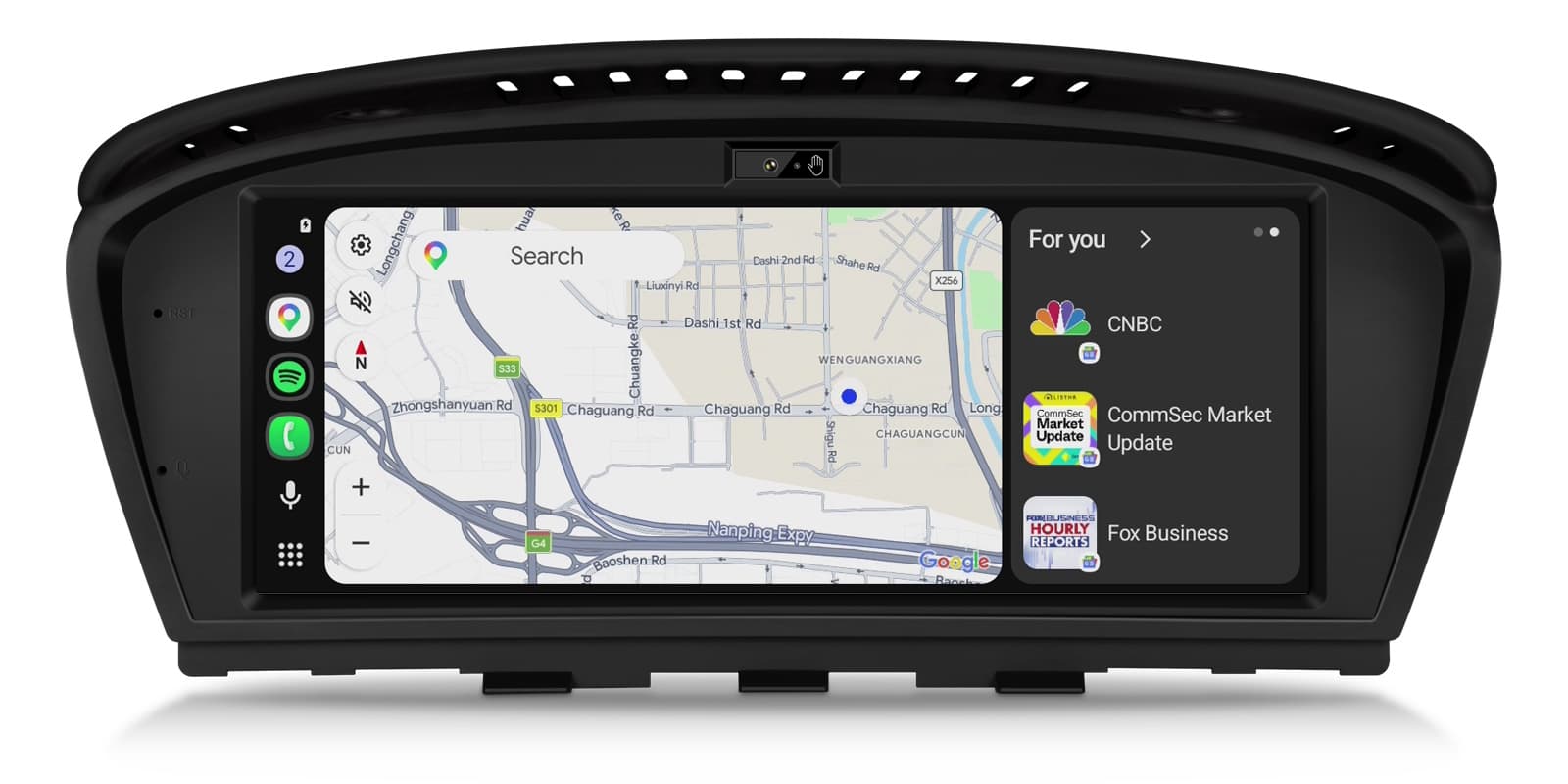
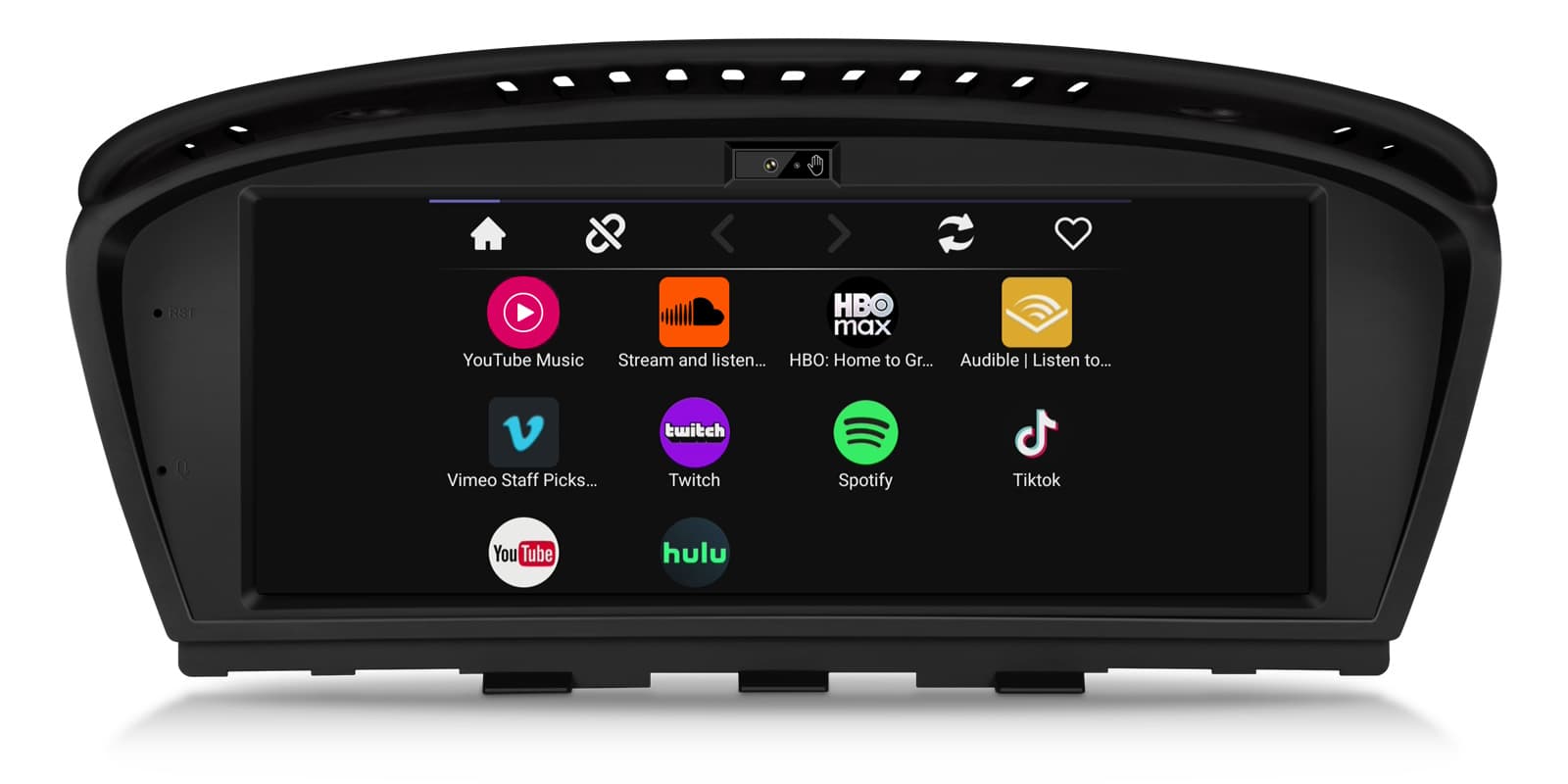
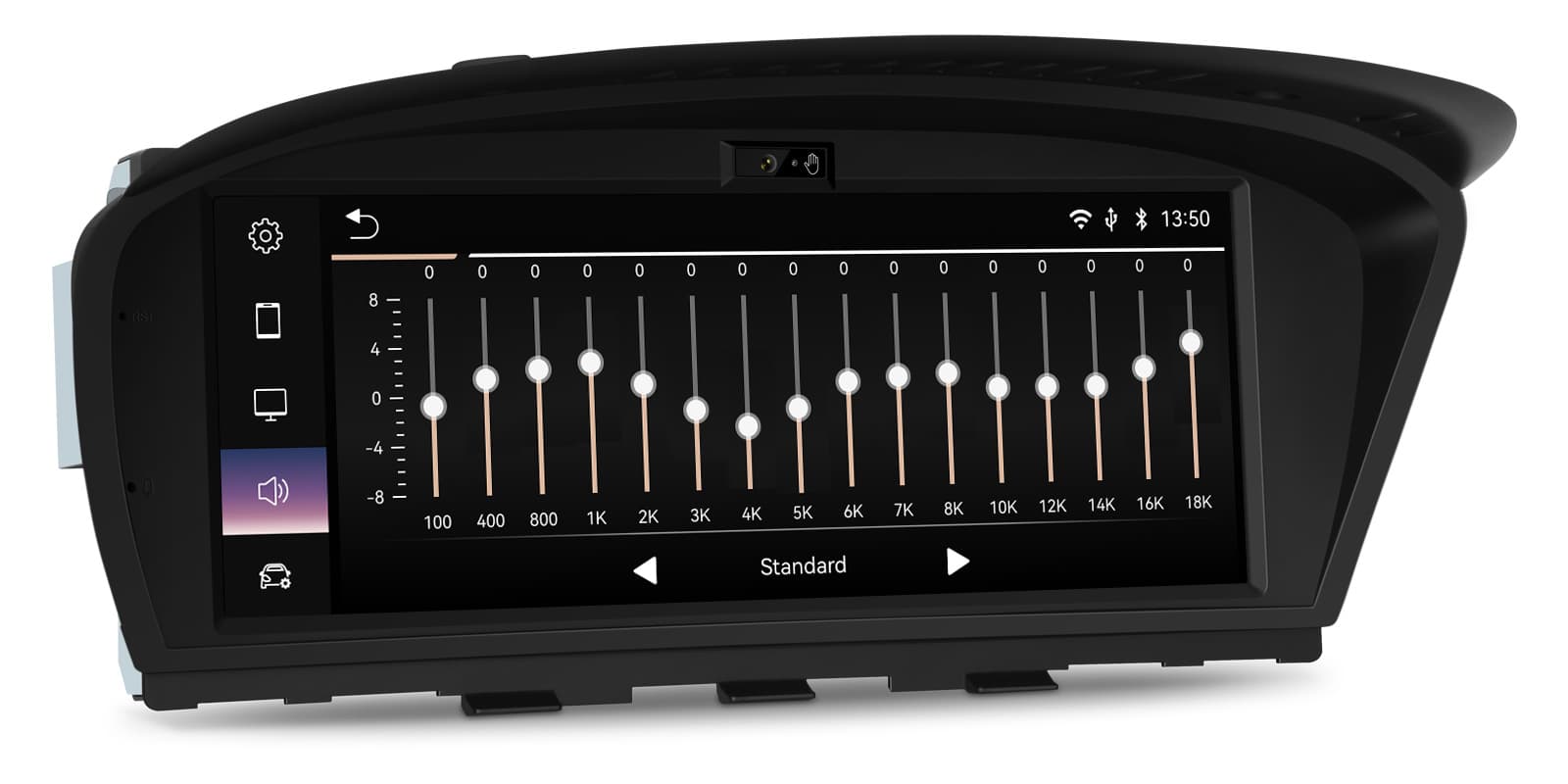
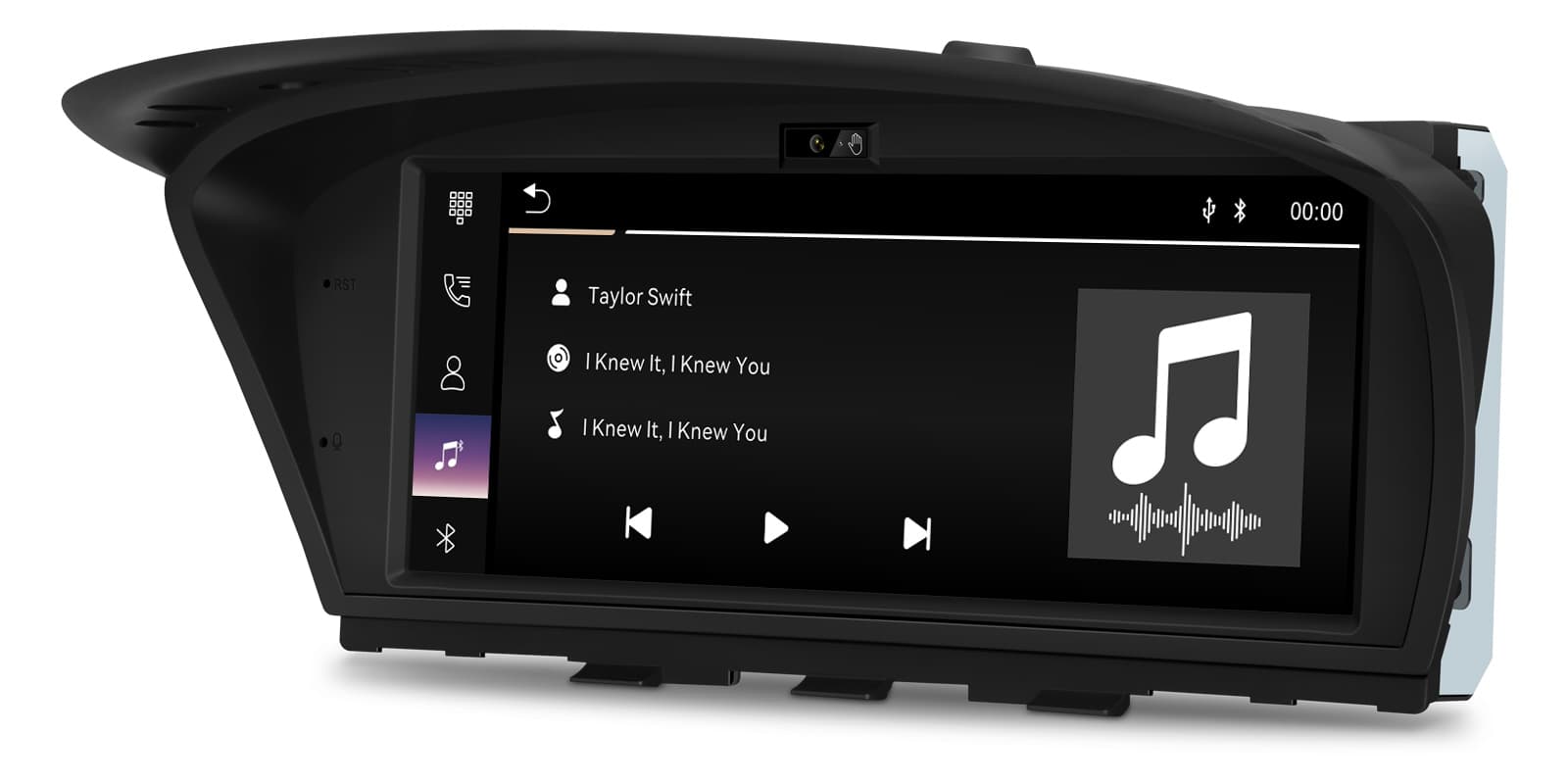
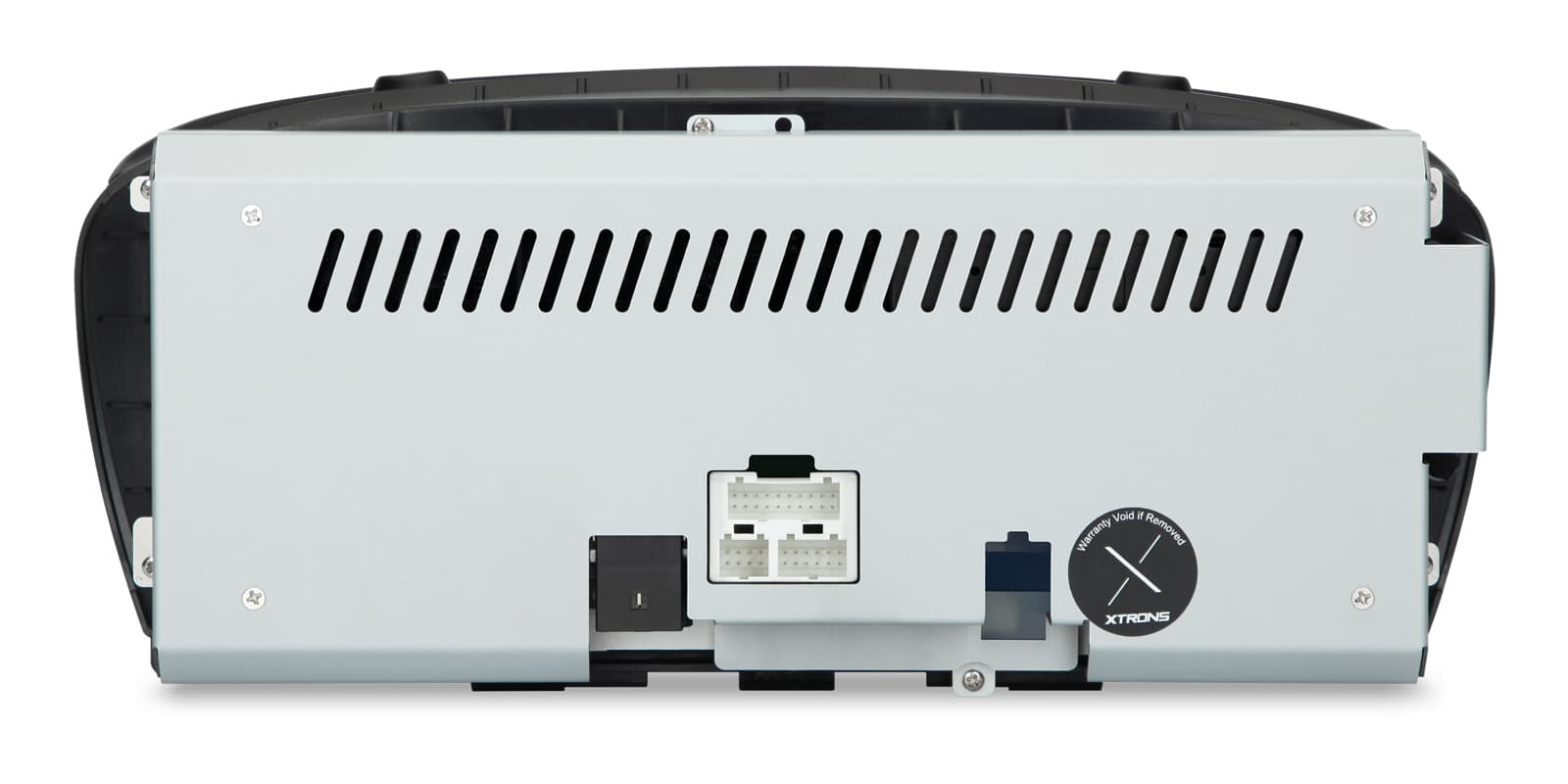
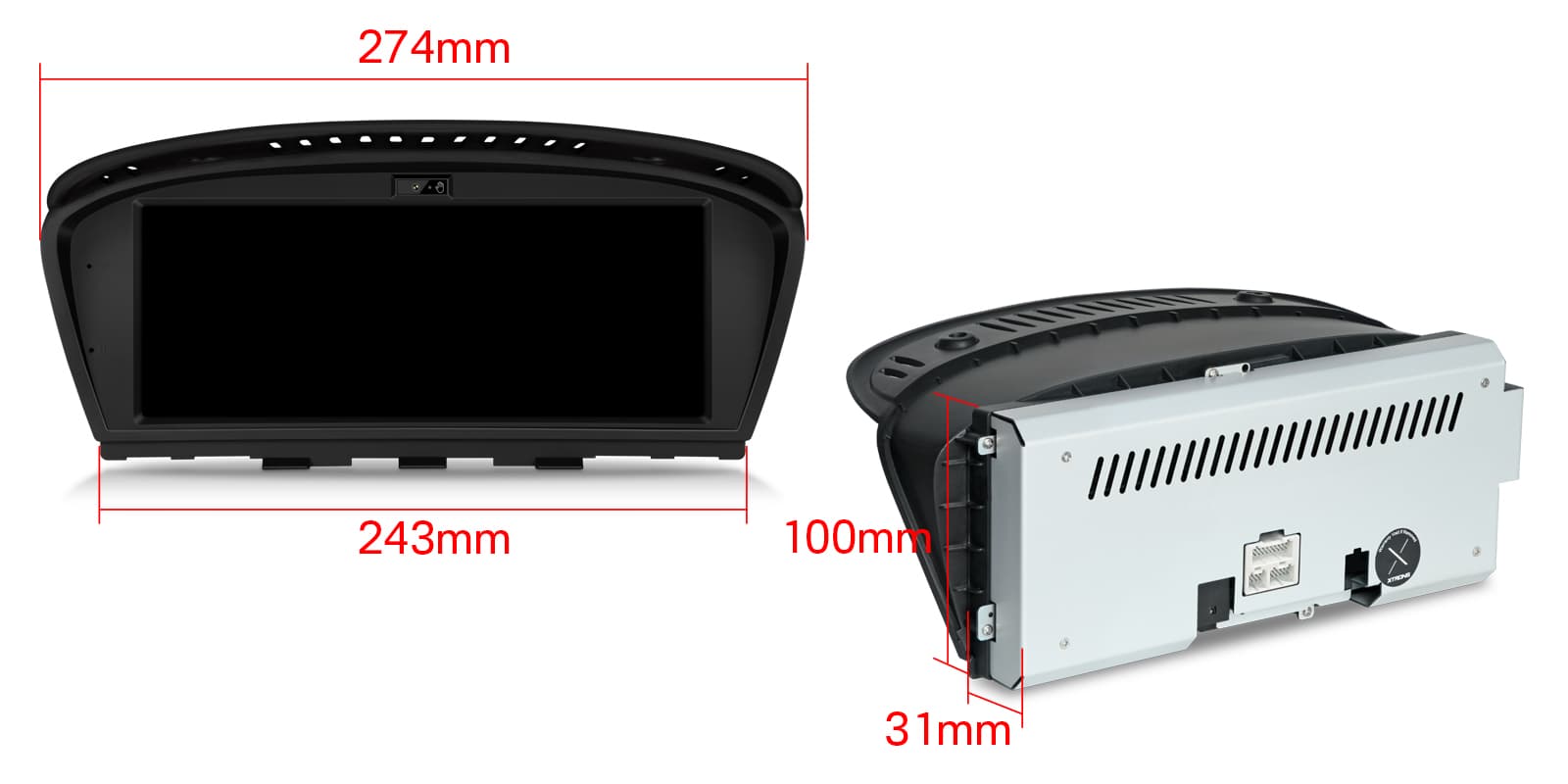
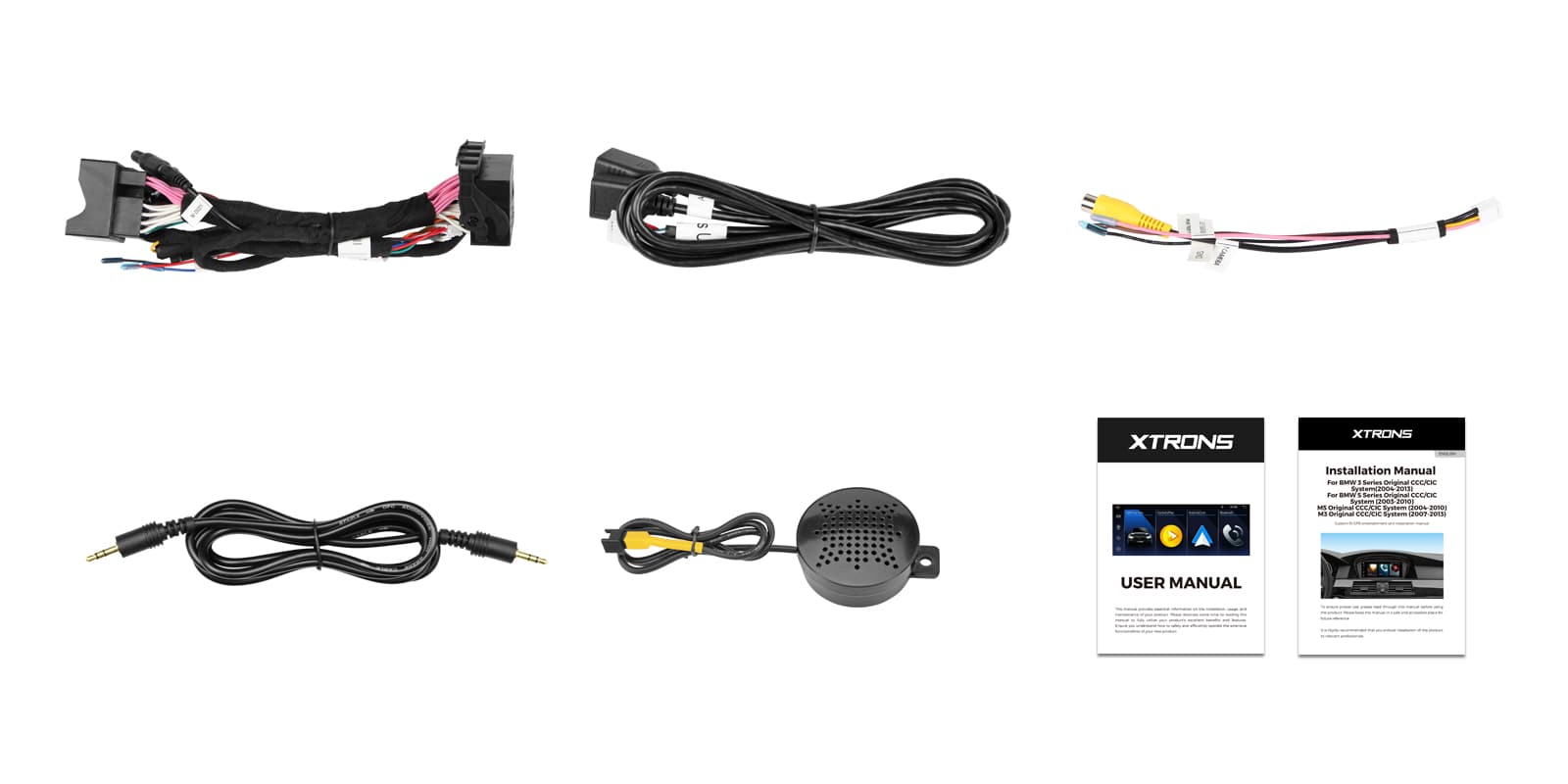
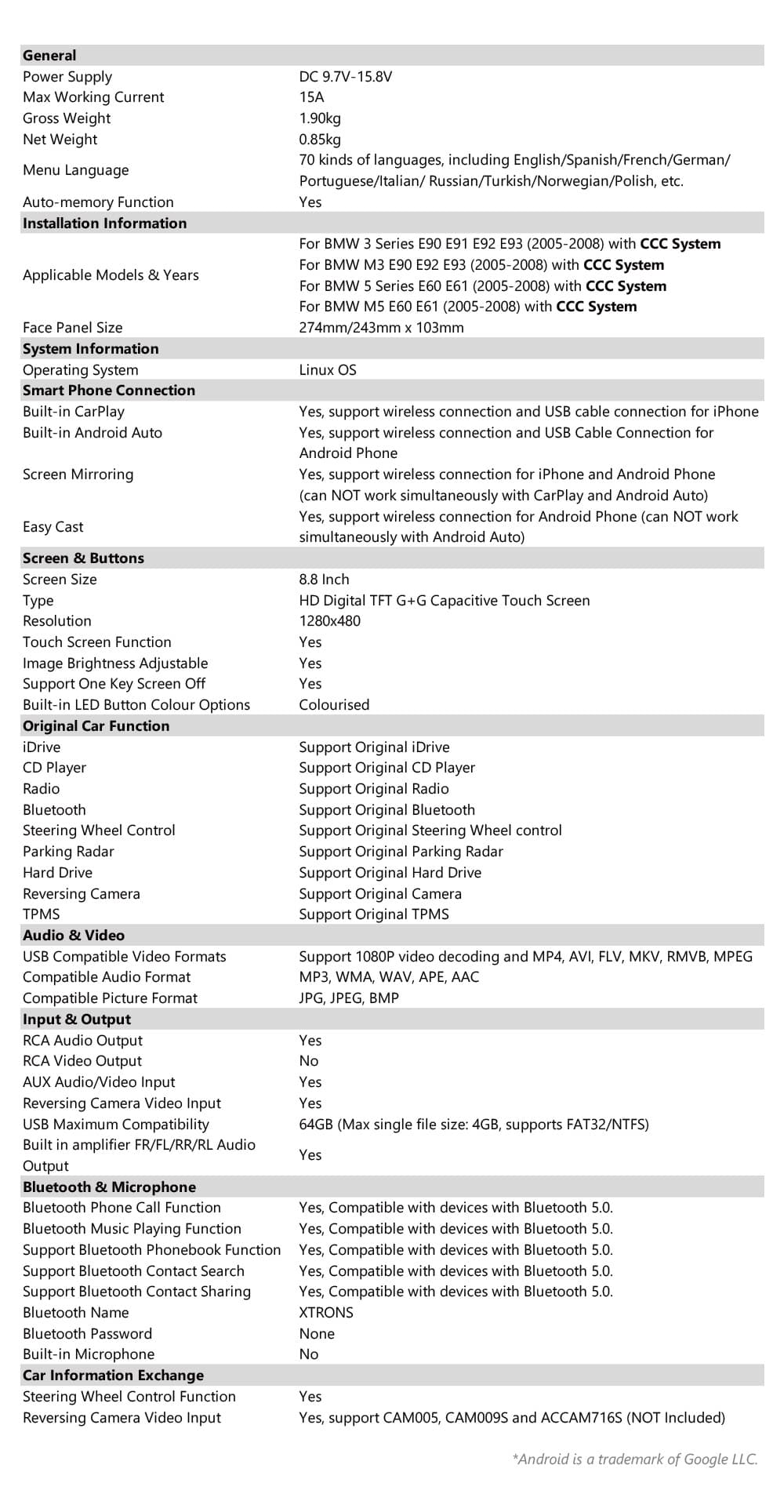
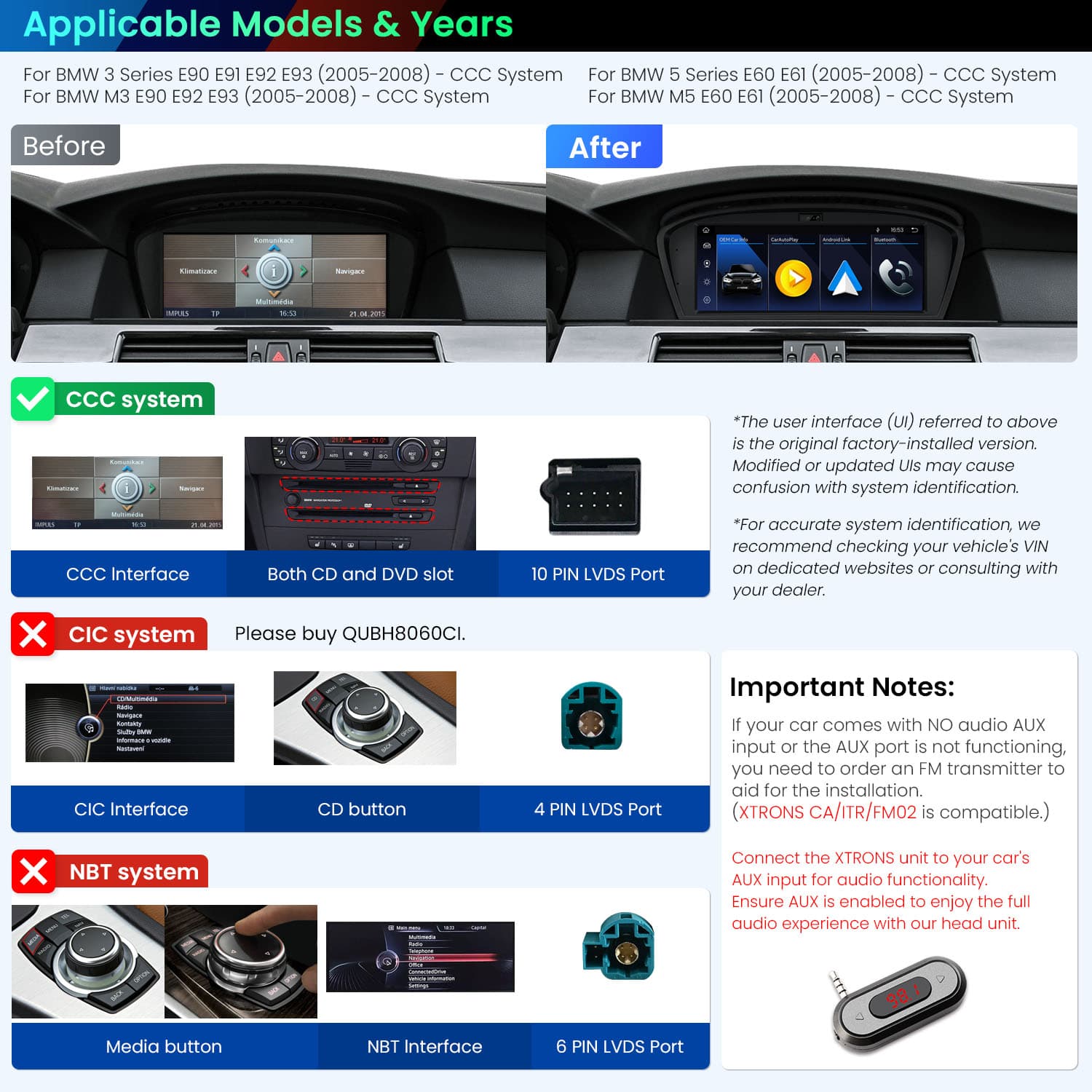
Image 1 of 15.
SKU: QUBH8060CC
£169.00Was £199.00Save £30.00
Check if this fits your car
SKU: QUBH8060CC
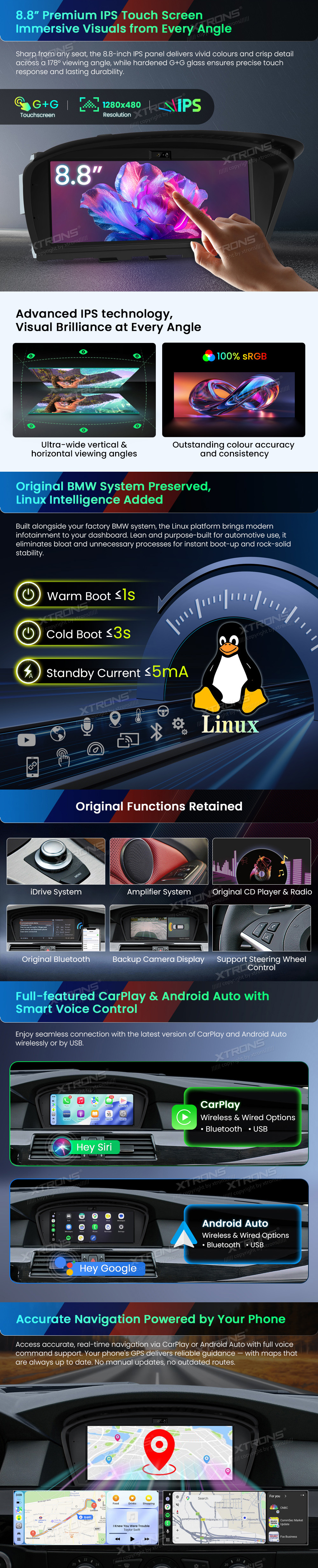
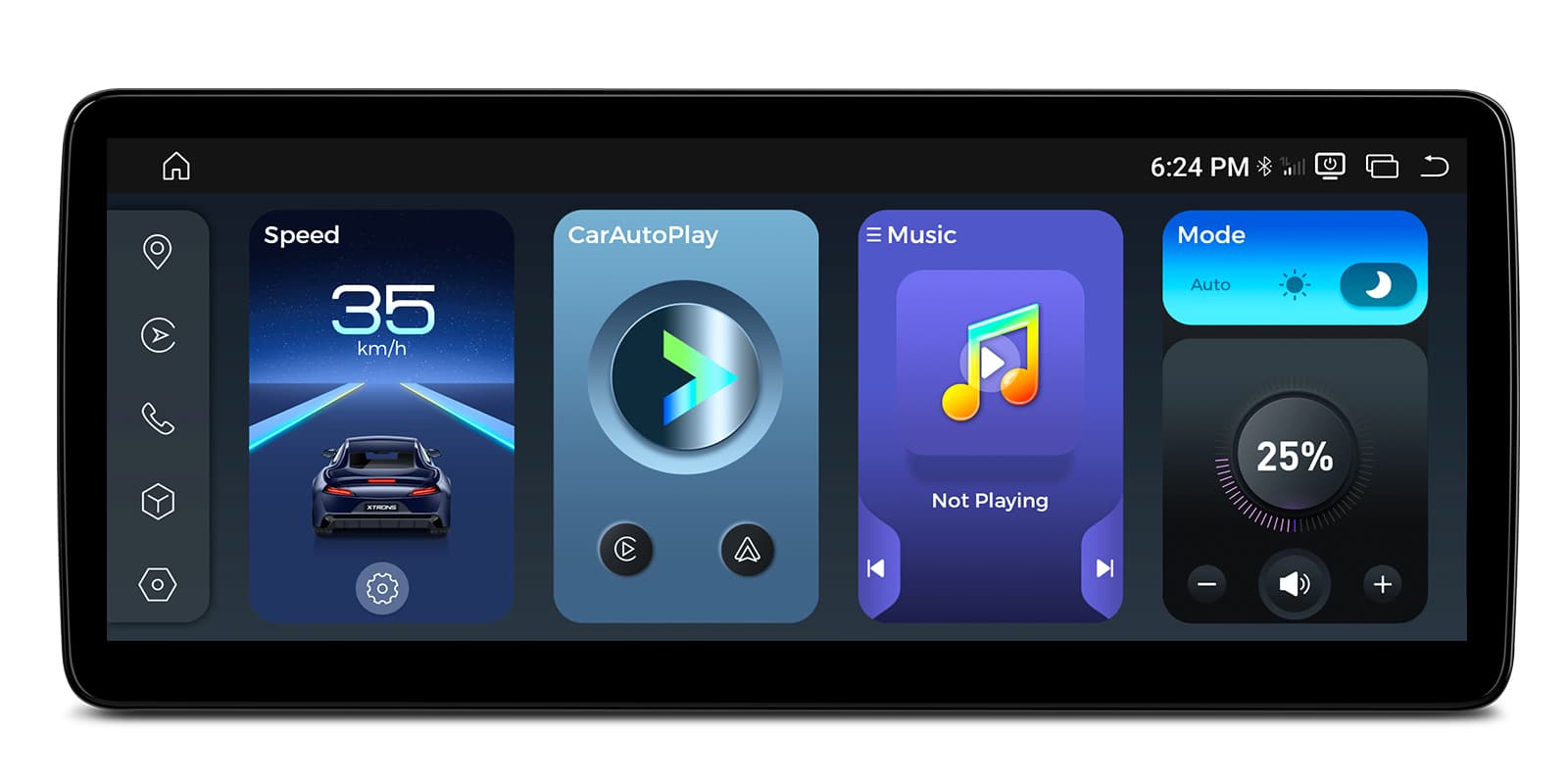
XTRONS QUBH8060CC is an 8.8 inch Linux screen for BMW 3 Series, 5 Series, M3 and M5 models with the CCC system. It adds Apple CarPlay and Android Auto while keeping iDrive, the amplifier, CD player, radio, Bluetooth and steering wheel controls.
This screen replaces the original CCC display and runs Linux rather than Android. The factory iDrive, amplifier, CD player, radio and Bluetooth stay, so the car still works the way it did.
It only works with the original CCC system. A CCC radio usually has a BMW CCC interface, both CD and DVD slots and a 10 PIN LVDS port.
Connect your iPhone and CarPlay brings maps, calls, messages and music onto the 8.8 inch screen. Siri takes voice requests, so you can ask for a route or a song while driving.
Plug your iPhone into the unit's USB lead and maps, calls, messages and music appear on the car screen, with Siri for voice control. Use a data cable in good condition: a charge-only lead won't work, and a worn cable is the usual cause of CarPlay dropping out.
Android phones get Android Auto, with Google Maps, music apps and calls on the screen. Google Assistant answers voice commands.
Maps, calls, messages and music from your Android phone appear on the car screen, with Google Assistant for voice control. It needs a phone with Google services, which most Android phones have. To connect without a cable, the phone must support wireless Android Auto too.
The IPS panel keeps its colours from an angle, so the passenger can read it as well as the driver. It's a touch screen, and air gesture control lets you wave a hand to control it.
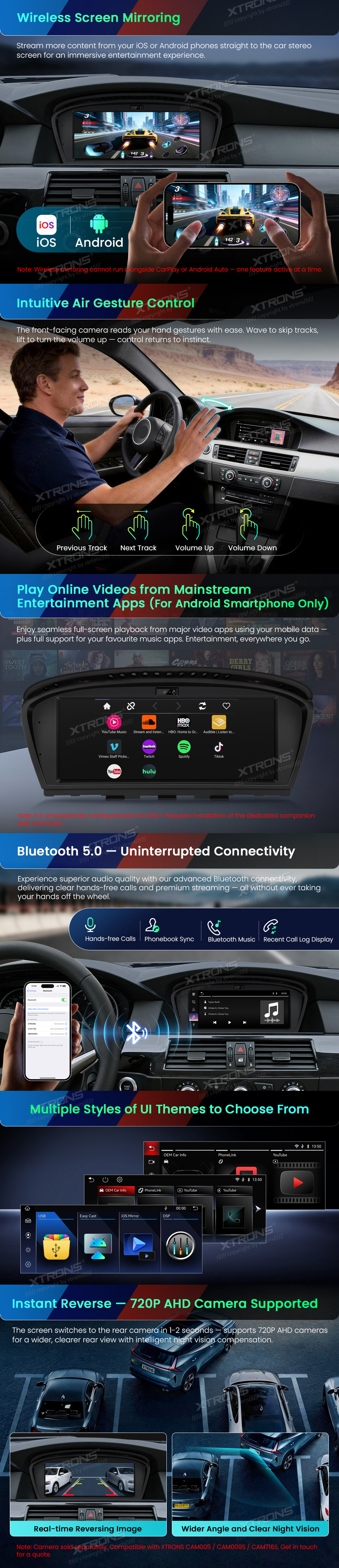
Screen mirroring shows your phone's display on the head unit. Use it for apps that don't run in CarPlay or Android Auto, ideally when parked.
Mirroring shows your phone's whole screen on the car screen, unlike CarPlay and Android Auto, which show apps designed for driving. It usually needs a companion app on the phone, and paid video streaming apps often block it.
A microphone lets you take calls and give voice commands through CarPlay and Android Auto without picking up your phone.
Add a 720P AHD camera and you'll see behind the car on the screen when reversing. A camera cable comes in the box.
Connect a reversing camera and its picture appears on the screen when you select reverse. Automatic switching needs the reverse signal wired in. If your car already has a factory camera, check whether you need an adapter to keep it.
The factory steering wheel controls keep working after fitting, so volume and track changes stay at your fingertips.
Your steering wheel buttons keep working with the new unit, either through a CAN bus decoder or by teaching the unit each button. Check which your car needs before ordering. A few buttons may do nothing if the unit has no matching function.
| Screen size | 8.8 inch |
|---|---|
| Panel | IPS Screen |
| Operating system | Linux |
|---|---|
| Control | air gesture control |
| Reversing camera | 720P AHD reverse camera support |
|---|
| Make | Model | Years | Notes |
|---|---|---|---|
| BMW | 5 Series (E60) | 2003–2010 | Cars with the factory CCC system |
| BMW | 5 Series (E61) | 2005–2008 | Cars with the factory CCC system |
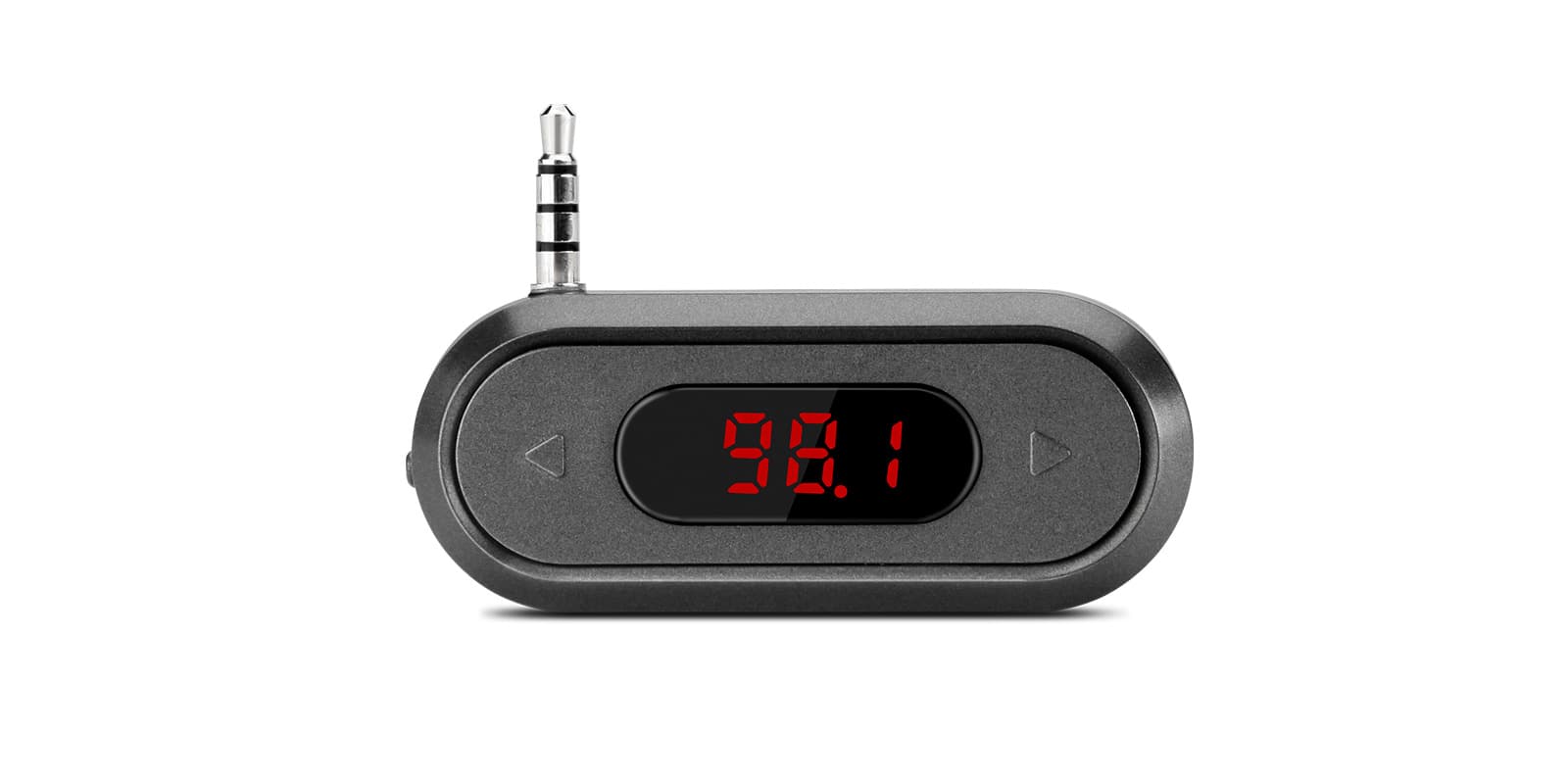
The screen connects with the supplied ISO wiring harness and plays its sound through the car's AUX input, so AUX must be enabled. If there's no AUX input or it doesn't work, you'll need an FM transmitter such as CA/ITR/FM02. Modified or updated factory menus can make CCC and CIC hard to tell apart, so check your system before ordering.
No. It only works with the original CCC system. For CIC, choose QUBH8060CI.
No, it runs Linux. It gives you Apple CarPlay and Android Auto from your phone rather than running Android apps itself.
Yes. iDrive, the amplifier, CD player, radio, Bluetooth and steering wheel controls all stay.
You'll need an FM transmitter, such as CA/ITR/FM02, because the screen sends its sound through AUX.
XTRONS's own pages for this product, as the manufacturer publishes them. Open any of them at full size to zoom in.
Accessories named in this unit's description
+ £4.99 delivery = £16.98 total
In stock
More from Custom Fit
In stock
In stock
In stock
In stock