



- Wireless CarPlay / Android Auto
- 4G
- IPS
£469.00inc. VAT, free delivery
In stock
Your car: not set. Add it and every product shows whether it fits.
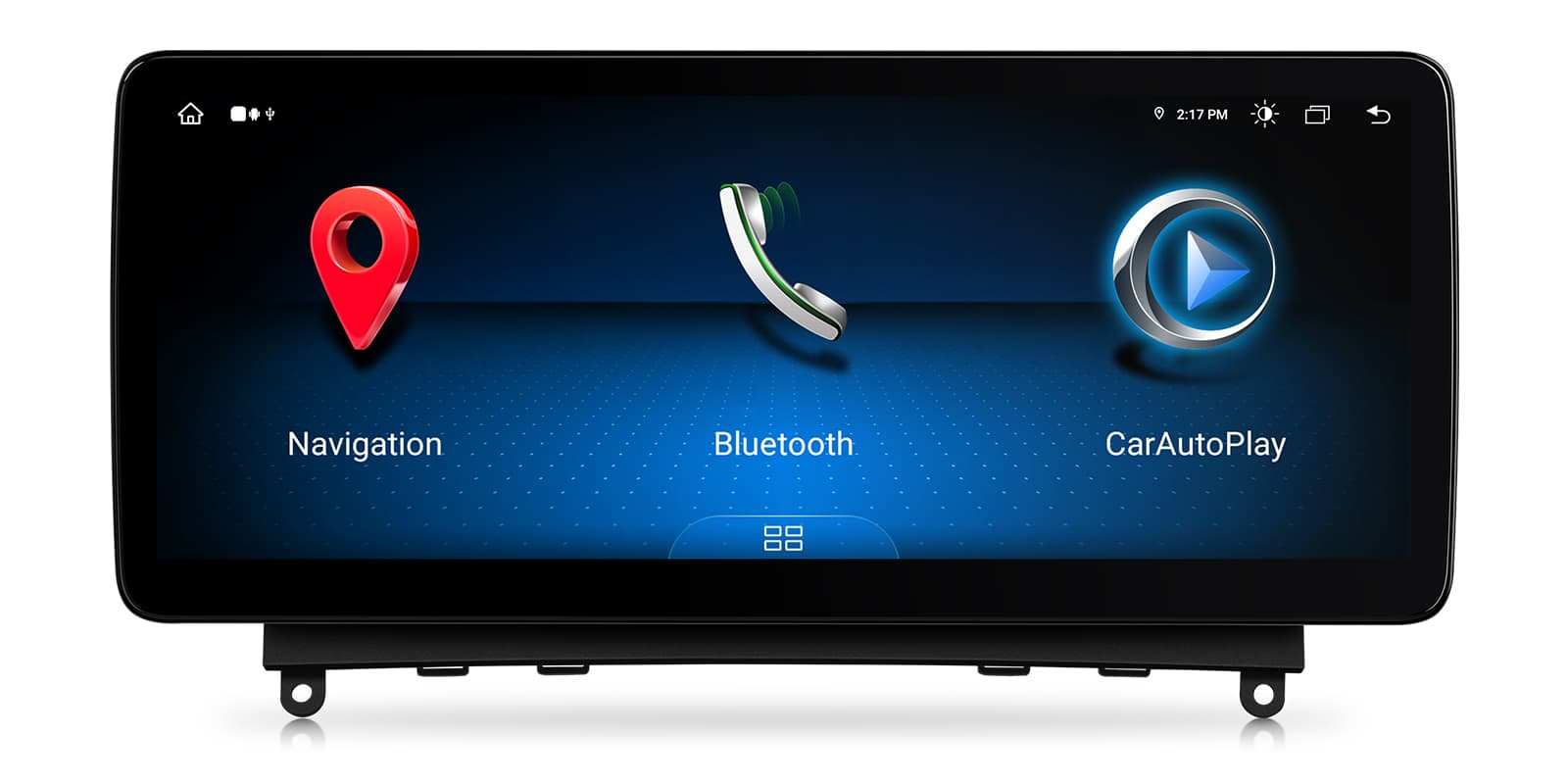
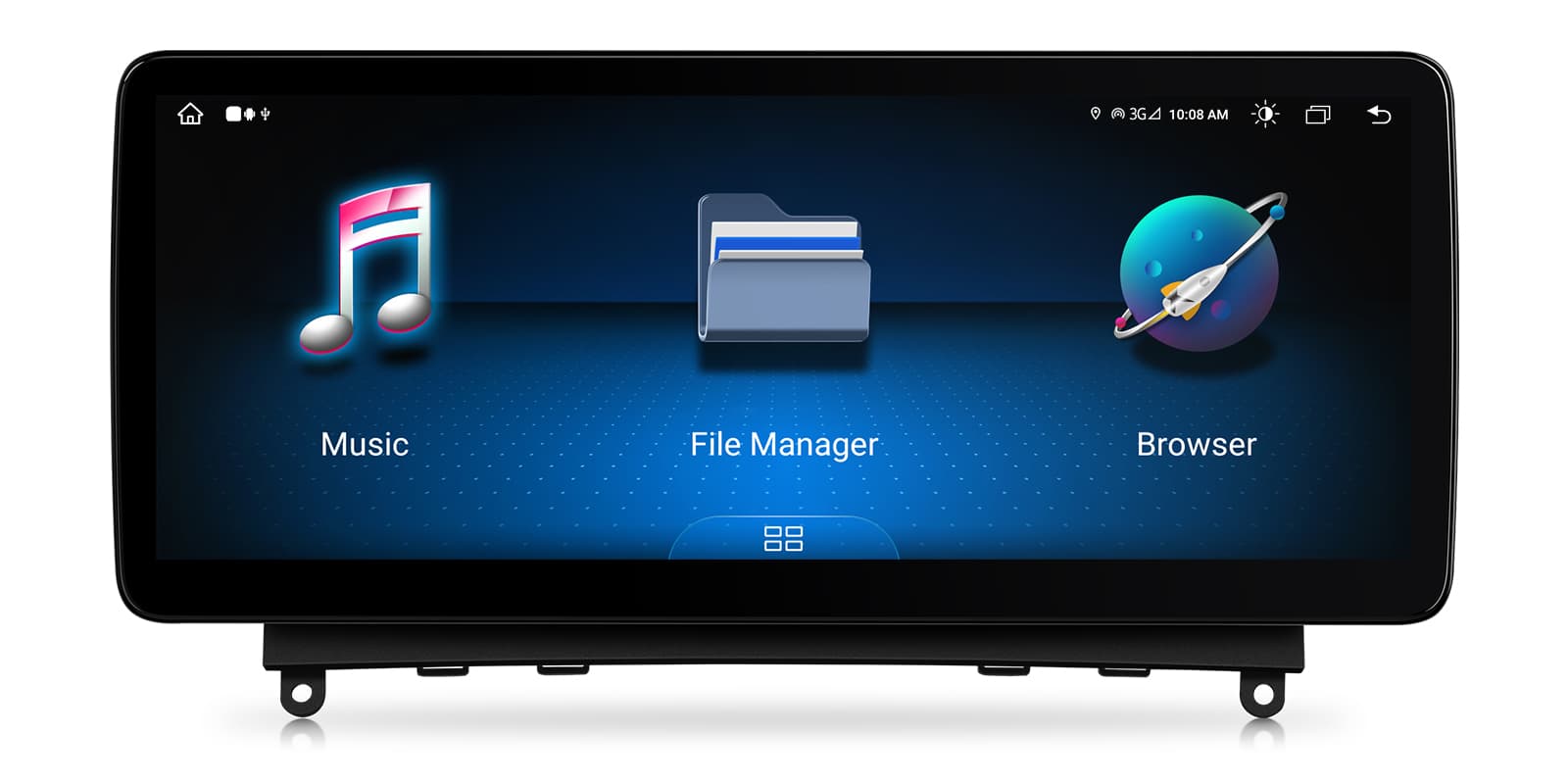
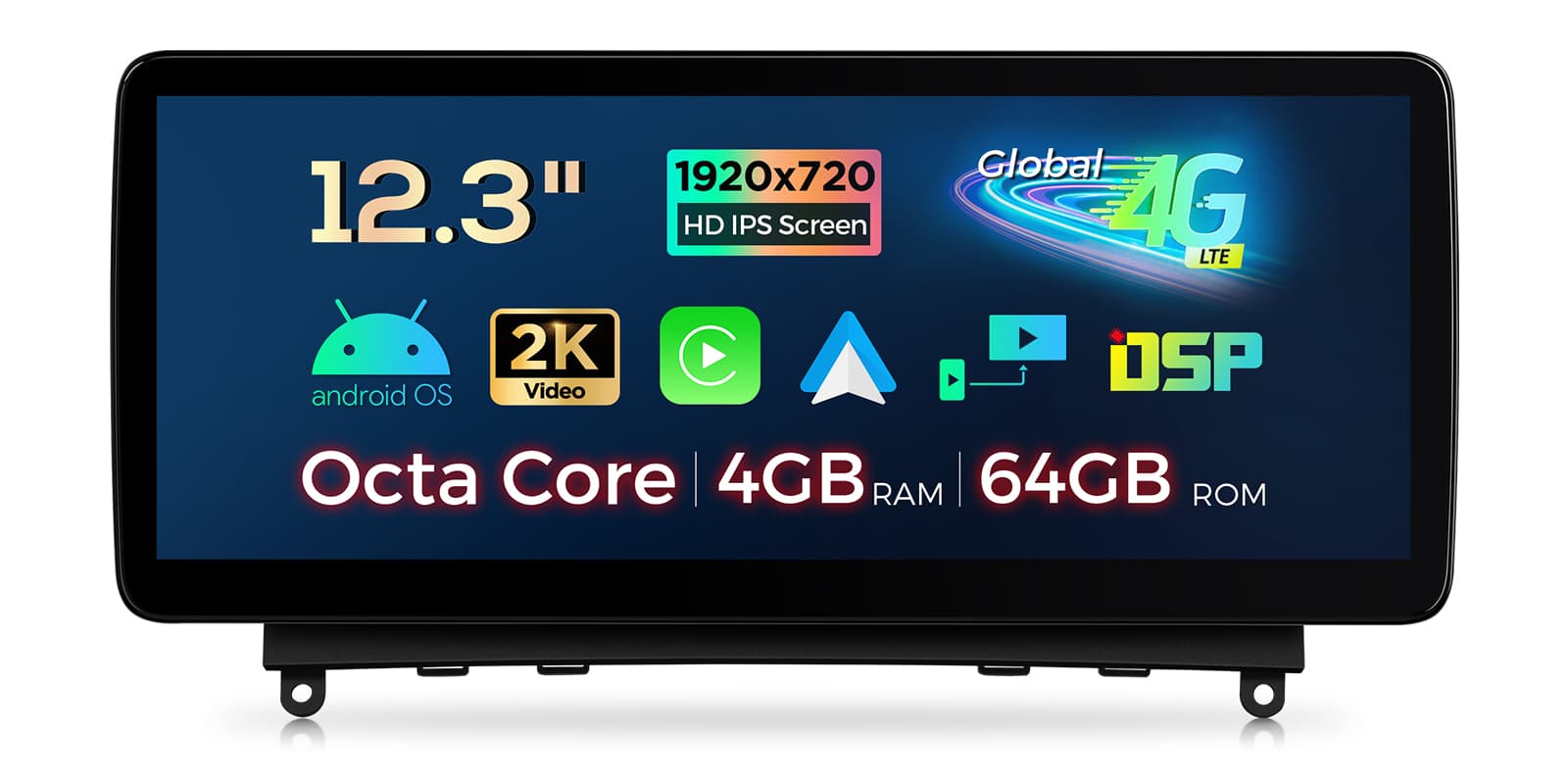
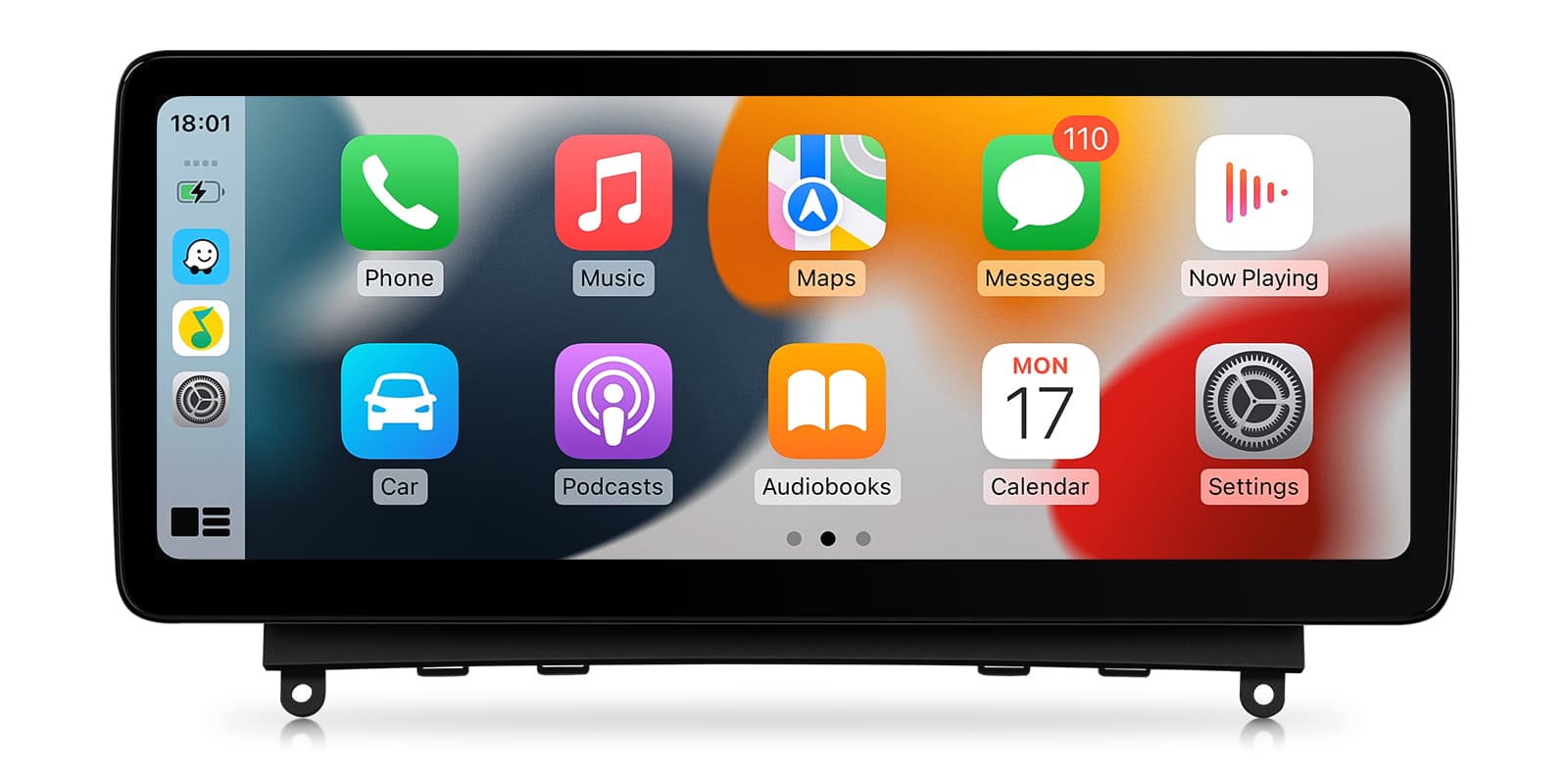
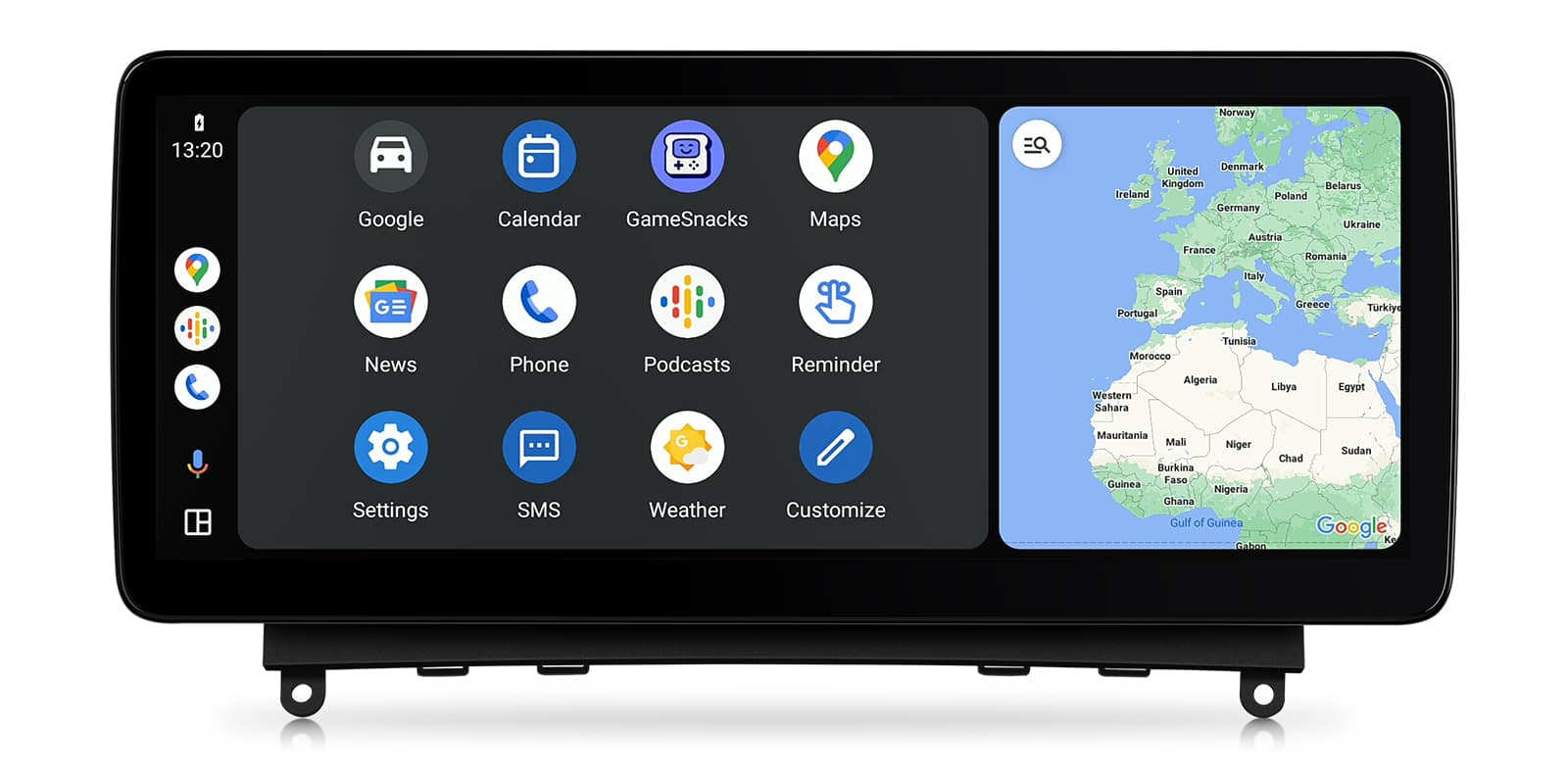
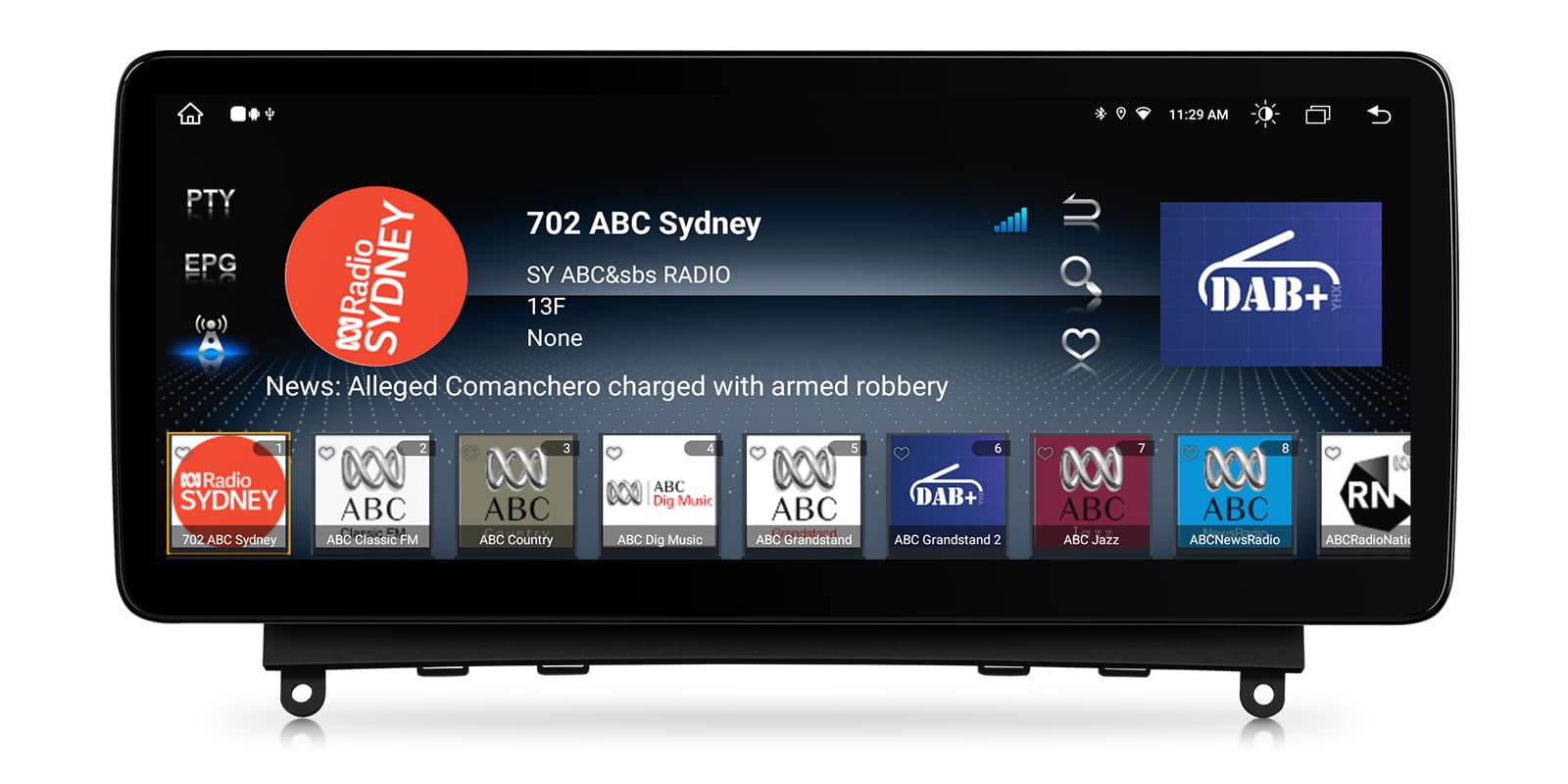
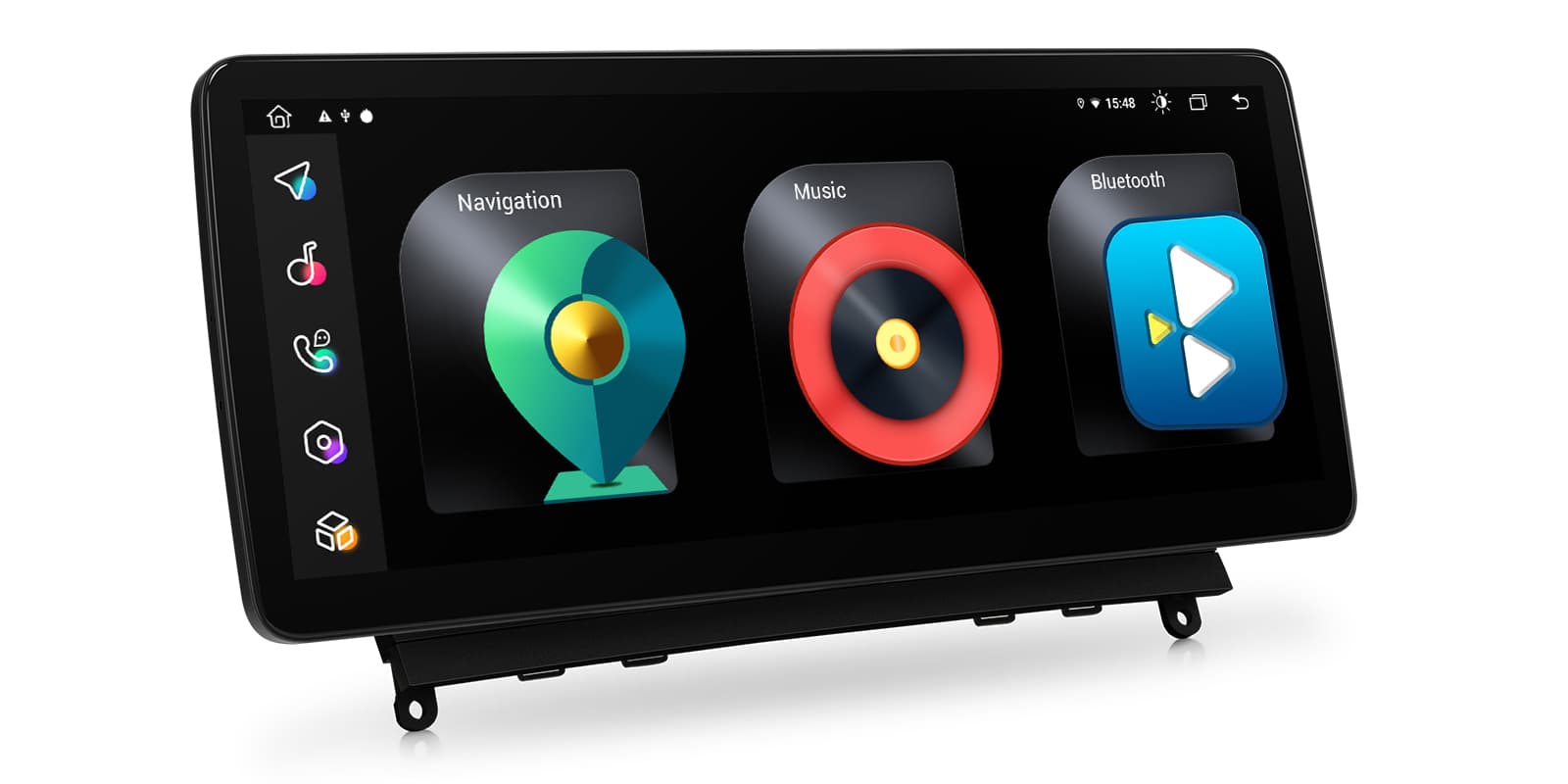
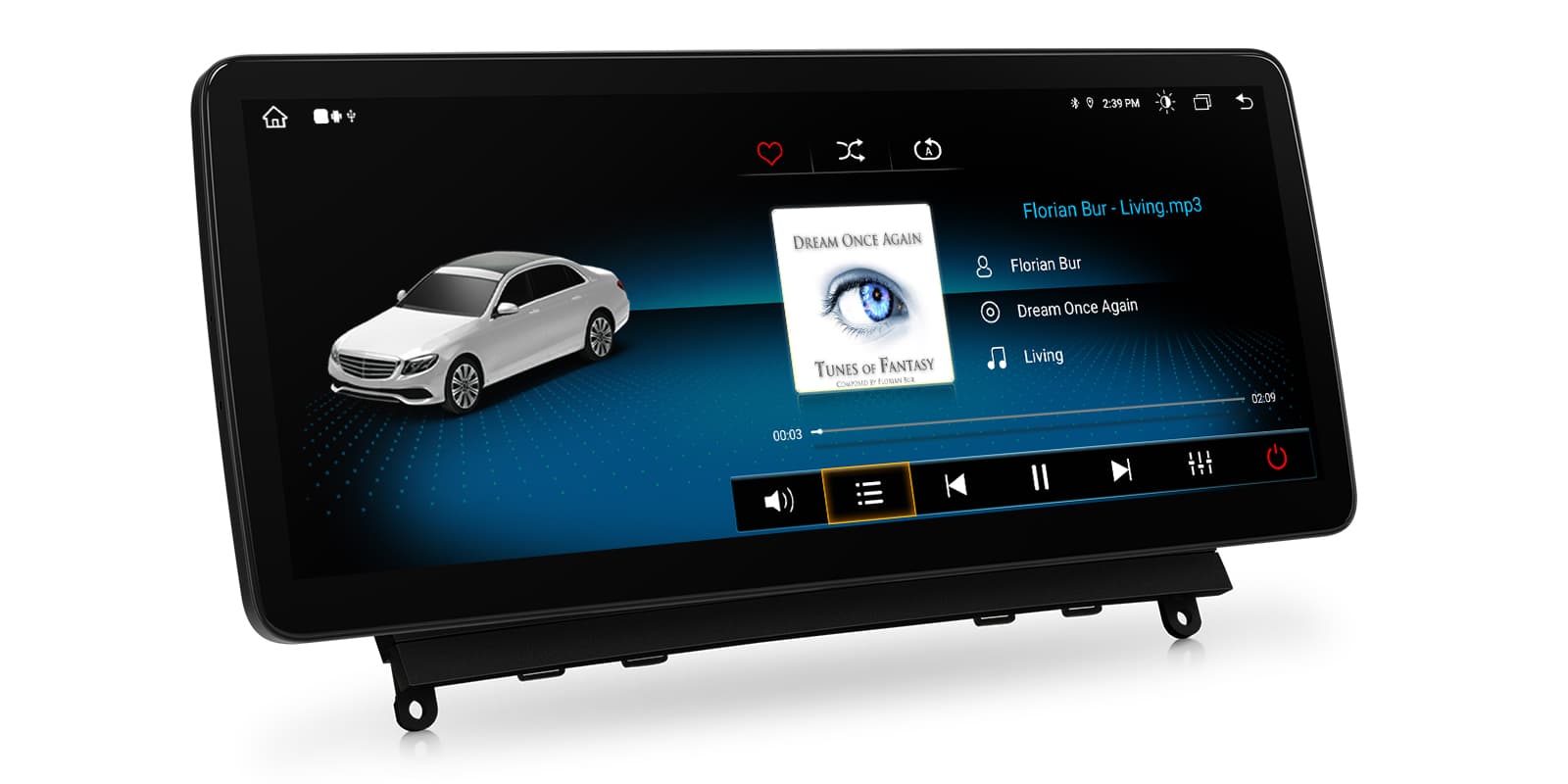
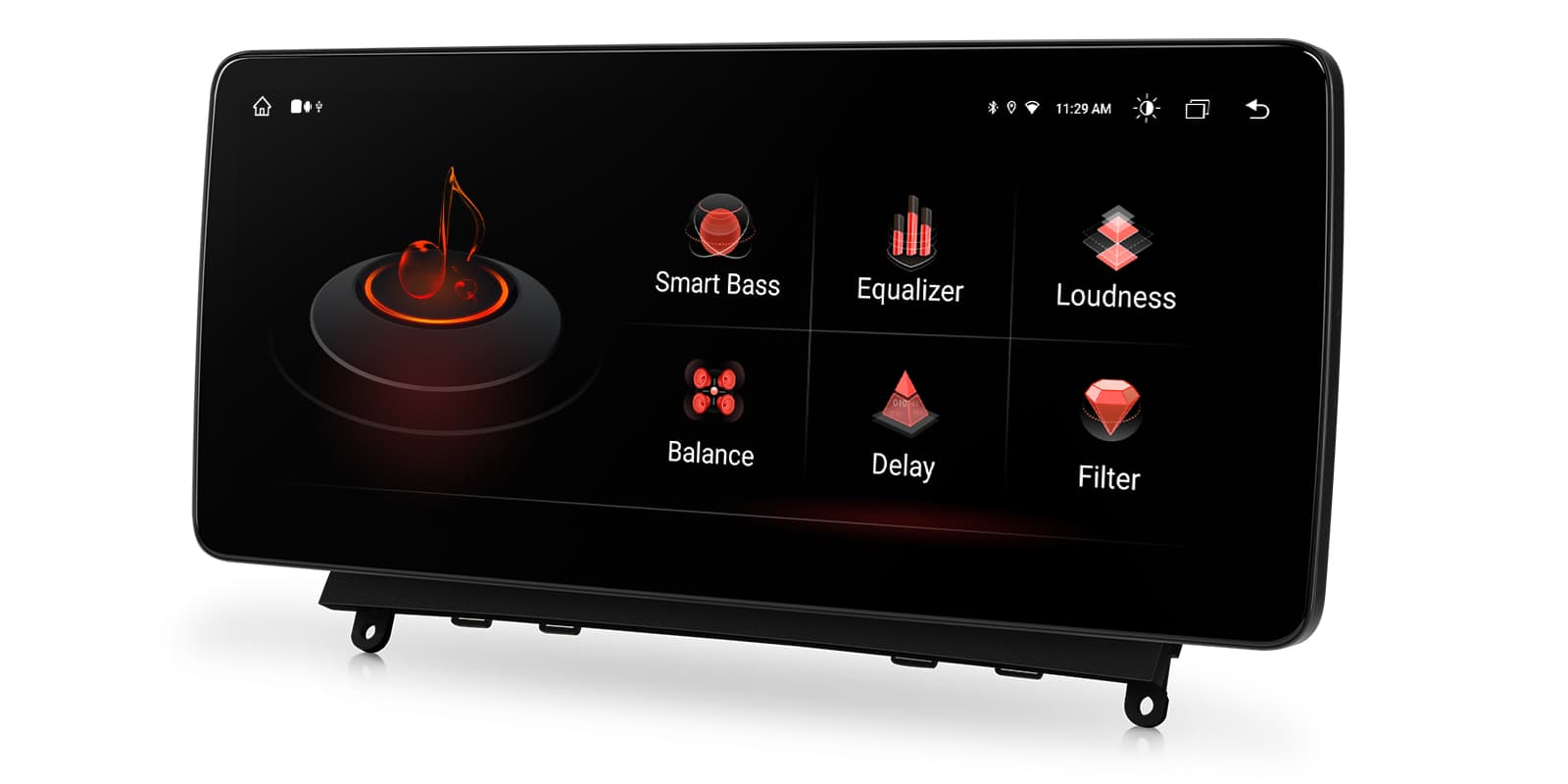
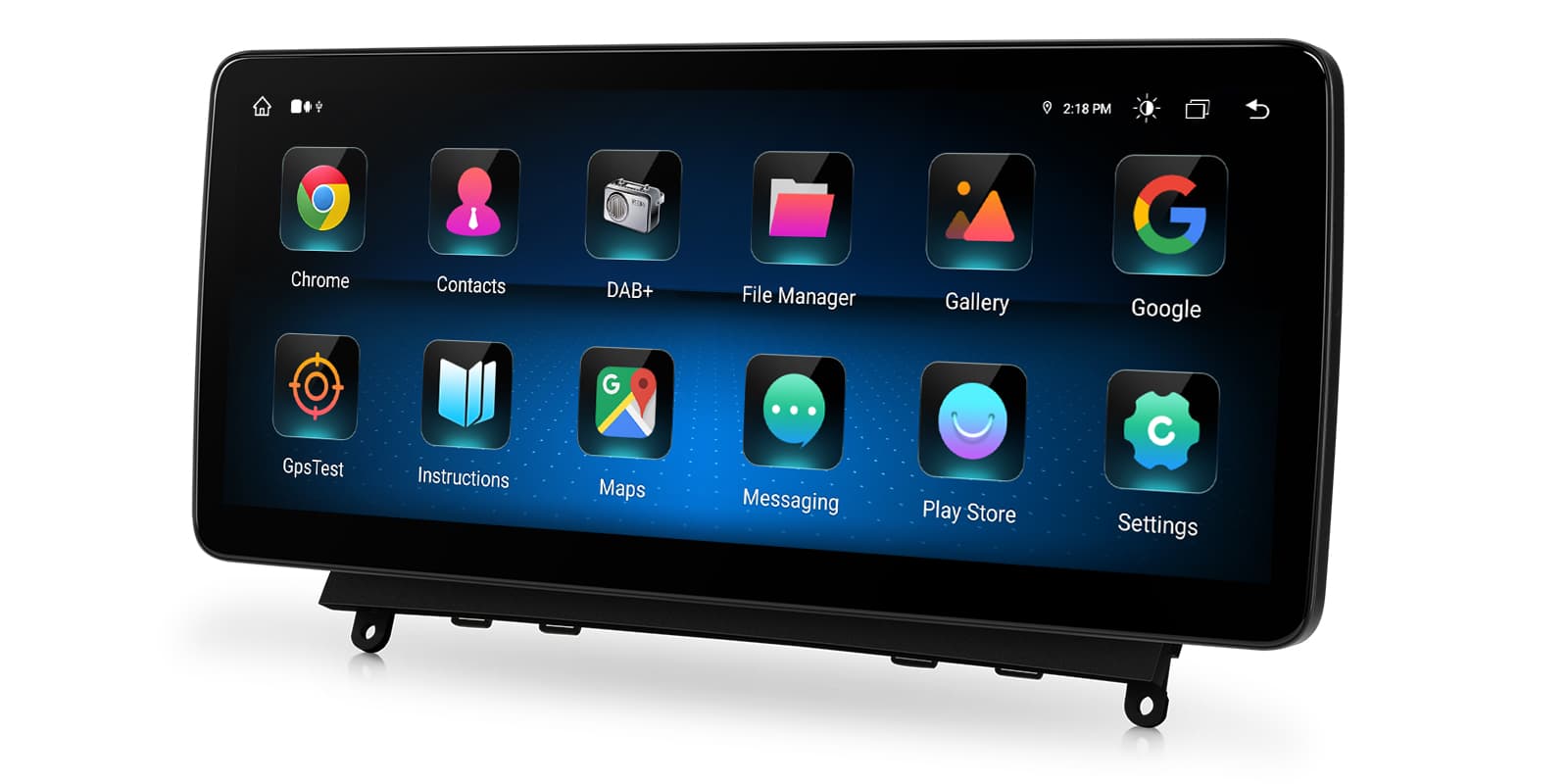
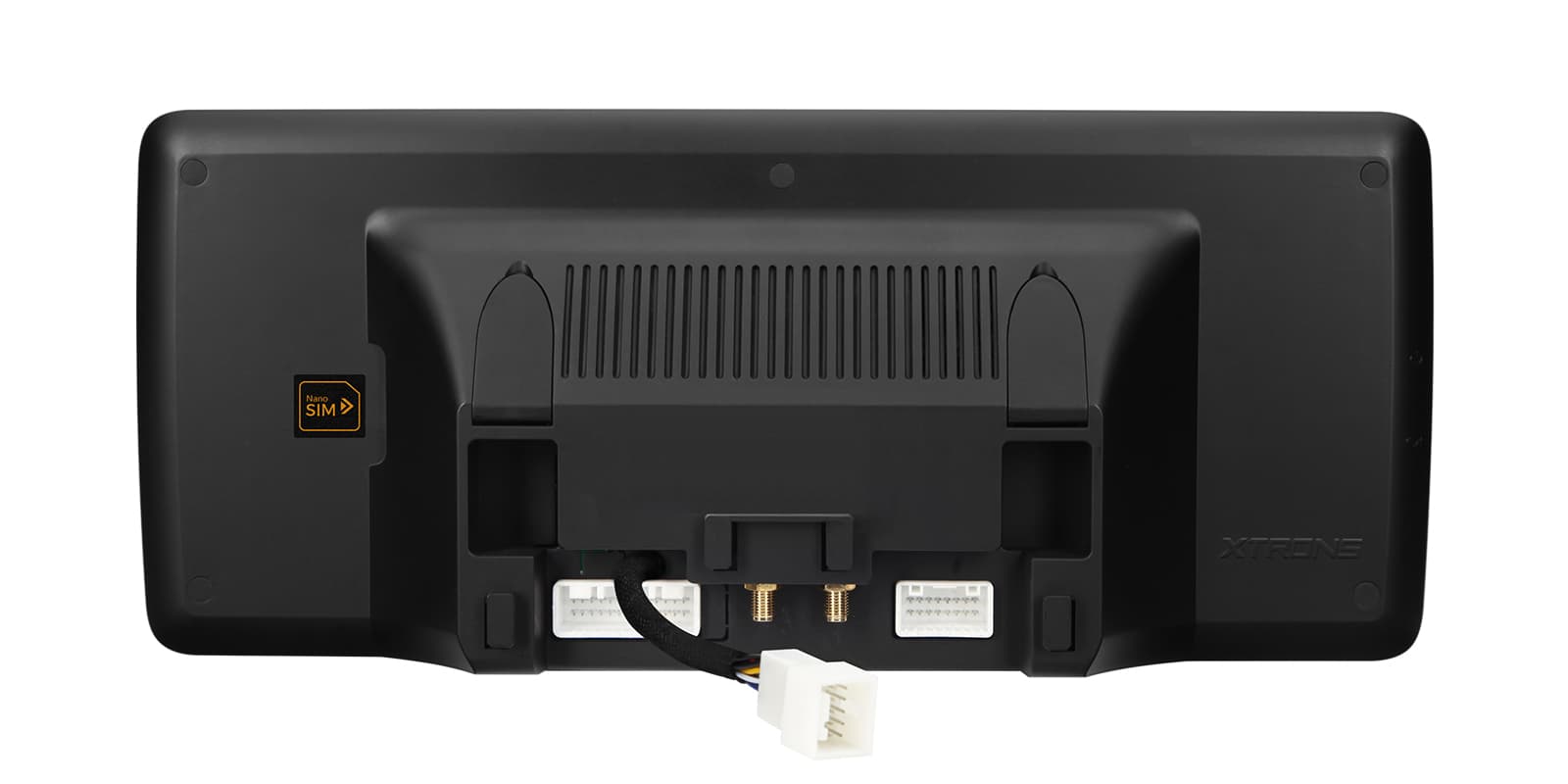
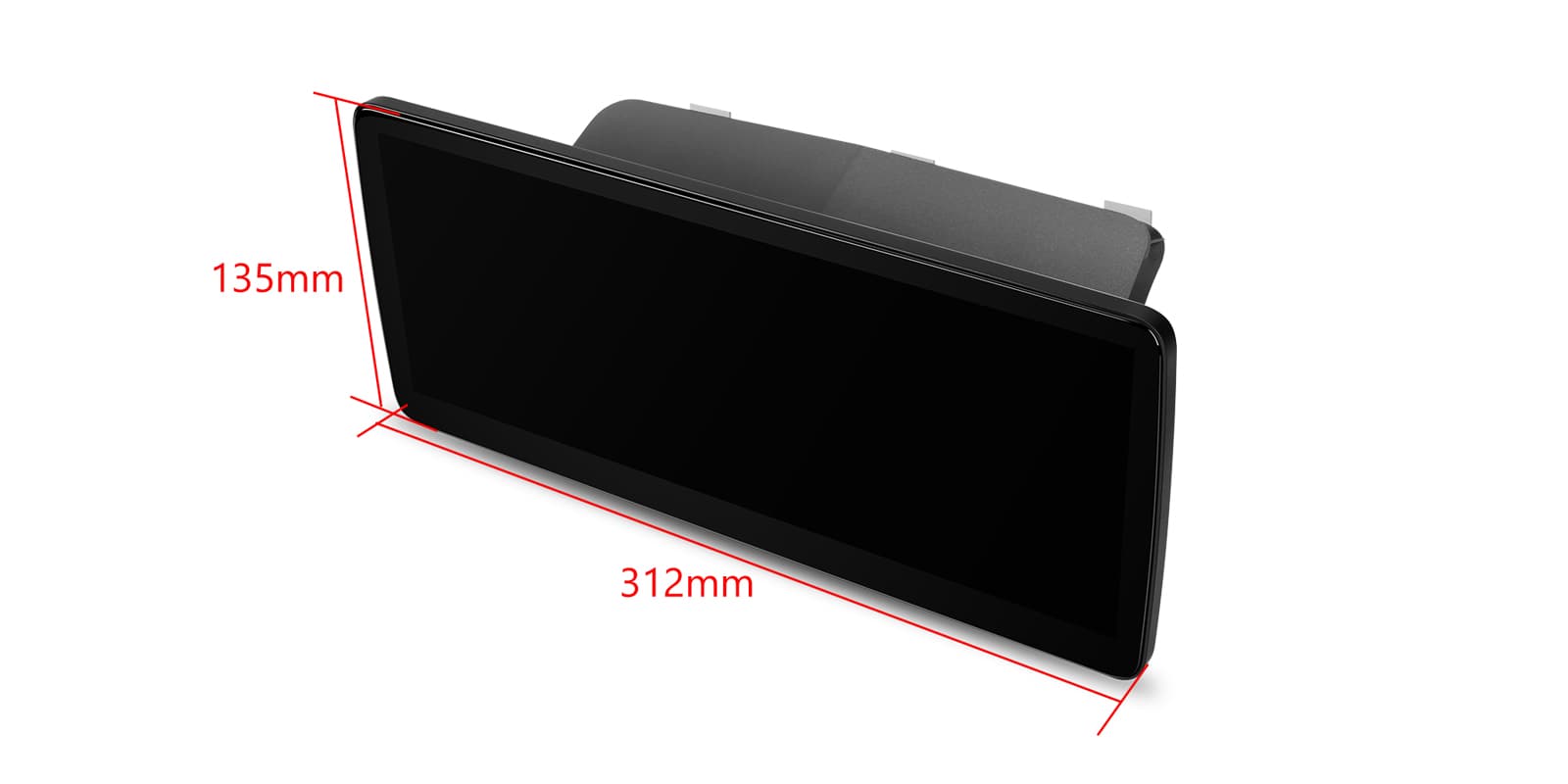
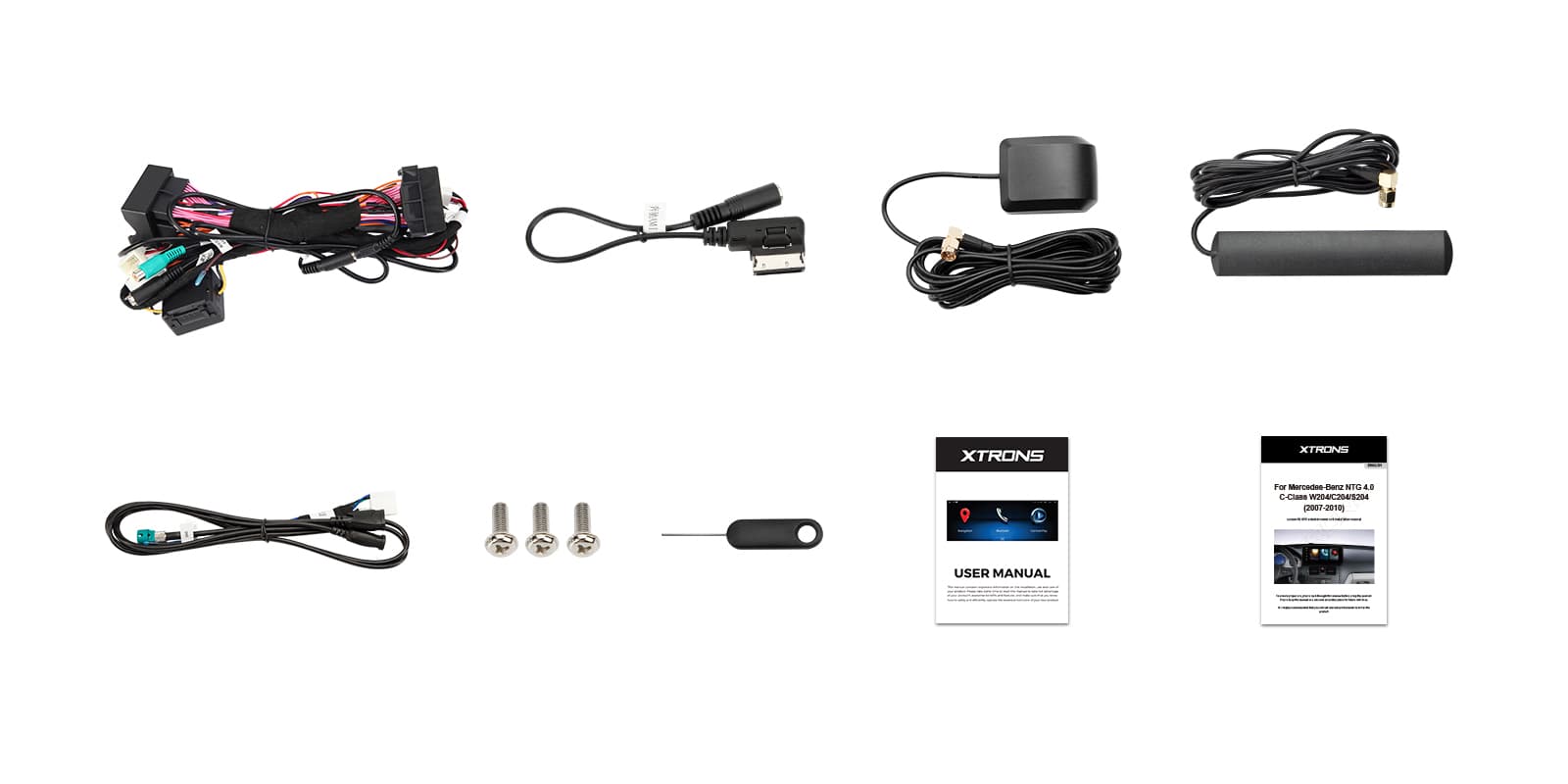
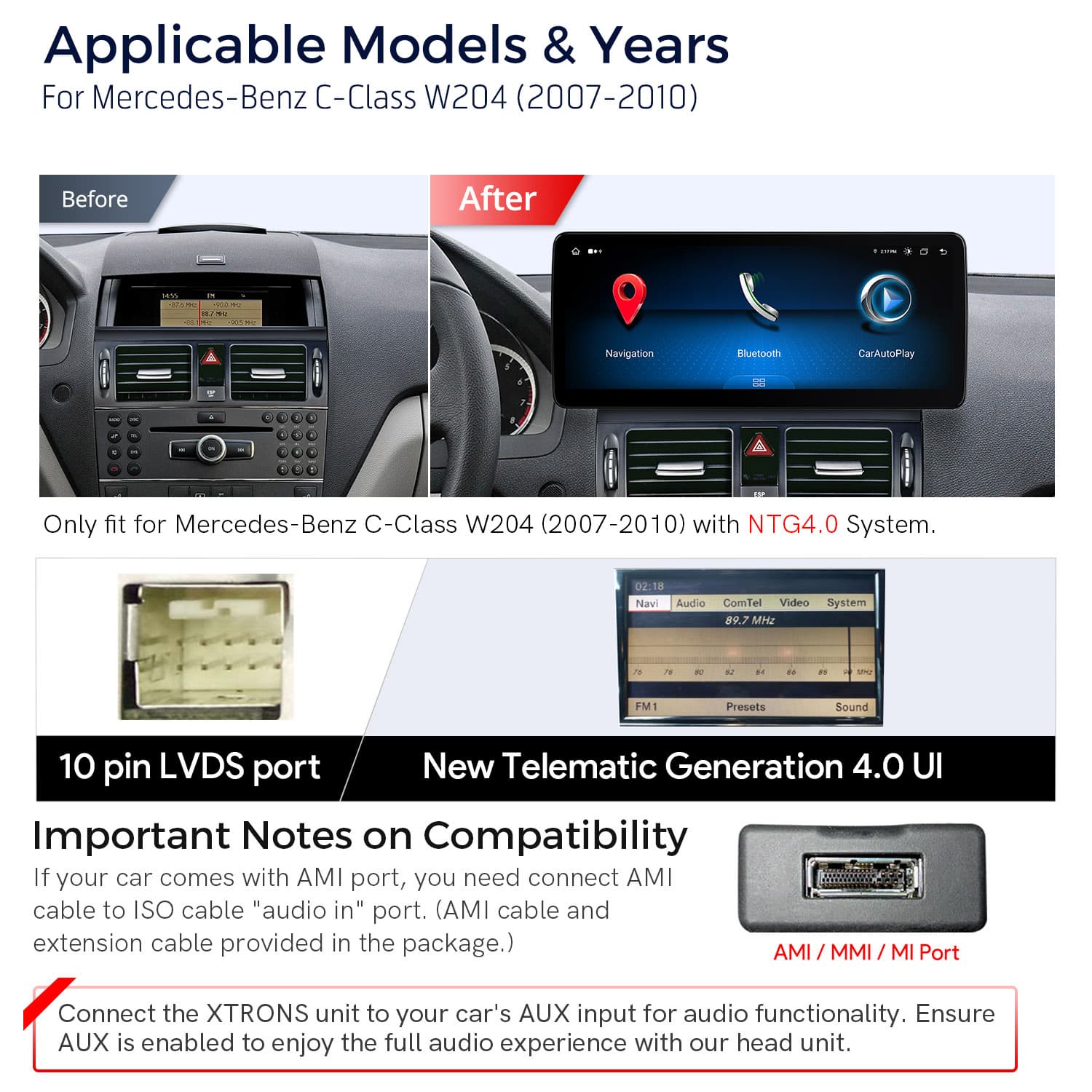
Image 1 of 14.
SKU: QLM2240M12C40
£499.00
Check if this fits your car
SKU: QLM2240M12C40
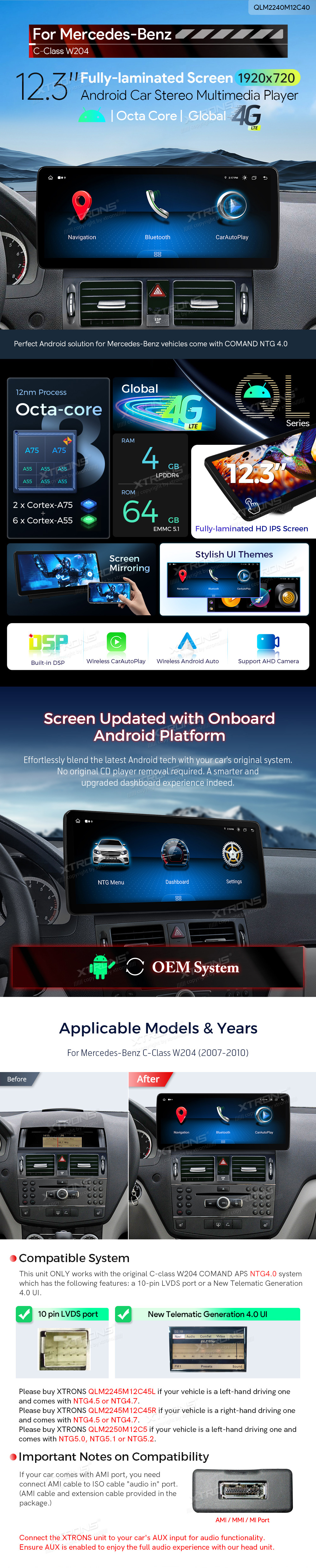
The XTRONS QLM2240M12C40 is a 12.3 inch Android 13 screen for the Mercedes-Benz C-Class W204 (2007-2010) with COMAND APS NTG 4.0. It replaces the factory display and adds wireless CarPlay and Android Auto, global 4G LTE and a DSP.
This unit only works with the original C-Class W204 COMAND APS NTG4.0 system, which has a 10-pin LVDS port or the New Telematic Generation 4.0 interface.
If your car has NTG4.5 or NTG4.7, see the XTRONS QLM2245M12BL (left-hand drive) or QLM2245M12BR (right-hand drive). For NTG5.0, NTG5.1 or NTG5.2, see the QLM2250M12C5.
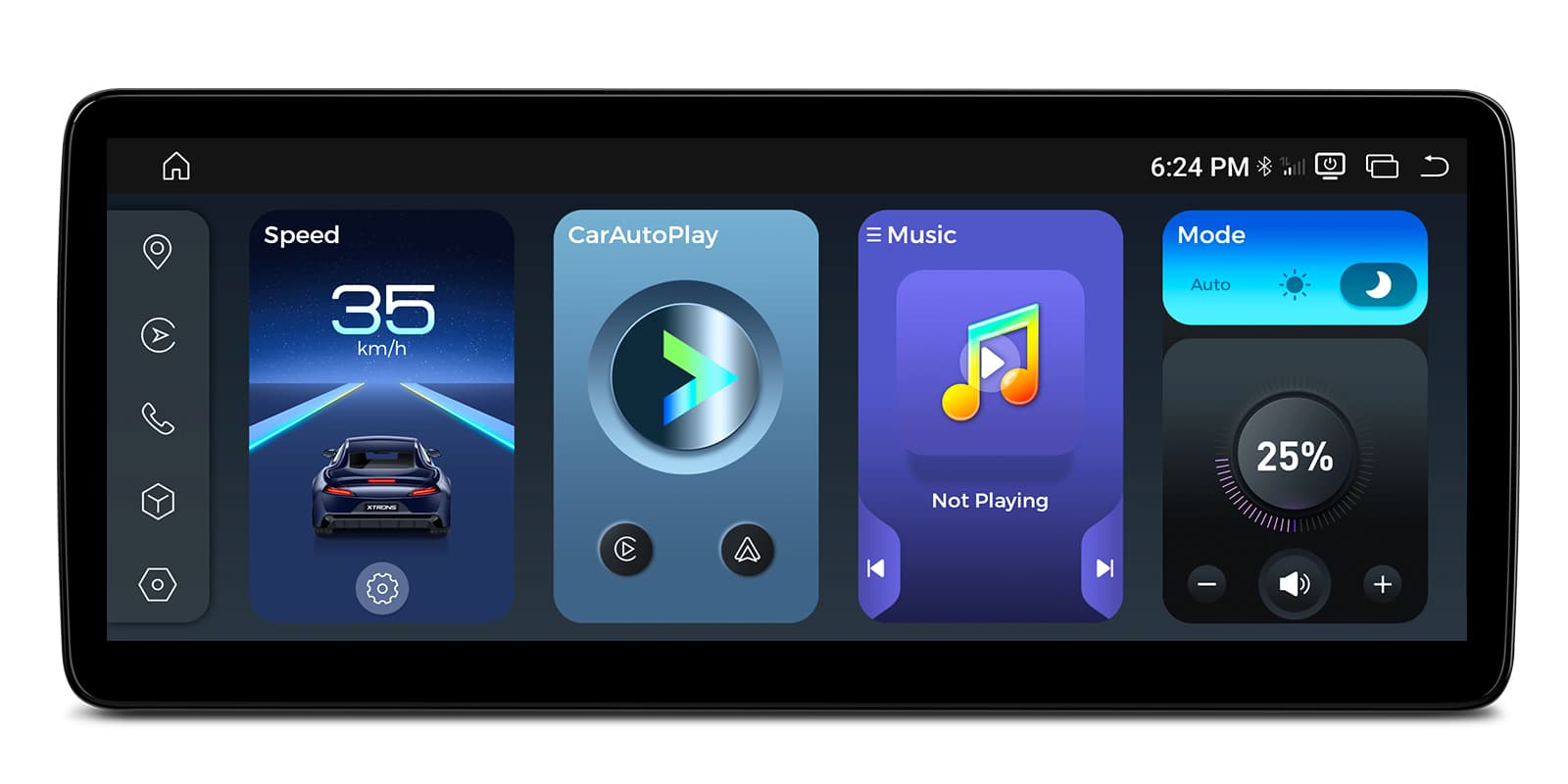
The 12.3 inch Grade-A IPS screen runs at 1920×720 in a wide 24:9 shape, with a 2.5D G+G touch surface. It's fully laminated with a tailor-made bezel, and IPS keeps colours steady from the passenger seat.
QLED technology gives strong, rich colour on maps and video.
CarPlay connects your iPhone without a cable, with maps, music and messages on the wide screen.
Your iPhone connects on its own when you start the car, so there's no cable to plug in. It needs an iPhone with wireless CarPlay support; check yours in Settings > General > CarPlay. A cable still works when you'd rather charge on the way.
Android Auto connects wirelessly too, putting Google Maps, music and calls on the display.
Maps, calls, messages and music from your Android phone appear on the car screen, with Google Assistant for voice control. It needs a phone with Google services, which most Android phones have. To connect without a cable, the phone must support wireless Android Auto too.
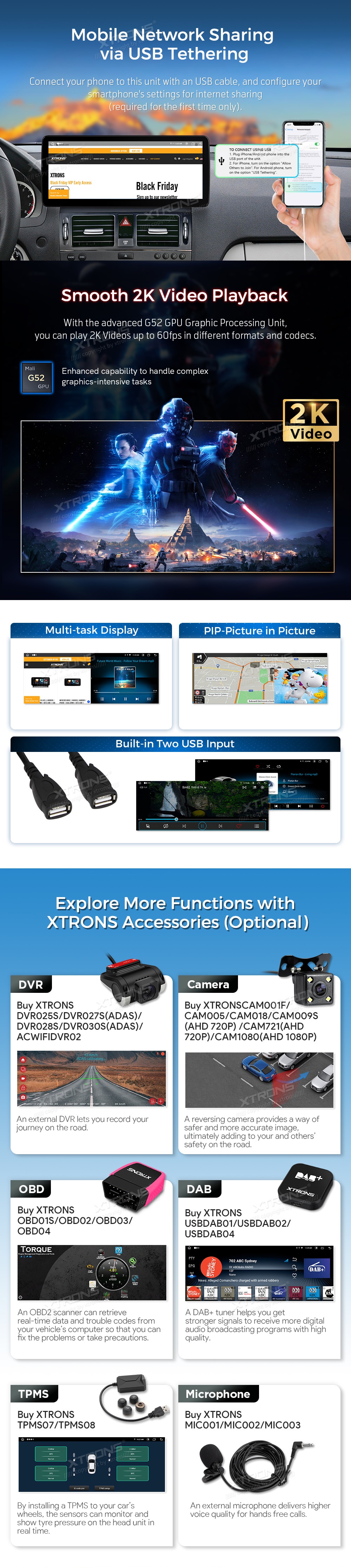
Insert a SIM card and the unit has its own LTE Cat 7 connection for maps, streaming and apps, without using your phone's data.
A SIM card in the head unit gives it its own internet connection for maps, traffic and streaming, so it doesn't need your phone's hotspot. You supply the SIM and the data plan; a data-only SIM is usually the cheapest way to do it.
Wi-Fi connects the unit to a home network or hotspot.
A 12nm octa-core processor with a G52 GPU, 4GB LPDDR4 RAM and 64GB EMMC 5.1 ROM runs Android 13.
The DSP lets you shape the sound to the C-Class cabin and your seat.
The sound processor lets you tune the sound to your car: an equaliser, a delay for each speaker so the sound centres on your seat, and crossovers that keep deep bass away from small speakers. Start from a preset and change one setting at a time.
An RCA audio output lets you add an external amplifier or subwoofer.
RCA pre-outputs send a clean, low-level signal to an external amplifier or subwoofer. Count the channels you need (front, rear and sub) against the outputs in the specifications. You'll also need RCA leads and power wiring for the amplifier.
Screen mirroring shows your phone's display on the head unit for apps outside CarPlay and Android Auto.
Mirroring shows your phone's whole screen on the car screen, unlike CarPlay and Android Auto, which show apps designed for driving. It usually needs a companion app on the phone, and paid video streaming apps often block it.
The USB connection lets you plug in a phone or USB device.
A mini microphone is in the box for hands-free calls and voice commands.
| Processor | Cortex-A75 x 2 + Cortex-A55 x 6 | 12 nm Process | G52 GPU |
|---|---|
| Memory | 4GB LPDDR4 RAM and 64GB EMMC 5.1 ROM |
| Operating system | Android 13 |
| Screen | 1920×720 Pixels | Grade-A IPS Screen | 2.5D G+G Touch Screen |
|---|---|
| Screen size | 12.3″ |
| Aspect ratio | 24:9 aspect ratio |
| Mobile data | LTE Cat 7 |
|---|
| Make | Model | Years | Notes |
|---|---|---|---|
| Mercedes-Benz | C-Class (W204) | 2007–2014 | Cars with the factory NTG4.0 system |
The unit is a plug-and-play replacement for the factory display. Its sound goes through the car's AUX input, so make sure AUX is switched on. If your car has an AMI port, connect the AMI cable to the "audio in" port on the ISO cable.
NTG4.0 has a 10-pin LVDS port or the New Telematic Generation 4.0 interface.
For NTG4.5 or NTG4.7, the XTRONS QLM2245M12BL (left-hand drive) or QLM2245M12BR (right-hand drive). For NTG5.0, NTG5.1 or NTG5.2, the QLM2250M12C5.
Connect the AMI cable to the "audio in" port on the ISO cable.
Yes. Insert a SIM card for 4G LTE, or connect to Wi-Fi.
XTRONS's own pages for this product, as the manufacturer publishes them. Open any of them at full size to zoom in.
More from Screen Upgrades
In stock
In stock
In stock
In stock