




£11.99inc. VAT
+ £4.99 delivery = £16.98 total
In stock
Your car: not set. Add it and every product shows whether it fits.
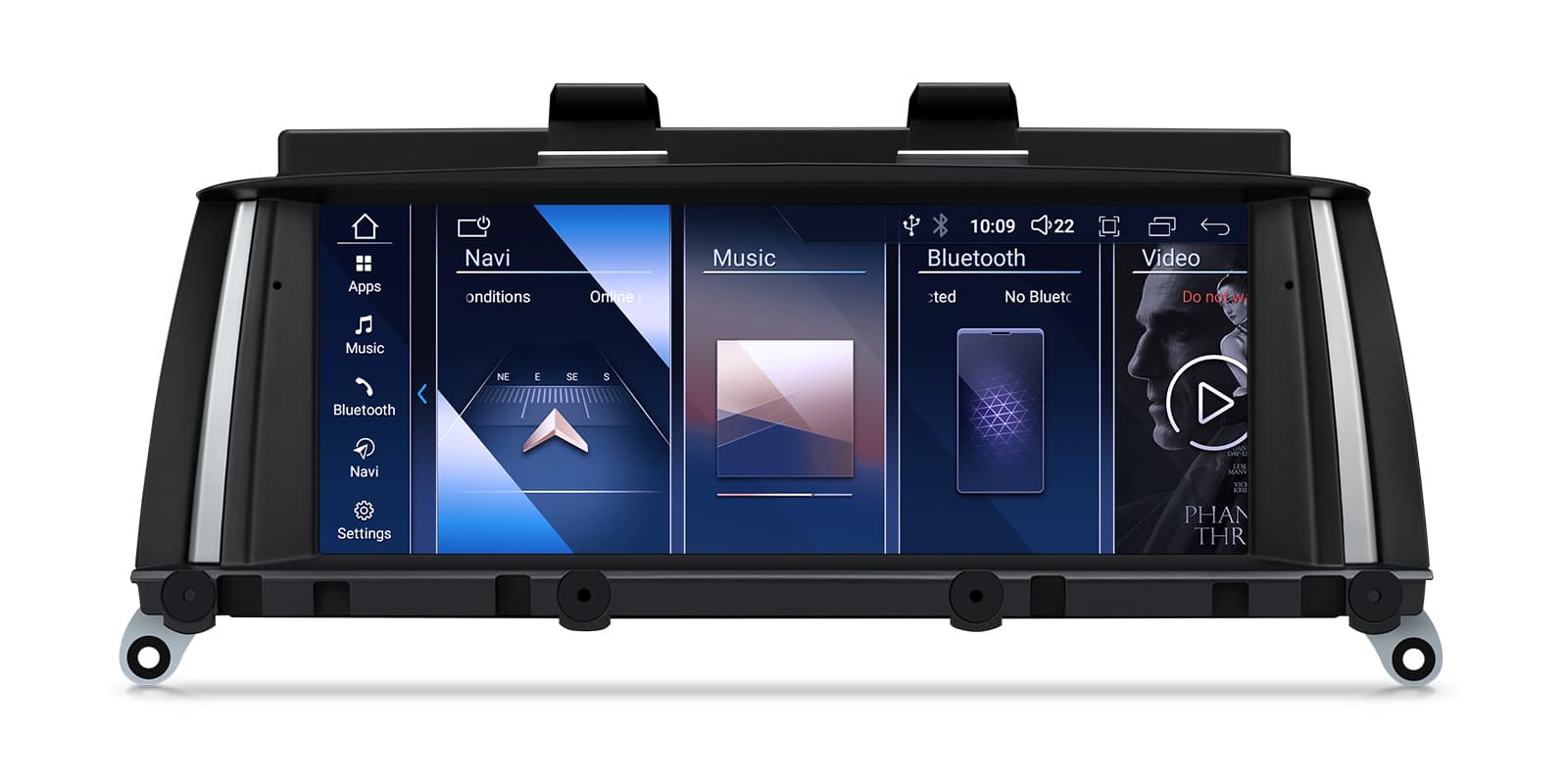
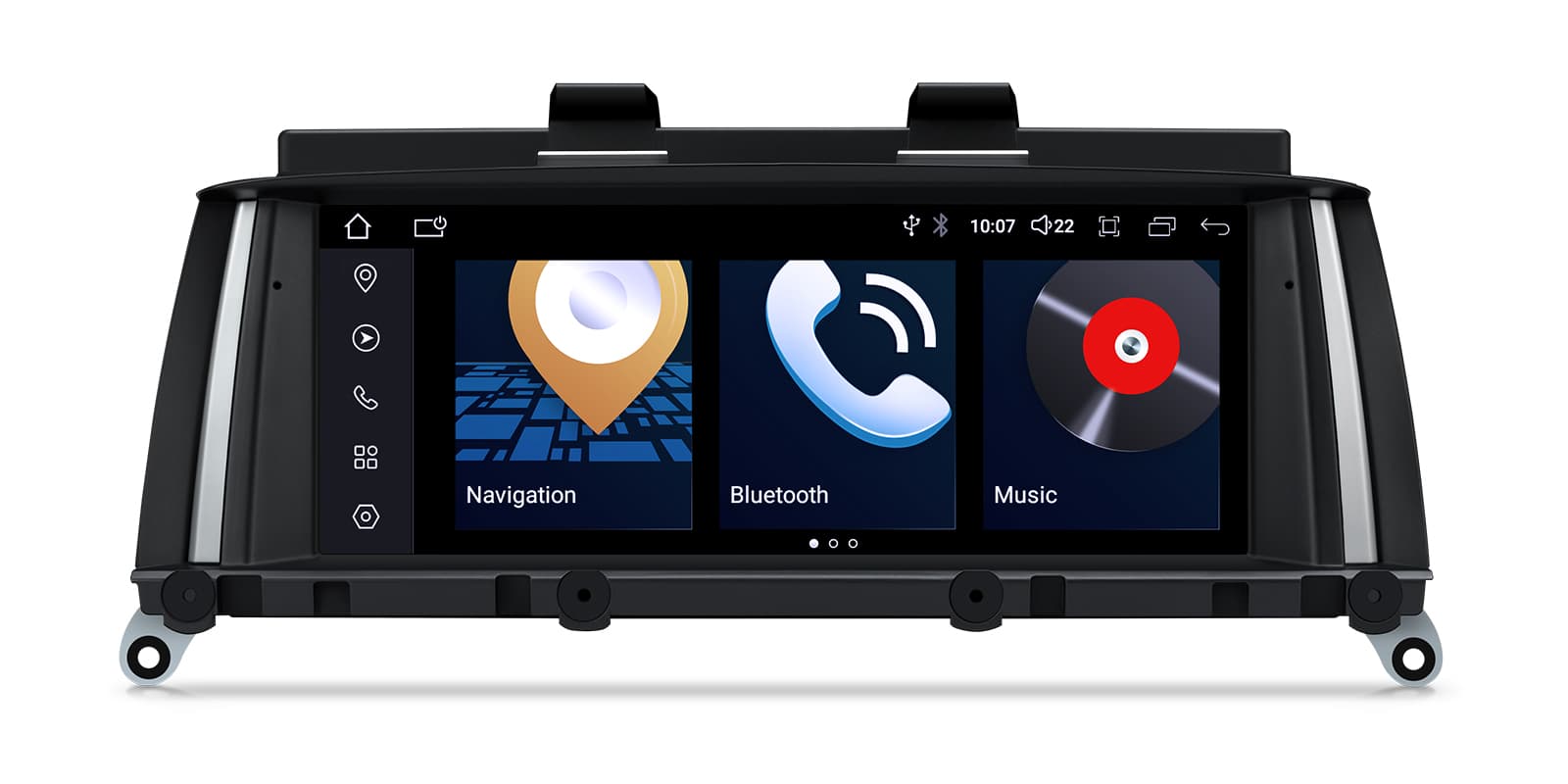
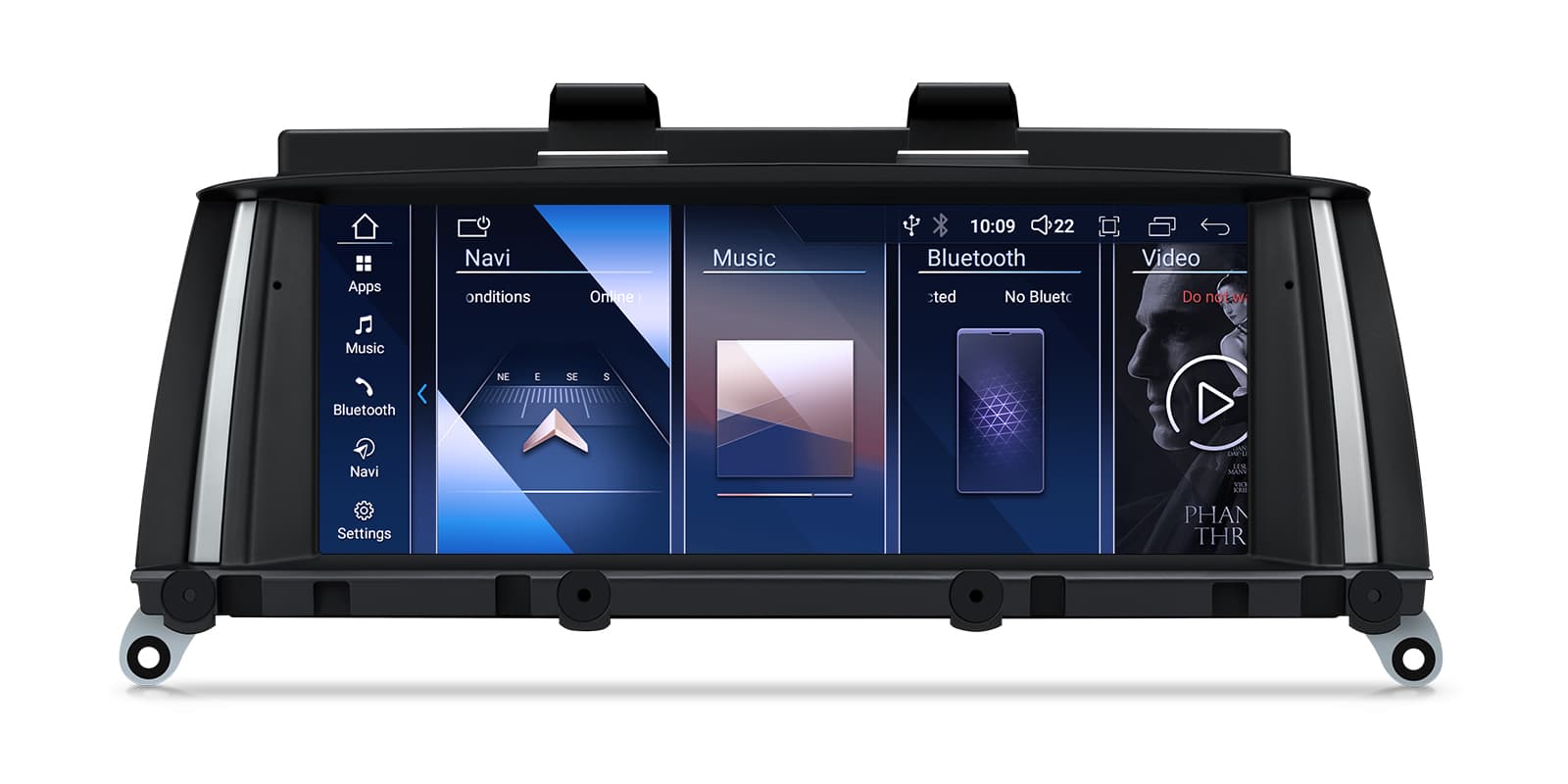
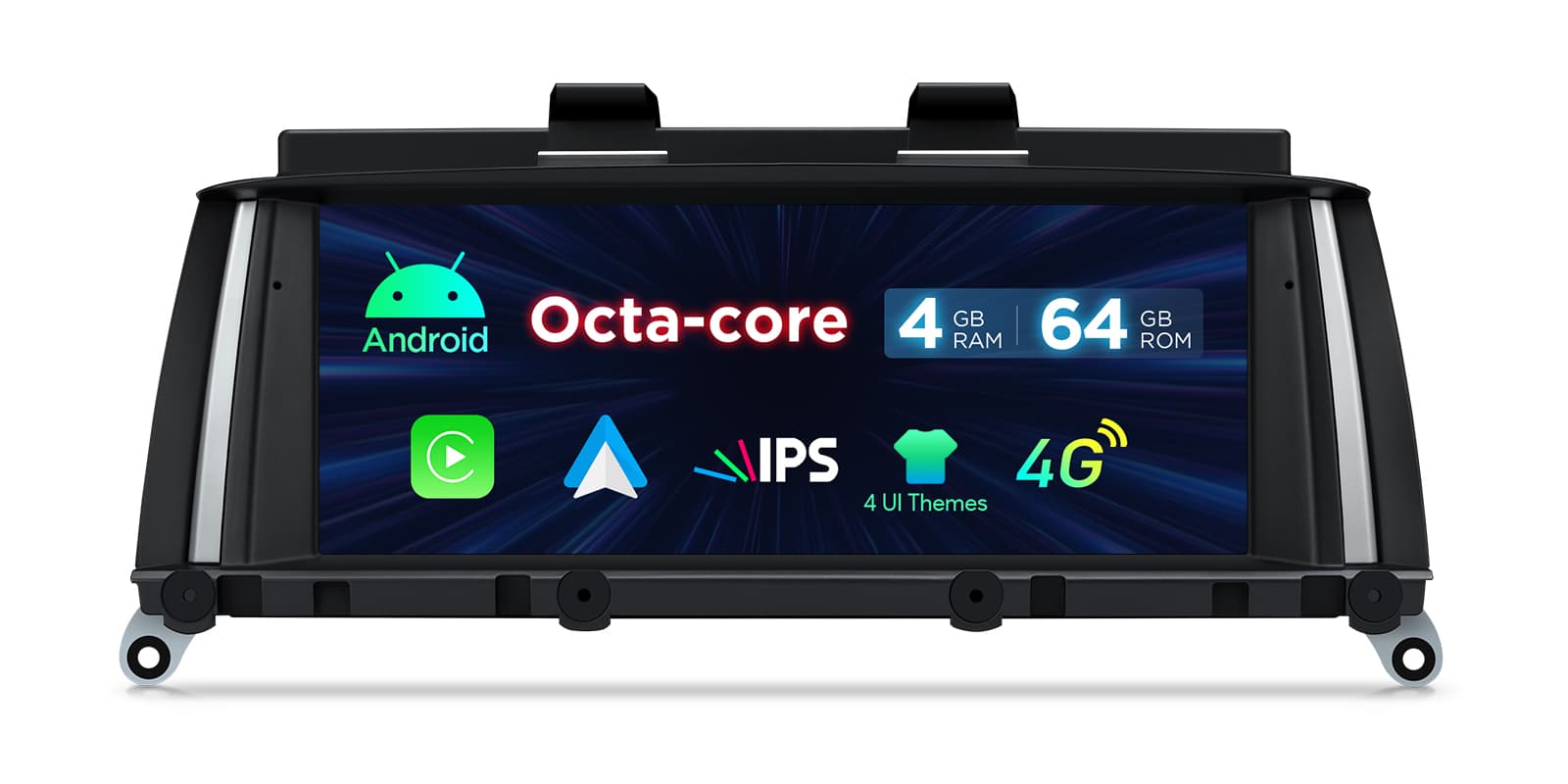
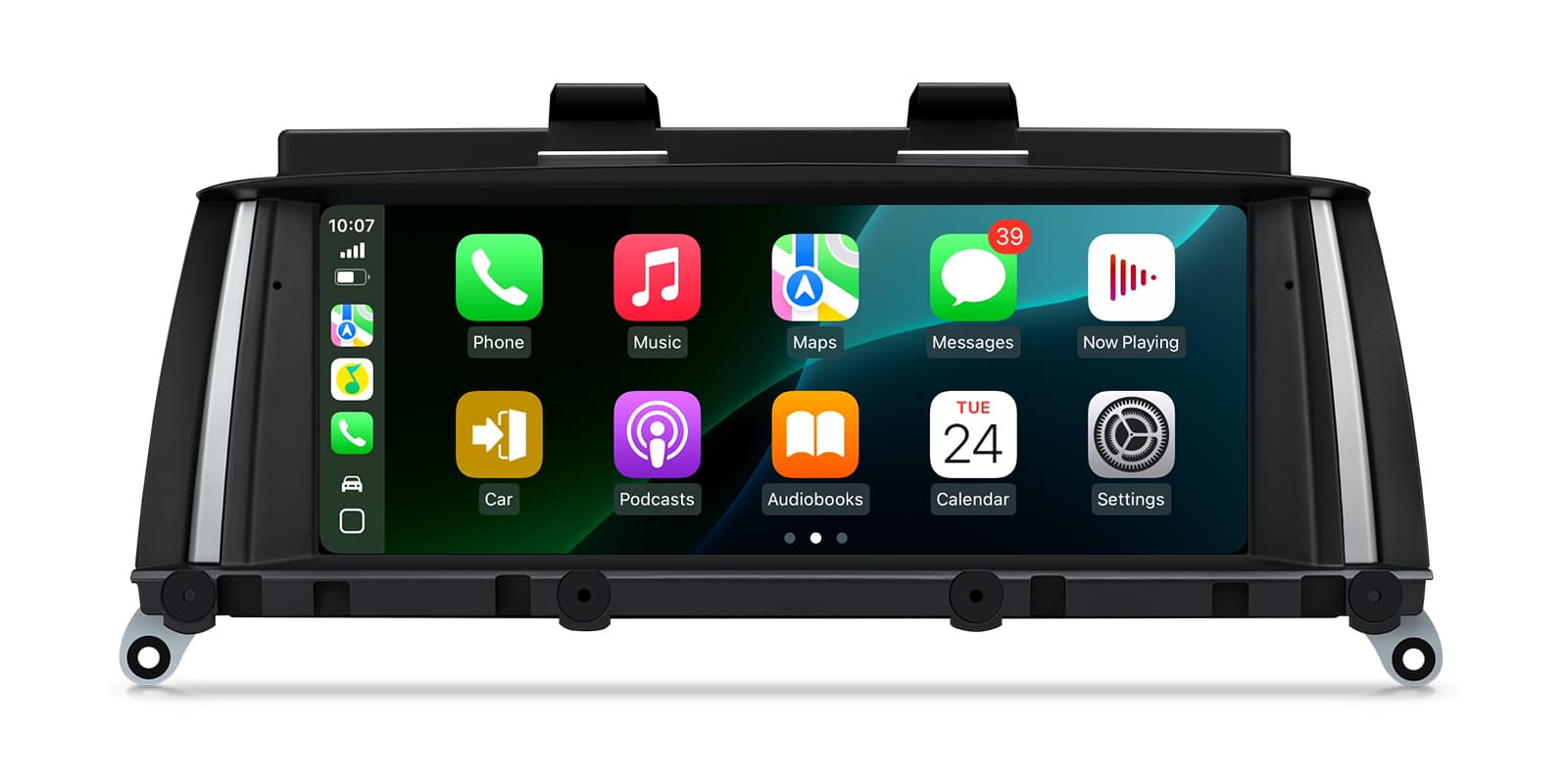
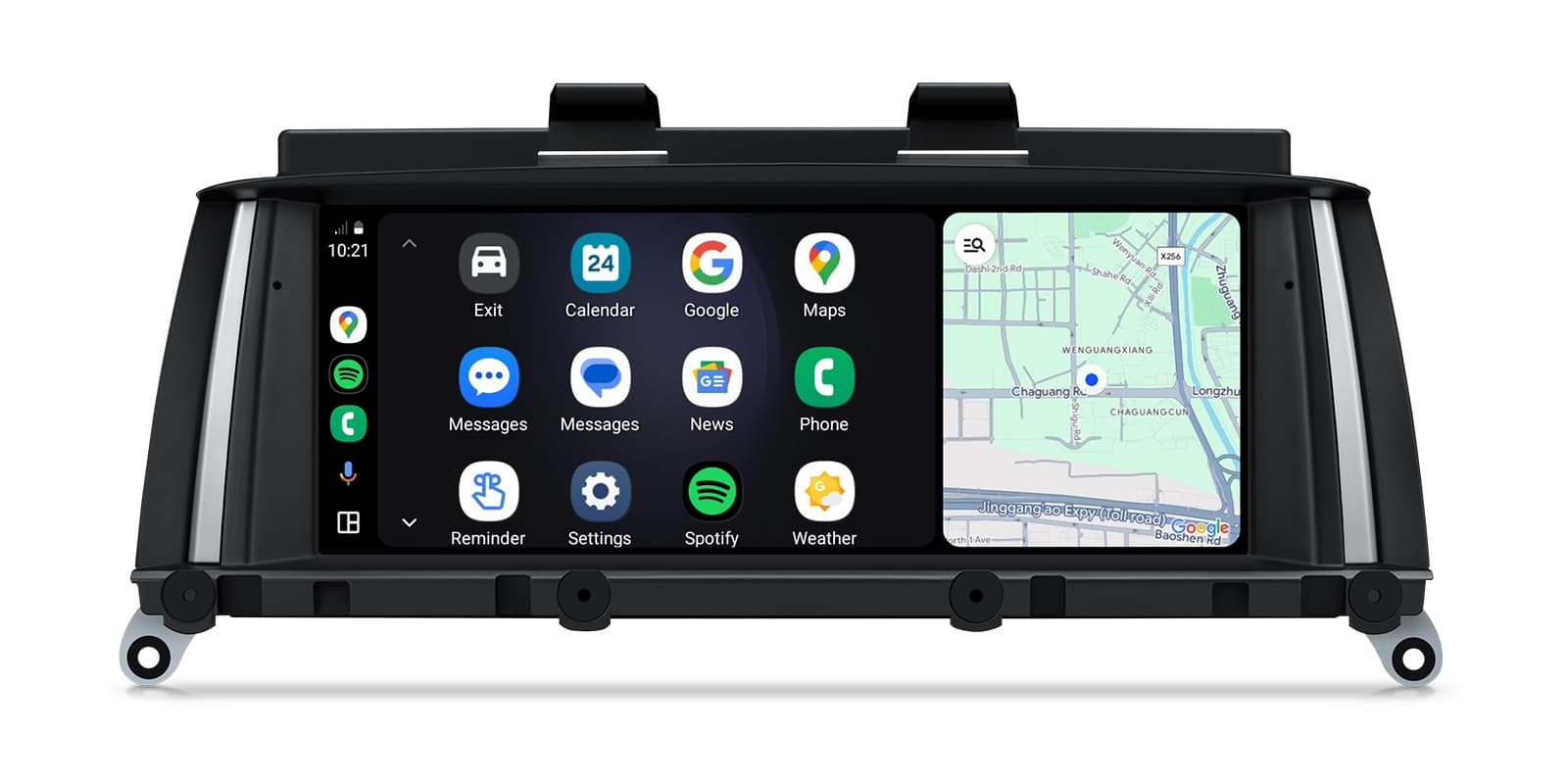
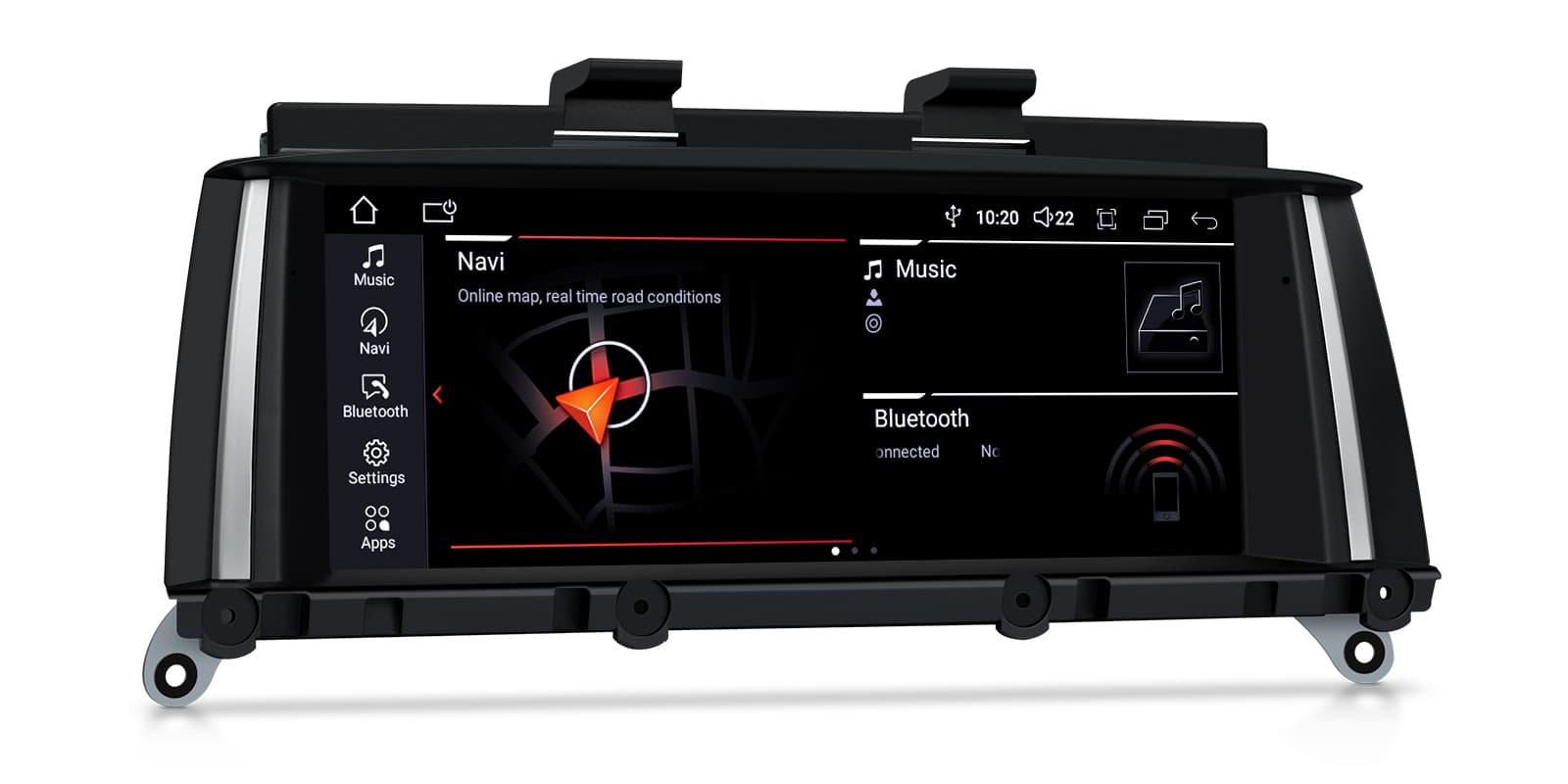
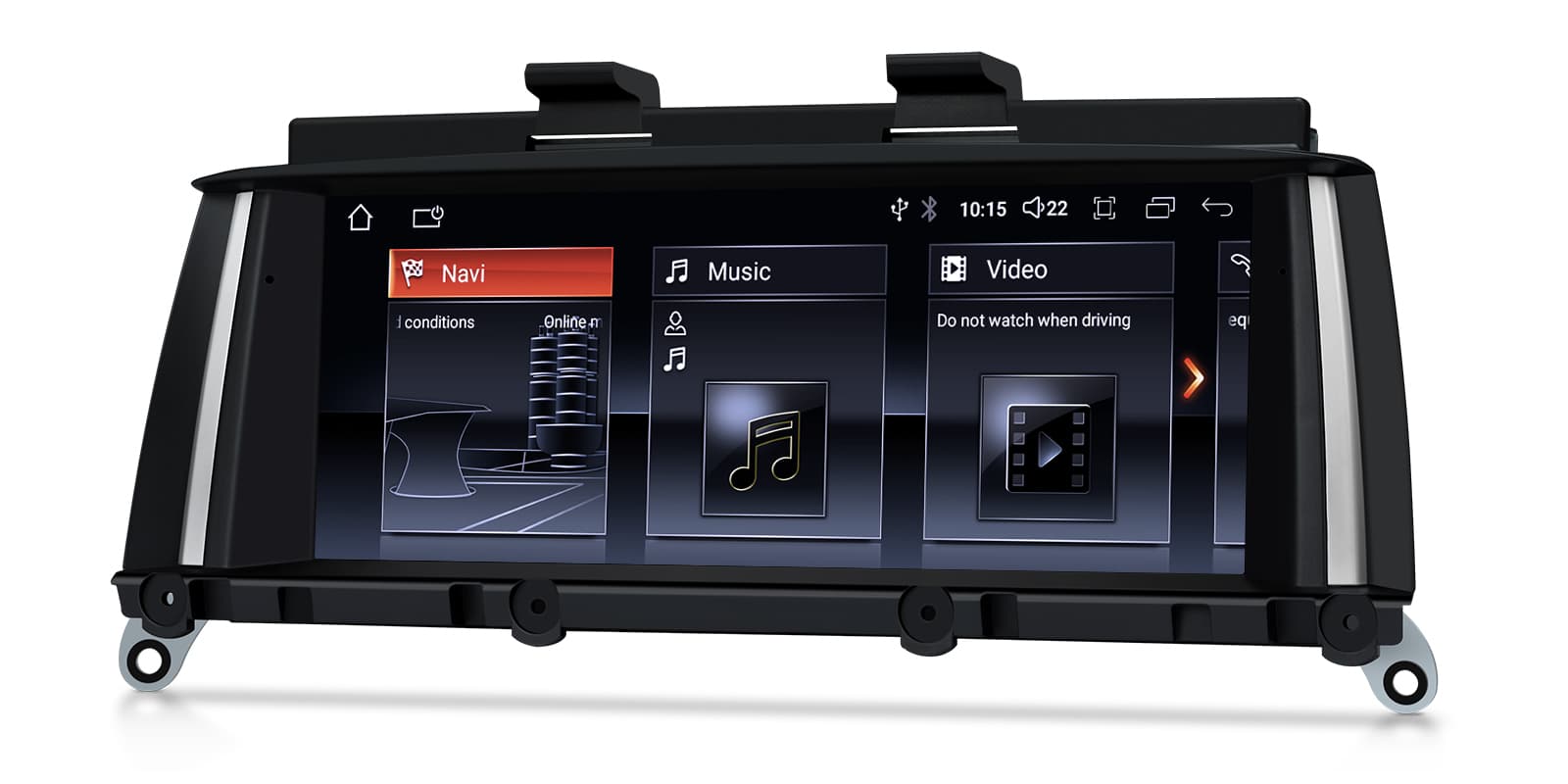
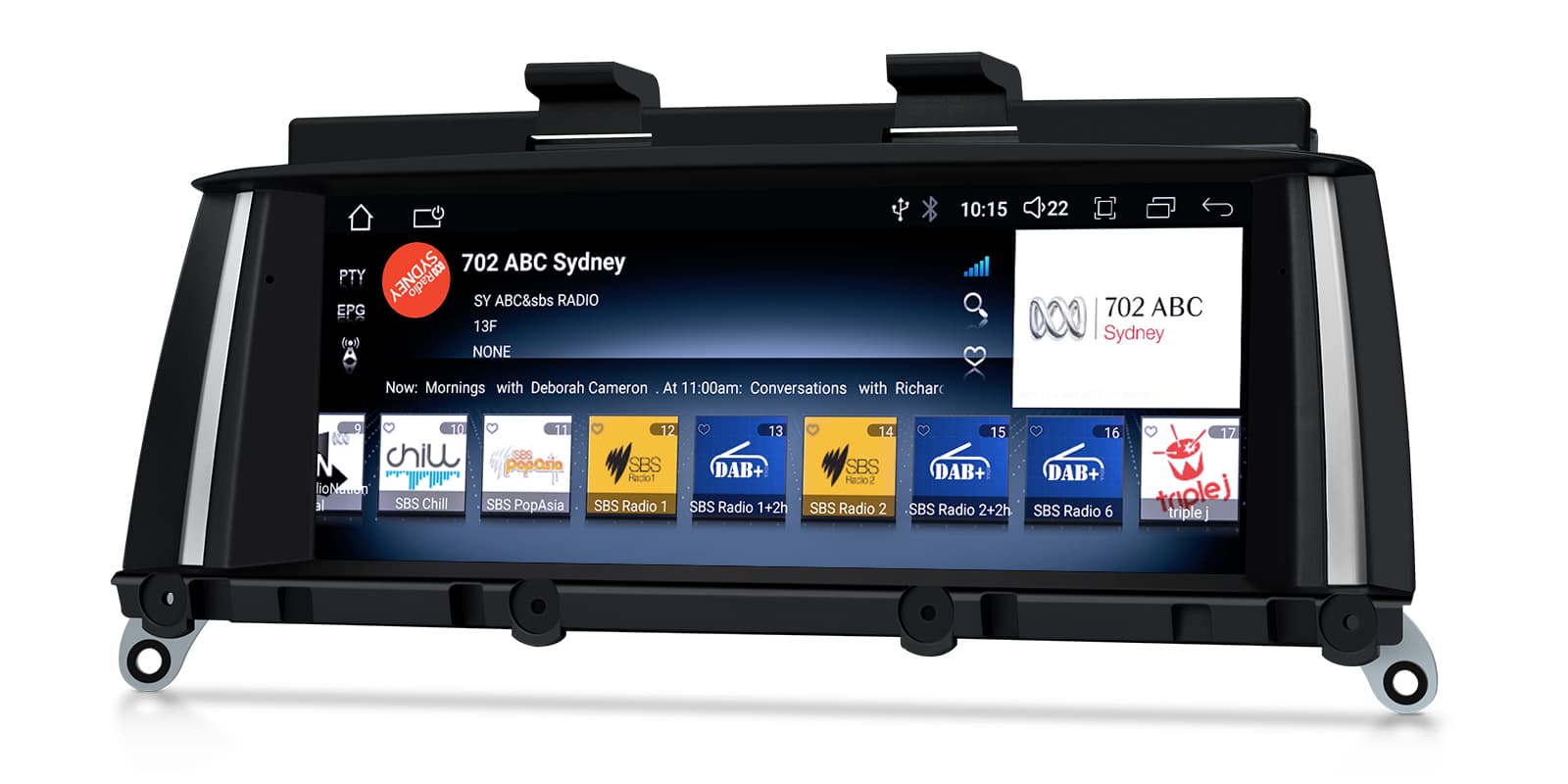
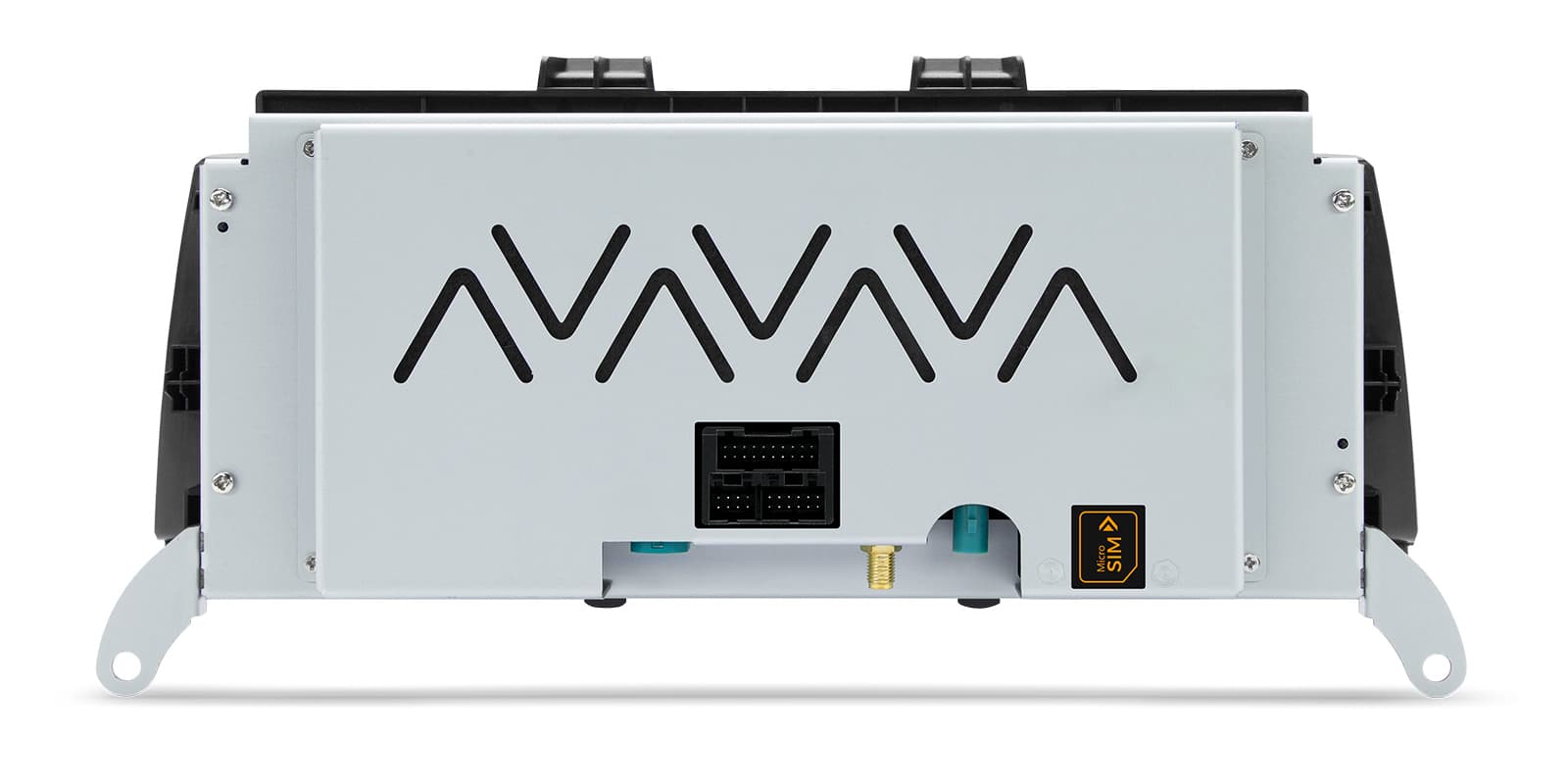
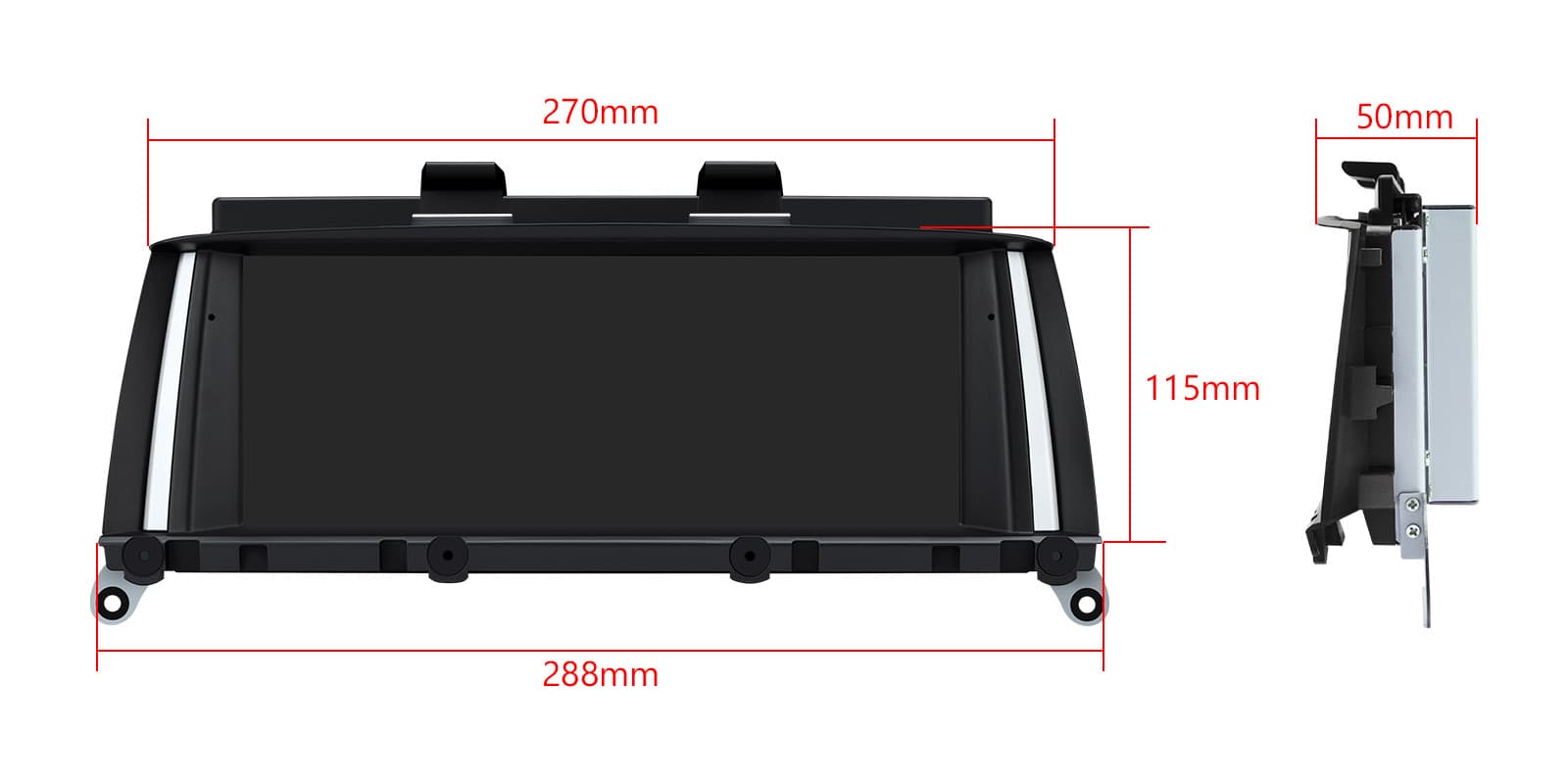
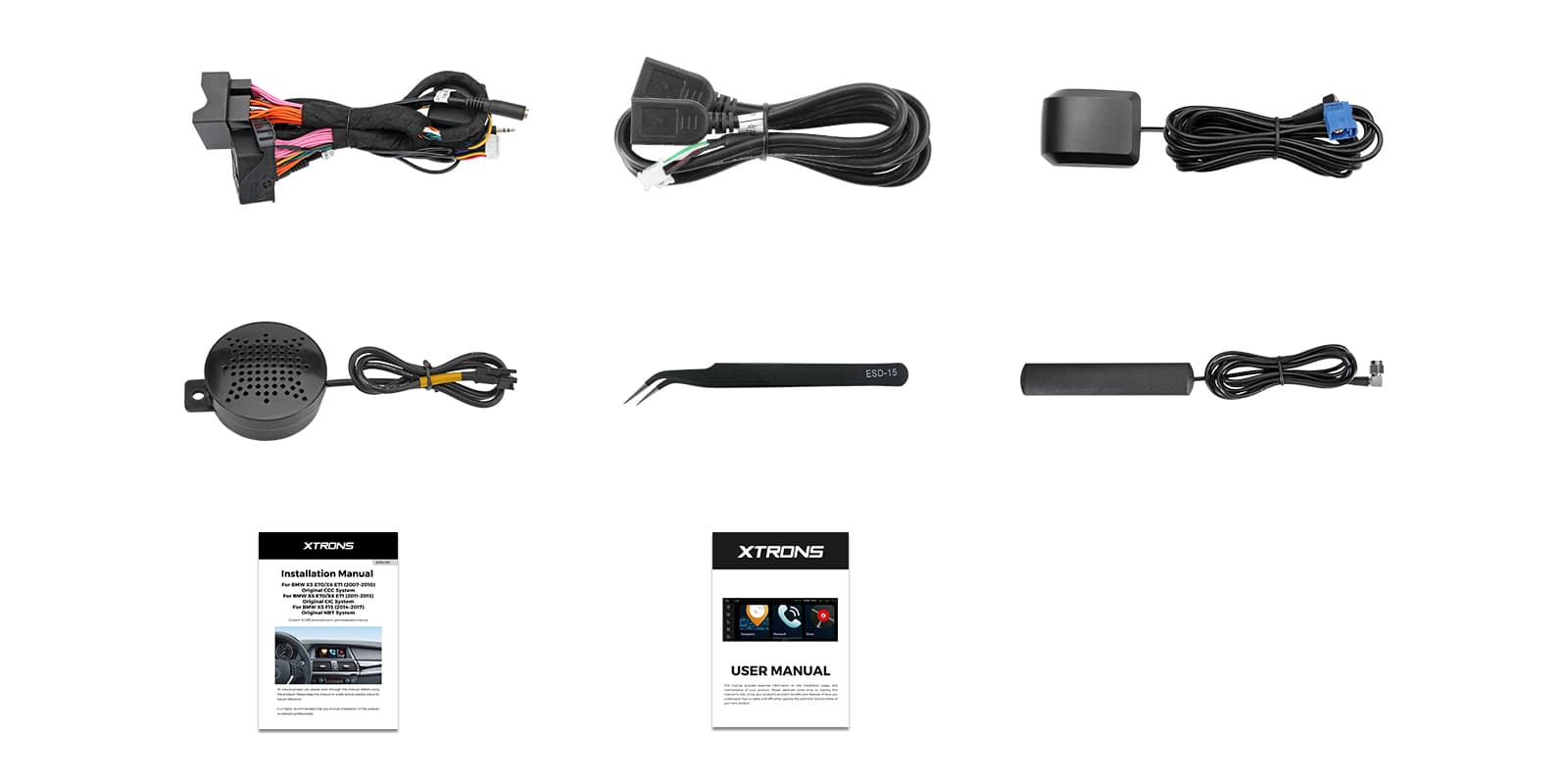
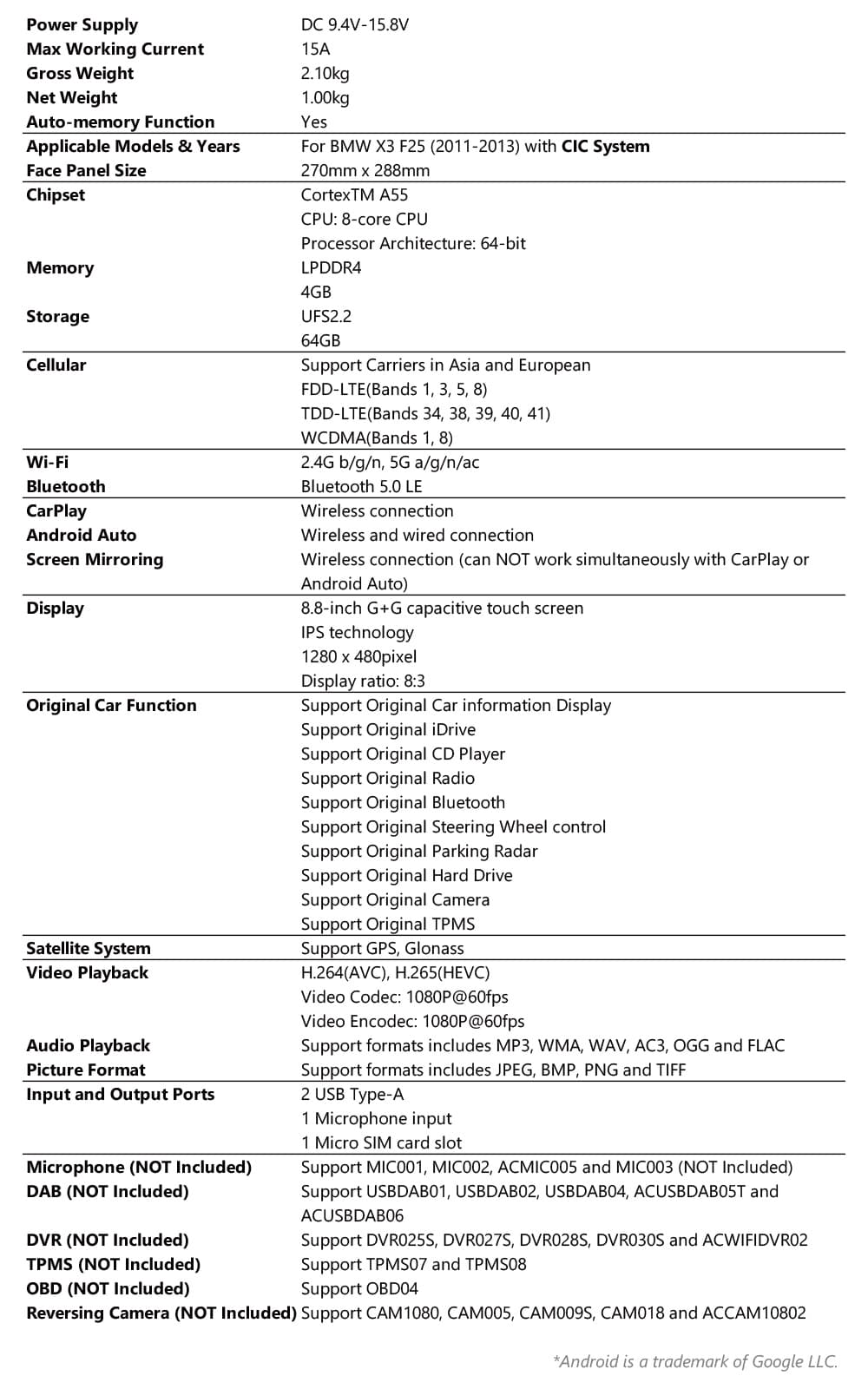
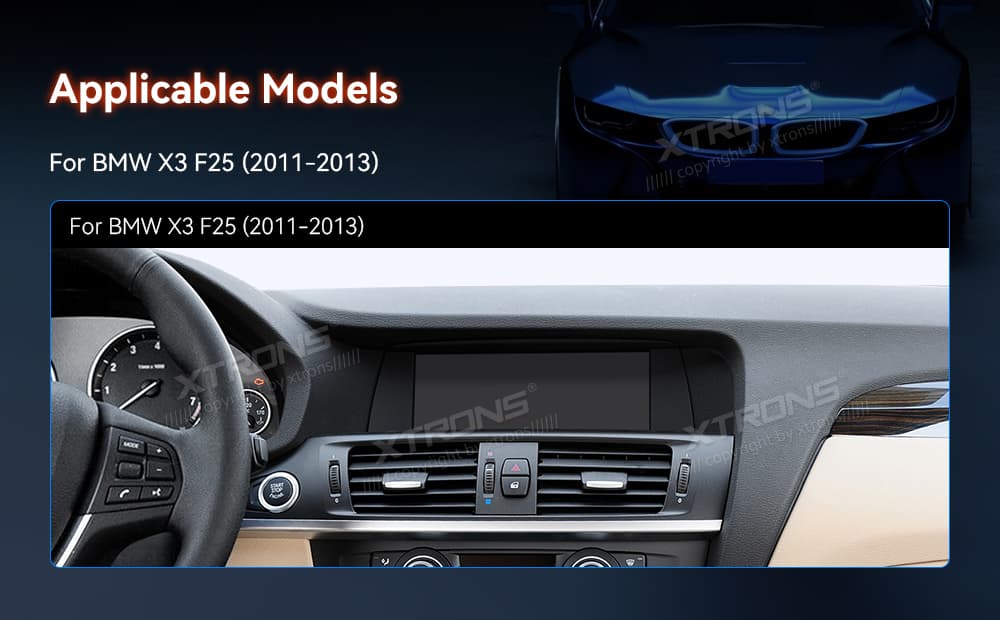
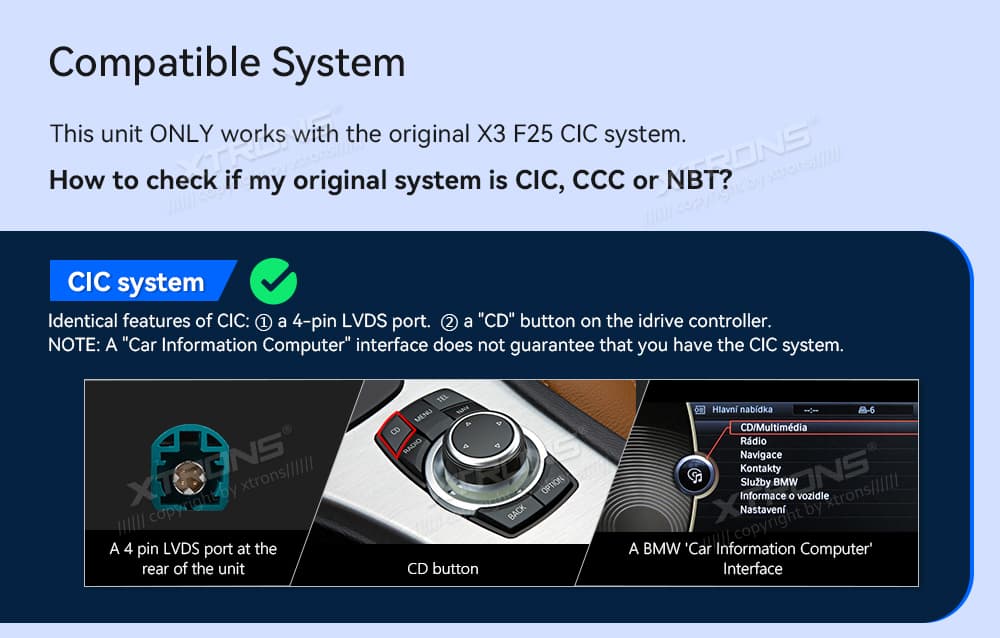
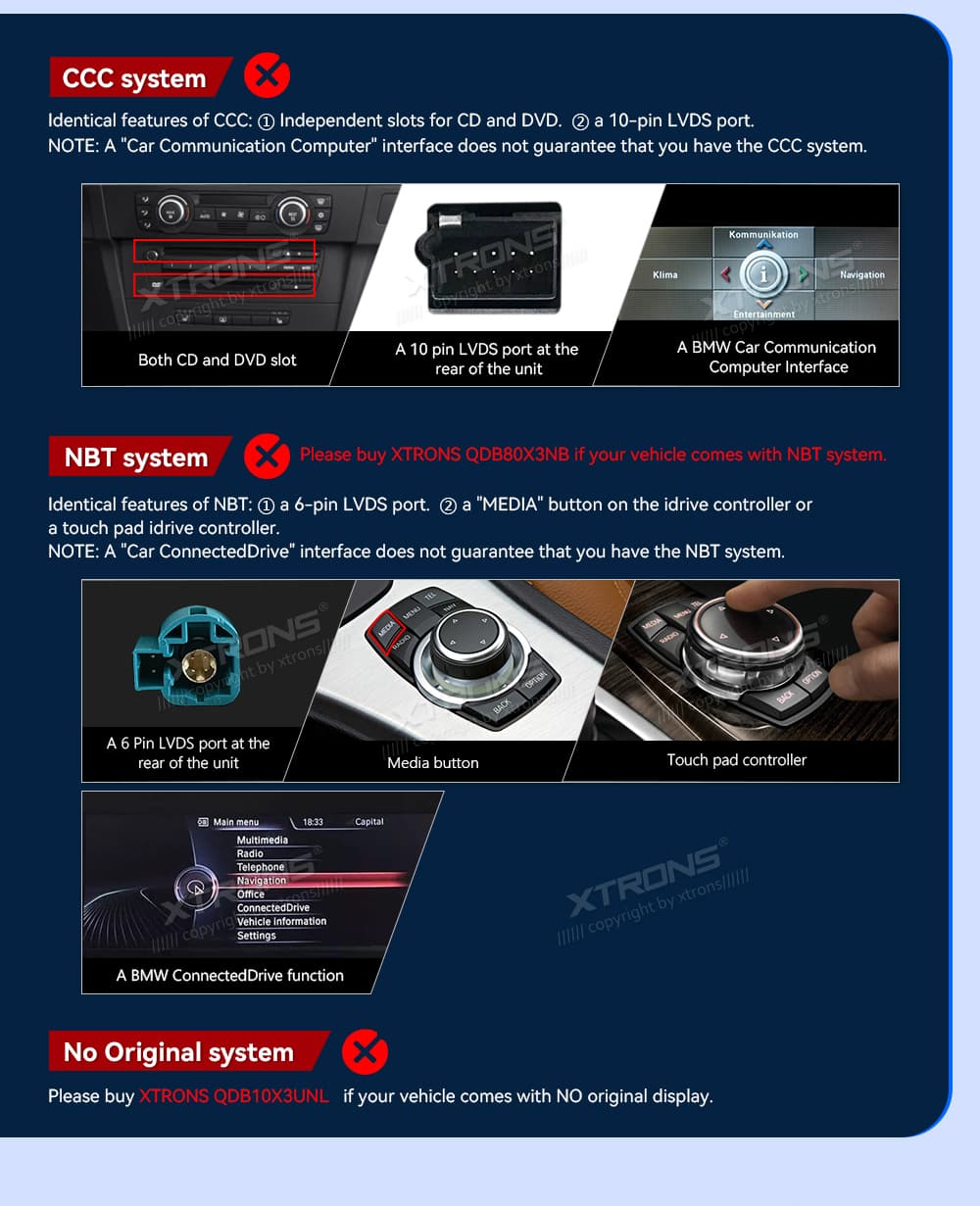
Image 1 of 16.
SKU: QDB80X3CI
£289.00Was £339.00Save £50.00
Check if this fits your car
SKU: QDB80X3CI
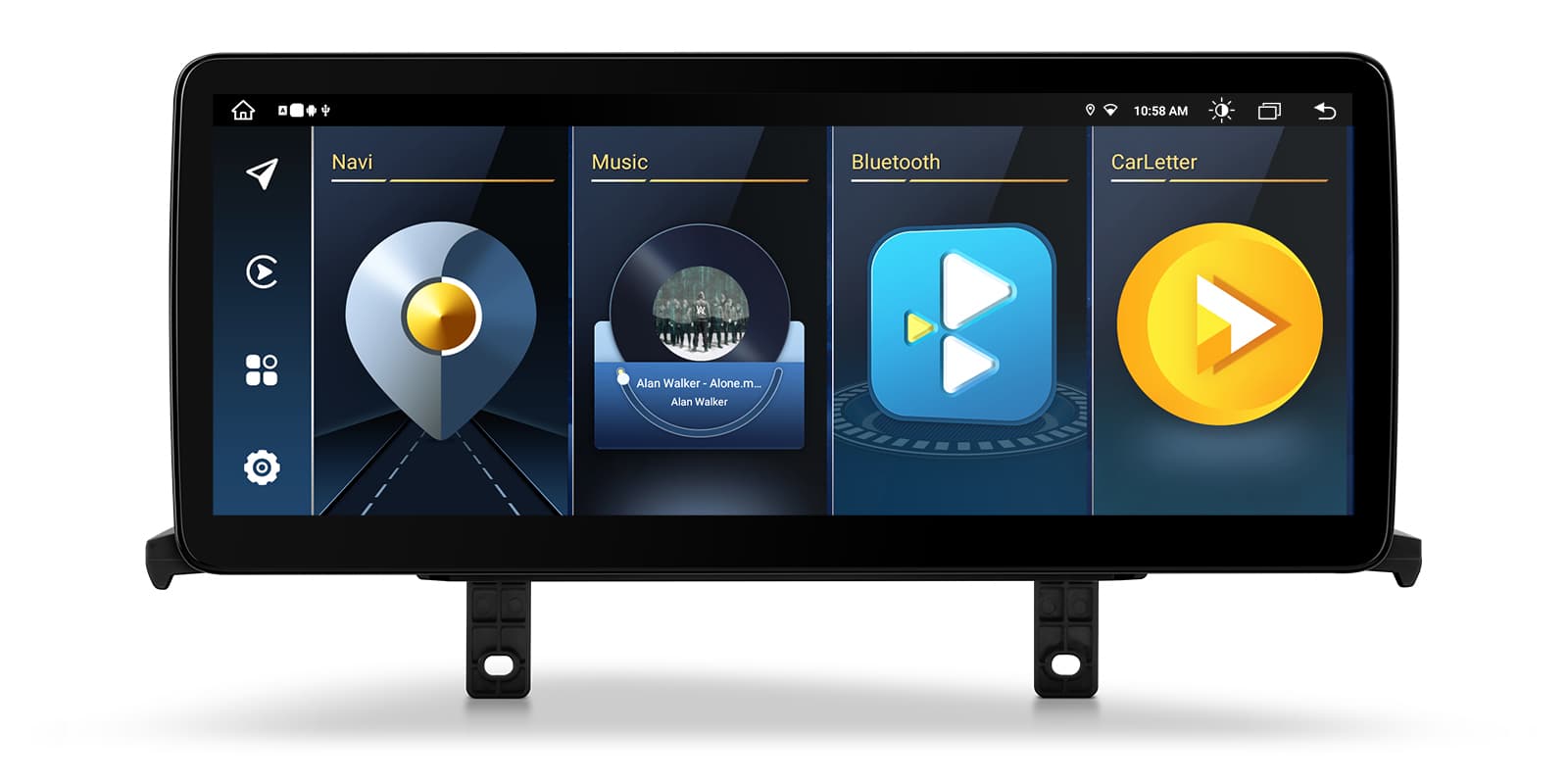
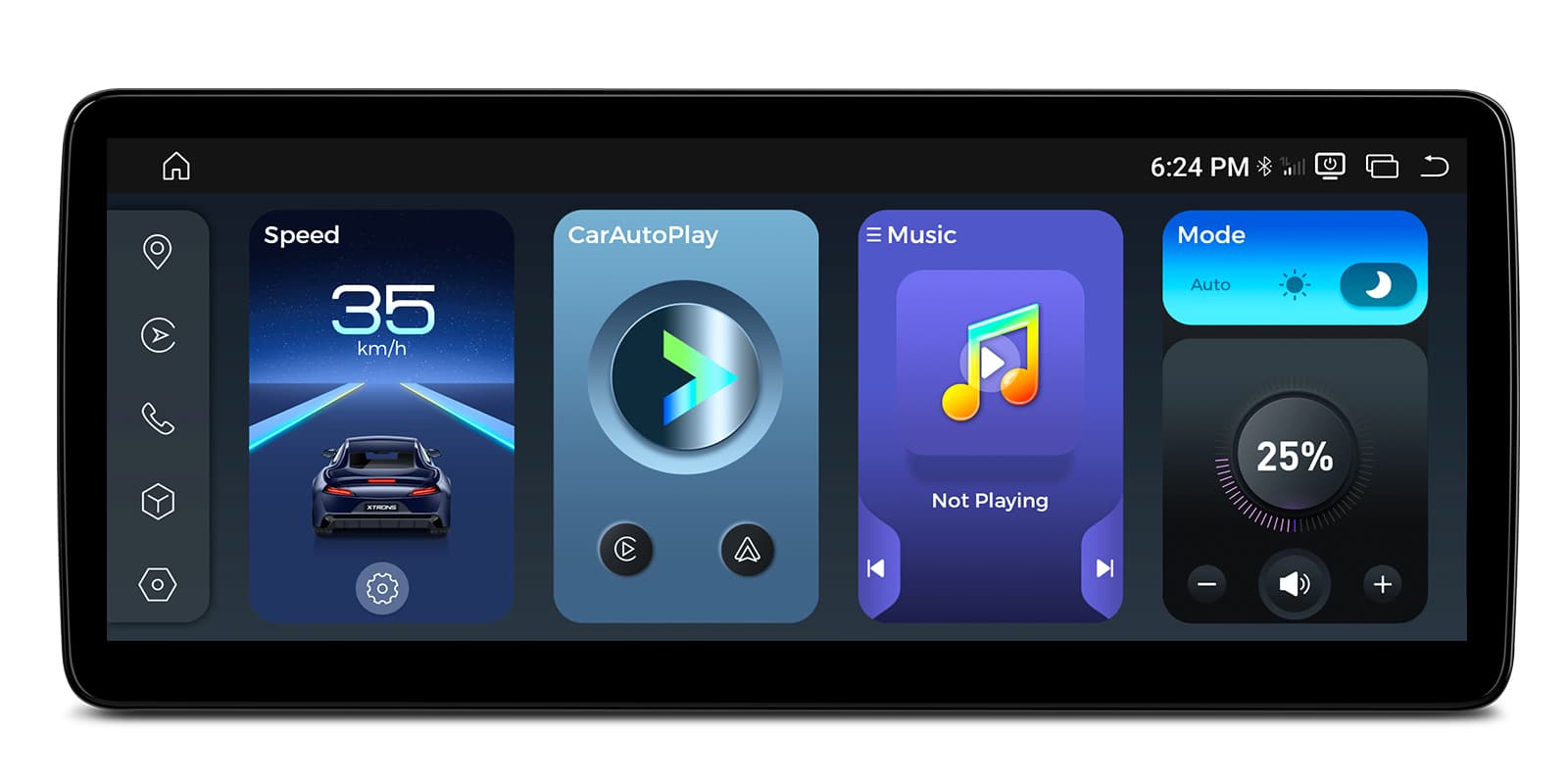
The XTRONS QDB80X3CI is an 8.8 inch Android screen that replaces the factory display in the BMW X3 F25 (2011-2013) with the CIC system. It keeps your CD player, radio and iDrive, and adds wireless CarPlay, Android Auto and built-in 4G.
The screen is matched to the X3 dashboard and runs Android alongside the original system, so you don't have to remove the CD player, radio or iDrive. Swipe the screen to move between Android and the factory menus.
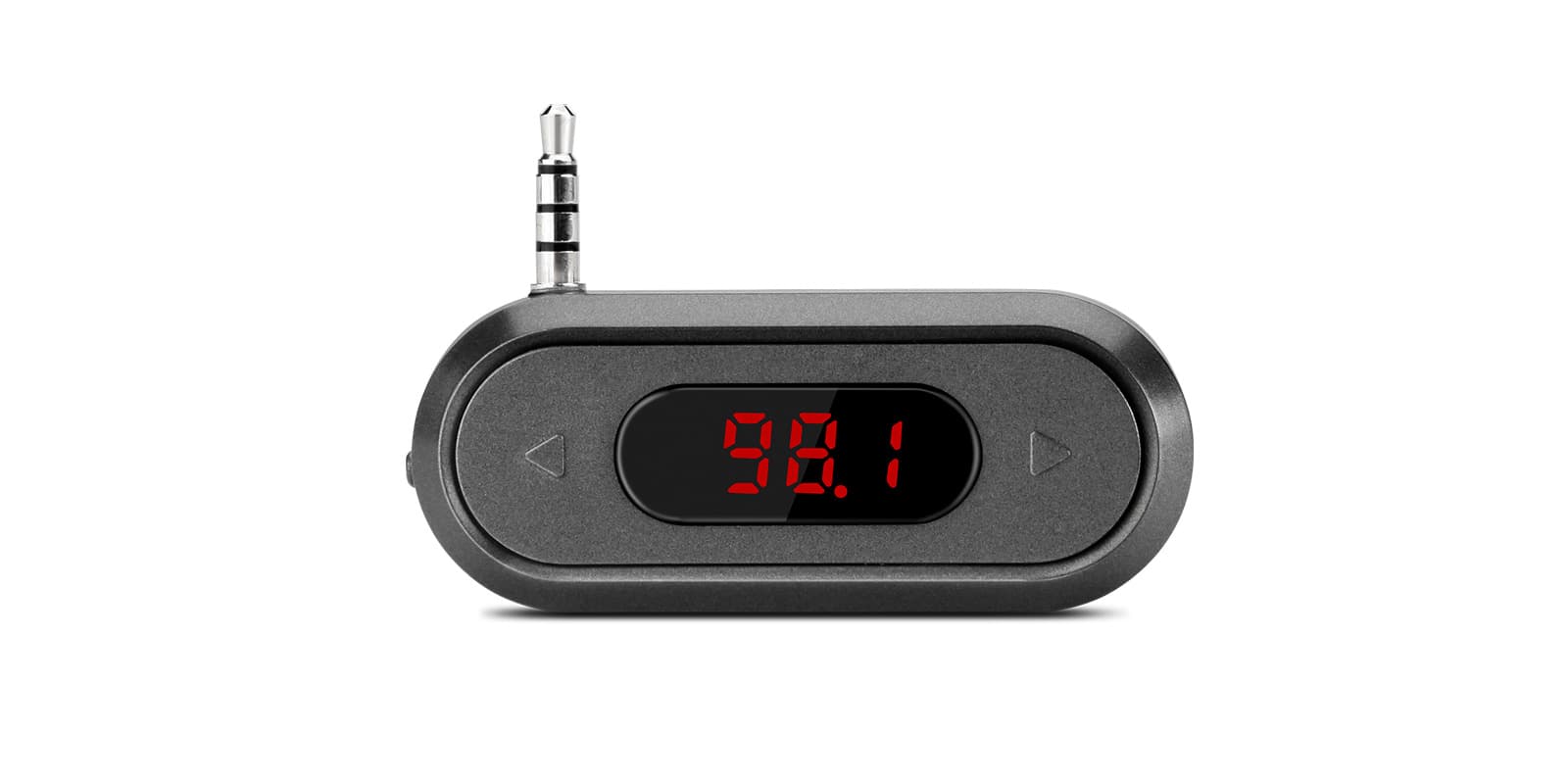
It only works with the original CIC system, which usually has a 4-pin LVDS port and a CD button on the iDrive controller. Sound plays through the car's AUX input, which needs to be enabled; if there's no AUX input you'll need an FM transmitter such as XTRONS CA/ITR/FM02 or CA/ITR/FM03.
The 8.8 inch HD display runs at 1280×480 with Grade-A G+G touch glass. IPS gives wide viewing angles and consistent colour, so it's clear from both front seats.
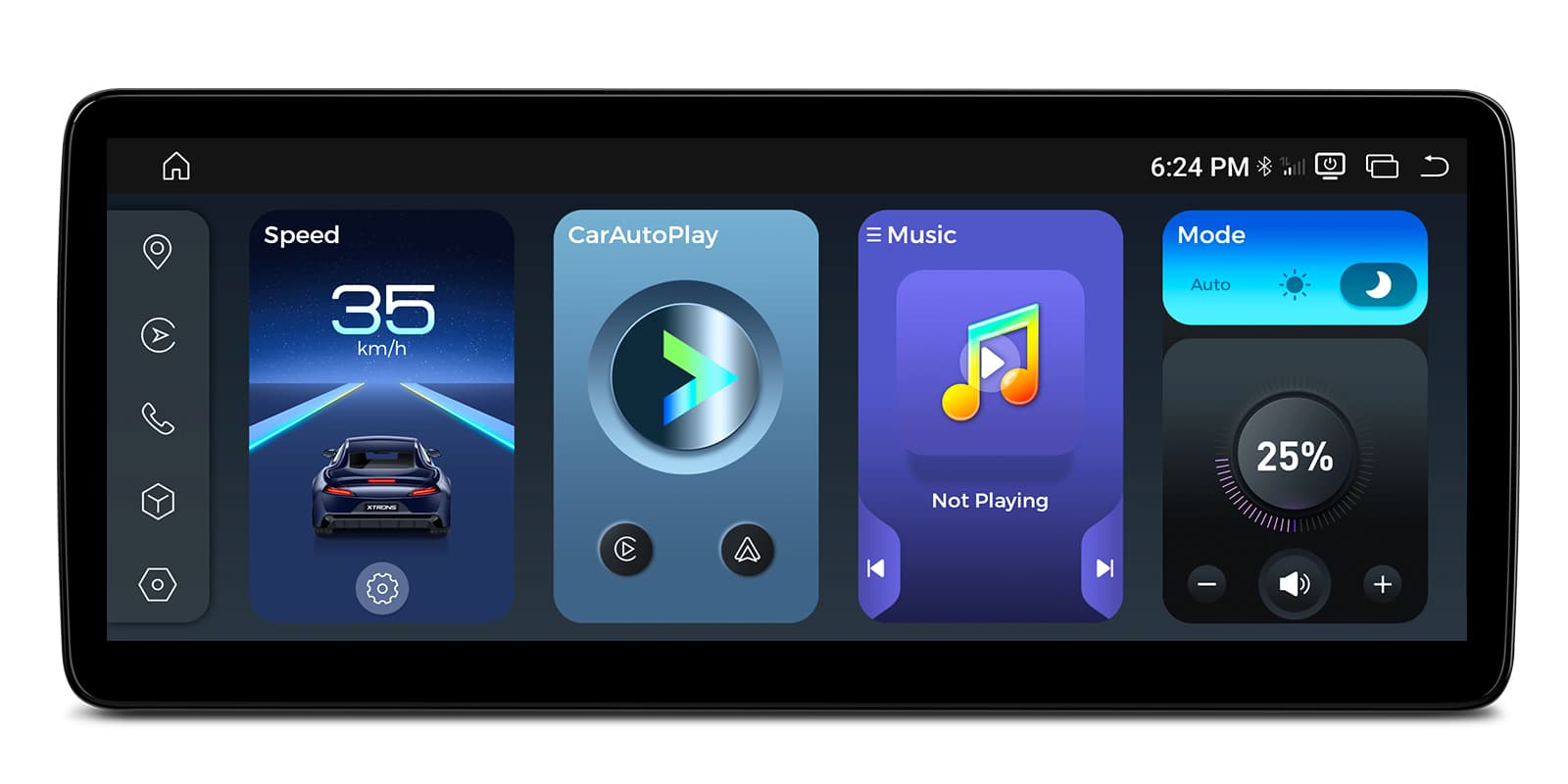
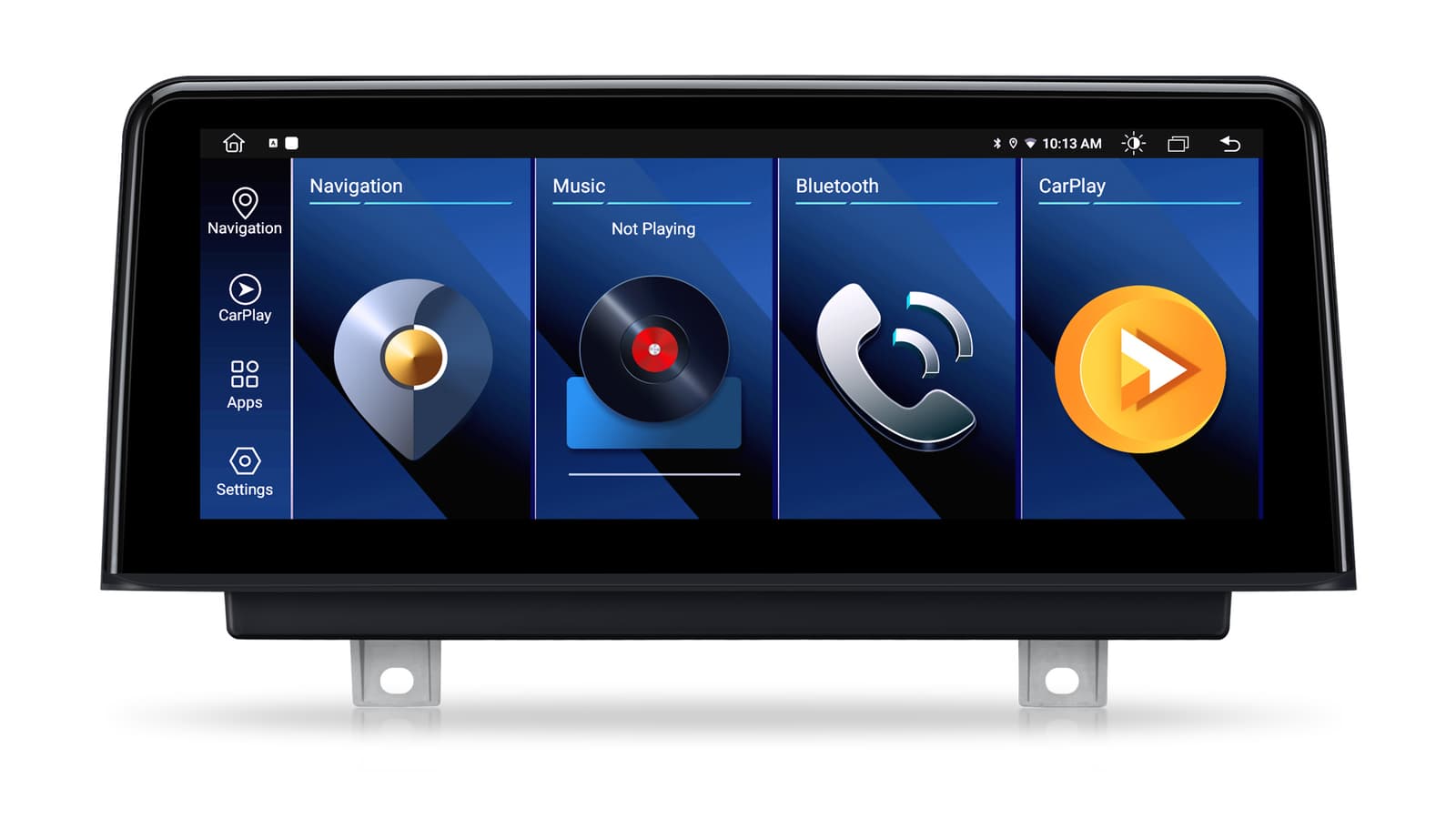
CarPlay connects wirelessly, putting your iPhone's maps, calls and music on the screen. Siri voice commands let you keep your hands on the wheel.
Your iPhone connects on its own when you start the car, so there's no cable to plug in. It needs an iPhone with wireless CarPlay support; check yours in Settings > General > CarPlay. A cable still works when you'd rather charge on the way.
Android Auto works wirelessly or with a cable, bringing Google Maps, calls and music apps to the dashboard with Google Assistant voice control.
Maps, calls, messages and music from your Android phone appear on the car screen, with Google Assistant for voice control. It needs a phone with Google services, which most Android phones have. To connect without a cable, the phone must support wireless Android Auto too.
The 4G LTE module supports European and Asian networks. With a SIM card, the unit has its own internet connection for navigation, music streaming and online apps.
A SIM card in the head unit gives it its own internet connection for maps, traffic and streaming, so it doesn't need your phone's hotspot. You supply the SIM and the data plan; a data-only SIM is usually the cheapest way to do it.
Wi-Fi lets the unit join a hotspot or your home network for app downloads and updates.
Mirror your phone's display to the car screen for apps and media that don't run in CarPlay or Android Auto.
Mirroring shows your phone's whole screen on the car screen, unlike CarPlay and Android Auto, which show apps designed for driving. It usually needs a companion app on the phone, and paid video streaming apps often block it.
A USB cable is supplied for wired Android Auto and for connecting your phone.
The unit has a microphone for hands-free calls and voice commands.
Add an external DAB tuner to receive digital radio through the unit.
Digital radio gives clearer sound and more stations than FM where there's DAB coverage. It needs a DAB aerial: a stick-on windscreen aerial is the usual choice, or a splitter if your car already has a combined FM and DAB aerial.
An octa-core A55 processor runs the optimised Android system with 4GB RAM and 64GB of storage, enough for navigation, music and your everyday apps.
| Processor | Octa-Core A55 processor |
|---|---|
| Memory | 4GB RAM with 64GB storage |
| Screen | 8.8” 1280×480 HD display |
|---|---|
| Touch | Grade-A G+G touch screen |
| Panel | IPS panel |
| Mobile data | Built-in 4G LTE Module |
|---|---|
| Phone connection | The CarAutoPlay supports wireless connection while the Android Auto supports both wireless and wired connection. |
| Wi-Fi | Wi-Fi |
| Navigation | GPS |
| DAB | External DAB Supported |
| Make | Model | Years | Notes |
|---|---|---|---|
| BMW | X3 (F25) | 2010–2017 | Cars with the factory CIC system |
The QDB80X3CI is a plug-and-play replacement for the factory display and comes with installation instructions. Confirm your X3 has the original CIC system before ordering. Sound goes through the car's AUX input, so enable it, or add an FM transmitter such as XTRONS CA/ITR/FM02 if your car has no AUX input.
A CIC radio usually has a 4-pin LVDS port, a CD button on the iDrive controller and a BMW Car Information Computer interface, though the interface alone doesn't prove it.
Yes. The unit works alongside the original system, so the CD player, radio and iDrive stay.
You'll need an FM transmitter. XTRONS CA/ITR/FM02 and CA/ITR/FM03 are compatible.
Yes, and it can also be used with a cable. CarPlay connects wirelessly.
XTRONS's own pages for this product, as the manufacturer publishes them. Open any of them at full size to zoom in.
Accessories named in this unit's description
+ £4.99 delivery = £16.98 total
In stock
More from Custom Fit
In stock
In stock
In stock
In stock