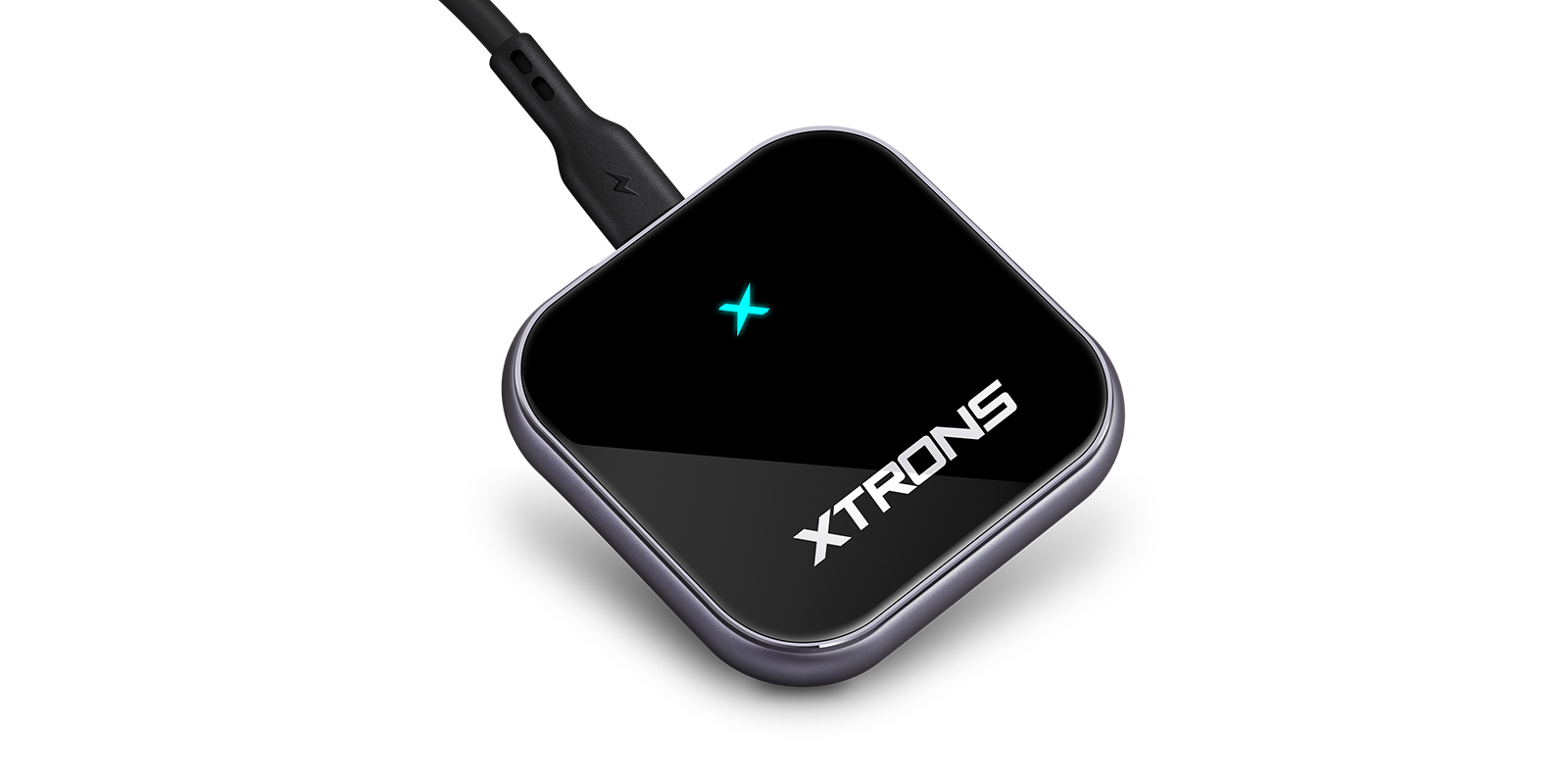
- Wireless CarPlay
Image 1 of 8.
Functions
- Wireless Apple CarPlay
- Android Auto
- USB
In stock
Universal Wireless CarPlay and Android Auto Adapter for Factory Wired CarPlay and Android Auto | ACCP07
SKU: ACCP07
£54.99
Check if this fits your car
1
Key specifications
- Chip
- A7 chip
A plug-in adapter that turns a car's factory wired CarPlay or Android Auto into a wireless connection. Once it's set up, your phone connects by itself every time you start the car, with no cable to plug in.
- Makes factory wired CarPlay wireless
- Makes factory wired Android Auto wireless
- Plugs into the car's USB port
- Pair once, then it reconnects automatically each time you start the car
- A7 chip for quick response
Wireless CarPlay and Android Auto from a wired system
If your car already has CarPlay or Android Auto but needs a cable, this adapter removes the cable from the routine. It plugs into the USB port the phone used to use, and the phone then connects to it without wires.
The display adjusts to your car's screen size, so the layout looks right whatever the screen. The A7 chip inside keeps it quick to respond.
Setting it up
Plug the adapter into the car's USB port, pair your phone over Bluetooth, and keep Wi-Fi switched on in the phone. After that first pairing, it connects automatically each time you start the car.
Your car must already have factory wired CarPlay or Android Auto for the adapter to work, so check that before ordering.
| Chip | A7 chip |
|---|
Universal: fits most cars. Check the dimensions in the specifications against your dash.
Plug the adapter into the USB port your car uses for wired CarPlay or Android Auto, then pair your phone over Bluetooth with Wi-Fi left on. It's a one-time setup.
Will it work in my car?
It's for cars with factory installed wired CarPlay or Android Auto. Check your car has one of these before ordering.
Do I have to pair it every time?
No. After the first pairing, it auto-connects each time you start the car.
Does my phone need Wi-Fi switched on?
Yes. Pairing is over Bluetooth, but Wi-Fi needs to stay available on the phone.
Reviews
What customers say
Bought this product? Sign in to write a review.
Full specification from XTRONS
XTRONS's own pages for this product, as the manufacturer publishes them.