- IPS
£439.00inc. VAT
In stock
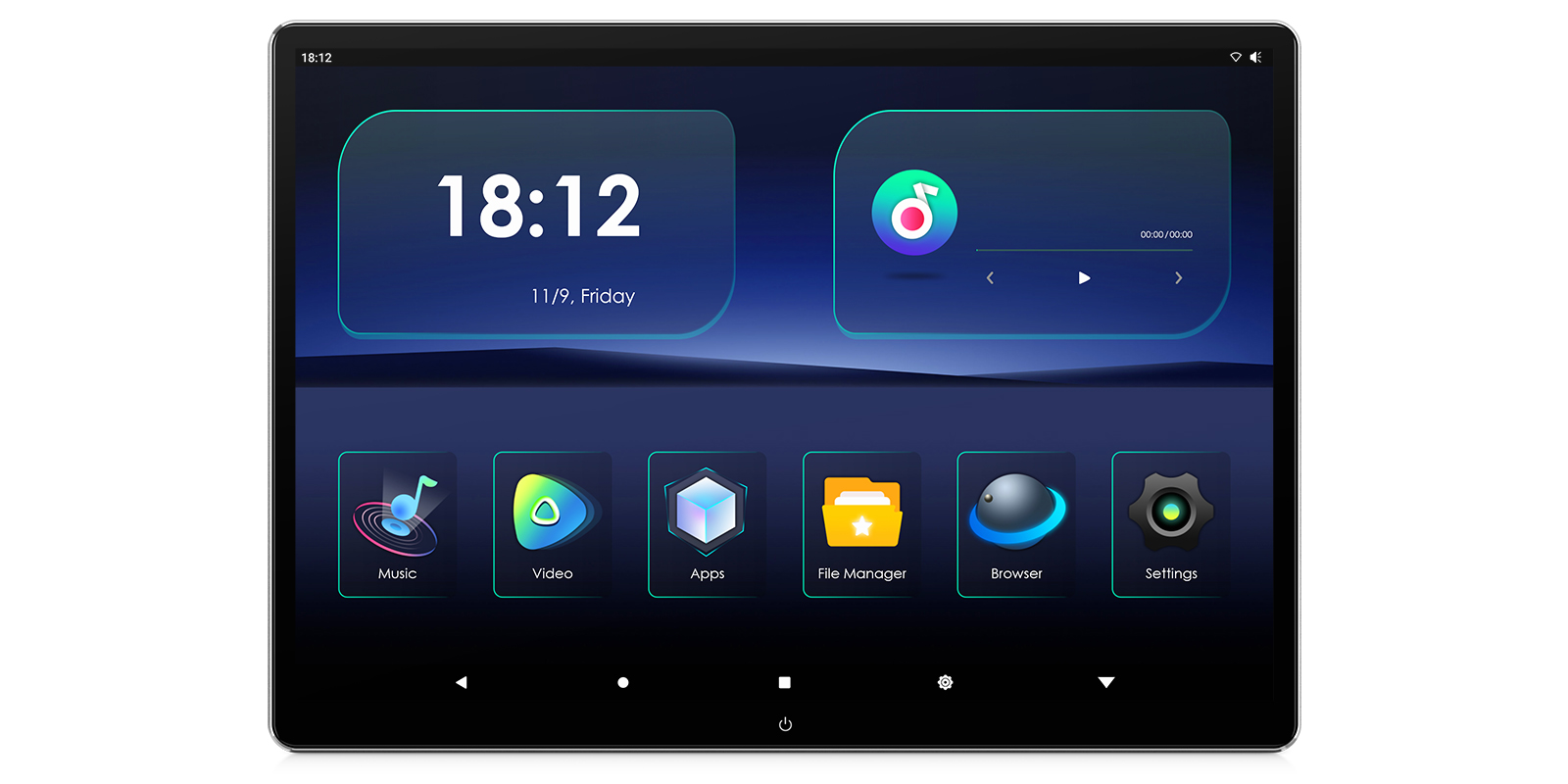
Image 1 of 11.
SKU: HM138A
£309.00
Check if this fits your car
The XTRONS HM138A is a 13 inch Android 16 screen that clamps to the headrest poles of most cars, so rear passengers get their own films, apps and games. It has a QHD+ IPS display, HDMI input and output, Wi-Fi and wireless screen mirroring.
The 13 inch IPS panel runs at 2880×1920 in a 3:2 shape, and it decodes 4K UHD video. Viewing angles are 178°, so it still looks right from either side of the back seat.
The display is fully laminated, which removes the air gap behind the glass and keeps the picture clear. A silver CNC trim finishes the edge.
The screen turns 90°, so it can sit in landscape for films or portrait for reading and short videos. Gravity sensing helps it follow the way you've turned it.
It runs Android 16 on a Rockchip RK3566 quad-core processor with 2GB RAM and 32GB ROM. Passengers can download apps from the Play Store and stream Netflix, YouTube and Spotify without a separate player.
The AutoCast app lets you control the screen from a smartphone or from a front Android car stereo, which saves leaning back between the seats.
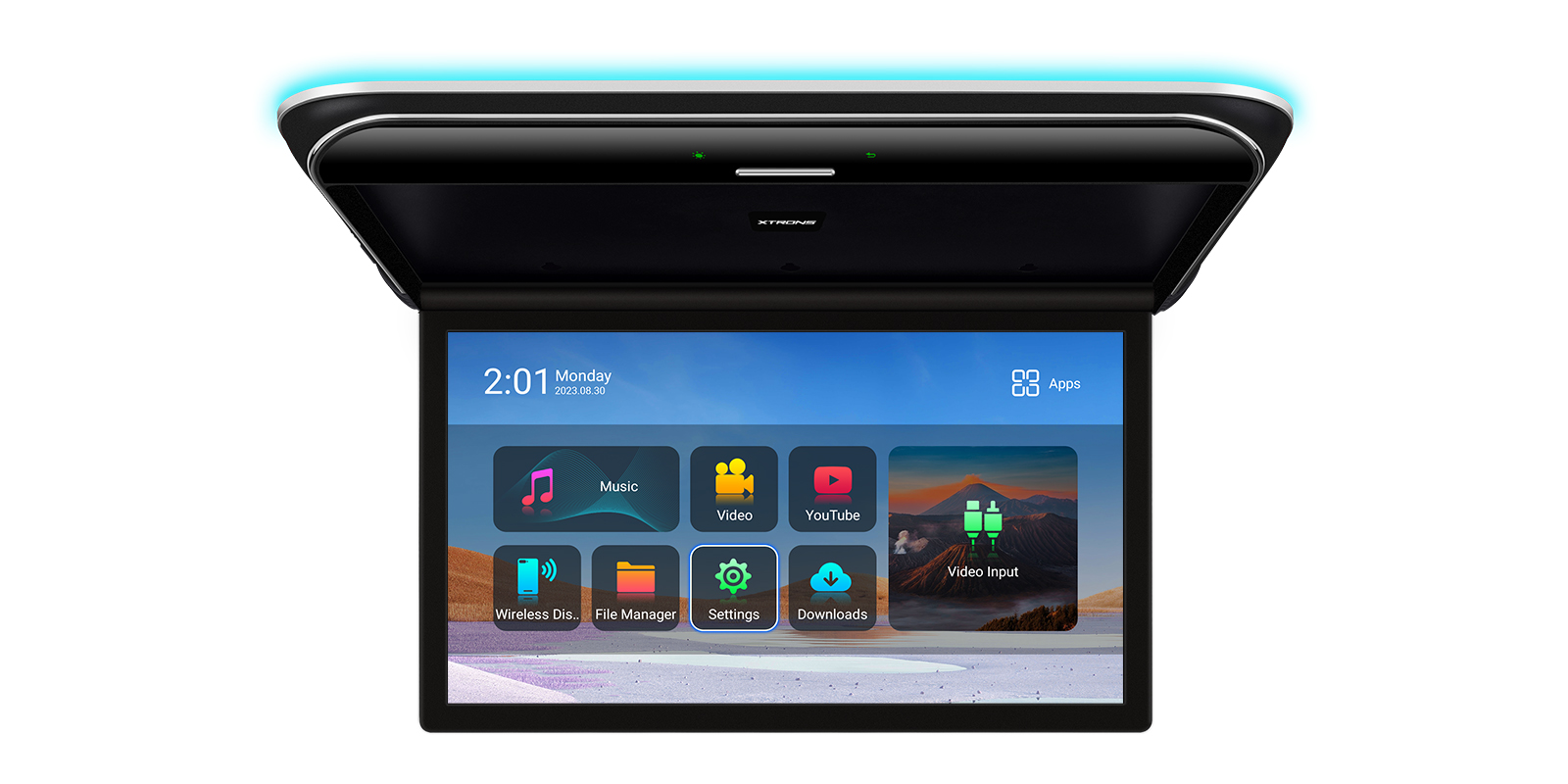
A Micro HD input takes a games console, a digital TV box or a camera. The HD output can send the picture to a second headrest player, so both rear passengers can watch the same thing.
There's also an RCA audio and video input for a DVD player or older console.
Phones can cast to the screen without a cable: iPhones through AirPlay, and Android phones too. Photos, videos and games appear on the bigger display.
The screen connects to 2.4G and 5G Wi-Fi, for example a phone hotspot, for streaming and browsing in the back.
Two built-in speakers play the sound from the screen. For quieter listening, Bluetooth 5.0 sends it to wireless headphones, and the FM transmitter can send it to the car stereo.
There's also a 3.5mm audio output for wired headphones.
The screen has a USB Type-C port, and a USB cable adapter is in the box for plugging in a USB device.
The mounting base clamps to round headrest poles up to 15mm across, with bracket spacing that adjusts from 110-190mm. The screen slides onto the base and locks with a toggle clamp.
It doesn't fit hidden or built-in poles, or square and cuboid poles. Check your headrest poles before ordering.
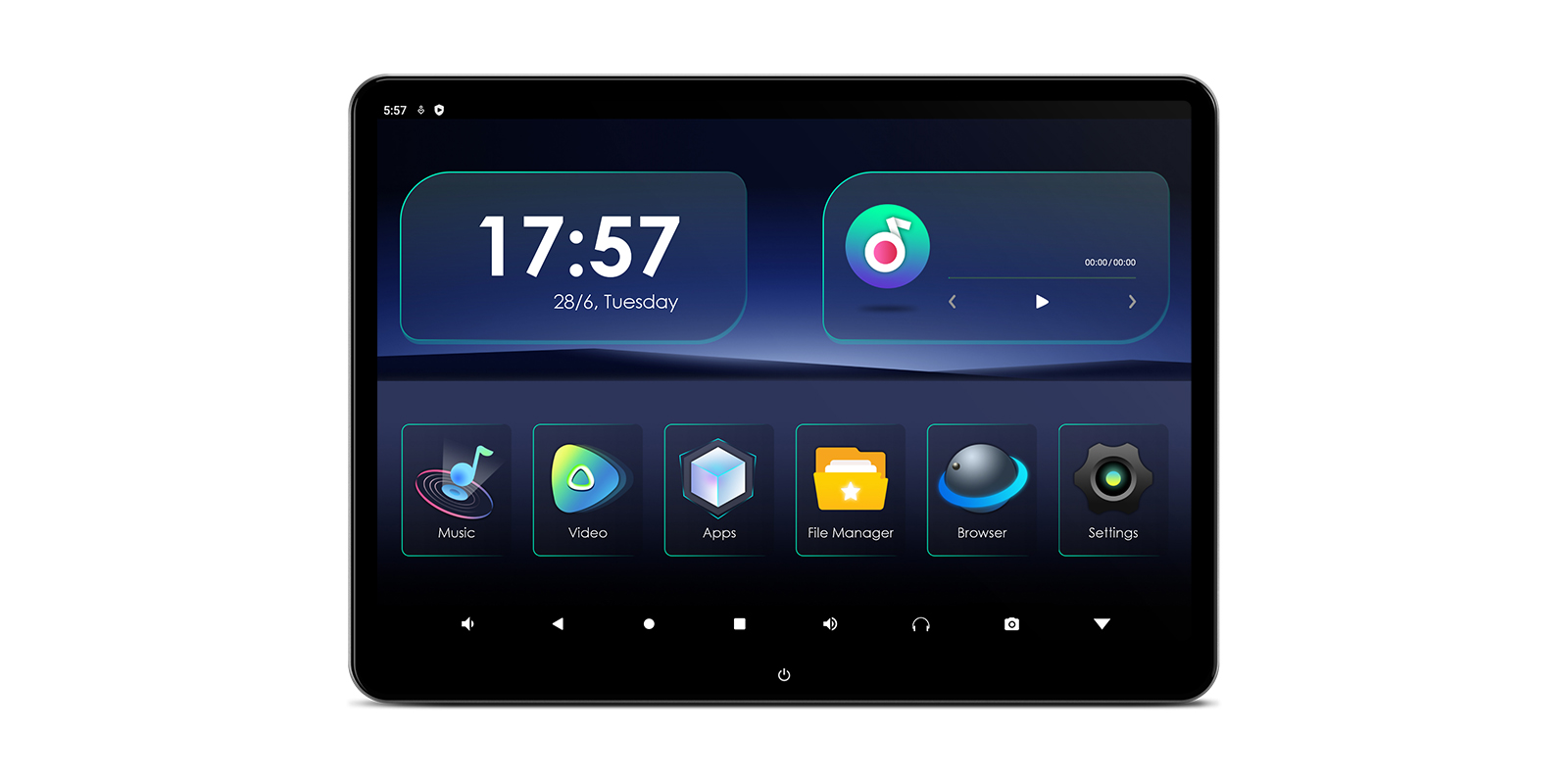
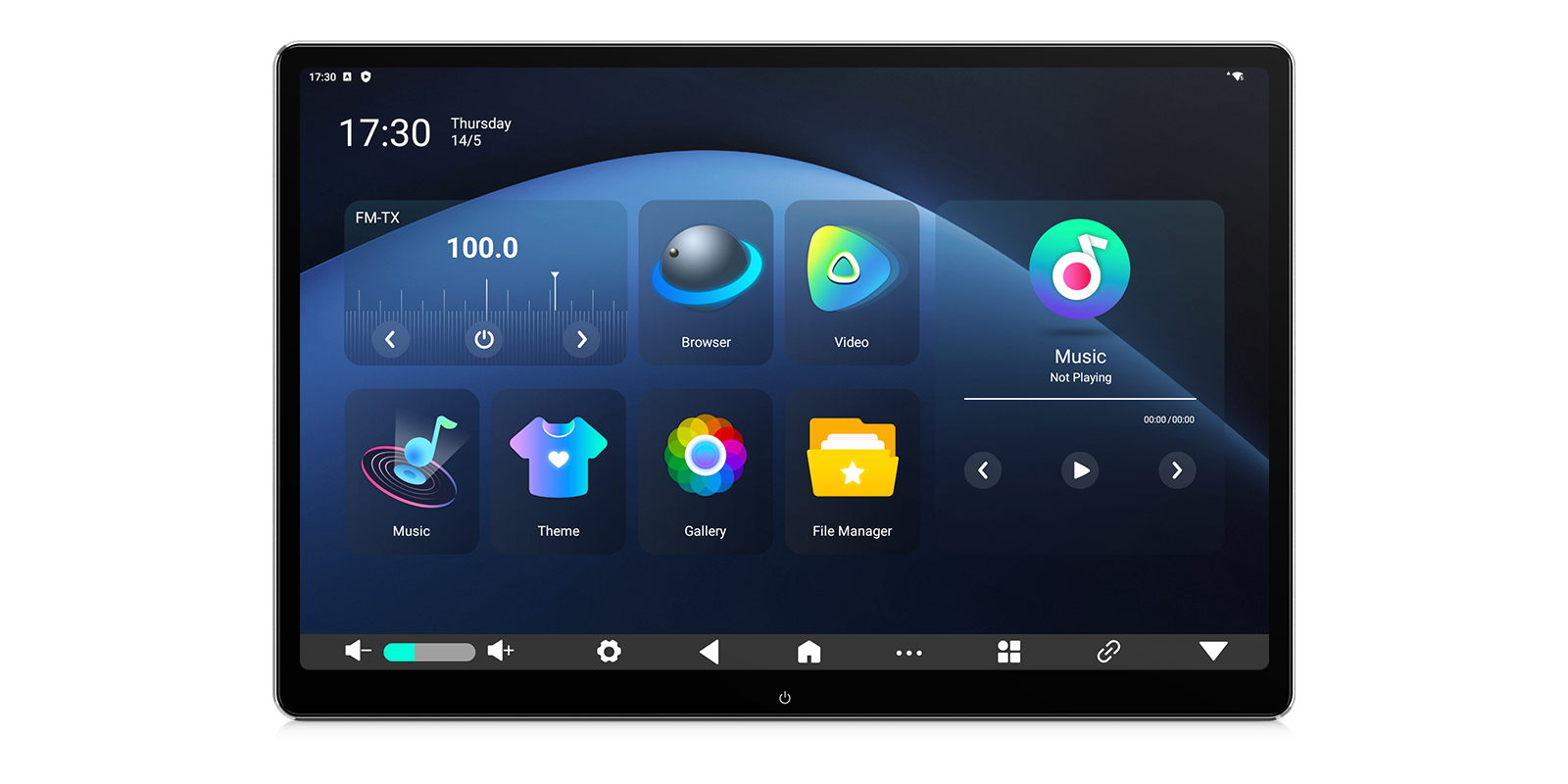
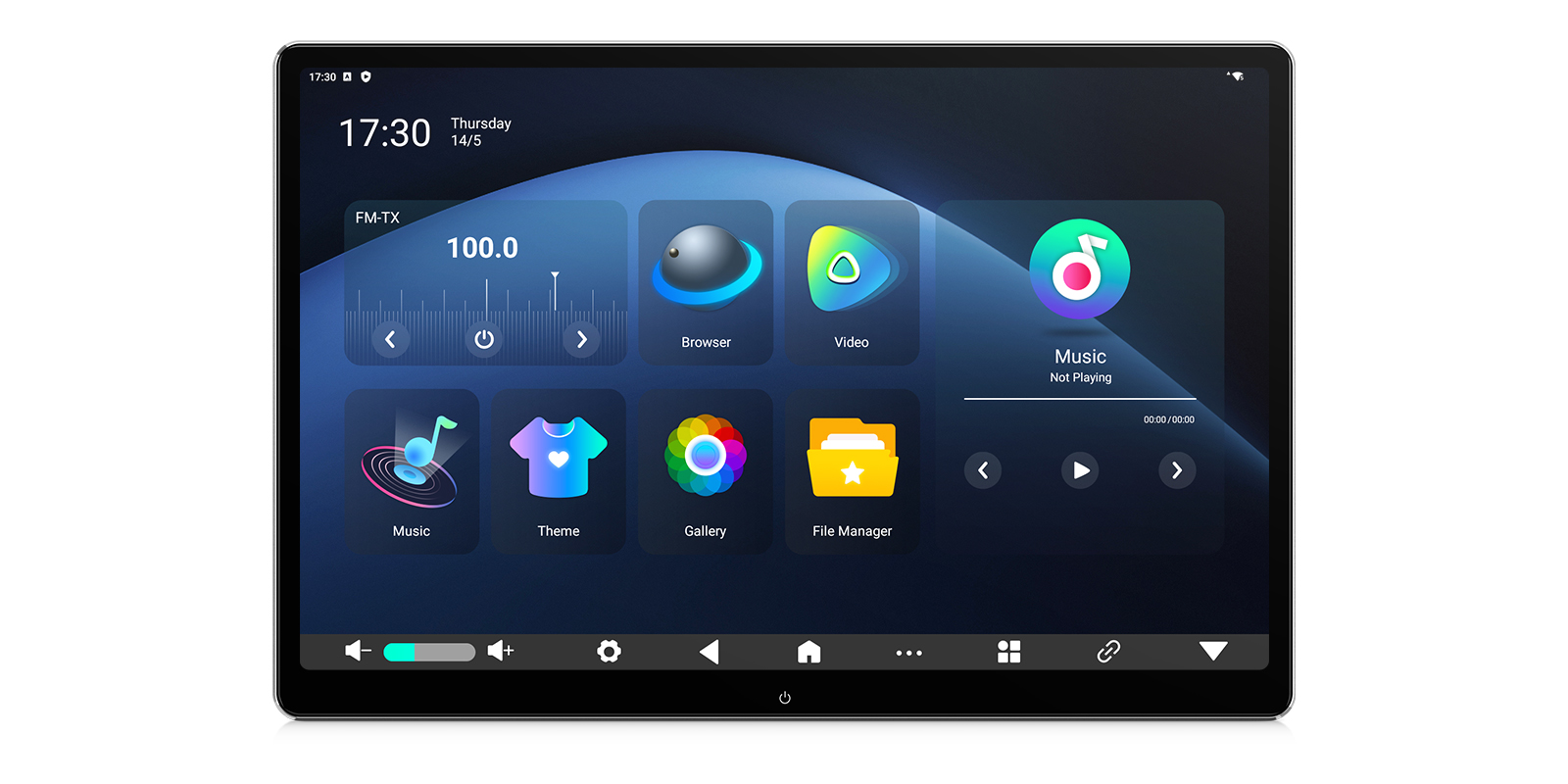
Multi-colour ambient lighting and more than 20 interface themes let passengers change how it looks.
| Operating system | Android 16 |
|---|---|
| Processor | Rockchip RK3566 Quad-core Cortex-A55 @ 1.8GHz |
| GPU | Mali-G52 |
| Memory | 2GB DDR4 RAM + 32GB SSD ROM |
| Screen size | 13 Inches |
|---|---|
| Resolution | QHD+ 2880×1920 Pixels (IPS Technology) |
| Video support | 4K UHD Decoding |
| Viewing angle | 178° Adjustable, 90° Rotation (Portrait/Landscape) |
| Special features | Fully Laminated Display, Multi-colour Ambient Light, Gravity Sensing |
| Wireless | Dual-Band Wi-Fi (2.4G/5G), Bluetooth 5.0, FM Transmitter |
|---|
| Ports | Micro HD IN/OUT, USB Type-C, 3.5mm Audio Out, RCA Audio/Video IN |
|---|
| Headrest poles | Maximum pole diameter: 0.59inch(15mm) |
|---|---|
| Bracket spacing | Adjustable bracket spacing(A->B): 4.33 – 7.48inch (110-190mm) |
| Player to bracket | Maximum distance from player to bracket (C->D):3.54inch (90mm) |
Universal: fits most cars. Check the dimensions in the specifications against your dash.
Attach the mounting base to the headrest poles, slide the screen onto it and lock it with the toggle clamp. A cigarette lighter power cable and an ISO wiring harness are in the box for power. Installation by a qualified automotive technician is recommended for secure mounting and wiring.
It fits round headrest poles up to 15mm in diameter with spacing between 110-190mm. It doesn't fit hidden or built-in poles, or square or cuboid poles.
Yes. The Micro HD input and the RCA input take games consoles, digital TV boxes or a DVD player.
Yes. The HD output can send the picture to a second backseat player.
Sound can go to Bluetooth headphones, or to wired headphones through the 3.5mm output. The FM transmitter can also send it through the car stereo.
Yes. The AutoCast app lets you manage it from a smartphone or a front Android car stereo.
Reviews
Bought this product? Sign in to write a review.
More from the same range
In stock
In stock