Image 1 of 5.
Universal 1 in 2 out HDMI Splitter with 4K 30Hz and Dolby Audio
SKU: ACHDMI1TO2
£8.99
+ £4.99 delivery = £13.98 total
Check if this fits your car
In stock
1
- Navway, UK car stereo specialists since 2014
- 5,000+ customers
- UK support Mon–Fri
SKU: ACHDMI1TO2
Key specifications
- Inputs and outputs
- 1 input 2 output
- Maximum resolution
- 4K@30Hz
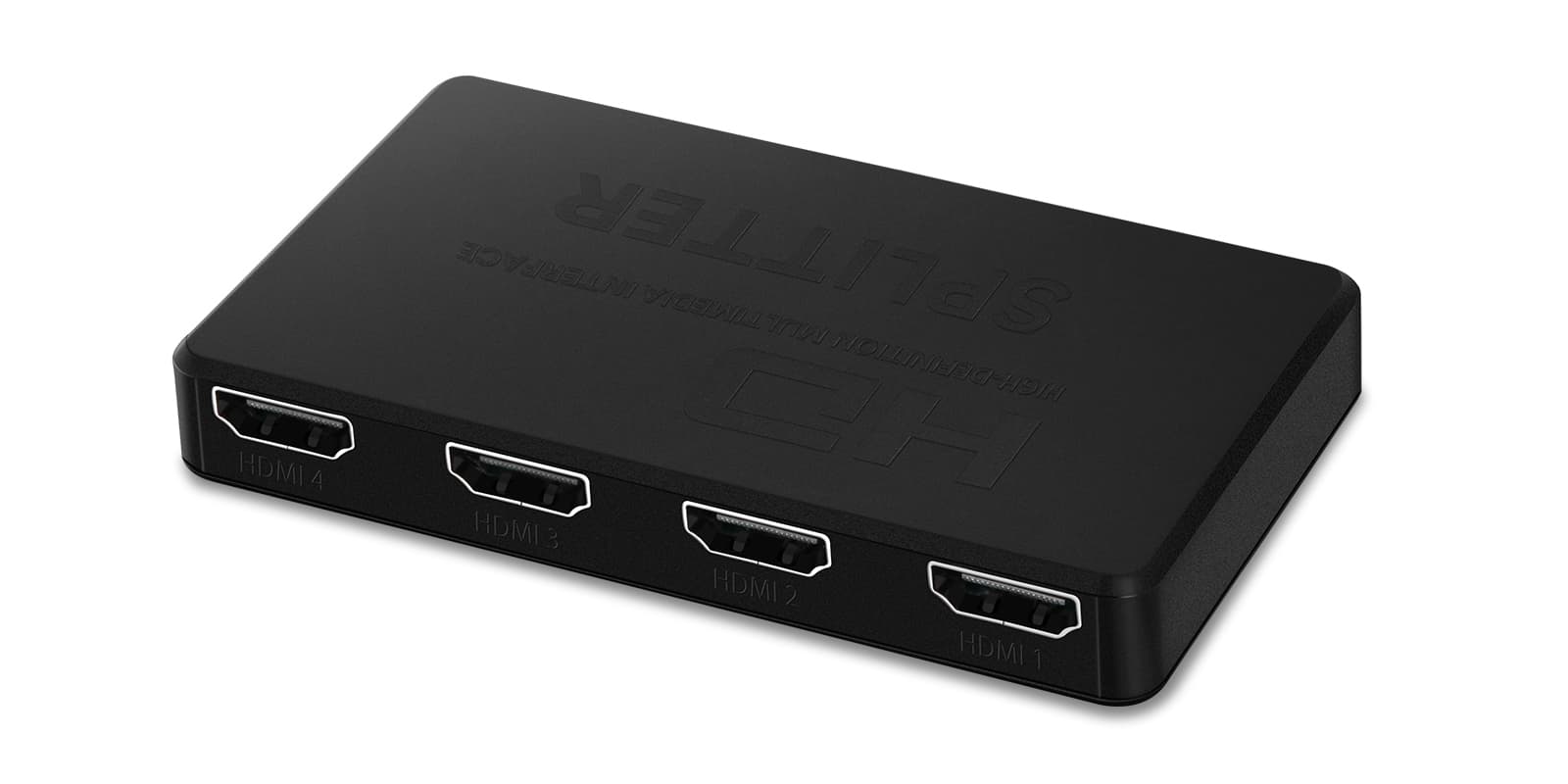
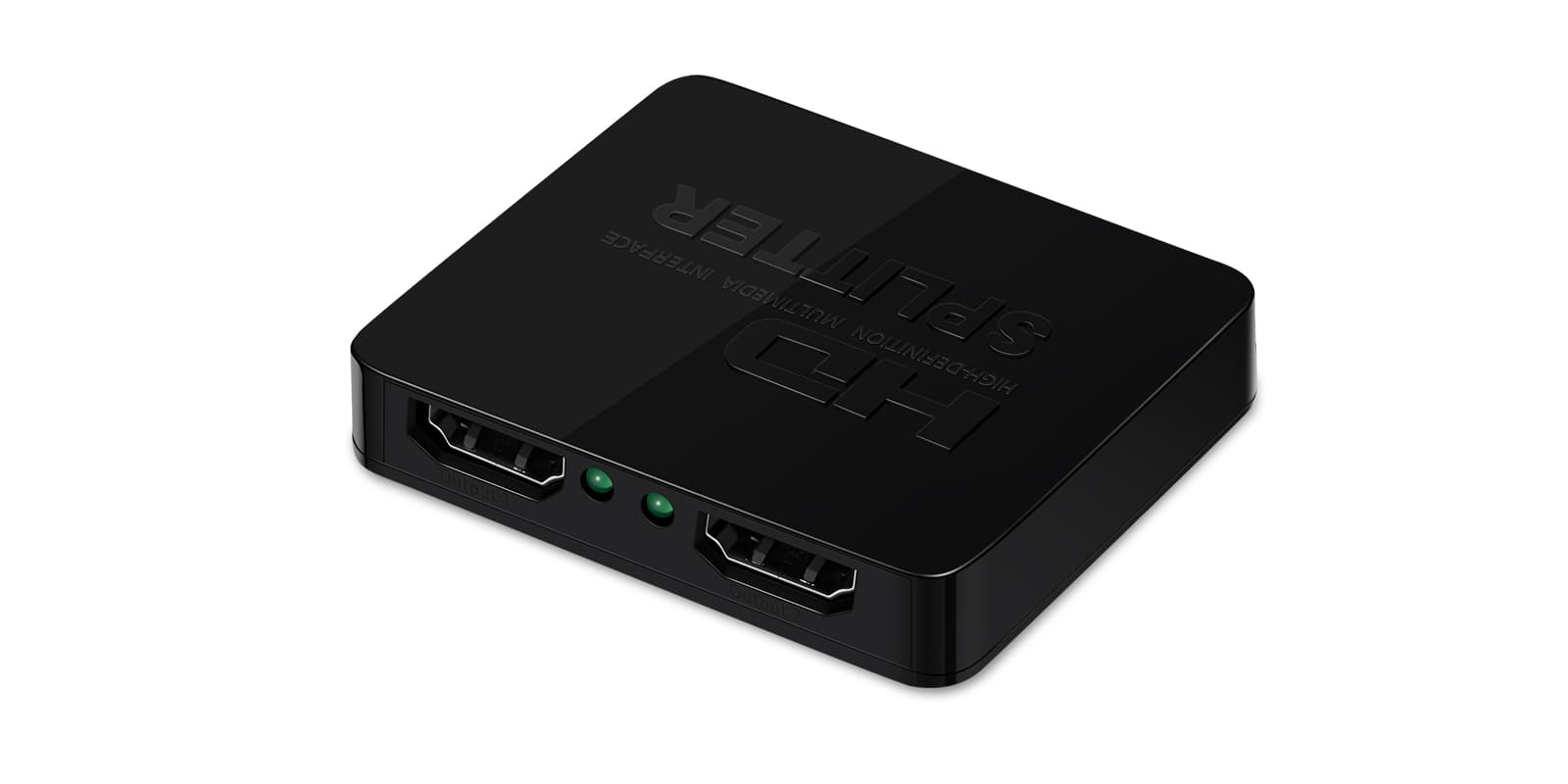
An HDMI splitter that sends one HDMI source to two displays at the same time, at up to 4K 30Hz. In a car it lets a TV box or games console feed both rear headrest screens or a roof monitor at once.
- One HDMI source mirrored to two displays with no delay between them
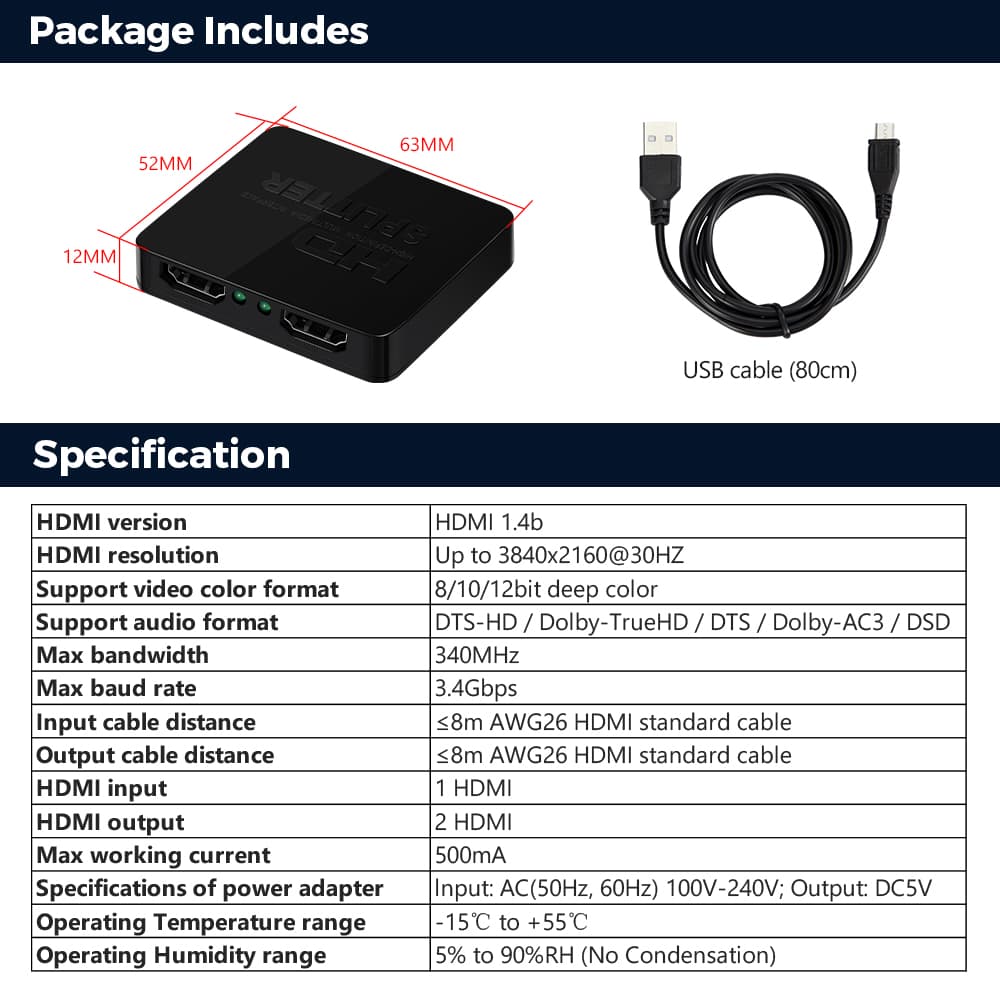
- Up to 4K 30Hz with 12-bit colour and full 3D
- Passes Dolby TrueHD and DTS-HD audio
- Stable transmission over up to 16 metres
One source, two screens
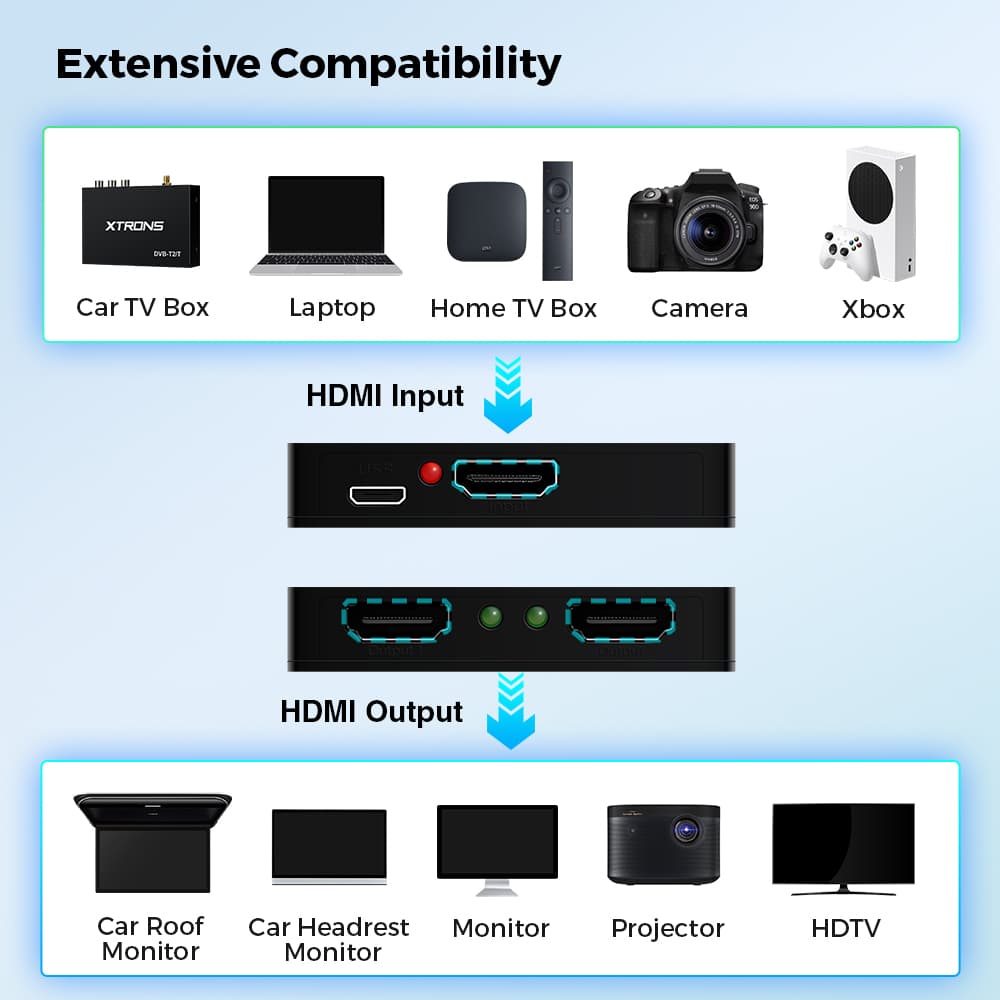
Plug a car TV box, laptop, camera or Xbox into the input, and the same picture goes to two HDMI displays at once, in sync. Outputs can go to roof monitors, headrest monitors, ordinary monitors, projectors or an HDTV, so it works at home as well as in the car.
Signal amplification keeps the transmission stable over cable runs of up to 16 metres.
Picture and sound
It handles resolutions up to 4K 30Hz with 12-bit colour, and full 3D. Dolby TrueHD and DTS-HD audio pass through, so lossless sound reaches the displays along with the picture.
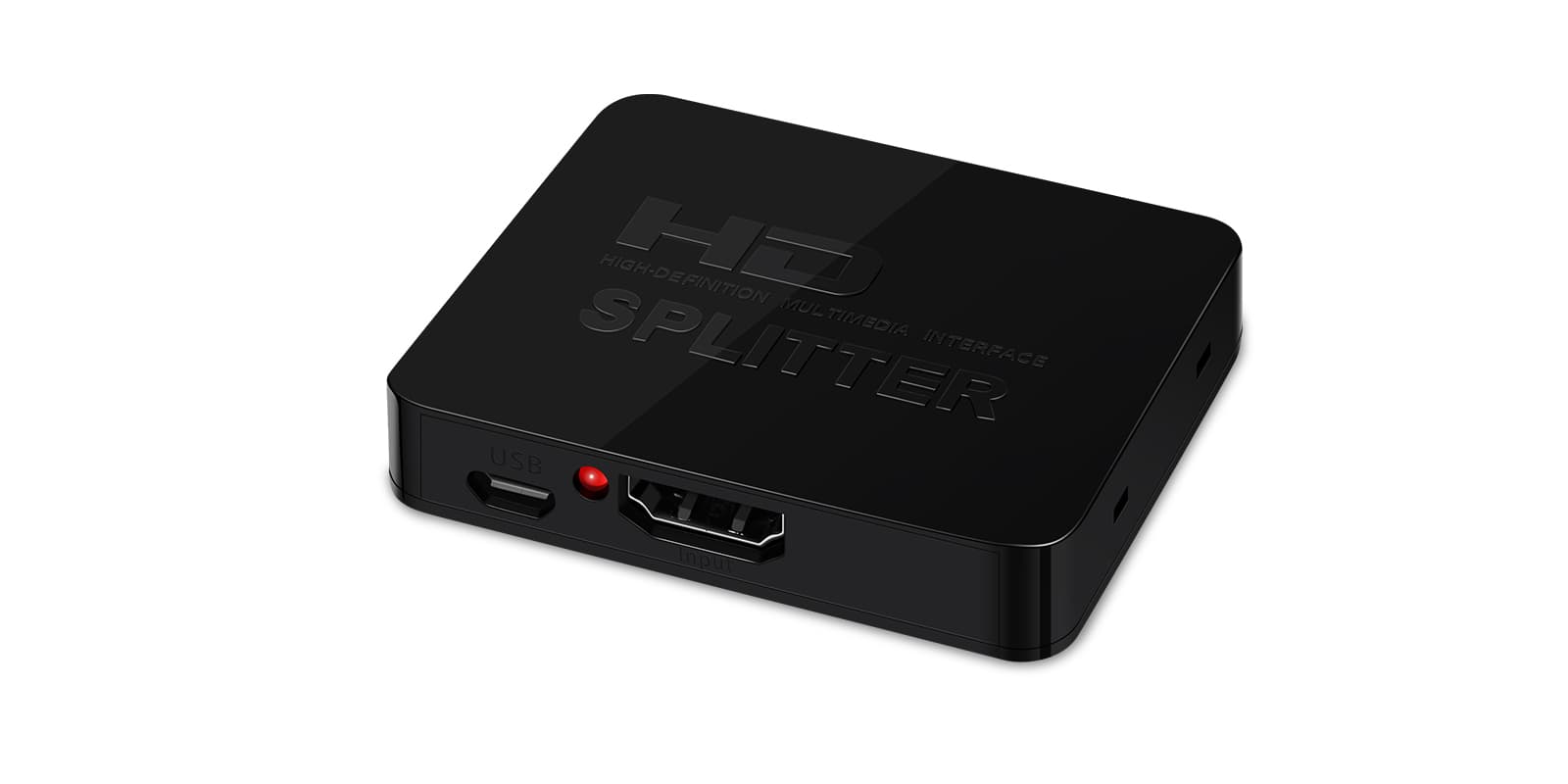
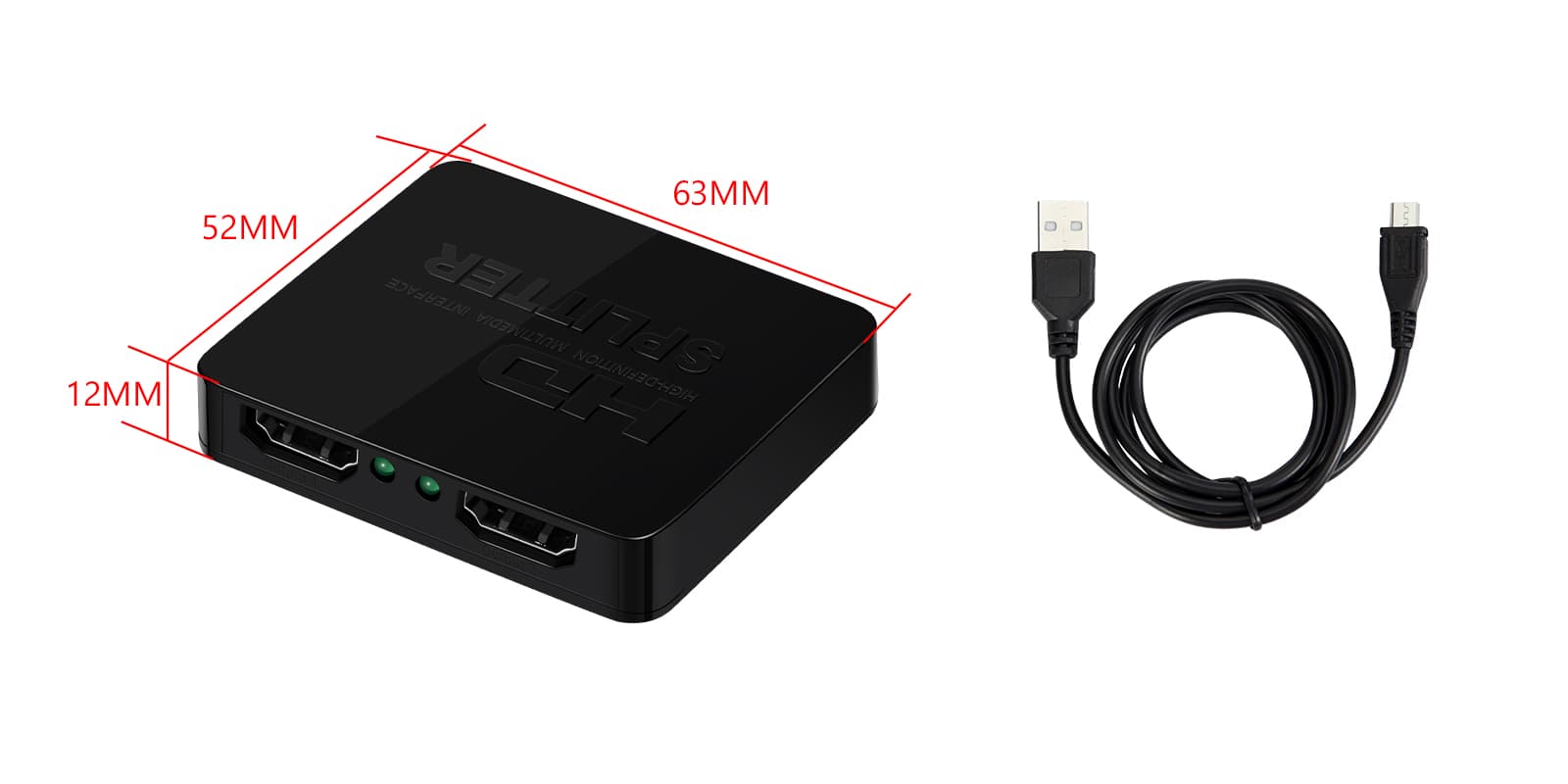
The case is ABS with a corrosion-resistant finish and nickel-plated connectors. There's a power input port and an indicator light, and a USB cable is included for power.
| Inputs and outputs | 1 input 2 output |
|---|---|
| Maximum resolution | 4K@30Hz |
Universal: fits most cars. Check the dimensions in the specifications against your dash.
Connect the HDMI source to the input and up to two HDMI displays to the outputs, then power the splitter through its power input port with the supplied USB cable.
Can both screens show different things?
No. It's a mirror output: both displays show the same picture from the one source, in sync.
What resolution does it support?
Up to 4K 30Hz, with 12-bit colour and full 3D.
How is it powered?
Through its power input port, using the USB cable that comes with it.
Full specification from XTRONS
XTRONS's own pages for this product, as the manufacturer publishes them. Open any of them at full size to zoom in.